Video Converter
Convert your videos to multiple video file formats (MP4, AVI, MKV, WMV, and more) online, free







Free online video converter software
Convert your videos to different video file formats, including MP4, AVI, MKV, WMV, MOV, FLV, and more. The online video converter is completely free to use. You can even convert videos to animated GIFs! The online file converter tool is incredibly simple and easy to use. All it takes is a few clicks. Select the original video format and your desired format to convert to; upload your video and hit ‘Convert’ and the software will automatically convert your video.
How to convert video files:
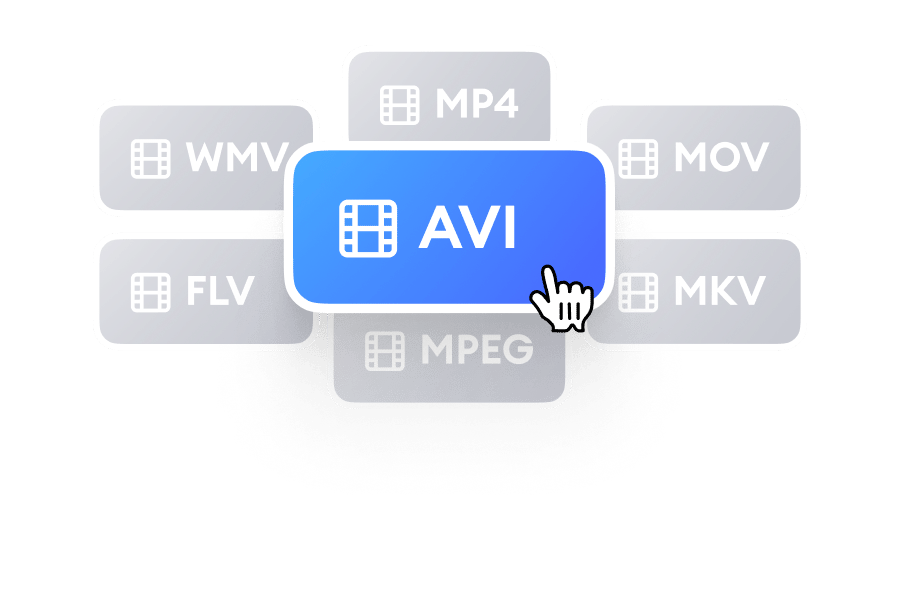
Select a file format
Select the original format of your video then click on the box next to it and select your desired video file format.
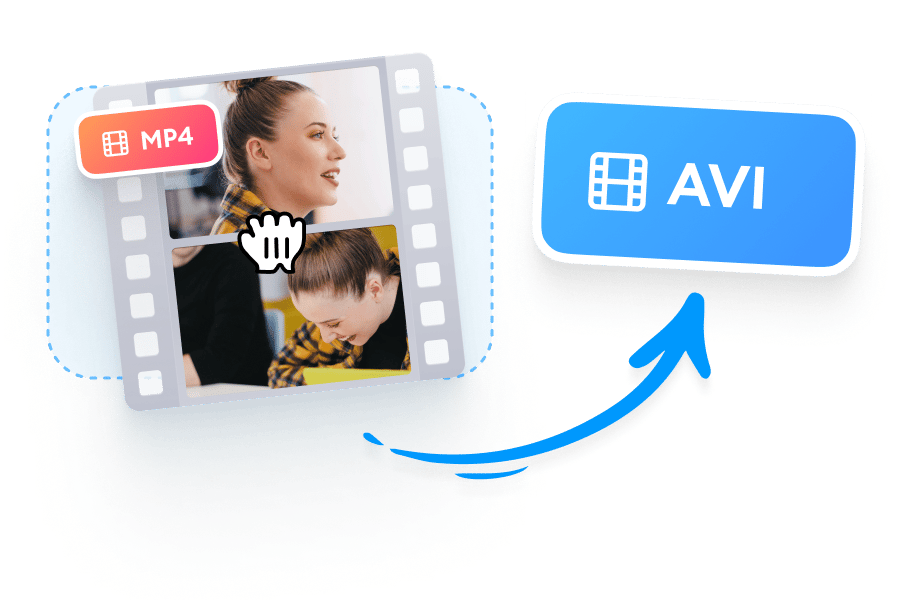
Upload and convert your video
Select your video from your folders. You can also drag and drop the file into the box. Click on ‘Convert File’.
Download your video
Click on the Download button and the video will be saved to your device in your preferred format.
Watch this to learn how to change a video format:
100+ possible video file conversions
The online file converter tool can convert your video files to multiple video file formats, including MP4, AVI, MKV, WMV, MOV, FLV, and more. Simply select the original file type of your video and choose your desired video format. Upload your video and click Convert. The software will automatically convert the video for you.
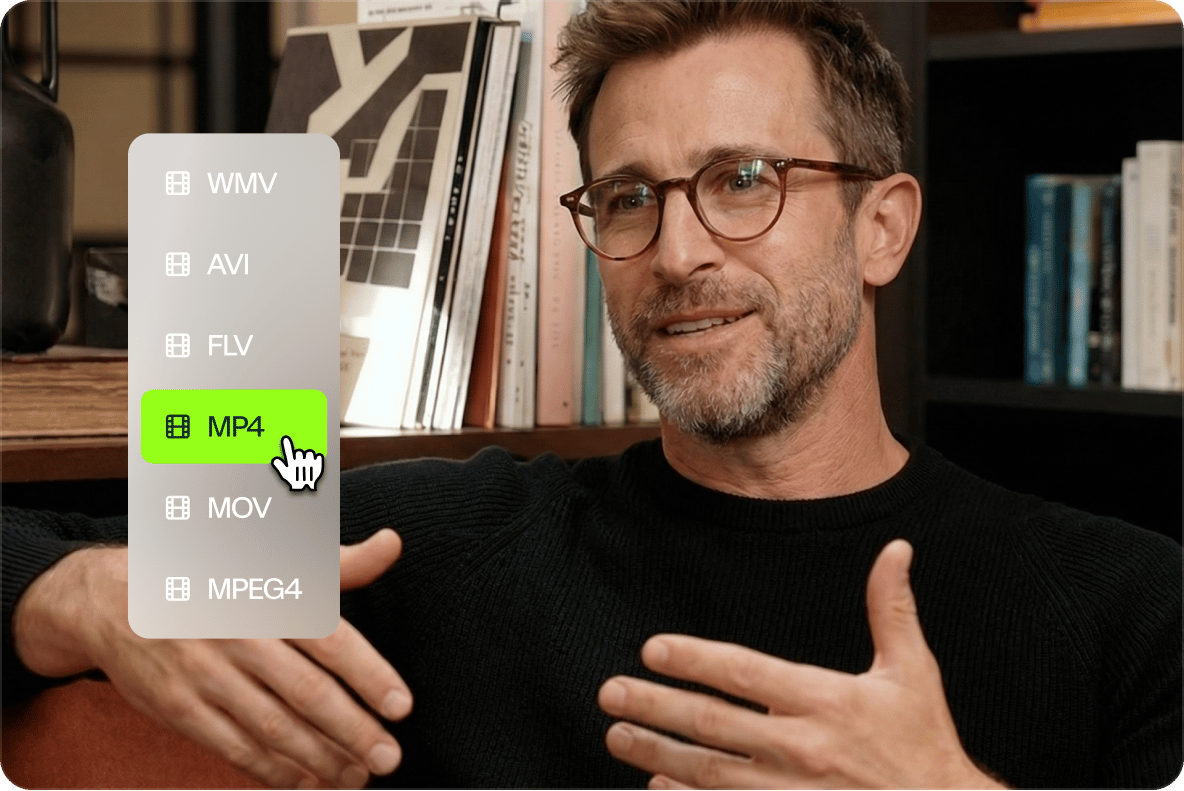
Access your projects anytime, from any device
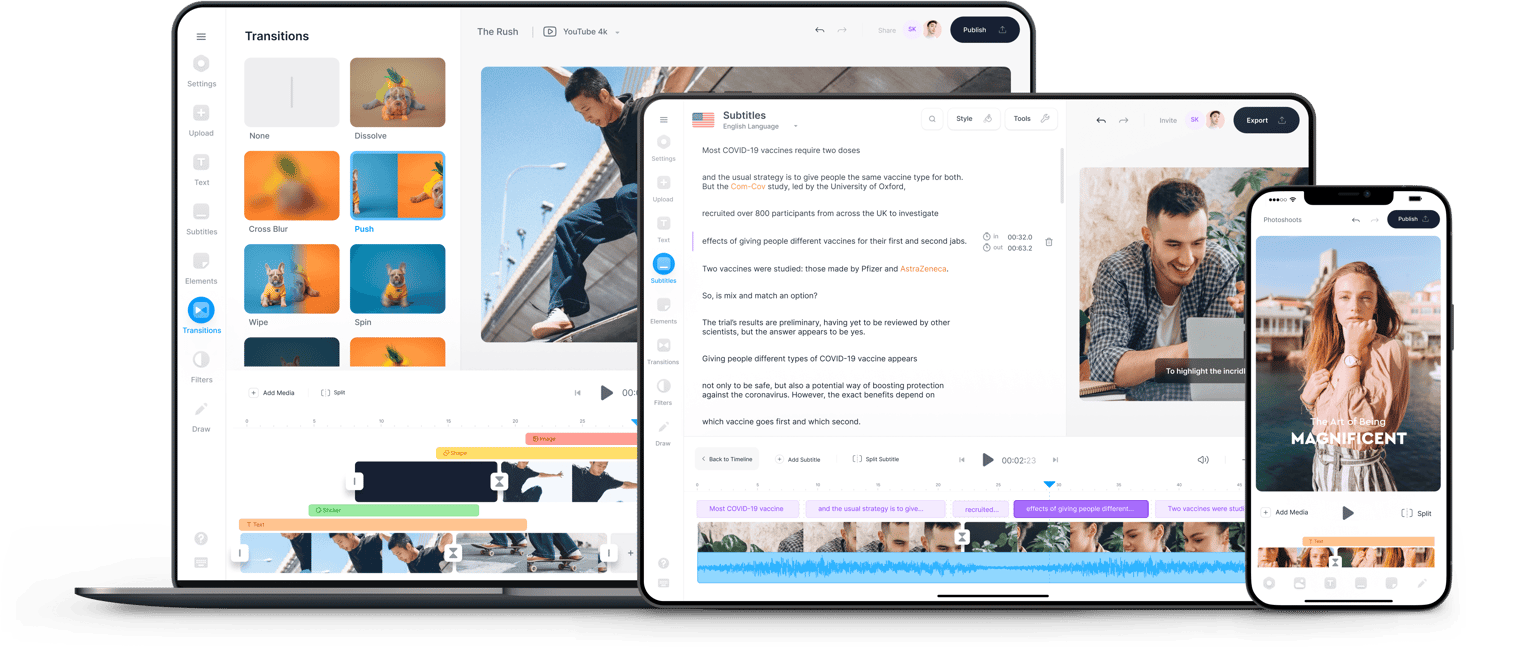
VEED runs entirely in your browser. Work from your laptop or your phone. No downloads, installs, or storage used on your device. Pick up any project from where you left off, on any device. Save your logos and custom fonts to a Brand Kit, so you can apply them across videos for consistent branding.
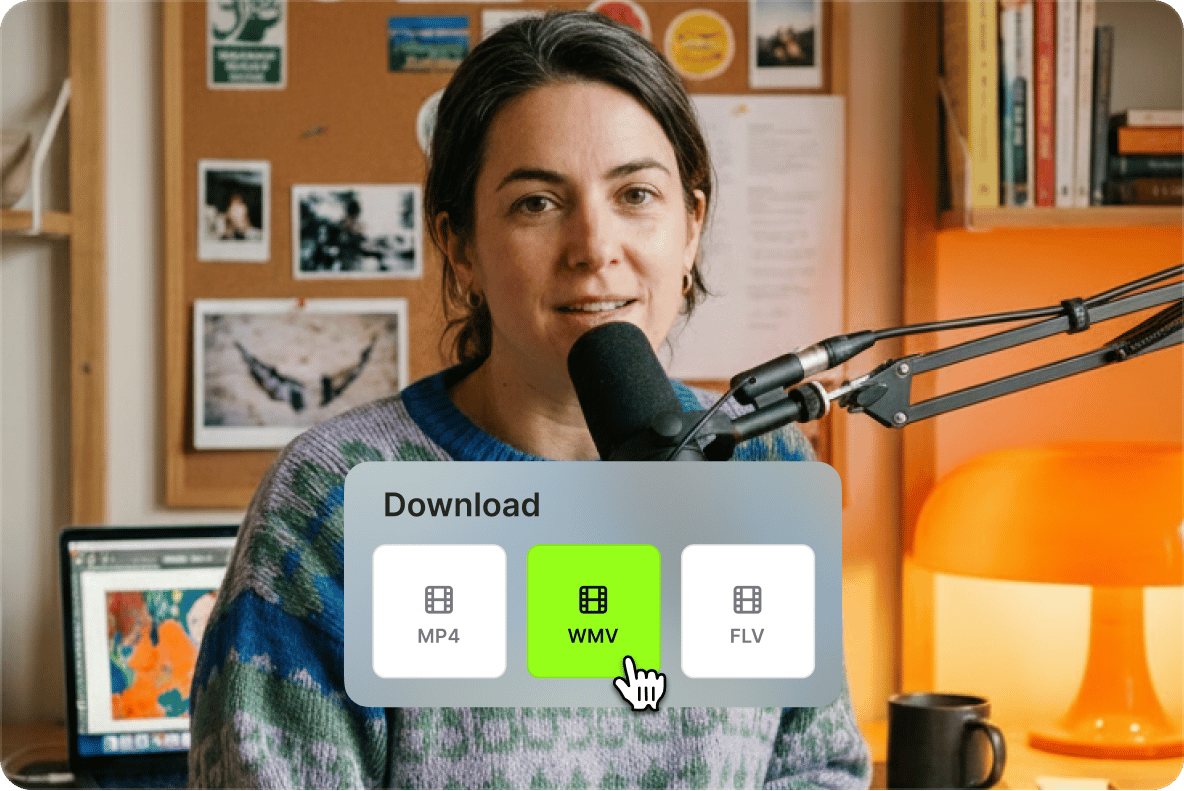
Create publish-ready videos, not just converted files
Other video converters do one thing. VEED lets you refine your videos for posting. Convert your video, and then trim for pacing, add captions, and resize for any platform. You can even turn horizontal videos into vertical clips for Instagram Reels, YouTube Shorts, and TikTok. Create post-ready videos in minutes.

FAQ
Supported file formats:
More than a video converter
Most video converters stop at format conversion. VEED is an AI video creation platform that turns your raw footage into post-ready video in minutes. Starting from your own video? Clean audio, remove filler words, and replace cluttered backgrounds. Creating a video from scratch? Type a prompt or enter your script into our AI video generator. The AI builds a video for you, complete with an AI character or voice, captions, and supporting visuals. Generate, refine, and export videos all in one platform. Sign up for VEED now.