PixVerse v4.5

Explore stylized video generation. Create with cinematic camera controls

PixVerse tool branding showcased over vibrant digital art featuring palm trees, clouds, and colorful cityscape.

4.6

319 reviews

Visa logo
Venture Foods logo
Merck logo
Target logo
Pentax logo
Procter & Gamble logo
Meta company logo with infinity symbol and text 'Meta' in gray.
Amazon logo with company wordmark and the brand's signature curved smile.
Google logo
BBC logo featured in VEED's customer showcases.
NBCUniversal
UBS logo with stylized snowflake symbol and text.
Netflix logo in gray lettering.
OpusClip logo with gray stylized p icon.
ElevenLabs logo
Visa logo
Venture Foods logo
Merck logo
Target logo
Pentax logo
Procter & Gamble logo
Meta company logo with infinity symbol and text 'Meta' in gray.
Amazon logo with company wordmark and the brand's signature curved smile.
Google logo
BBC logo featured in VEED's customer showcases.
NBCUniversal
UBS logo with stylized snowflake symbol and text.
Netflix logo in gray lettering.
OpusClip logo with gray stylized p icon.
ElevenLabs logo

PixVerse AI: Blend multiple images into dynamic video scenes

PixVerse v4.5 is great at creative interpretation and stylized results, making it ideal for social media content and eye-catching visuals. Multi-image fusion is the model’s standout feature. Merge images of characters, backgrounds, and props into one cohesive video. (Text-to-video generation is currently supported in our AI playground.)

The model's strength lies in interpreting creative prompts. Make photos dance, apply stylized effects, and produce the kind of engaging content that works well for faceless YouTube channels and social media posts. Compared to other text-to-video models, PixVerse is a compelling option for projects where flexibility and visual impact matter more than realism.

How to test PixVerse AI:

Step 1

Select the model and enter a prompt

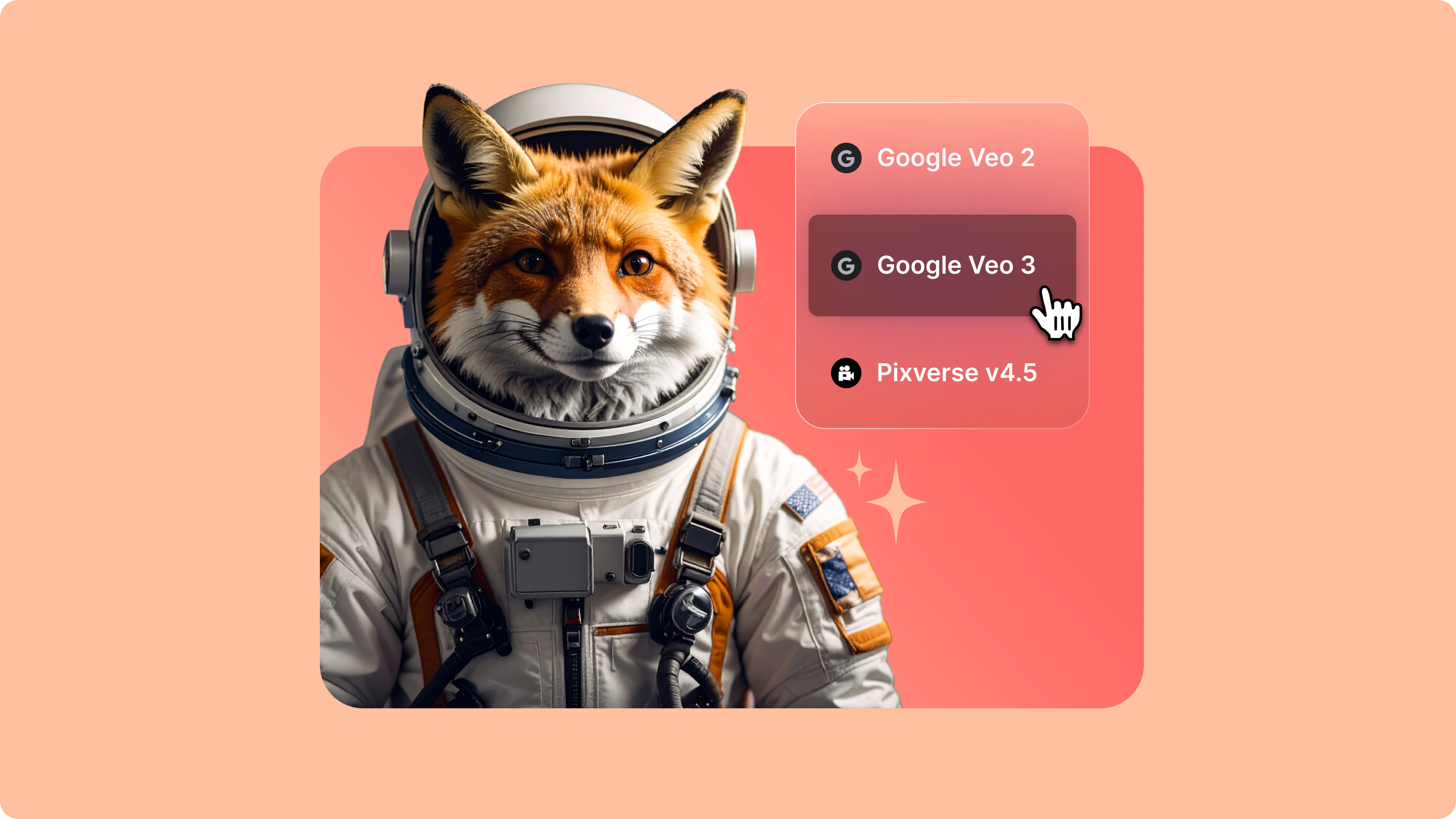
Choose PixVerse v4.5 from our AI video model options. Type a prompt to guide the AI.

Step 2

Test and compare results

You can specify camera controls in your prompts, like "push-pull lens" or "dynamic pan." Try the same prompt across different models to see which delivers the style and quality you're looking for.

Step 3

Download or edit your video

Download your preferred output or enhance it in our auto video editor. Our video editor is useful for creating presentations, demos, or proof-of-concept videos to share with stakeholders.

Learn More

Watch our AI playground walkthrough:

Smart image blending for cohesive scenes

PixVerse v4.5 doesn't just layer images. It blends them intelligently. Upload images of a character, background, and props, and watch the model create natural-looking scenes. The AI automatically adjusts for different lighting conditions and image sizes. This feature is useful for testing creative scenarios that combine elements from different sources.

Camera movement presets for cinematic results

Choose camera controls like zoom, rotation, and dynamic pan. Different camera movements create different emotions. A slow zoom pulls viewers into key moments, a wide pan shows the whole scene, and rotation adds playful energy to your story. PixVerse gives you cinematographer-level control without the complexity.

Fast generation for creative testing

PixVerse v4.5 is known for its speed, with processing times of around 30-90 seconds per video. Play around with stylized effects, like making photos dance or converting portraits into cartoons. You can test multiple inputs and iterate on your ideas quickly. The model supports multilingual prompting, so you can write descriptions in your preferred language.

FAQ

Loved by creators.

Loved by the Fortune 500


VEED has been game-changing. It's allowed us to create gorgeous content for social promotion and ad units with ease.

Headshot of Max Alter in a circular portrait, wearing a plaid shirt against a white-to-purple gradient background.

Max Alter
Director of Audience Development, NBCUniversal

NBCUniversal logo.

I love using VEED. The subtitles are the most accurate I've seen on the market. It's helped take my content to the next level.

Professional headshot of woman in dark blazer and white shirt with sunglasses on head, circular crop.

Laura Haleydt
Brand Marketing Manager, Carlsberg Importers

Carlsberg® logo

I used Loom to record, Rev for captions, Google for storing and Youtube to get a share link. I can now do this all in one spot with VEED.

Headshot of Cedric Gustavo Ravache wearing glasses.

Cedric Gustavo Ravache
Enterprise Account Executive, Cloud Software Group

Cloud Software Group logo featuring a nested cloud icon.

VEED is my one-stop video editing shop! It's cut my editing time by around 60%, freeing me to focus on my online career coaching business.

Professional headshot of Nadeem L. wearing a dark green blazer over a burgundy turtleneck.

Nadeem L
Entrepreneur and Owner, TheCareerCEO.com

TheCareerCEO brand logo combining a play button with ascending bars, representing video content for career growth.

More from VEED

When it comes to amazing videos, all you need is VEED

Try PixVerse AI

No credit card required

More than a PixVerse AI testing platform

Test PixVerse alongside Hailuo 2.3, Kling 2.6 Pro, and other models in VEED's AI playground. See how different models handle camera controls and complex scene generation. VEED is an AI video creation platform where you can try the best AI models and create full videos in a built-in editor. Add captions, layer in audio, apply brand assets, and export for any platform. One workspace, from first prompt to finished video. Try VEED now and see what you can create.

VEED app displayed on mobile,tablet and laptop