


Trusted by 1M+ creators
MKV to MP3
Convert MKV to MP3 and other video formats to MP3 online, free
No credit card required
4.6
2,100+ reviews















How to Convert MKV to MP3:
Step 01
Select a file format
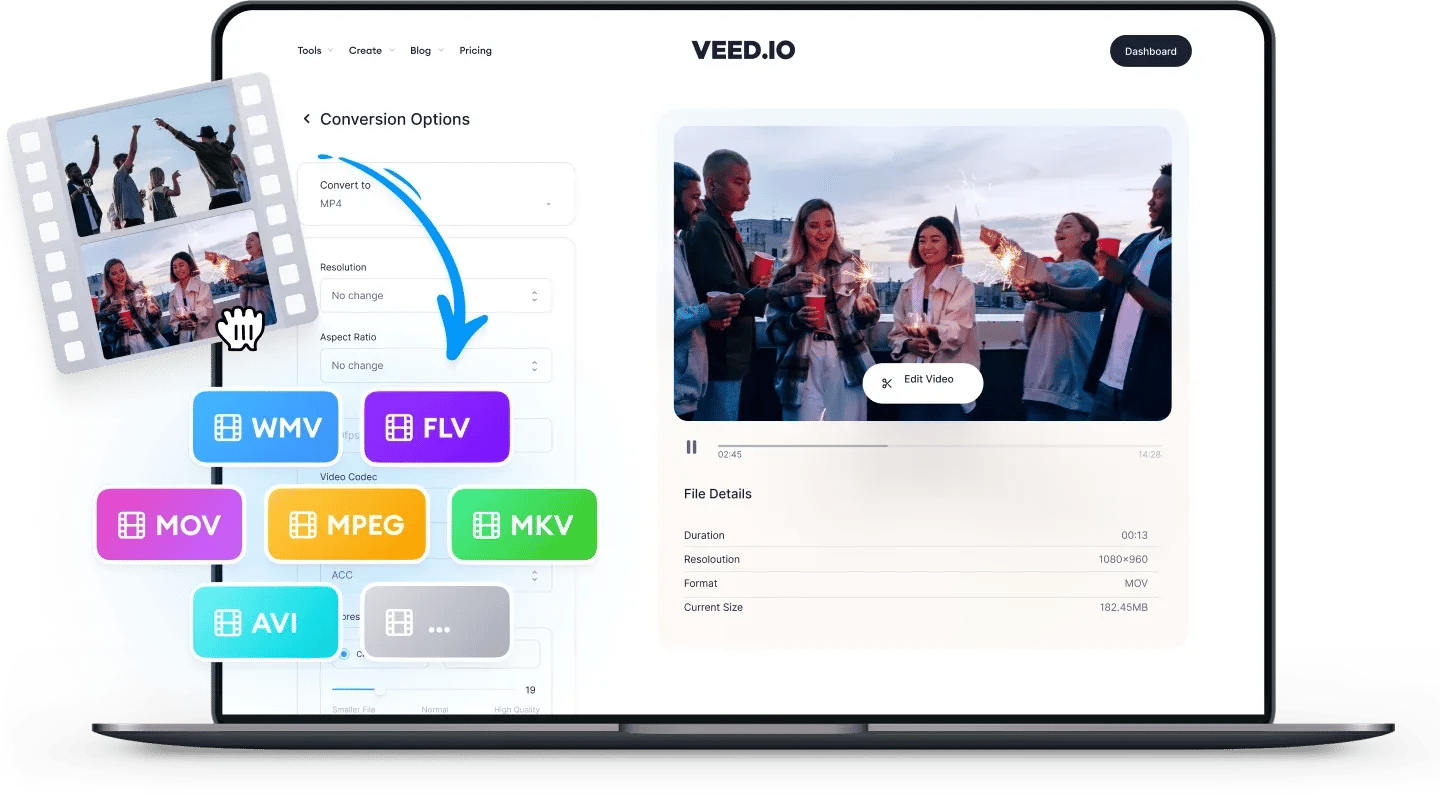
Click on the first box and select MKV as the file format then click on the box next to it and select MP3
Step 02
Upload and convert
Click on ‘Choose File’ and select your MKV file from your folders. You can also drag and drop the file into the box. Click on ‘Convert File’.
Step 03
Download file
Click on the Download button and your MP3 will be saved to your device in a matter of seconds.
Learn More
‘Convert MKV to MP3’ Tutorial
MKV
MKV contains video, audio, and text files. You can upload MKV files to Facebook and YouTube, but not to mobile-based social media platforms like Instagram. It is compatible with VLC media player.
The Matroska Video or MKV supports an unlimited number of video, audio, and subtitle tracks. It is free to use and is best for independent creators. MKV files are not compatible with Mac and must be converted before they can be played on Apple's QuickTime Player.
MP3
MP3 is the most popular audio storage format in use today. MP3 files typically store songs, music and recordings. Unlike other formats, MP3 stores audio in a much smaller file size to save device memory. It remains one of the most widely supported file formats and can be played on virtually all media players on all devices. The quality of an MP3 file can vary, because it depends on the "bit rate" used for compression. Common bit rates are 128, 192 and 256 kbps. Check your file specification for more information.
FAQ
- Select MKV in the first box
- Choose MP3 or your desired format from the dropdown
- Upload and Convert
VEED’s audio and video converter is compatible with PC, Mac, and Linux. Simply access VEED’s converter tool on your browser, upload your file, and click Convert!
Our audio converter tool can convert other popular audio formats to MP3 and vice versa. Upload your audio file and select MP3 as the output, and download your MP3 file!
VEED’s audio and video converter tool is completely free to use. No need to create an account to convert your files!
Loved by creators.
Loved by the Fortune 500
“
With VEED I didn't need 15 tutorials - I jumped straight in and started editing.

Gwenne Wilcox
Founder,
Brand Brainery
“
You can go beyond choppping things. VEED actually makes my videos look great.

Michael Glover
Demand Gen Manager,
ConvertFlow
“
The first four videos i created with VEED got over 40,000 impressions on LinkedIn.

Travis Tyler
Senior Content Producer,
PandaDoc
“
I found VEED at the right time: if you're making UGC ads and not using Eye Contact Correction and Noise Reduction on VEED you're missing out on ROI.

Sebastian Schurgers
Head of Growth Marketing,
Gronda
“
With VEED I didn't need 15 tutorials - I jumped straight in and started editing.
Gwenne Wilcox
Founder,
Brand Brainery
“
You can go beyond choppping things. VEED actually makes my videos look great.
Michael Glover
Demand Gen Manager,
ConvertFlow
“
The first four videos i created with VEED got over 40,000 impressions on LinkedIn.
Travis Tyler
Senior Content Producer,
PandaDoc
“
I found VEED at the right time: if you're making UGC ads and not using Eye Contact Correction and Noise Reduction on VEED you're missing out on ROI.
Sebastian Schurgers
Head of Growth Marketing,
Gronda
“
The first four videos i created with VEED got over 40,000 impressions on LinkedIn.
Travis Tyler
Senior Content Producer,
PandaDoc
“
I found VEED at the right time: if you're making UGC ads and not using Eye Contact Correction and Noise Reduction on VEED you're missing out on ROI.
Sebastian Schurgers
Head of Growth Marketing,
Gronda
“
With VEED I didn't need 15 tutorials - I jumped straight in and started editing.
Gwenne Wilcox
Founder,
Brand Brainery
“
You can go beyond choppping things. VEED actually makes my videos look great.
Michael Glover
Demand Gen Manager,
ConvertFlow
Supported file formats:
Explore related tools
- AAC to M4A
- AAC to MP3
- AAC to MP4
- AAC to WAV
- Audio to MP3
- Audio to Video Converter
- AVI to FLV
- AVI to GIF
- AVI to MKV
- AVI to MOV
- AVI to MP3
- AVI to MP4
- AVI to MPEG
- AVI to SWF
- AVI to VOB
- AVI to WAV
- AVI to WebM
- AVI to WMV
- Facebook Video to GIF
- FLAC to AAC
- FLAC to M4A
- FLAC to MP3
- FLAC to MP4
- FLAC to OGG
- FLAC to WAV
- FLAC to WMA
- FLV to AVI
- FLV to GIF
- FLV to MKV
- FLV to MOV
- FLV to MP3
- FLV to MP4
- FLV to MPEG
- FLV to SWF
- FLV to WAV
- FLV to WebM
- FLV to WMV
- GIF to AVI
- GIF to MOV
- GIF to MP4
- GIF to MPEG
- GIF to SWF
- GIF to Video
- GIF to WebM
- GIF to WMV
- Instagram Video to GIF
- M4A to AAC
- M4A to FLAC
- M4A to MP2
- M4A to MP3
- M4A to MP4
- M4A to OGG
- M4A to WAV
- M4A to WMA
- M4A to WMV
- MKV to AVI
- MKV to GIF
- MKV to MOV
- MKV to MP3
- MKV to MP4
- MKV to MPEG
- MKV to VOB
- MKV to WAV
- MKV to WMV
- MOV to AVI
- MOV to FLV
- MOV to GIF
- MOV to MKV
- MOV to MP3
- MOV to MP4
- MOV to MPEG
- MOV to SWF
- MOV to WAV
- MOV to WebM
- MOV to WMV
- MP2 to MP3
- MP3 to AAC
- MP3 to AVI
- MP3 to FLAC
- MP3 to FLV
- MP3 to M4A
- MP3 to MOV
- MP3 to MP2
- MP3 to MP4
- MP3 to MPEG
- MP3 to OGG
- MP3 to OPUS
- MP3 to SWF
- MP3 to WAV
- MP3 to WebM
- MP3 to WMA
- MP3 to WMV
- MP4 to AAC
- MP4 to AVI
- MP4 to FLAC
- MP4 to FLV
- MP4 to GIF
- MP4 to M4A
- MP4 to MKV
- MP4 to MOV
- MP4 to MP3
- MP4 to MPEG
- MP4 to OGG
- MP4 to SWF
- MP4 to TS
- MP4 to VOB
- MP4 to WAV
- MP4 to WebM
- MP4 to WMA
- MP4 to WMV
- MPEG to AVI
- MPEG to GIF
- MPEG to MOV
- MPEG to MP3
- MPEG to MP4
- MPEG to WAV
- OGG to M4A
- OGG to MP3
- OGG to MP4
- OGG to WAV
- OPUS to MP3
- Opus to MP4
- OPUS to WAV
- SWF to AVI
- SWF to FLV
- SWF to GIF
- SWF to MOV
- SWF to MP3
- SWF to MP4
- SWF to WebM
- TikTok to GIF
- TS to AVI
- TS to MKV
- TS to MP3
- TS to MP4
- Twitter Video to GIF
- Video to Audio
- Video to GIF
- VOB to AVI
- VOB to MKV
- VOB to MOV
- VOB to MP3
- VOB to MP4
- VOB to MPEG
- VOB to WMV
- WAV to AAC
- WAV to AVI
- WAV to FLAC
- WAV to M4A
- WAV to MOV
- WAV to MP2
- WAV to MP3
- WAV to MP4
- WAV to OGG
- WAV to WMA
- WAV to WMV
- WebM to AVI
- WebM to GIF
- WebM to MOV
- WebM to MP3
- WebM to MP4
- WebM to WAV
- WebM to WMV
- WMA to FLAC
- WMA to M4A
- WMA to MP3
- WMA to MP4
- WMA to OGG
- WMA to WAV
- WMV to AVI
- WMV to FLV
- WMV to GIF
- WMV to MKV
- WMV to MOV
- WMV to MP3
- WMV to MP4
- WMV to MPEG
- WMV to WAV
- WMV to WEBM
Trusted by 1M+ creators
When it comes to amazing videos, all you need is VEED
No credit card required
More than an MKV to MP3 converter
VEED is so much more than an audio and video converter. If you need to edit your video files, you can use VEED’s video editing software. It’s free and you can use our wide range of video editing tools. Add images, audio, subtitles, and more to your videos. You don’t need video editing experience. Edit your videos like a pro with VEED. Get started today!