


Trusted by 1M+ creators
AI Voice Cleaner
Remove background noise in one click. Achieve professional-quality sound
No credit card required
4.6
2,100+ reviews















Studio-quality sound even without the studio
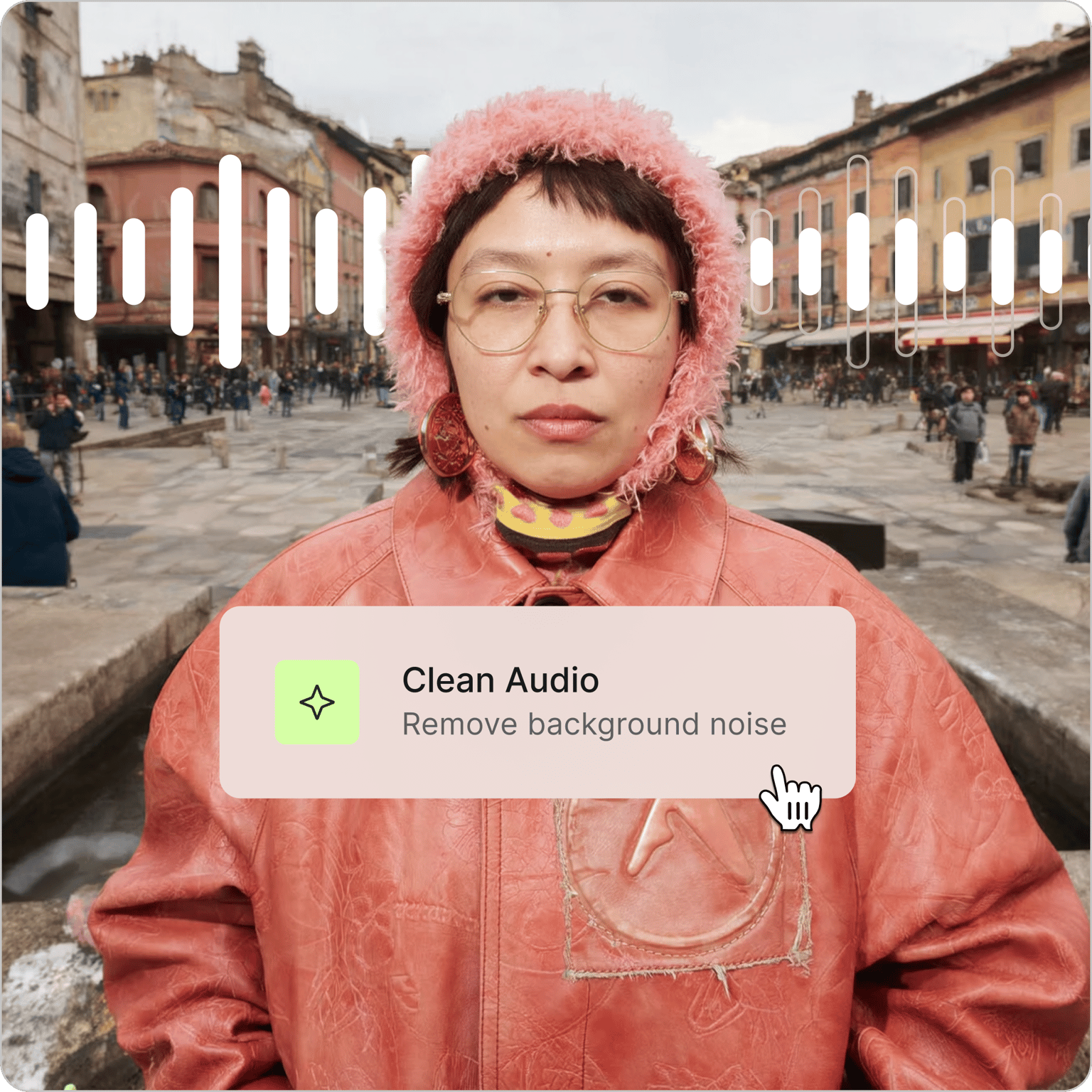
Couldn't find a quiet place to record? Or finally got the perfect take, only for traffic sounds to ruin it? Our AI voice cleaner isolates and clarifies your voice, removing distracting sounds so your message comes through clearly. No need for retakes and manual audio cleanup.
Upload your file and click 'Clean audio' to improve voice clarity. Perfect for podcasts, interviews, and social media videos. VEED streamlines your entire workflow — from voice recording to video editing. You can also add captions and music or automatically remove filler words. All in one intuitive platform.
How to use our AI voice cleaner:
Step 01
Upload or record
Upload your audio or video. VEED supports popular formats including MP3, MP4, MOV, AVI, MKV, FLV, and MPEG. You can also record directly using the online voice recorder.
Step 02
Clean up your voice recording
Click 'Clean audio' under AI tools. VEED automatically removes background noise and enhances voice clarity. Toggle 'Clean audio' off anytime to compare with your original audio.
Step 03
Enhance and export
Adjust volume levels, toggle fade audio in/out for smooth transitions, or layer in music from the stock library. Export your project as MP3 or MP4.
Learn More
Watch our AI audio cleanup tutorial:
Remove unwanted sounds instantly
Traffic sounds or dog barking in the background? No need for tedious retakes. Just upload your file and click 'Clean audio' to isolate and clarify your voice. Remove distracting sounds and increase your message’s impact. Save hours of manual audio cleanup, so you can focus on nailing your script and making great content.
Create perfect voiceovers every time
Do you find recording too difficult or time-consuming? Or have last-minute changes to your script? Our voiceover generator lets you turn text into natural narrations. You can even clone your voice for a more personal touch. Create polished content at scale, whether with your own voice or with the help of AI.
Streamline your content creation workflow
VEED gives you all the video creation tools you need. Record with confidence using our teleprompter. Remove the ‘ums’ and awkward pauses with Magic Cut. Add stock footage and music to your recording. Go from raw recording to post-ready video in minutes.
FAQ
Clean Audio is free to try. Upgrade to a Pro plan to keep using the tool and unlock more AI video creation tools. Visit our pricing page for more details.
Upload your audio or video file to VEED. Select your clip and click 'Clean audio' under AI tools. VEED automatically removes background noise and improves voice clarity. No manual editing needed.
VEED's AI voice cleaner separates your voice from background noise — wind, traffic, AC hums, and more. Upload your file, click 'Clean audio' to get a clean and crisp voice.
Cleaning up your audio makes it sound more professional and engaging. It ensures a pleasant viewing experience free from distracting sounds. VEED's AI vocal cleaner lets you fix your voice recording and remove background noise instantly.
Yes. Access VEED's editor on your mobile browser — no app download needed. VEED works on all mobile browsers, including Chrome, Firefox, and Safari.
Loved by creators.
Loved by the Fortune 500
“
With VEED I didn't need 15 tutorials - I jumped straight in and started editing.

Gwenne Wilcox
Founder,
Brand Brainery
“
You can go beyond choppping things. VEED actually makes my videos look great.

Michael Glover
Demand Gen Manager,
ConvertFlow
“
The first four videos i created with VEED got over 40,000 impressions on LinkedIn.

Travis Tyler
Senior Content Producer,
PandaDoc
“
I found VEED at the right time: if you're making UGC ads and not using Eye Contact Correction and Noise Reduction on VEED you're missing out on ROI.

Sebastian Schurgers
Head of Growth Marketing,
Gronda
“
With VEED I didn't need 15 tutorials - I jumped straight in and started editing.
Gwenne Wilcox
Founder,
Brand Brainery
“
You can go beyond choppping things. VEED actually makes my videos look great.
Michael Glover
Demand Gen Manager,
ConvertFlow
“
The first four videos i created with VEED got over 40,000 impressions on LinkedIn.
Travis Tyler
Senior Content Producer,
PandaDoc
“
I found VEED at the right time: if you're making UGC ads and not using Eye Contact Correction and Noise Reduction on VEED you're missing out on ROI.
Sebastian Schurgers
Head of Growth Marketing,
Gronda
“
The first four videos i created with VEED got over 40,000 impressions on LinkedIn.
Travis Tyler
Senior Content Producer,
PandaDoc
“
I found VEED at the right time: if you're making UGC ads and not using Eye Contact Correction and Noise Reduction on VEED you're missing out on ROI.
Sebastian Schurgers
Head of Growth Marketing,
Gronda
“
With VEED I didn't need 15 tutorials - I jumped straight in and started editing.
Gwenne Wilcox
Founder,
Brand Brainery
“
You can go beyond choppping things. VEED actually makes my videos look great.
Michael Glover
Demand Gen Manager,
ConvertFlow
Discover more
Explore related tools
More from VEED

How to Clean Up Audio in a Video With This One-Click Trick
Remove distracting background noises in a single click using VEED. Learn how in this guide!

Subtitling 101: How to Automatically Add and Customize Subtitles with VEED
Everything you need to automatically add, customize, translate, and download subtitles like a pro using VEED.

Podcasting 101: Everything you need to name, ideate, record, edit, and promote a podcast
A 5-step guide to start a podcast from generating a name to recording to promoting it.
Trusted by 1M+ creators
When it comes to amazing videos, all you need is VEED
No credit card required
More than an AI voice cleaner
Great video needs more than just clean audio. VEED is an AI video creation platform where you can generate videos with the best AI models. Then, fine-tune your video by adding text, captions, and your brand assets. Starting from your own footage? Enhance your audio, color-correct videos, resize footage, and replace distracting backgrounds. Generate, refine, and export videos with VEED. Sign up now.