


Trusted by 1M+ creators
Social Banners
Make social media banners in minutes. Browse templates, edit with AI prompts, and create for any platform
No credit card required
4.6
2,100+ reviews















Professional social media banners without the manual design work
Need banners for LinkedIn, Facebook, and YouTube, but no time for tedious drag-and-drop editing? VEED helps you make social banners in minutes. Pick a template that's already well-composed, describe what you want changed, and export. No dragging elements around, no fiddling with layers, no guessing at composition.
No need to start from scratch and hope the AI gets it right. Start with a professional layout, then make it yours with simple prompts. Update the banner headline, change the colors, adjust the style. Whether you're refreshing your brand or spinning up banners for a product launch, you get a polished social media banner design in minutes.
How to make social media banners:
Step 01
Choose a template
Explore banner templates and find a design that fits your platform and brand. Select it to start editing.
Step 02
Describe your edits with AI prompts
Type what you want changed. Adjust text, colors, style, and composition. For example: "Change the headline to SUMMER SALE," "Make the background navy blue," or "Switch to a minimalist style with clean lines."
Step 03
Export your banner
Download your finished banner. Need versions for multiple platforms? Generate variations for LinkedIn, Facebook, or YouTube channel art.
Learn More
Check out Nano Banana Pro and try it on VEED:
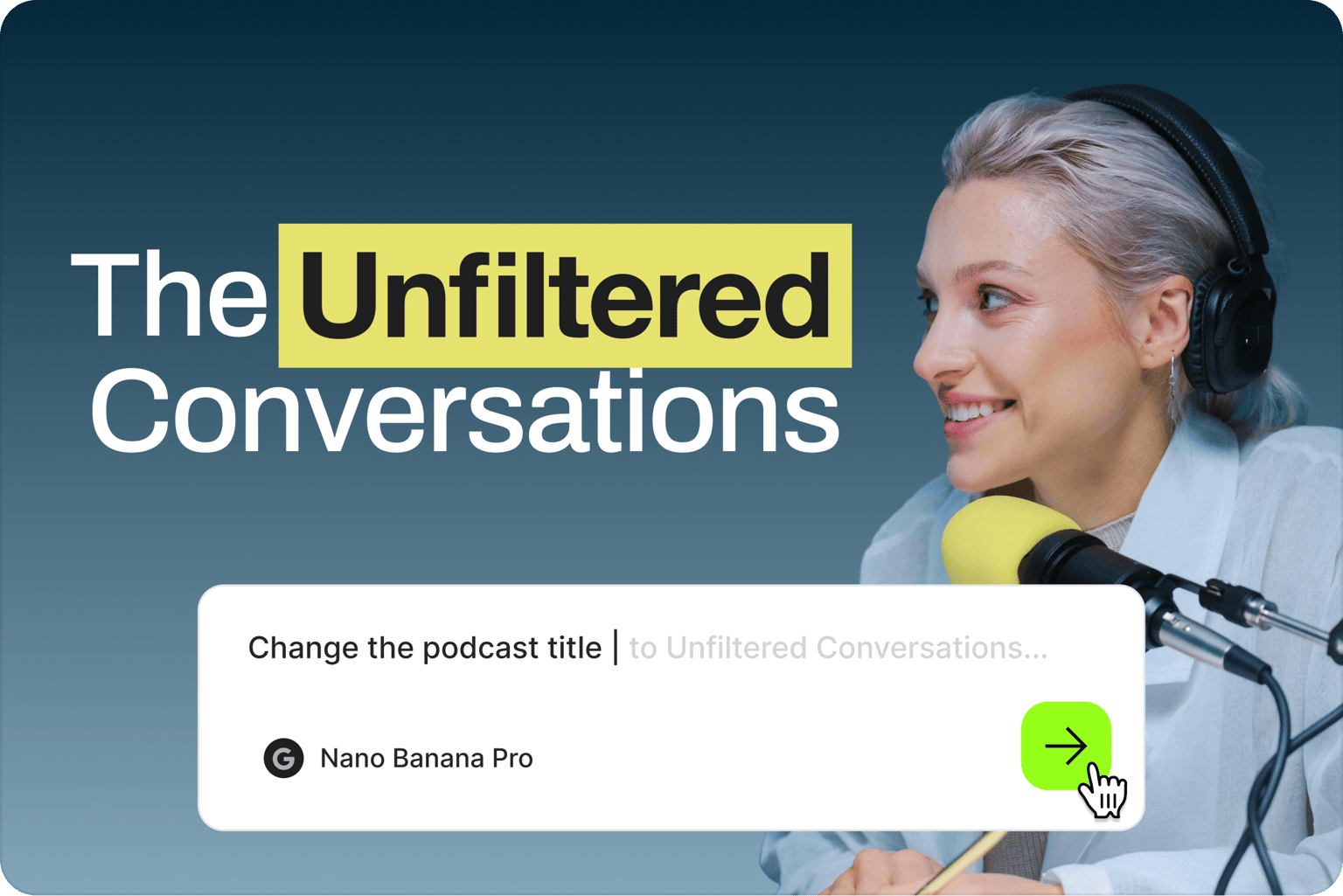
Customize social banners by typing
Your social banner is the first thing visitors see on LinkedIn, Facebook, X, or YouTube. Make it count. Start from templates designed for impact, then customize with prompts. Update your headline, change the color palette, or adjust the style. Choose from multiple AI models like Nano Banana Pro for high-fidelity edits, Qwen for text-heavy designs, or Flux Kontext for fast iterations.
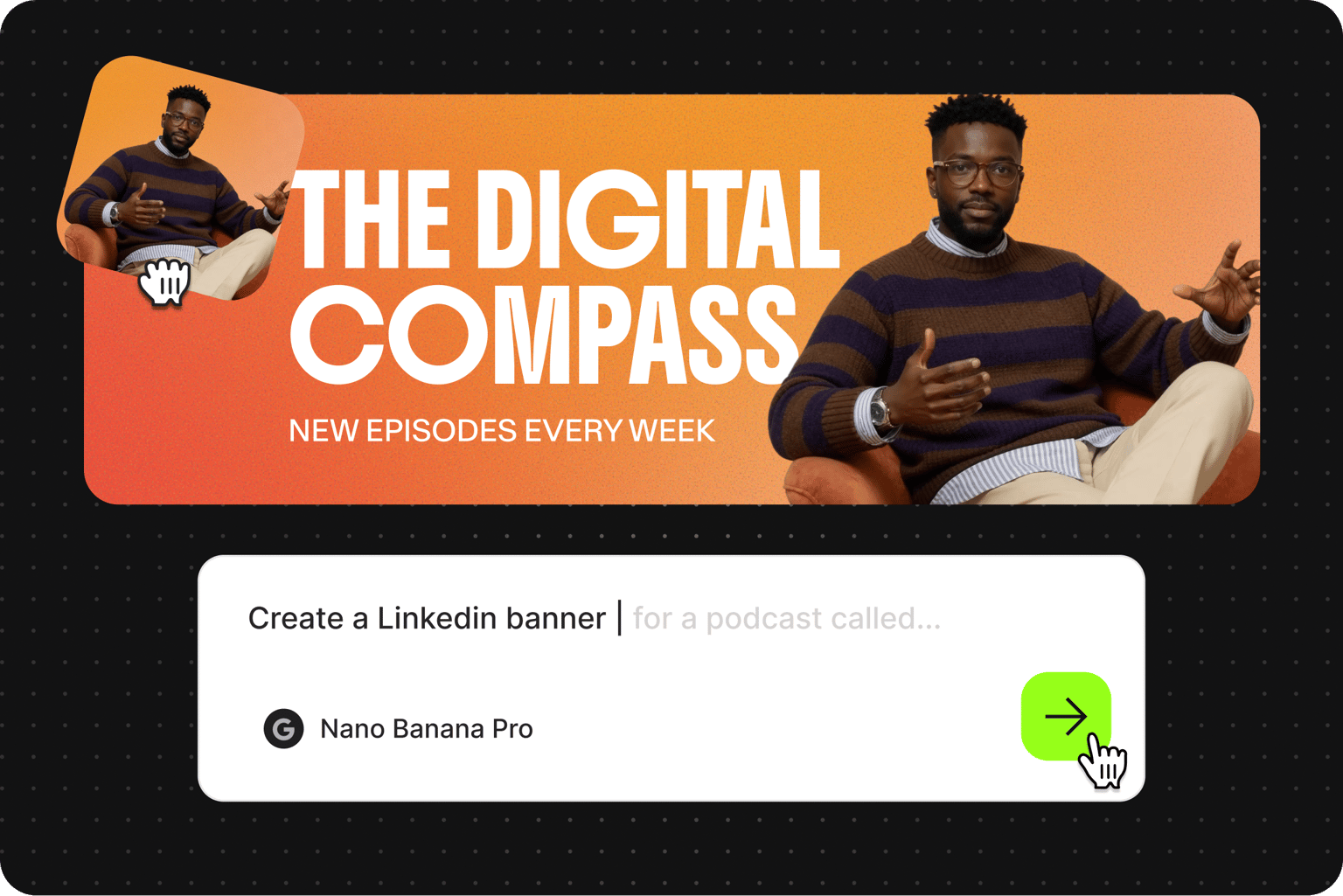
Create a social media banner design from your images
You're not limited to templates; upload your own visuals and easily turn them into banners for social media. Have a product photo, headshot, or brand asset you want to turn into a banner? Upload it to the image editor and describe the transformation you need. Add text overlays, adjust the composition, or restyle the image entirely.
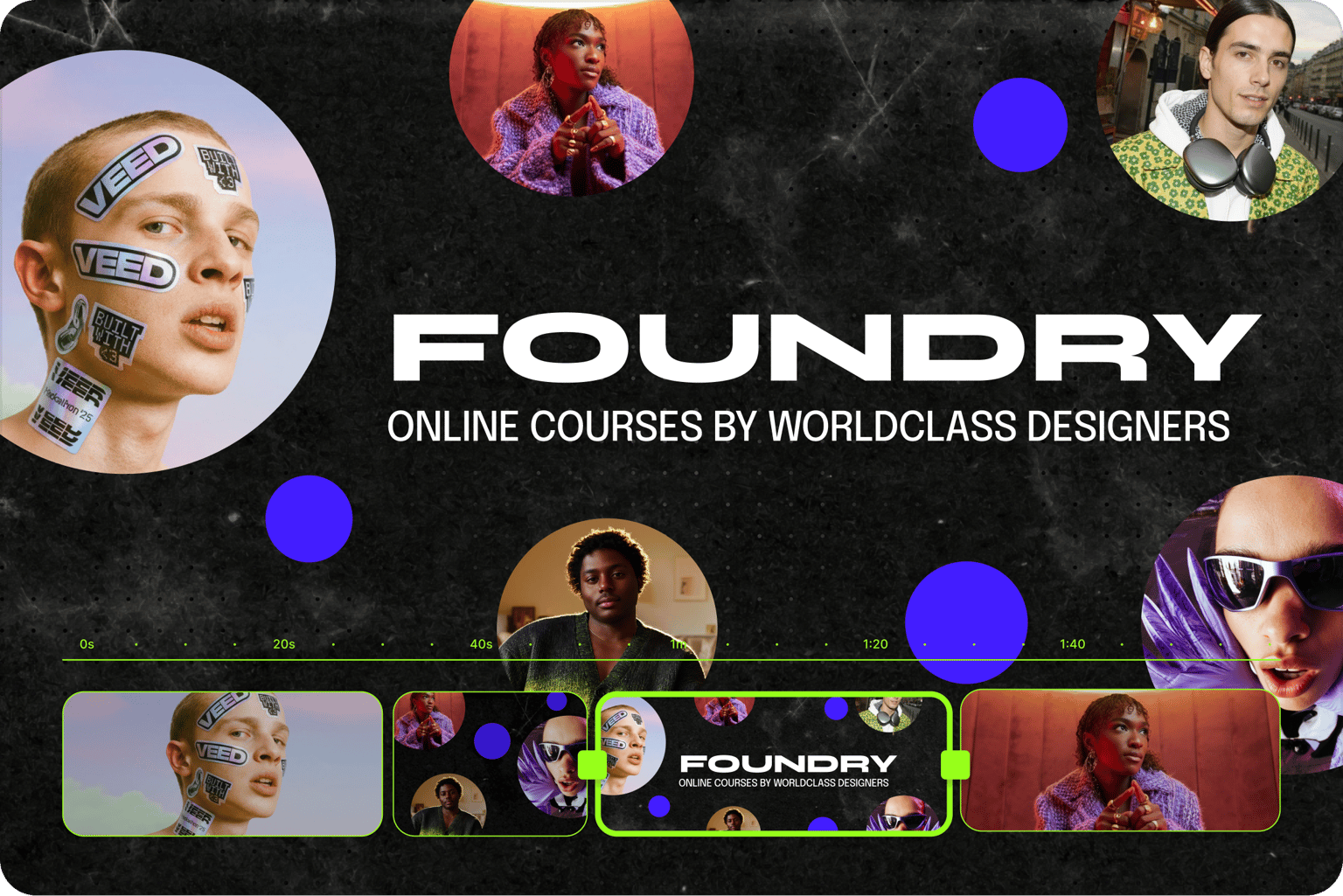
From social media banners to video content
You can do more than static banners. Bring your image into VEED's video editor to create channel intros, trailers, and promotional clips. Need animated banners for your YouTube channel? Try our video banner maker. For motion graphics in ads and email campaigns, check out our GIF banner maker. One platform for static and animated banners, plus full video editing.
FAQ
Social media banners are the large header images at the top of your profile — common in LinkedIn, Facebook, X, and YouTube. Banners shape first impressions, reinforce your brand, and promote launches or key messages. Each platform has different size requirements, but the goal is the same: make visitors want to stick around.
Here are some social media banner ideas to try:
- Product launch announcement: Bold headline with launch date, clean background, product image or mockup
- Personal brand refresh: Your name or tagline, brand colors, minimalist composition that lets your content speak
- Seasonal promotion: Limited-time offer with clear CTA, warm or cool tones matching the season, urgency without clutter
Most tools require you to adjust every element manually — dragging text boxes, tweaking spacing, swapping colors one by one. VEED's banner maker lets you describe changes in plain language. Just pick a template, type what you want ("make the background darker, change the headline”), and the AI applies it. Multiple models let you match the tool to your task.
- Marketing teams that need banners regularly but don't have dedicated designers
- Freelancers managing multiple client brands
- Creators refreshing their channel art or profile headers
- Small business owners who want polished visuals without the learning curve
If you have a concept but don’t want to spend hours on a design tool, this social banner maker is for you.
- Keep text minimal - 5 words or fewer for headlines
- Use high contrast between text and background so it's readable at any size
- Stick to your brand colors for consistency across platforms
- Have one clear focal point; avoid clutter
- Check how the banner looks cropped on mobile. Banners display differently across devices
The banner maker requires AI credits to access the image models. Credit costs display when you browse the model selection. Visit our pricing page for information on subscription plans and credit add-on options.
Loved by creators.
Loved by the Fortune 500
“
With VEED I didn't need 15 tutorials - I jumped straight in and started editing.

Gwenne Wilcox
Founder,
Brand Brainery
“
You can go beyond choppping things. VEED actually makes my videos look great.

Michael Glover
Demand Gen Manager,
ConvertFlow
“
The first four videos i created with VEED got over 40,000 impressions on LinkedIn.

Travis Tyler
Senior Content Producer,
PandaDoc
“
I found VEED at the right time: if you're making UGC ads and not using Eye Contact Correction and Noise Reduction on VEED you're missing out on ROI.

Sebastian Schurgers
Head of Growth Marketing,
Gronda
“
With VEED I didn't need 15 tutorials - I jumped straight in and started editing.
Gwenne Wilcox
Founder,
Brand Brainery
“
You can go beyond choppping things. VEED actually makes my videos look great.
Michael Glover
Demand Gen Manager,
ConvertFlow
“
The first four videos i created with VEED got over 40,000 impressions on LinkedIn.
Travis Tyler
Senior Content Producer,
PandaDoc
“
I found VEED at the right time: if you're making UGC ads and not using Eye Contact Correction and Noise Reduction on VEED you're missing out on ROI.
Sebastian Schurgers
Head of Growth Marketing,
Gronda
“
The first four videos i created with VEED got over 40,000 impressions on LinkedIn.
Travis Tyler
Senior Content Producer,
PandaDoc
“
I found VEED at the right time: if you're making UGC ads and not using Eye Contact Correction and Noise Reduction on VEED you're missing out on ROI.
Sebastian Schurgers
Head of Growth Marketing,
Gronda
“
With VEED I didn't need 15 tutorials - I jumped straight in and started editing.
Gwenne Wilcox
Founder,
Brand Brainery
“
You can go beyond choppping things. VEED actually makes my videos look great.
Michael Glover
Demand Gen Manager,
ConvertFlow
Discover more
Explore related tools
More from VEED

This is the Best YouTube Banner Size (and Examples of Great Channel Art)
Here's the best size for your YouTube banner and everything you need to know to make eye-catching channel art.

AI Art Prompts: How to Write Better Prompts, Creative Examples, and Tools to Try
Getting your AI art prompts is the key to winning with generative AI tools. Learn how to write better prompts here.

Branded Video 101: What is it and How to Get Started
A branded video is a marketing asset that uses storytelling to engage an audience and build brand awareness. Learn more in this guide.
Trusted by 1M+ creators
When it comes to amazing videos, all you need is VEED
No credit card required
More than a social media banner maker
Social media never slows down. Neither should your content production. VEED is an AI video creation platform that turns your ideas into post-ready videos in minutes. Generate, refine, and brand your content. Describe your topic or enter a script in VEED AI. Then, choose an AI avatar or voiceover. You can also use Fabric 1.0 to create talking head videos from your photo and voice. Create on-brand videos at scale. Sign up for VEED now.