


Trusted by 1M+ creators
Danish to English Voice Translator
Auto-translate Danish audio to English text. Add custom subtitles to videos
No credit card required
4.6
2,100+ reviews















Convert Danish audio to English text
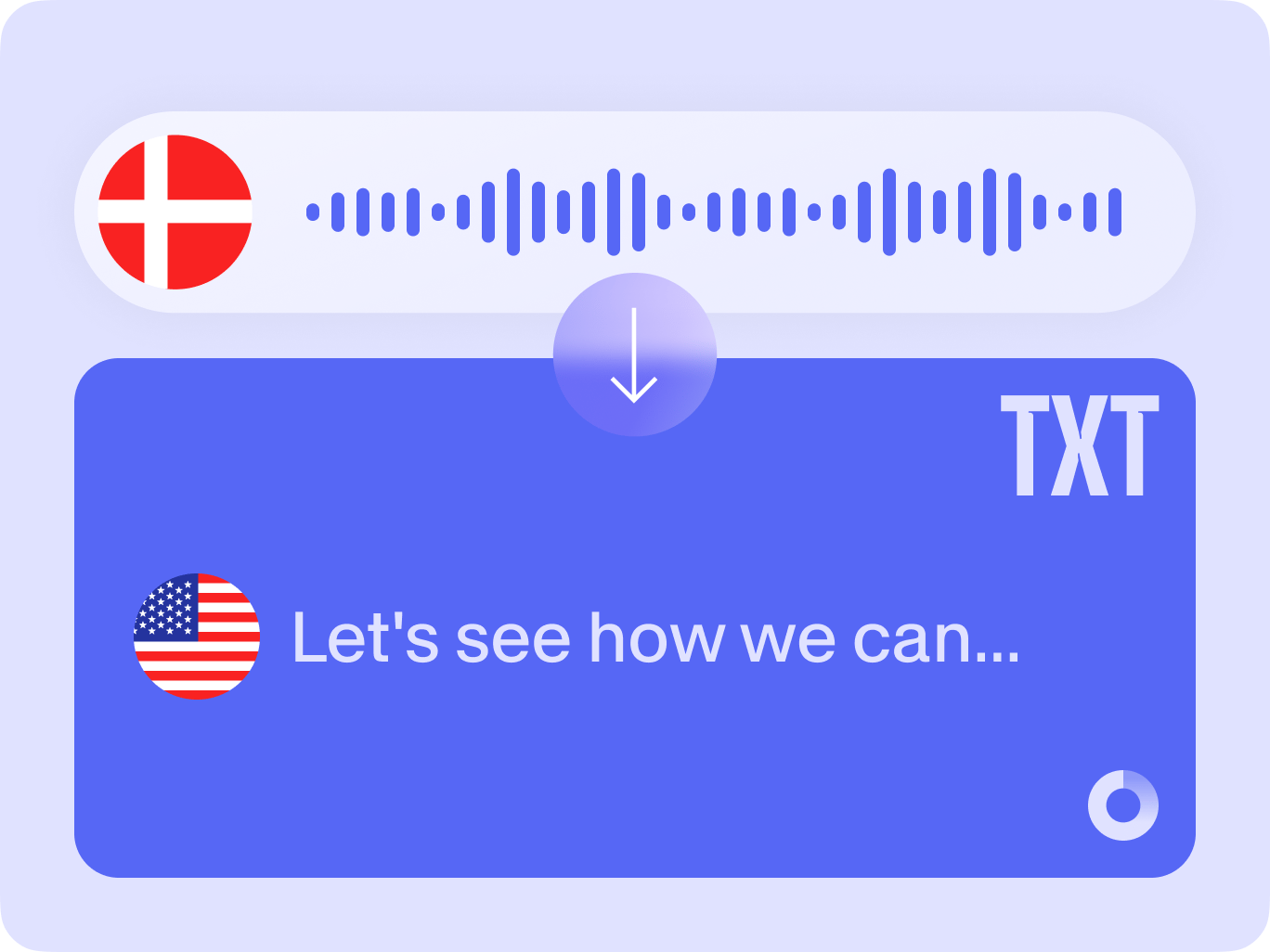
Translate Danish audio to English text instantly. Our AI software transcribes and translates audio with up to 98.5% accuracy. Just upload your file, auto-translate, and edit the subtitles as needed. You can also polish your audio by removing background noise and filler words.
The audio translator supports 125+ languages. Translate videos for e-learning, marketing, and social media. Reach international audiences and expand your business. VEED is an all-in-one video editor, giving you the option to transform audio into video, customize subtitle styles, and more.
How to auto-translate Danish to English:
Step 01
Upload audio
Import your audio file to the editor. You can upload common audio and video formats like MP3, WMA, WAV, and MP4.
Step 02
Translate to English
Click the ‘Subtitles’ menu then ‘Translate.’ Set the target language to English and generate the subtitles.
Step 03
Edit & download
Refine the translation or customize the subtitle style. Export your video with subtitles. Pro users can download translations as SRT, VTT, or TXT files.
Learn More
Watch our audio translation tutorial:
Translate Danish to English in minutes
Translate in one click with our powerful AI. Upload your file and choose a language. Convert your audio or video from Danish to English and over 125 other languages. Add multiple translations to one project and reach diverse audiences. You can try our free plan to see the translator in action.
Seamlessly add subtitles to videos
VEED generates both transcripts and subtitles. Our video editor lets you add English subtitles directly to your content. Customize the font or use our subtitle presets. Translate your YouTube videos and other content, letting your message stand out with professional-looking subtitles.
Craft professional-quality videos
Enhance your content with features like Clean Audio and the filler word remover. VEED has all the video editing tools you need. Go from translating audio to adding text and animations. Need video ideas? Try AI text-to-video to turn text prompts into videos. Make stunning content effortlessly, right from your browser.
FAQ
Unlike basic translators that only generate text, VEED integrates translation with video editing. Directly add translated subtitles to your videos. Plus, our tool offers advanced features like Clean Audio to enhance sound quality and Magic Cut to automatically trim filler words.
Auto-translate Danish audio to English with VEED:
- Upload the audio file from your computer.
- Click on ‘Subtitles,’ then ‘Translate.’
- Specify the original language (Danish).
- Generate the English subtitles or transcript.
Our audio translator supports many popular file formats like MP3, WAV, and WMA. You can also translate video formats like MP4 and MOV.
We offer a free plan that lets you try out the Danish audio translator. Transcribe and translate short clips. For more extensive translation needs, we recommend upgrading to one of our paid plans.
Loved by creators.
Loved by the Fortune 500
“
With VEED I didn't need 15 tutorials - I jumped straight in and started editing.

Gwenne Wilcox
Founder,
Brand Brainery
“
You can go beyond choppping things. VEED actually makes my videos look great.

Michael Glover
Demand Gen Manager,
ConvertFlow
“
The first four videos i created with VEED got over 40,000 impressions on LinkedIn.

Travis Tyler
Senior Content Producer,
PandaDoc
“
I found VEED at the right time: if you're making UGC ads and not using Eye Contact Correction and Noise Reduction on VEED you're missing out on ROI.

Sebastian Schurgers
Head of Growth Marketing,
Gronda
“
With VEED I didn't need 15 tutorials - I jumped straight in and started editing.
Gwenne Wilcox
Founder,
Brand Brainery
“
You can go beyond choppping things. VEED actually makes my videos look great.
Michael Glover
Demand Gen Manager,
ConvertFlow
“
The first four videos i created with VEED got over 40,000 impressions on LinkedIn.
Travis Tyler
Senior Content Producer,
PandaDoc
“
I found VEED at the right time: if you're making UGC ads and not using Eye Contact Correction and Noise Reduction on VEED you're missing out on ROI.
Sebastian Schurgers
Head of Growth Marketing,
Gronda
“
The first four videos i created with VEED got over 40,000 impressions on LinkedIn.
Travis Tyler
Senior Content Producer,
PandaDoc
“
I found VEED at the right time: if you're making UGC ads and not using Eye Contact Correction and Noise Reduction on VEED you're missing out on ROI.
Sebastian Schurgers
Head of Growth Marketing,
Gronda
“
With VEED I didn't need 15 tutorials - I jumped straight in and started editing.
Gwenne Wilcox
Founder,
Brand Brainery
“
You can go beyond choppping things. VEED actually makes my videos look great.
Michael Glover
Demand Gen Manager,
ConvertFlow
Discover more
- Belarusian to English
- Cebuano to English
- Chichewa to English Voice Translator
- Dutch to French
- English to Armenian Translation Audio
- English to Assamese Translation
- English to Finnish Translation Audio
- English to Haitian Creole Audio
- English to Hausa
- English to Hawaiian Translation Audio
- English to Hmong Audio Translation
- English to Igbo Voice Translation
- English to Krio
- English to Kurdish Audio Translation
- English to Lithuanian Translation
- English to Maltese
- English to Mizo Translation Audio
- English to Mongolian Translation Audio
- English to Myanmar Voice Translator
- English to Norwegian Translation Audio
- English to Pashto Audio
- English to Punjabi Audio Translation
- English to Sanskrit Translation with Audio
- English to Serbian Translation Audio
- English to Sindhi Translation Audio
- English to Somali Translation Audio
- English to Swahili Translation Audio
- English to Tajik
- English to Tigrinya Translation Audio
- English to Welsh Translation Audio
- French to Italian Translation
- Listen and Translate
- Marathi to English Translation Audio
- Norwegian to English Voice Translator
- Shona to English
- Spanish to French
- Spoken Irish Translator
- Tamil to Hindi Voice Translation
- Telugu to English Audio Translation
- TikTok Translation
- Translate Arabic Audio To English
- Translate Audio To German
- Translate Audio To Japanese
- Translate Chinese Audio To English
- Translate Chinese Voice to Malay
- Translate Dutch To English
- Translate Dutch to Italian
- Translate English To Arabic Audio
- Translate English to Bulgarian Voice
- Translate English To Chinese Audio
- Translate English To Dutch Audio
- Translate English to Estonian
- Translate English To French Audio
- Translate English To German Audio
- Translate English To Greek Audio
- Translate English to Hebrew Audio
- Translate English To Hungarian Audio
- Translate English To Indonesian Audio
- Translate English To Italian Audio
- Translate English To Japanese Audio
- Translate English To Korean Audio
- Translate English To Malayalam Audio
- Translate English To Polish Audio
- Translate English To Portuguese Audio
- Translate English To Romanian Audio
- Translate English To Russian Audio
- Translate English To Spanish Audio
- Translate English To Thai Audio
- Translate English To Turkish Audio
- Translate English To Ukrainian Audio
- Translate English To Urdu Audio
- Translate English To Vietnamese Audio
- Translate French Audio To Spanish
- Translate French To English Audio
- Translate from Corsican into English Audio
- Translate German To English Audio
- Translate German to French
- Translate German to Spanish
- Translate Greek To English Audio
- Translate Hindi To English Audio
- Translate Hungarian to English Audio
- Translate Italian To English Audio
- Translate Italian to Spanish
- Translate Japanese Audio To English
- Translate Japanese to Chinese
- Translate Korean To English Audio
- Translate Polish To English Audio
- Translate Portuguese To English Audio
- Translate Portuguese to French
- Translate Portuguese to Spanish
- Translate Romanian To English Audio
- Translate Russian To English Audio
- Translate Spanish To English Audio
- Translate Spanish to Portuguese
- Translate Spanish to Russian
- Translate Swedish to English Audio
- Translate Tamil To English Audio
- Translate Thai to English Audio
- Translate Turkish To English Audio
- Translate Ukrainian Audio To English
- Translate Vietnamese To English Audio
Explore related tools
More from VEED

How to Translate Subtitles in 2026: The Complete Guide
This article explains how to translate subtitles online using AI, covering SRT files, foreign films, Japanese and Arabic translations, Netflix workarounds, and videos without any existing subtitles.
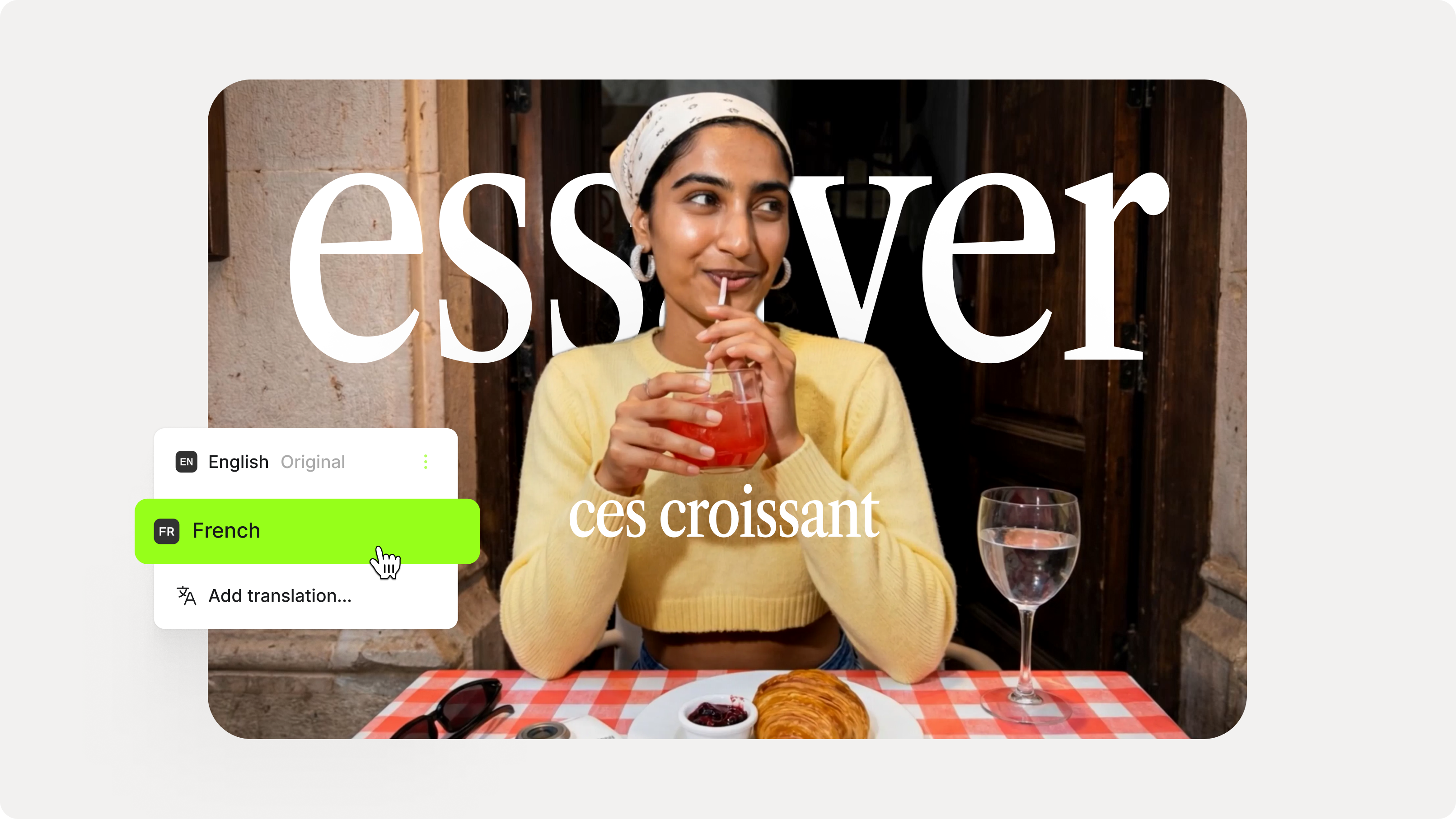
How to Add Translation Subtitles to a Video (Step-by-Step Guide)
A step-by-step guide to adding translation subtitles to any video using VEED. Covers auto-subtitle generation, AI translation into 125+ languages, customization, and export.
12 Best Subtitle Fonts for Video Editing (Free and Paid Options)
Want videos that are more engaging because they're easier to follow along? Here's 12 of the best free and paid subtitle fonts for better video content.
Trusted by 1M+ creators
When it comes to amazing videos, all you need is VEED
No credit card required
More than Danish-to-English translation
Translate audio and edit videos all in one platform. VEED streamlines your content workflow. More than translation, you can generate scripts and trim audio recordings. Add text and animation in a few clicks. And achieve visually consistent videos with our brand kit feature. Try VEED now; get started for free!