


Trusted by 1M+ creators
Subtitle Editor
Edit, style, and sync subtitles to your video online. Free to start
No credit card required

4.6
2,100+ reviews















Free online subtitle editor: Fix, style, and sync your captions
Auto-generated subtitles aren’t always perfect. Words get misheard, timing drifts, and the default styling looks like every other video. VEED's subtitle editor lets you fix, style, and sync subtitles. No software download, no complex setup. Upload your SRT or VTT file, make your edits online, and export your polished subtitles. The subtitle editor works on Mac, Windows, Linux, and any device with a browser. Start editing for free. Then upgrade to a paid plan when you’re ready to export.
How to edit subtitles online:
Step 01
Upload your video and subtitle file
Open VEED's editor and upload your video. If you already have an SRT or VTT file, click Subtitles in the sidebar and select ‘Upload Subtitles File’ to load your subtitles.

Step 02
Edit text, adjust timing, and style
Click any subtitle line to edit the text directly. Fix typos, reword lines, and adjust start and end times to sync subtitles to your audio. Change font, color, size, and position to match your brand
Step 03
Download SRT file or export your video
When you're done, download your updated subtitles as an SRT or VTT file. Or click Done to export your video with subtitles burned in permanently. Free plan exports include a watermark.
Learn More
Learn how to sync subtitles with video automatically:
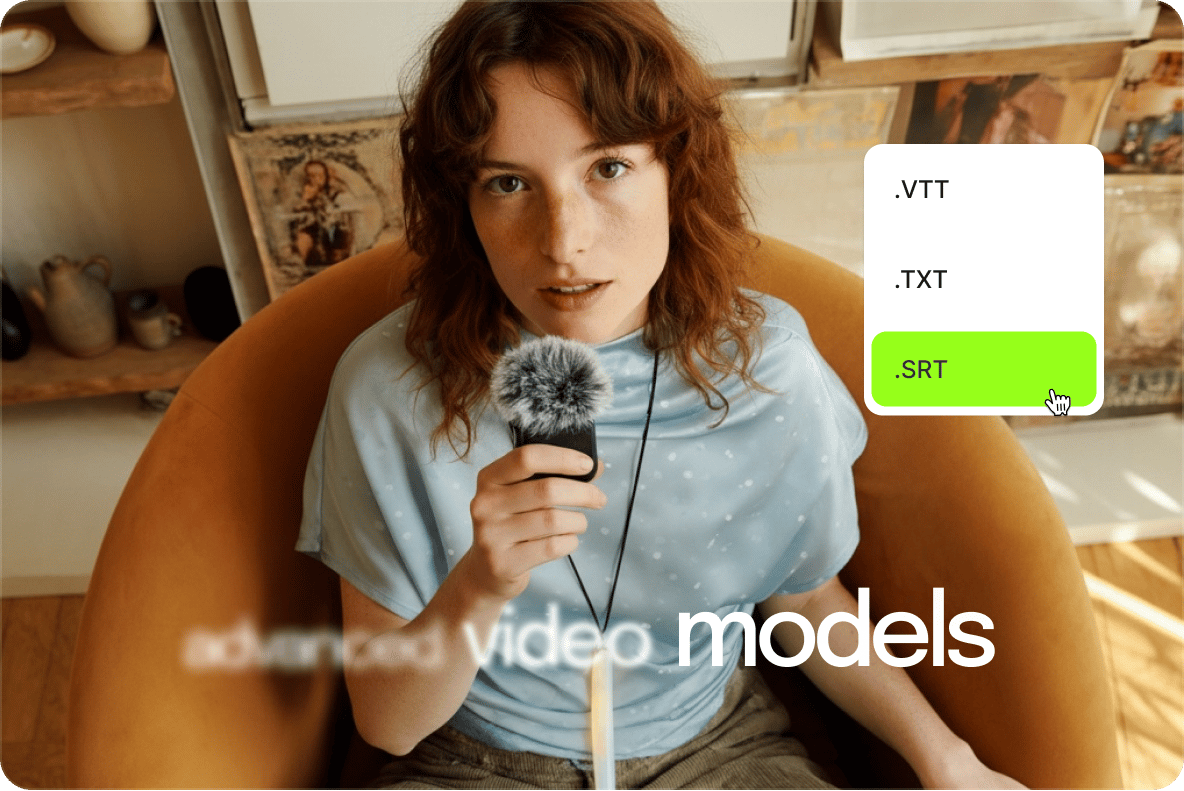
Fix errors and sync subtitle timing in one place
VEED’s SRT editor lets you modify each line, fix wrong words, and adjust timing so captions stay in sync with your audio. Shift individual lines or fine-tune start and end times without touching a separate SRT file in a text editor. Need to generate subtitles from scratch? Use VEED's auto subtitle generator to transcribe your video first, then edit from there.
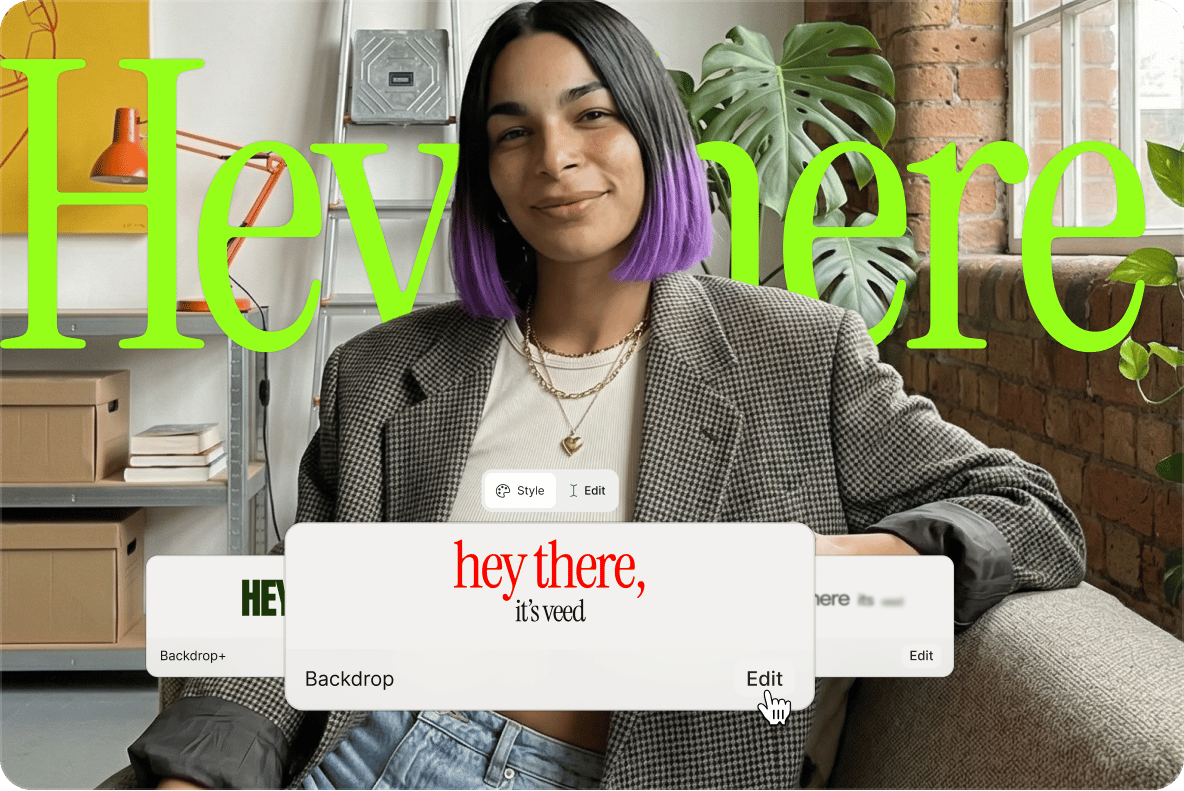
Style subtitles to match your brand
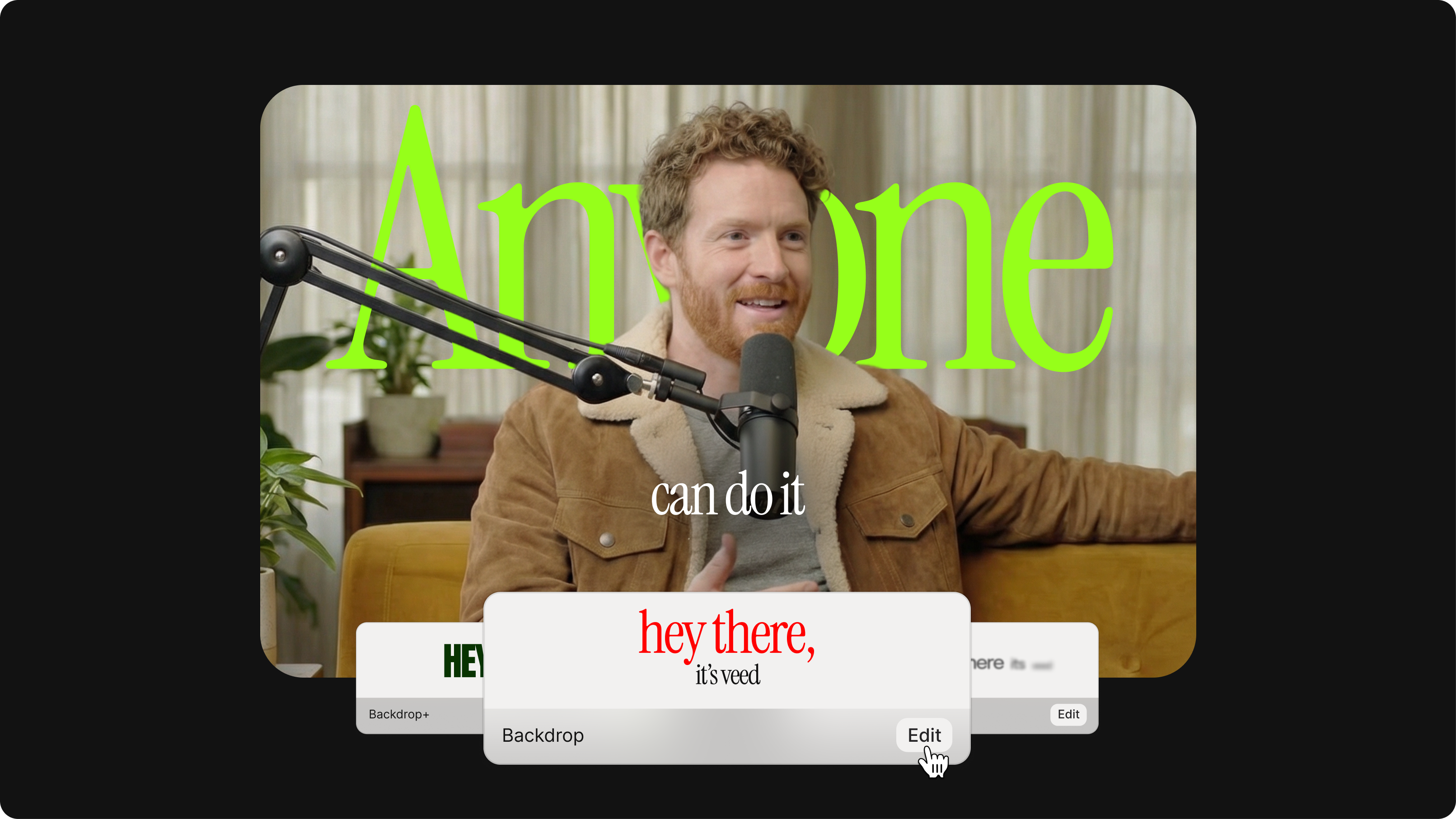
Go beyond plain text subtitles. Our video subtitle editor gives you full control over font, color, size, position, and animation. Dynamic subtitles are available on all plans, with words highlighted automatically as they appear on screen. Use our Brand Kit to save your fonts and colors, so your subtitle style stays consistent across every video you create.
Translate subtitles and reach a global audience
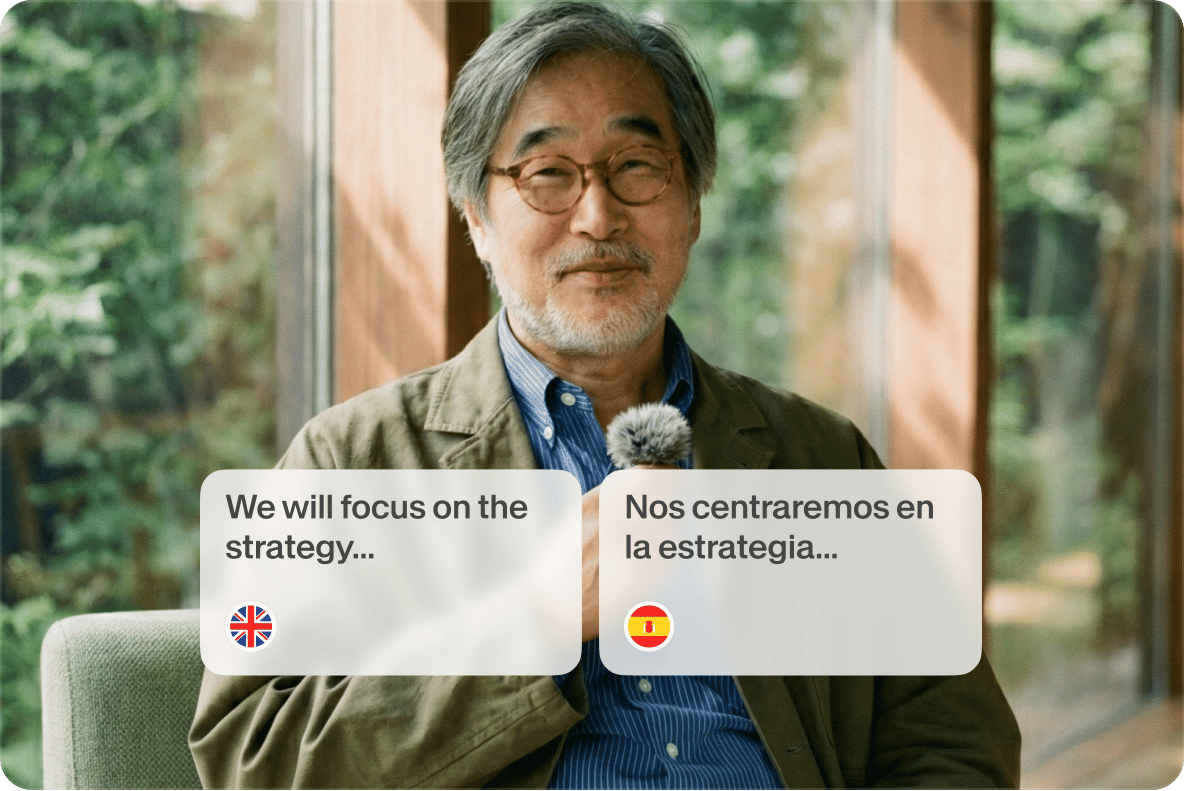
Translate subtitles into 125+ languages in the same workflow. Review the translated lines, make any adjustments, and export with the translated subtitles hardcoded into the video. One workflow to edit subtitles, style, and localize. No need to juggle multiple tools. Besides subtitles, we offer AI dubbing that translates and replaces spoken audio in your video.
FAQ
- Upload your video to VEED's subtitle editor. Click Subtitles in the sidebar and select Upload Subtitles File to load your SRT or VTT file.
- Click any subtitle line to edit the text directly. Adjust timing using the start and end time controls.
- When you're done, download your updated SRT file or export your video with subtitles burned in. The whole process runs in your browser with no software to install.
- VEED is fully browser-based, so there’s nothing to download or install. It works on Mac, Windows, Linux, and any modern browser.
- You can edit subtitle text, fix timing, change fonts and colors, apply dynamic subtitle styles, and translate into 125+ languages all in one place.
- Paid plans include a Brand Kit for consistent styling across every video. For creators who want more than a plain text editor, VEED covers the full subtitle workflow from generation to editing.
Yes. Each subtitle line has editable start and end time controls. Click a subtitle line and adjust the timestamps to shift when it appears and disappears on screen. You can also drag subtitle blocks on the timeline to resync captions with your audio. This makes it straightforward to fix overlapping lines or subtitles that appear too early or too late.
VEED accepts SRT and VTT files for upload. Download your edited subtitles as SRT, VTT, or TXT. If you need to automate subtitle processing across multiple videos, our subtitles API lets you generate, edit, and export captions programmatically at scale.
Yes. Adding subtitles manually or uploading your own subtitle file is free. Exported videos include a watermark on the free plan, and downloading your subtitle file requires a paid plan. Sign up for free to try the subtitle editor, then upgrade when you’re ready to export.
Yes. VEED runs entirely in the browser, so it works on Mac with Safari, Chrome, Firefox, or any modern browser. No download or installation needed. Open VEED, upload your video or subtitle file, and start editing. It works the same way on Windows, Linux, iOS, and Android.
Loved by creators.
Loved by the Fortune 500
“
With VEED I didn't need 15 tutorials - I jumped straight in and started editing.

Gwenne Wilcox
Founder,
Brand Brainery
“
You can go beyond choppping things. VEED actually makes my videos look great.

Michael Glover
Demand Gen Manager,
ConvertFlow
“
The first four videos i created with VEED got over 40,000 impressions on LinkedIn.

Travis Tyler
Senior Content Producer,
PandaDoc
“
I found VEED at the right time: if you're making UGC ads and not using Eye Contact Correction and Noise Reduction on VEED you're missing out on ROI.

Sebastian Schurgers
Head of Growth Marketing,
Gronda
“
With VEED I didn't need 15 tutorials - I jumped straight in and started editing.
Gwenne Wilcox
Founder,
Brand Brainery
“
You can go beyond choppping things. VEED actually makes my videos look great.
Michael Glover
Demand Gen Manager,
ConvertFlow
“
The first four videos i created with VEED got over 40,000 impressions on LinkedIn.
Travis Tyler
Senior Content Producer,
PandaDoc
“
I found VEED at the right time: if you're making UGC ads and not using Eye Contact Correction and Noise Reduction on VEED you're missing out on ROI.
Sebastian Schurgers
Head of Growth Marketing,
Gronda
“
The first four videos i created with VEED got over 40,000 impressions on LinkedIn.
Travis Tyler
Senior Content Producer,
PandaDoc
“
I found VEED at the right time: if you're making UGC ads and not using Eye Contact Correction and Noise Reduction on VEED you're missing out on ROI.
Sebastian Schurgers
Head of Growth Marketing,
Gronda
“
With VEED I didn't need 15 tutorials - I jumped straight in and started editing.
Gwenne Wilcox
Founder,
Brand Brainery
“
You can go beyond choppping things. VEED actually makes my videos look great.
Michael Glover
Demand Gen Manager,
ConvertFlow
Discover more
Explore related tools
More from VEED
How to Edit Subtitles
Editing subtitles files is an easy task if you know how. In this article, you'll learn how to edit your SRT files and correct all of the mistakes.

Subtitling 101: How to Automatically Add and Customize Subtitles with VEED
Everything you need to automatically add, customize, translate, and download subtitles like a pro using VEED.
12 Best Subtitle Fonts for Video Editing (Free and Paid Options)
Want videos that are more engaging because they're easier to follow along? Here's 12 of the best free and paid subtitle fonts for better video content.
Trusted by 1M+ creators
When it comes to amazing videos, all you need is VEED
No credit card required
More than an online subtitle editor
Your subtitles are ready. Now you can polish the rest of your video. VEED is an AI video creation platform where you can generate, refine, and repurpose videos. Remove background noise, resize videos, and compress video files before publishing. Create polished, on-brand social videos at scale. With VEED, moving from idea to post-ready video takes minutes. Sign up now to get started.