Claude Video Editing: How to Edit Videos with Skills, Claude Code, MCP, and VEED AI

Yes, Claude can edit videos, but only through tools you connect to it. On its own, Claude reads text, images, and documents; it has no video decoder and no renderer. Give it a video editing skill, run it inside Claude Code with FFmpeg or a renderer installed, or connect it to a video product over MCP, and it can trim, reframe, caption, add motion graphics, and generate footage from a script.
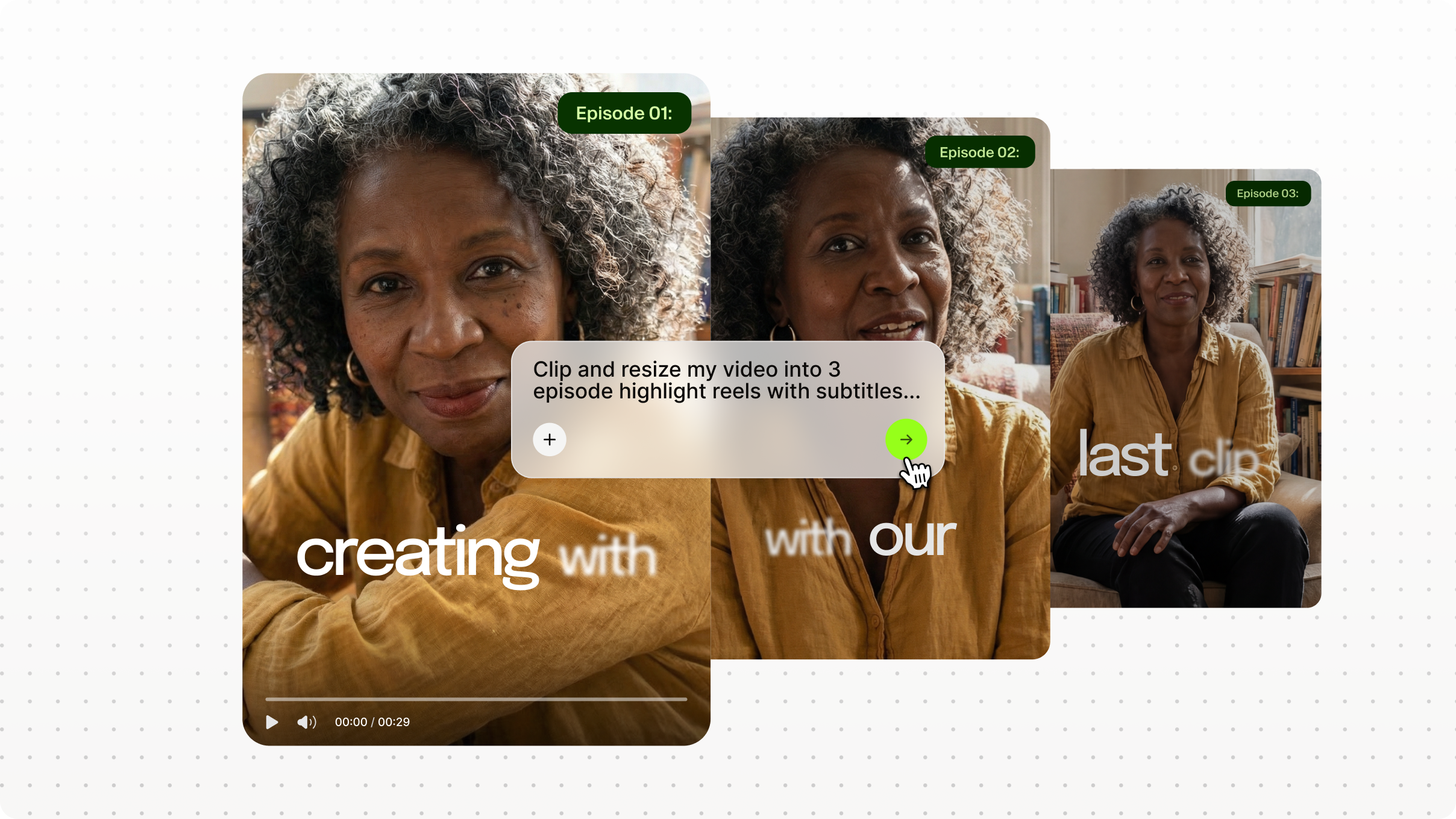
There is also a fourth way that skips the setup entirely: use Claude for what it is good at, the script, the hook, and the edit decisions, then hand that plan to a video agent that does the cutting. VEED AI is built for that handoff. This guide covers all four, with a worked example for each.
- Claude cannot edit a video file by itself; it needs a skill, a coding environment, or an MCP connector.
- A video editing skill is the fastest setup: one install command, then describe the edit in plain language.
- Claude Code plus FFmpeg or a renderer handles cuts, captions, reframing, and motion graphics locally.
- MCP connectors let Claude call video products such as VEED to generate talking-head video.
- With no setup at all, Claude writes the edit plan and VEED AI turns footage into the finished video.
What Claude can and can't do with video on its own

Claude on its own can plan an edit, write a script, read a transcript, pick timestamps, and write the commands or code that make the edit happen. It cannot open an MP4, watch footage, or export a file. Everything visual happens in a tool Claude drives, or in a tool you hand Claude's plan to.
Anthropic's own video feature confirms the shape of this. Claude Motion turns reports, data, and images into short animations, such as an explainer for an all-hands or an animated chart for a board deck, and exports them as MP4. According to the Claude Motion help article, it is available in beta on Team and Enterprise plans. It does not edit footage you recorded.
So when someone asks "can Claude edit videos," the accurate answer is that Claude directs the edit and a connected tool does the cutting. The quality of the result depends far more on which tool does the cutting than on the model doing the directing.
Route 1: Install a Claude video editing skill
A video editing skill is a folder of instructions that teaches Claude a reliable workflow for a specific editing tool. You install it once, then ask for edits in plain language. This is the route most searchers want, and it is the fastest to set up.
OpenEdit (VEED)
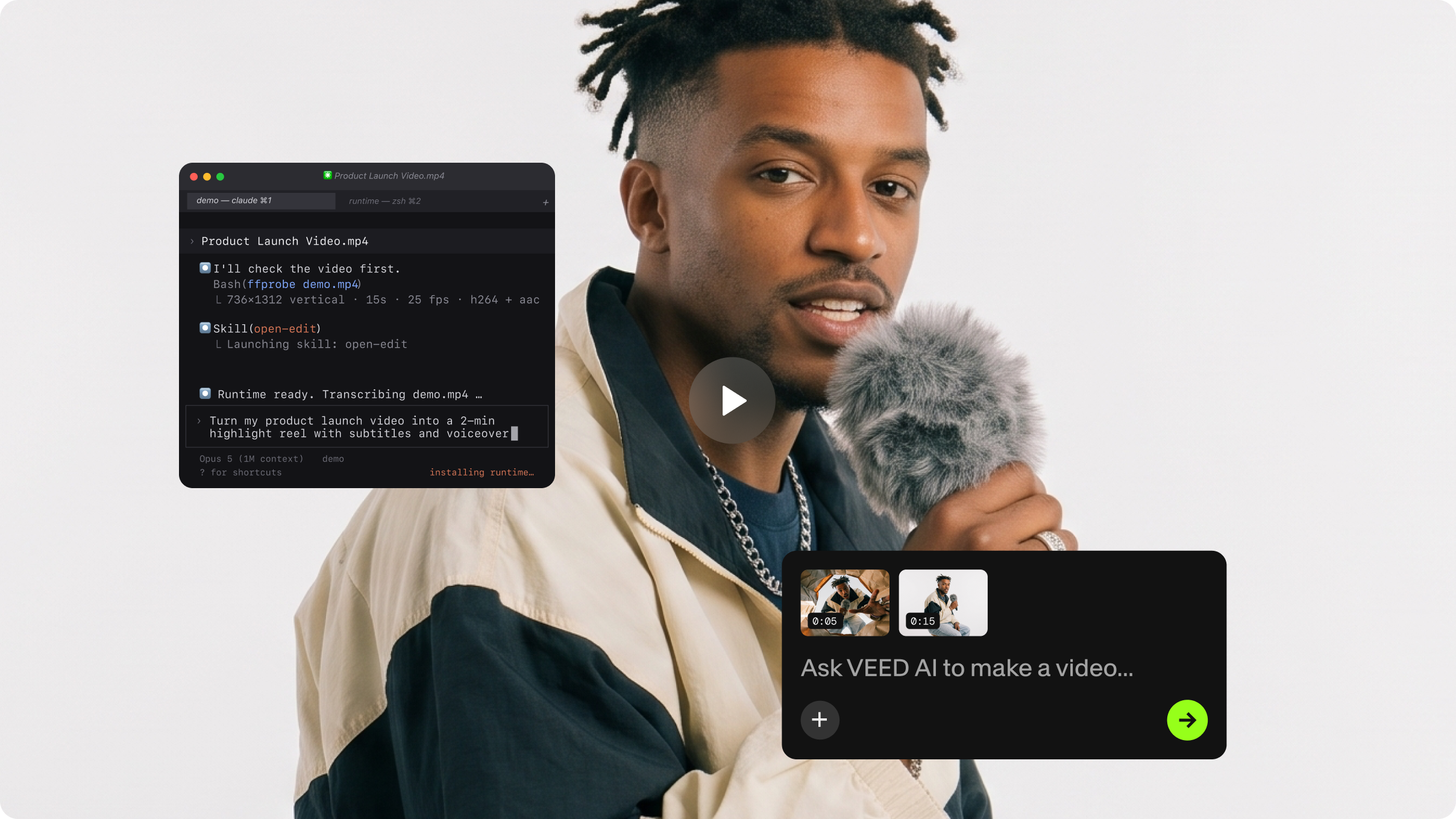
OpenEdit is VEED's open-source, agent-driven editing pipeline. There is no GUI and no timeline; the pipeline is driven entirely through your coding agent. It edits, cuts, and reframes footage, layers motion graphics and visual elements, and turns slides or websites into video. You compose in HTML and CSS, and VEED's renderer turns that into video locally.
Install it with one command:
npx skills add veedstudio/open-edit
Then open Claude Code and describe the job. Captions are the most established path, but they are one job out of several. Prompts that work today:
- "Add subtitles to my video [VIDEO]"
- "Reframe this to 9x16 and keep the speaker centered"
- "Add motion graphics to the revenue numbers"
- "Turn this deck into a video with titles between each slide"
The pipeline is Apache-2.0, so you can add your own APIs and MCPs and connect it to any pipeline you already run. It is free to use, with a free VEED account for transcription. OpenEdit runs on Apple Silicon Macs on macOS 26 (Tahoe), with Windows support arriving soon. With the Fabric integration, OpenEdit can generate its own assets rather than waiting for you to supply them. Generating spends credits, and it asks first. Full details are in the OpenEdit announcement.
OpenEdit and VEED AI are the same idea at two ends of the spectrum. OpenEdit runs inside your coding agent and renders on your machine. VEED AI runs in the browser with nothing to install. If a Claude Code edit gets to 90 percent and you want to finish it by hand, VEED's help docs describe sending the finished edit to VEED's browser editor as an editable project, so the handoff is built in.
Remotion skill
Remotion renders video from React components, and the official Remotion skill teaches Claude to write that code correctly. You write React components and get MP4s; Claude describes each frame in TypeScript, and Remotion renders it. It is the strongest option for motion graphics and templated video at scale, and the weakest for cutting footage you already shot, because every edit becomes code.
everything-claude-code video-editing skill
This community skill treats Claude as the planning layer of a pipeline rather than the editor. It is built for AI-assisted editing of real footage, not prompt-based generation, and it coordinates six tools: FFmpeg, Remotion, ElevenLabs, fal.ai, Descript, and CapCut. As of August 2026, it showed 7.6k installs on the Skillselion skills index.
Route 2: Edit video with Claude Code and FFmpeg
Claude Code can edit video without any skill installed, as long as FFmpeg is on your machine. Claude writes the commands, runs them, checks the output, and iterates. This route gives you the most control and the least hand-holding.
A workflow that holds up for short-form content:
- Transcribe first. Ask Claude Code to pull a transcript. Claude can't watch footage, but it reads transcripts well, and most social cuts are decided on what was said.
- Ask for an edit decision list. "Find the five strongest 30-second segments for TikTok and give me the timestamps." Review the list before anything renders.
- Let it cut. Claude writes the FFmpeg commands for each segment, crops to 9:16, and burns in captions from the transcript.
- Check and refine. Open the outputs, then tell Claude what to change.
Claude Code is good at steps one, two, and the mechanics of three. It has no taste. The everything-claude-code skill docs put this plainly: the value is not generation, the value is compression. You still decide what is funny, what is boring, and where the hook is.
If you want the same workflow without writing FFmpeg flags by hand, install OpenEdit on top of Claude Code. In VEED's early internal benchmarks, OpenEdit ran up to 2.2x faster than tools that drive Chrome. That is VEED's own testing, not a published comparison.
Route 3: Connect Claude to a video product over MCP
MCP, the Model Context Protocol, is the standard that lets Claude call external software as tools. A video MCP server exposes actions such as "generate a video" or "clip this file" that Claude can call during a conversation, with no code on your side. VEED's explainer on what MCP is covers the basics.
Two things matter when you pick a video MCP server. First, where it runs: some are remote servers you add as a connector in claude.ai, others are local and only work in Claude Code or Claude Desktop. Second, what it actually does, because "video MCP" covers both generation and editing, and most servers do one or the other.
VEED MCP: Generate talking-head video from a script
VEED's MCP server is a generation server. Your agent calls the VEED tool with an AI avatar, the server passes the request to Fabric 1.0, VEED's talking video model, and you choose a voice and add your script. The server returns an MP4 URL the agent can hand off to the next step: post to social, attach to an email, save to a CMS, or pass to another tool.
It does not cut or caption footage you upload. Use it when the video does not exist yet: a product explainer, a localized ad variant, a founder update in a language the founder doesn't speak.
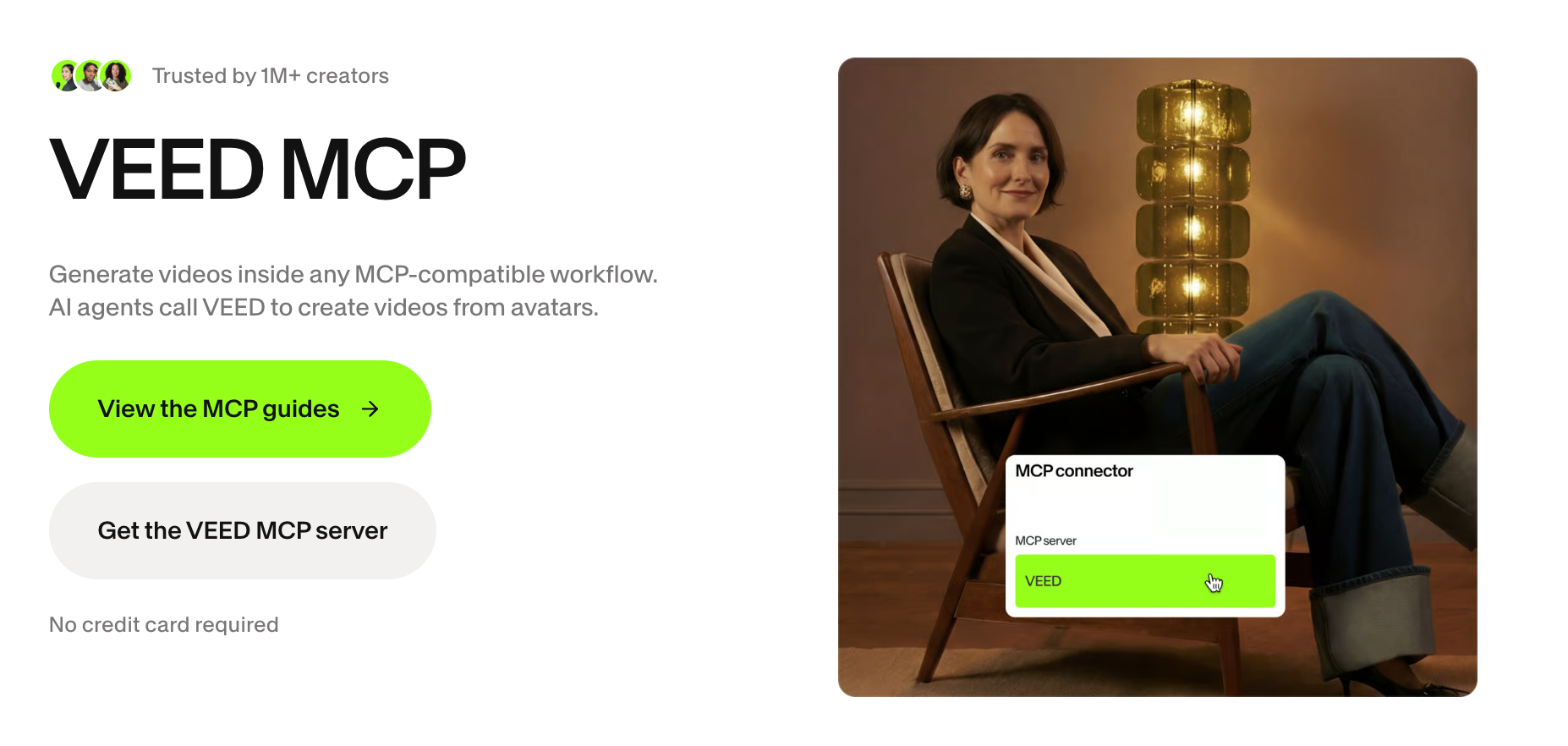
To connect it in claude.ai:
- Open Settings, then Connectors
- Click Browse connectors
- Search for VEED Fabric and select it, then Connect and log in with your VEED account
- Ask for a video: "Create a talking head video introducing my product" or "Make a video in French"
The VEED MCP server is free to download and integrate, but you need a VEED account and AI credits to generate videos. Check the VEED pricing page for how credits work. Setup for Claude Code and other clients is on the VEED MCP page.
The generated clip is a starting point, and the finish happens in VEED AI. Drop the MP4 in and describe it: cut the video to 30 seconds, make it vertical, and add subtitles and our logo. Claude handles the script and the call, VEED AI handles the picture.
Adobe connector: Claude and Premiere Pro
The Adobe for creativity connector gives Claude access to more than 50 tools across Photoshop, Illustrator, Premiere, Lightroom, Firefly, and other Adobe apps. It is available globally, needs a Claude account, and does not require an Adobe account. It launched on April 28, 2026, per TechRadar's coverage.
What the connector does not do is open your local Premiere project. Adobe's local Premiere MCP is a preview with a private beta targeted for early 2027. Until then, community-built MCP bridges give Claude access to supported actions in a locally open project. Treat those as experimental and test on a copy.
Route 4: Claude plans the edit, VEED AI makes it
This is the route for anyone who wants Claude AI video editing without a terminal, a skill install, or a connector. Claude does the thinking, and VEED AI, VEED's video agent, does the edit.
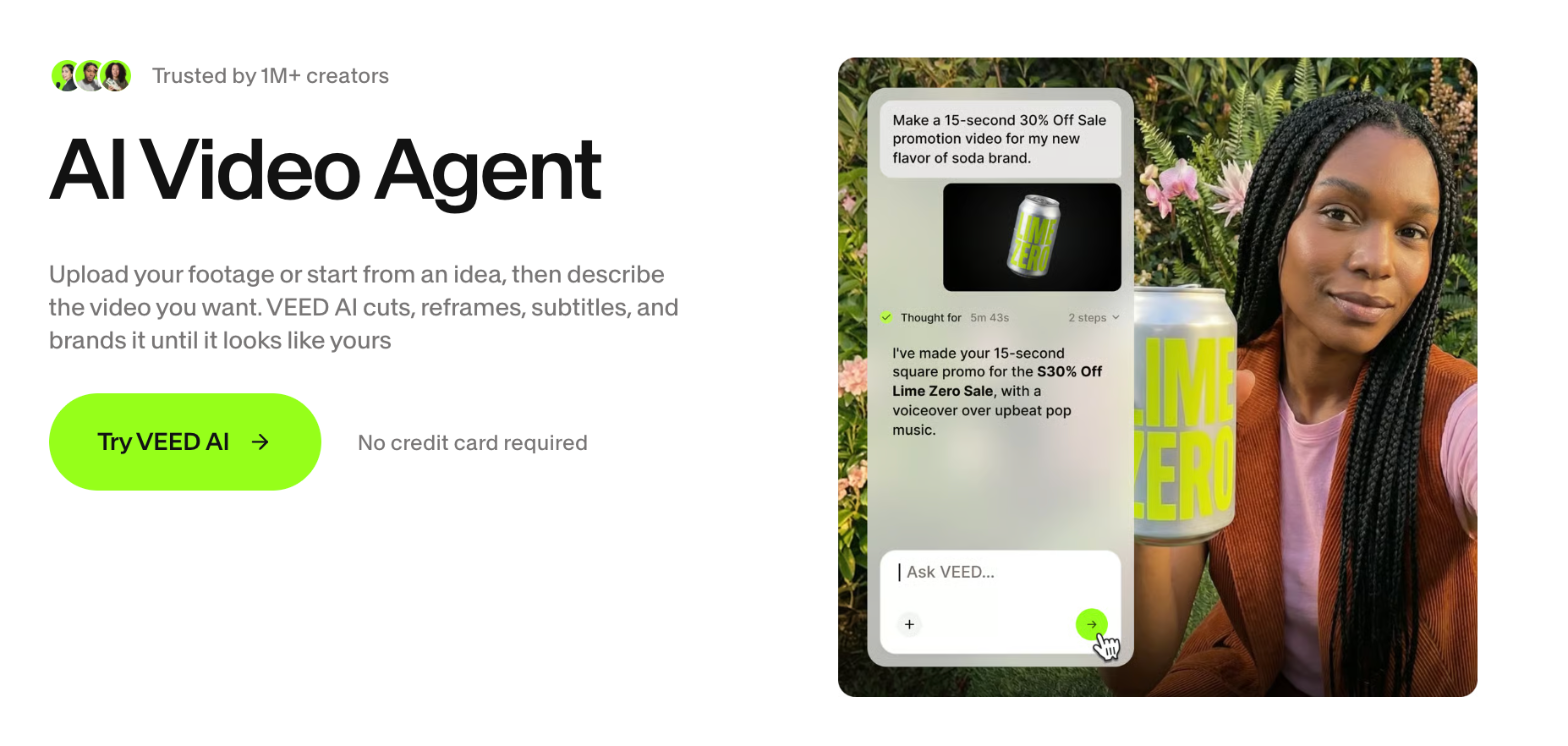
An AI video agent is an AI assistant that takes your footage, or just your idea, plus instructions in plain language, and does the editing itself: cutting, reframing, subtitles, hook text, branding, and new footage where the video needs it. In VEED AI, you upload your clips or describe the video you want, say which platform it is for and what the job is, and it builds the video, shows you the result, and keeps changing it until you say it's done. No timeline, nothing to install.
How the handoff works:
- Give Claude the transcript or the idea. Paste the transcript of your recording into Claude, or describe the video you have in mind. Ask it for an edit plan: which segments to keep, where the hook is, what the on-screen text should say, and what the end card should do.
- Turn the plan into a brief. Ask Claude to write it as one paragraph you can paste into VEED AI. A good brief names the platform, the length, the hook, and the brand elements. Example: "Cut this to a 45-second vertical for Reels. Open on the line about the pricing mistake, subtitle it away from my face, add our logo bottom right, and end on 'Link in bio.'"
- Open VEED AI, attach your footage, paste the brief. The agent may ask about your brand, style, or length, then shows its plan and builds the video: trimming dead air, reframing, adding subtitles and hook text, placing your logo, and generating b-roll, music, or sound where needed. It asks before running a costly generation.
- Review and refine in the same chat. Watch the result, then ask for changes: a stronger hook, a shorter cut, a different end card. Each result is saved as its own version, so you can go back. Download the MP4, or ask for a vertical version next.
Watch VEED AI build a video with no setup
The VEED STUDIO team recorded a full run of VEED AI on launch day. You see the raw clips go in, the prompt, the first version the agent returns, and two rounds of follow-up prompts after that. If you want a feel for how the handoff works before you try it with your own footage, this is the quickest way to get it.
If you have no footage, VEED AI can still build the video. The same chat edits what you shot, generates what you did not, and mixes both: AI b-roll, images, voiceover, music, and sound effects, plus a clone of your own voice from a clip you upload. That is the same Fabric model behind the MCP route, without the connector.
Why split the work this way? Claude is good at reading a 40-minute transcript and finding the four moments worth posting. VEED AI is good at turning those four moments into videos that look like your brand made them, and it keeps every version, so trying a different hook costs one sentence. For long recordings where you only want the best moments pulled out, Clips does that in one step.
Skills, Claude Code, MCP, and VEED AI compared
Which route should you pick
Start with the output you need. If you want captions and reframes on your own Mac and you already live in Claude Code, OpenEdit is the obvious first install. If you are building a pipeline that has to run unattended, Claude Code with FFmpeg is the most predictable. If you need video to appear inside an agent workflow with no local setup, the VEED MCP server is the connector to add.
If what you want is a post-ready video by the end of the hour, let Claude write the plan and give it to VEED AI. VEED is the AI video creation platform that grows your brand on social, and the agent is the fastest way into it.
FAQ
Not on its own. Claude can plan an edit, write the script, and pick timestamps, but it needs a connected tool to cut, caption, or render. With a skill such as OpenEdit, a Claude Code session with FFmpeg, or an MCP connector, Claude can edit and generate video. The no-setup version is to have Claude write the brief and let VEED AI make the edit.
Ask Claude for the edit plan, then paste it into VEED AI with your footage. Nothing to install, and the agent cuts, reframes, subtitles, and brands the video while keeping every version. If you want Claude itself running the edit, install the OpenEdit skill in Claude Code.
Yes. Claude Code runs commands on your machine, so with FFmpeg installed it can trim, crop, and caption footage. Installing a skill such as OpenEdit or the Remotion skill gives it a tested workflow instead of improvised commands.
It depends on the job. OpenEdit is the best fit for cutting, reframing, and captioning real footage, and it is free. The Remotion skill is best for motion graphics and templated video written as code. The everything-claude-code video-editing skill is a planning layer that coordinates FFmpeg, Remotion, and other tools.
Partly. The Adobe for creativity connector gives Claude access to Premiere tools from inside claude.ai, but it does not open your local project. Adobe's native Premiere MCP is in private beta for early 2027, and community bridges fill the gap for now.
Claude's own plans vary, and the editing tools have their own costs. OpenEdit is free and open source with a free VEED account for transcription. Generating video through the VEED MCP server, or inside VEED AI, uses credits on your VEED plan. Remotion has its own licensing terms for companies.