What Is VEED AI? How to Make Videos with VEED's AI Video Editing Agent


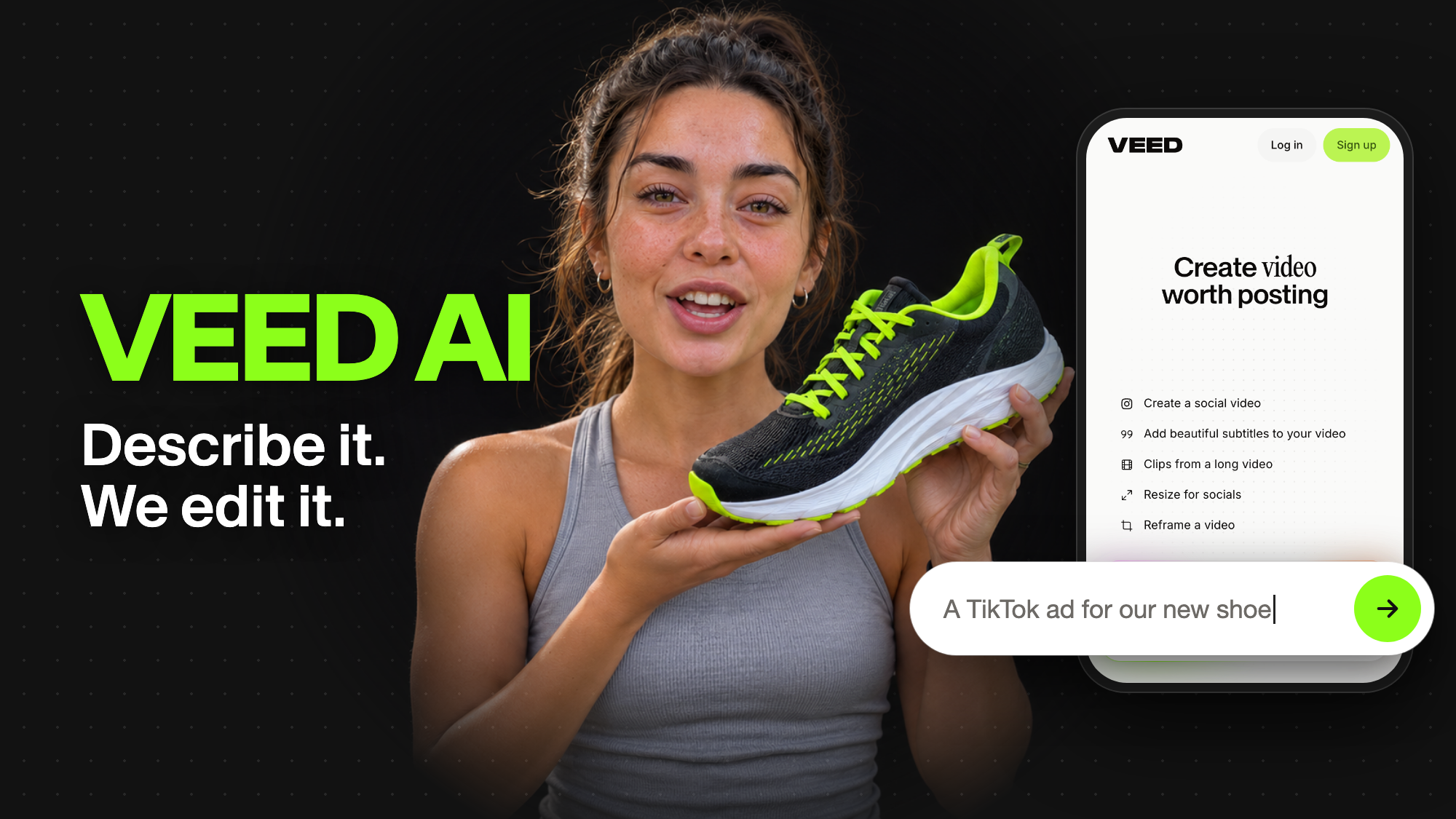
VEED AI is VEED's AI video editing agent. You upload footage, paste a product page URL or describe an idea, write a prompt, and VEED AI edits and assembles a short-form social video with cuts, subtitles, titles, your logo and an end card. It launched on 19 November 2026, runs in a web browser and the VEED mobile app, and has a free plan with no watermark on exports.
This guide covers what VEED AI does, how to use it step by step, what you can make with it, how it compares with an AI video generator and with general AI assistants, where it sits next to VEED's other AI tools, and what it costs.
Key takeaways:
- VEED AI is an AI video editing agent that makes social videos from a prompt.
- It starts from your footage, a product page URL or an idea with no footage at all.
- VEED AI adds cuts, subtitles, titles, your logo and an end card for you.
- It works in a browser and in the VEED mobile app, with a free plan.
- Every result is saved as its own version, so you can keep refining in the same chat.
What is VEED AI?
VEED AI is an AI video editing agent built by VEED, the AI video creation platform at veed.io. Instead of arranging clips on a timeline, you tell VEED AI what the video is for and what it needs, and the agent plans the edit, makes it, shows you the result and takes your changes.
VEED AI is built for short-form social video: TikToks, Instagram Reels, YouTube Shorts, LinkedIn clips and social ads. It is aimed at marketers, founders and small businesses who need video regularly and do not have an editor or an afternoon to spend on it. VEED describes the thinking behind the shift from timeline to prompt in its agentic video editing manifesto.
Here is what VEED AI adds to a video on its own:
- Fast-paced cuts tuned for short-form attention spans
- Subtitles and captions in multiple languages
- Titles and lower thirds for names, products and key points
- Your logo, colors and fonts from your brand kit
- An end card with your call to action
- Generative content to fill gaps, or to build a whole video from an idea
Every capability runs inside VEED. There are no plugins to install, no API keys to connect and no desktop software to download.
VEED AI at a glance
If you used VEED earlier in 2026, you may have seen the VEED AI name on the prompt-to-script dashboard, where VEED drafts a script and generates a talking character video from it. That script-led flow is now the AI video generator. VEED AI is the agent that sits above it and can edit, generate and refine in one conversation.

Is VEED an AI video generator?
VEED is an AI video creation platform, and an AI video generator is one part of it. VEED AI is the agent on top of that platform. The difference matters when you search for "VEED AI video generator", because the two tools solve different jobs.
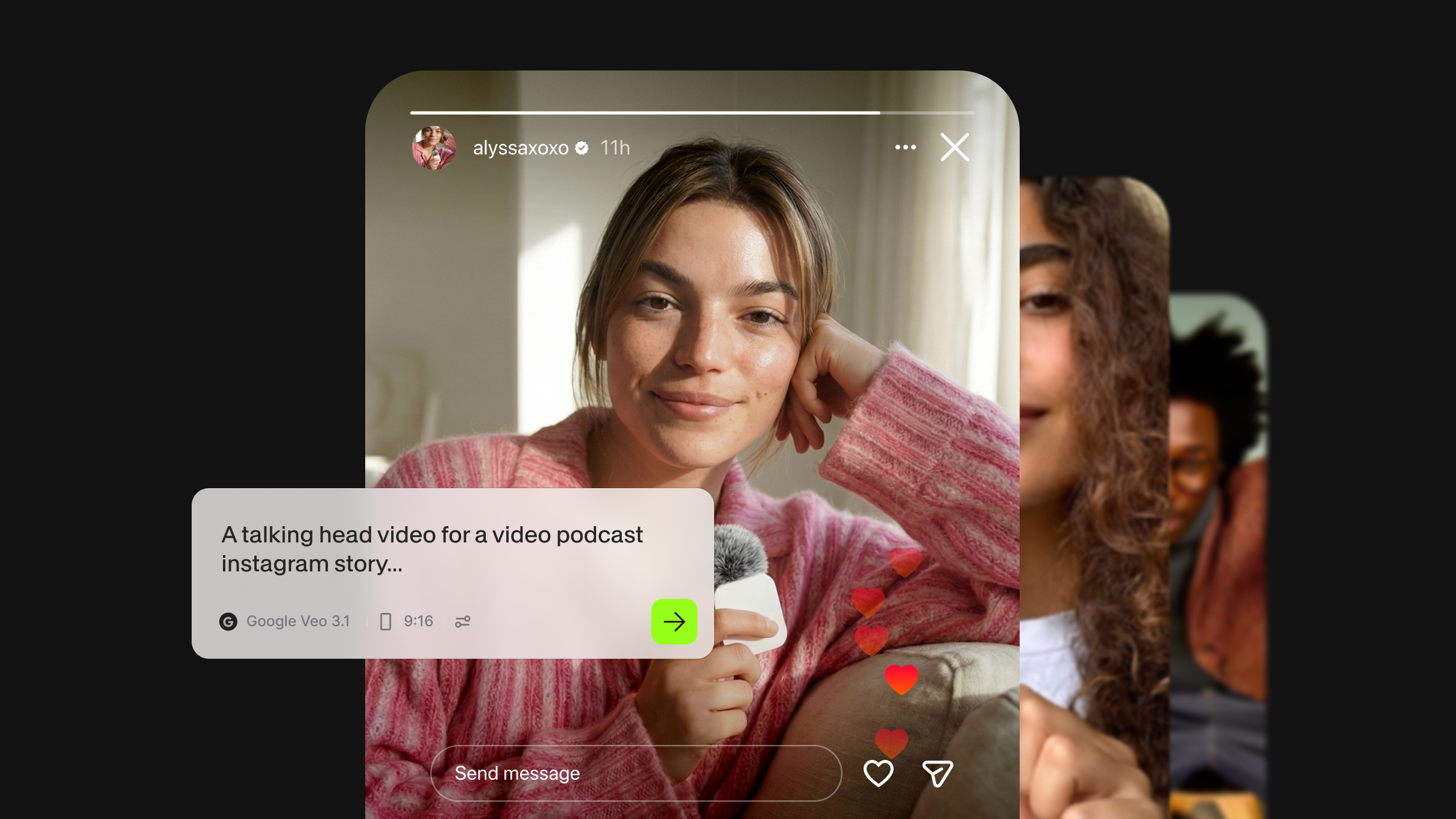
An AI video generator makes new footage or a complete video from a script or a text prompt. VEED's AI video generator drafts a script from your topic, lets you edit it, and generates a talking character video with subtitles and music. VEED's AI playground also gives you access to video models such as Fabric 1.0, VEED's own talking video model, plus third-party models including Veo 3.1, Sora 2 and Kling 3.0.
VEED AI is an agent, so it does the whole job rather than one step of it. It can take your existing footage and cut, reframe, subtitle and brand it. It can generate b-roll, images, voiceover, music and sound effects where the video needs them. It can also build a video from nothing, using generative content, when you give it only an idea or a product page. Then it keeps every version and takes your follow-up changes in the same chat.
Here is how VEED's three agent-style tools compare:
How do you use VEED AI?
You use VEED AI by signing in, adding your source material, writing a prompt, and asking for changes until the video is right. The whole flow takes seven steps.
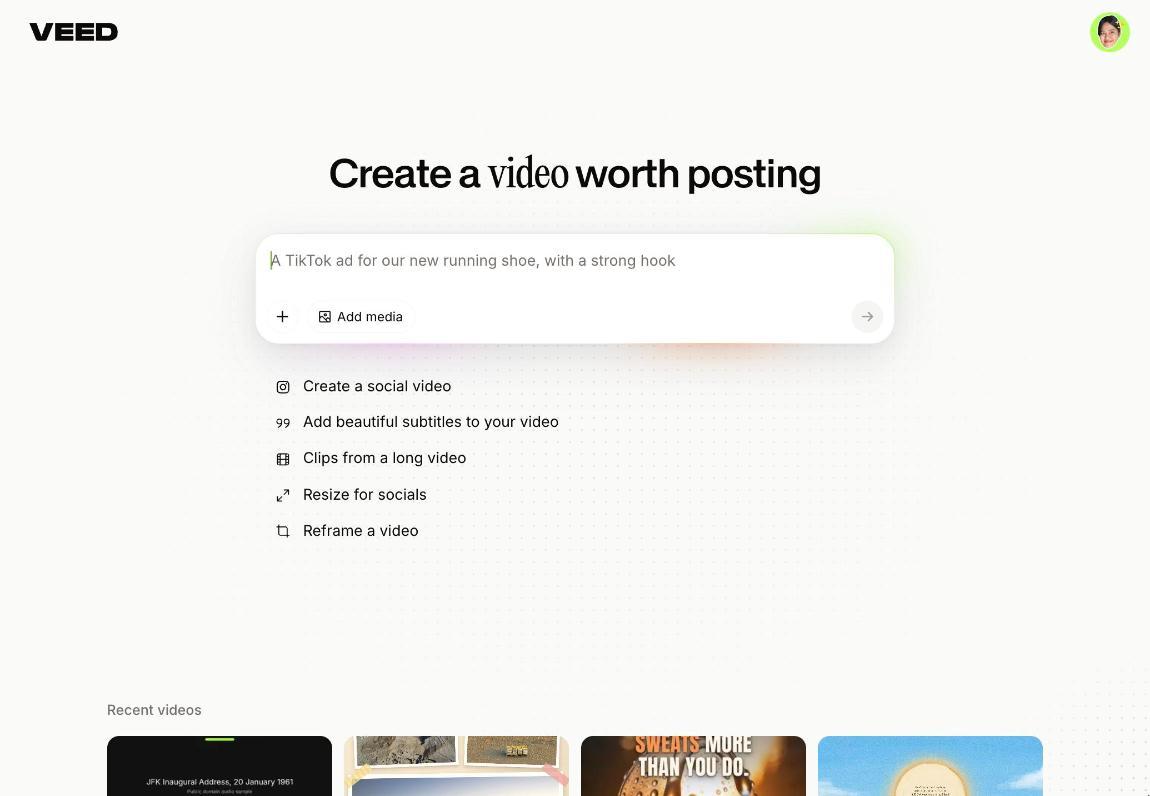
- Sign in. Go to veed.io/ai or open the VEED mobile app for iOS or Android.
- Add your source material. Upload videos, images or audio, or paste a website or product page URL. If you are starting from an idea, skip this step.
- Add style references and your brand kit. This is optional. Style references are images or videos whose look you want VEED AI to match. Your brand kit holds your logos, colors and fonts, and keeps every video consistent.
- Write your prompt. Describe the video you want. The next section explains what to include.
- Let it build. VEED AI may ask a question or two about your brand, style or length, then assembles the video while a running log shows what it is doing (preparing the transcript, storyboarding key moments). It asks before running a costly generation. A short edit-only job took about two and a half minutes in our test.
- Ask for changes. Write a follow-up prompt with anything you want changed: a stronger hook, a shorter cut, a different end card. Each result is saved as its own version, so you can go back. Projects sync across web and mobile, so you can start on your phone and finish on desktop.
- Export. Download the MP4 in each aspect ratio you need.
Watch VEED AI edit a video from start to finish
The VEED STUDIO team recorded a full run of VEED AI on launch day. You see the raw clips go in, the prompt, the first version the agent returns, and two rounds of follow-up prompts after that. If you want a feel for how the back-and-forth works before you try it with your own footage, this is the quickest way to get it.
How to write a prompt for VEED AI
A good VEED AI prompt reads like a brief you would give a human editor. You do not need editing terms. Cover five things:
- Purpose: what the video is for, such as a product ad, a launch announcement or a podcast clip
- Platform: where it will be posted, such as TikTok, Instagram Reels or LinkedIn
- Length: how long it should be, such as 15 or 30 seconds
- Tone: how it should feel, such as energetic, calm or professional
- Must-haves: anything it has to include, such as captions, your logo or an end card
Three example prompts that work:
- "Turn these three clips into a 30-second Instagram Reel with captions and our logo on the end card."
- "Make a 15-second TikTok ad from this product page."
- "Cut this podcast episode into three vertical clips with English and Spanish subtitles."
Videos made using VEED AI
A podcast episode, before and after. On the left is the raw two-camera recording. On the right is the clip VEED AI cut from it: reframed to vertical, trimmed to one strong moment, with captions that follow the speaker and the key phrase called out on screen.
A 13-second vertical product ad for a sneaker brand. VEED AI built the pacing, the on-screen copy and the product close-ups for Reels and TikTok, so there is nothing to trim or retitle before it goes out.
What can you make with VEED AI?
VEED AI makes finished short-form social videos, and the starting point can be footage you already have, a web page, or nothing at all. These are the jobs it is built for.
Product ads from a URL. Paste a website or product page URL and ask for an ad. VEED AI uses the page as source material, so a small business can make a product ad without filming anything.
Social clips from long videos. Upload a podcast episode, webinar or interview and ask VEED AI to cut it into short vertical clips, with subtitles in more than one language if you need them. If you only want the best moments pulled from a long recording, Clips does that in one step.
Founder-led and launch content. Record yourself talking about a launch, upload it, and ask for a captioned social video with your logo and a call to action.
Phone-first creator content. Record and upload straight from your phone in the VEED app, then prompt VEED AI to edit it.
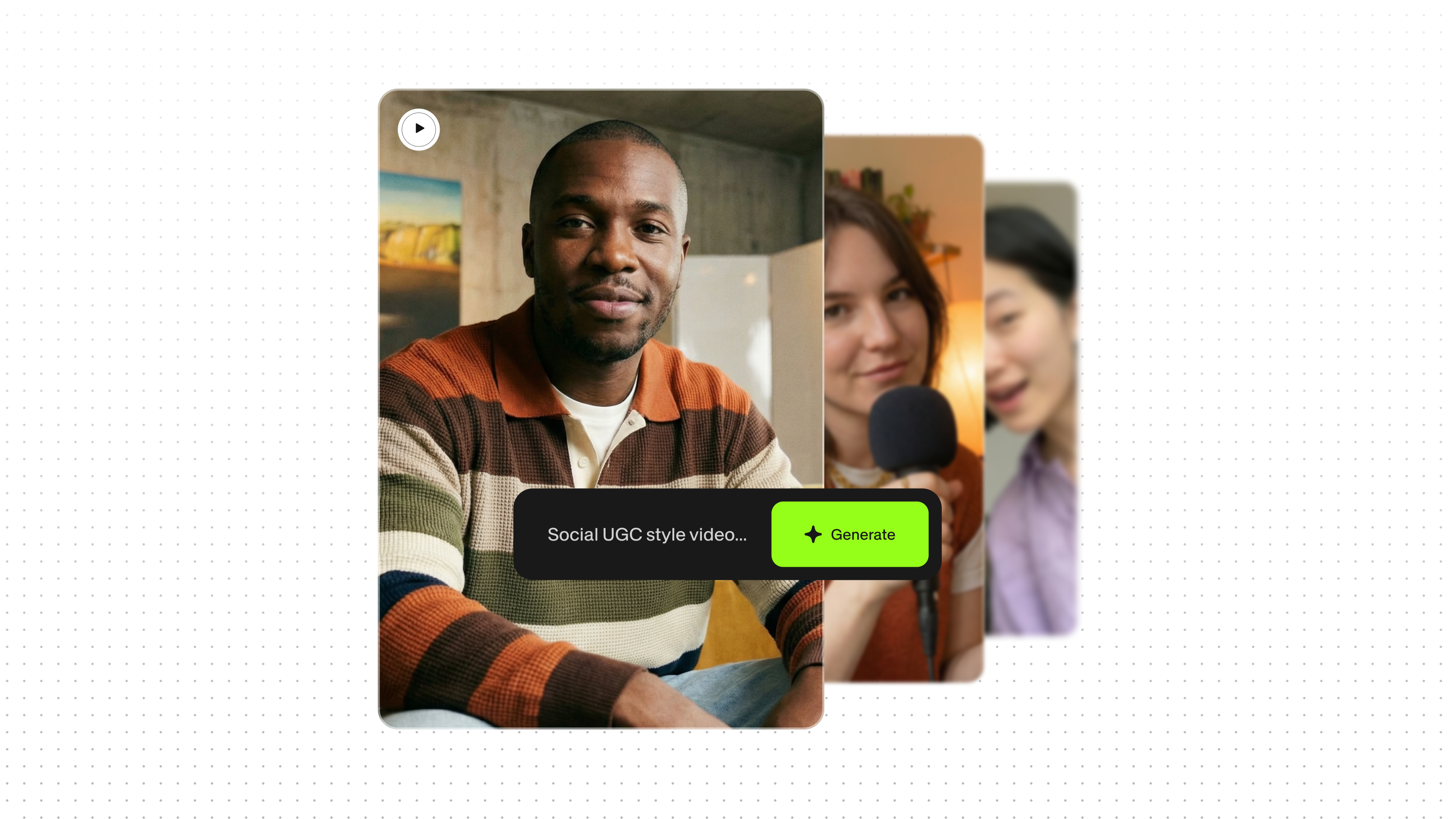
Videos from an idea. Describe the video in a prompt and VEED AI builds it with generative content. It can also clone your voice from a clip you upload, so a generated video can still sound like you.
Campaign variations for every platform. Export one project in several aspect ratios so the same video is ready for each channel.
The format matters because short-form is where the return is. Short-form video is the highest-ROI content format, with 49% of marketers ranking it first in HubSpot's 2026 State of Marketing report, and 78% of consumers prefer a short video over reading when they want to learn about a product, according to Wyzowl's State of Video Marketing research.
What makes VEED AI different from other AI video tools?
VEED AI finishes the video. Most AI video tools produce one piece of the job: a generator gives you a clip, a captioning tool gives you subtitles, a general AI assistant gives you a plan. VEED AI delivers a post-ready video with the cut, subtitles, hook text, logo and end card already in place, and then takes your changes.
Compared with a general AI assistant. ChatGPT, Claude and similar assistants can describe how to edit your video or write a script for it. They cannot render the video. VEED AI is built only for video, so everything in it exists to turn footage or an idea into a finished clip. It remembers your brand kit from one project to the next, and there are no skills to install or API keys to connect.
Compared with a text-to-video generator. Models such as Sora, Veo and Kling generate footage from a prompt. They do not cut your existing clips, add subtitles, place your logo or export in four aspect ratios. VEED AI can use generated footage inside a video, and it can also start from what you shot. The same chat edits what you have and generates what you do not.
Compared with a traditional timeline editor. A timeline gives you full manual control and a learning curve to match. VEED AI gives you control through the brief and the follow-up prompt. You approve the plan, you ask for the change, and every version is kept so trying something costs one sentence.
The unique features, in short: one agent that edits, generates and repurposes; a brand kit it remembers; versions it never loses; a free plan with no watermark; and the same account on web, iOS and Android.
How much does VEED AI cost? (VEED AI pricing)
VEED AI has a free plan, and videos exported on the free plan have no VEED watermark. Paid plans add more projects and messages, a larger AI compute allowance, and access to more generative models. Plan limits can change, so check the current tiers on the VEED pricing page before you decide.
Two things to know before you start. Generating new media, such as b-roll, images or voiceover, uses AI compute, and VEED AI asks before it runs a costly generation. Uploading and editing your own footage does not require generation, so a cut-and-caption job on existing clips is the cheapest way to use the agent.
Where is VEED AI available?
VEED AI is available now, worldwide, in a web browser at veed.io/ai and in the VEED mobile app for iOS and Android. One VEED account works on both, and projects sync across devices. You do not need to install desktop software.
Which files does VEED AI accept?
VEED AI accepts video, audio and image files, plus website URLs, style references and brand kits. Each project can hold up to 100 GB of uploads in total.
You cannot upload a folder directly, so select the files inside it instead. For the full technical detail, read the VEED AI launch guide.
Get started with VEED AI
Sign up at veed.io/ai or download the VEED app, upload a file or type an idea, and write your first prompt. The first result is usually close. The follow-up prompt gets it the rest of the way.
FAQ
VEED AI is an AI video editing agent from VEED. You upload media, paste a product page URL or describe an idea in a prompt, and VEED AI produces a finished short-form social video with cuts, captions, titles, your logo and an end card. It launched on 19 November 2026.
Yes. VEED AI has a free plan, and videos exported on the free plan have no VEED watermark. Paid plans add more capacity and model access. Current limits are on the VEED pricing page.
No. VEED AI is the hosted agent for anyone, at veed.io/ai and in the VEED mobile app. OpenEdit is VEED's open-source, agent-driven editing pipeline that developers run on their own machine through a coding agent such as Claude Code, Codex or Gemini. They share the same agentic approach to editing, and OpenEdit is free under Apache-2.0.
Yes. Describe your idea in a prompt and VEED AI builds the video with generative content. You can also paste a website or product page URL, and VEED AI uses the page as source material for an ad.
Yes. VEED AI is available in the VEED app for iOS and Android and in a web browser. One account syncs your projects across devices, so you can start on your phone and finish on desktop.
VEED AI generates b-roll, images, voiceover, music and sound effects as part of an edit, using the generative models available on your plan. Across the wider VEED platform, the AI playground offers Fabric 1.0, VEED's own talking video model, alongside third-party models such as Veo 3.1, Sora 2 and Kling 3.0.