Best AI Tools for Content Creation in 2026

Key Takeaways:
- The best AI tools for content creation cover four jobs: generating video, writing copy, designing visuals, and repurposing for social. No single tool wins every category.
- For video, VEED stands out because it goes beyond generation. You can create a video from a prompt, then brand and edit it in the same workflow so the output looks like you made it.
- For writing, ChatGPT, Claude, Jasper, and Copy.ai cover everything from long-form drafts to quick ad variations.
- For images and design, Canva, Midjourney, and Adobe Firefly handle templates, stylized art, and commercially safe visuals.
- Start with free plans, match each tool to a specific content format, and prioritize tools that give you control over the final output, not just a first draft.

Five videos due Friday, a blog backlog you keep pushing, and a social calendar that never fills itself. If you run content for a brand, you already know the math does not work. Demand for content keeps climbing while team size and budget stay flat. That is the gap AI tools are built to close.
The catch is that "AI content creation" is not one job. It covers writing scripts, generating video, designing graphics, narrating voiceovers, and chopping long footage into clips. The tools that are outstanding at one of these are often weak at the others. Picking by hype instead of by job is how marketers end up paying for five subscriptions and still stitching work together by hand.
This guide breaks down the best AI tools for content creation by format so you can match the tool to the work. We start with video, where VEED leads as an AI video creation platform built for social, then move through writing, design, audio, and social repurposing. Pricing changes often, so we link to each tool's pricing page instead of quoting numbers that go stale.
Best AI content creation tools at a glance
Here is a quick comparison before we get to the detailed breakdown. Use it to shortlist, then read the sections below for how each tool fits a real workflow.
Note: "Best for" reflects each tool's core strength. Most have free plans you can test before paying, and many overlap, so the right stack usually combines two or three of these.
Watch this video to learn more about AI tools for content creation:
AI tools for video content creation
Video is the most-consumed content format and the hardest to produce at volume, which is precisely why AI video tools have moved fastest. The tools below range from all-in-one creation platforms to generation-only models. If you want a wider field of options first, see VEED's roundup of the best AI video generators.
VEED: Best all-in-one AI video creation platform
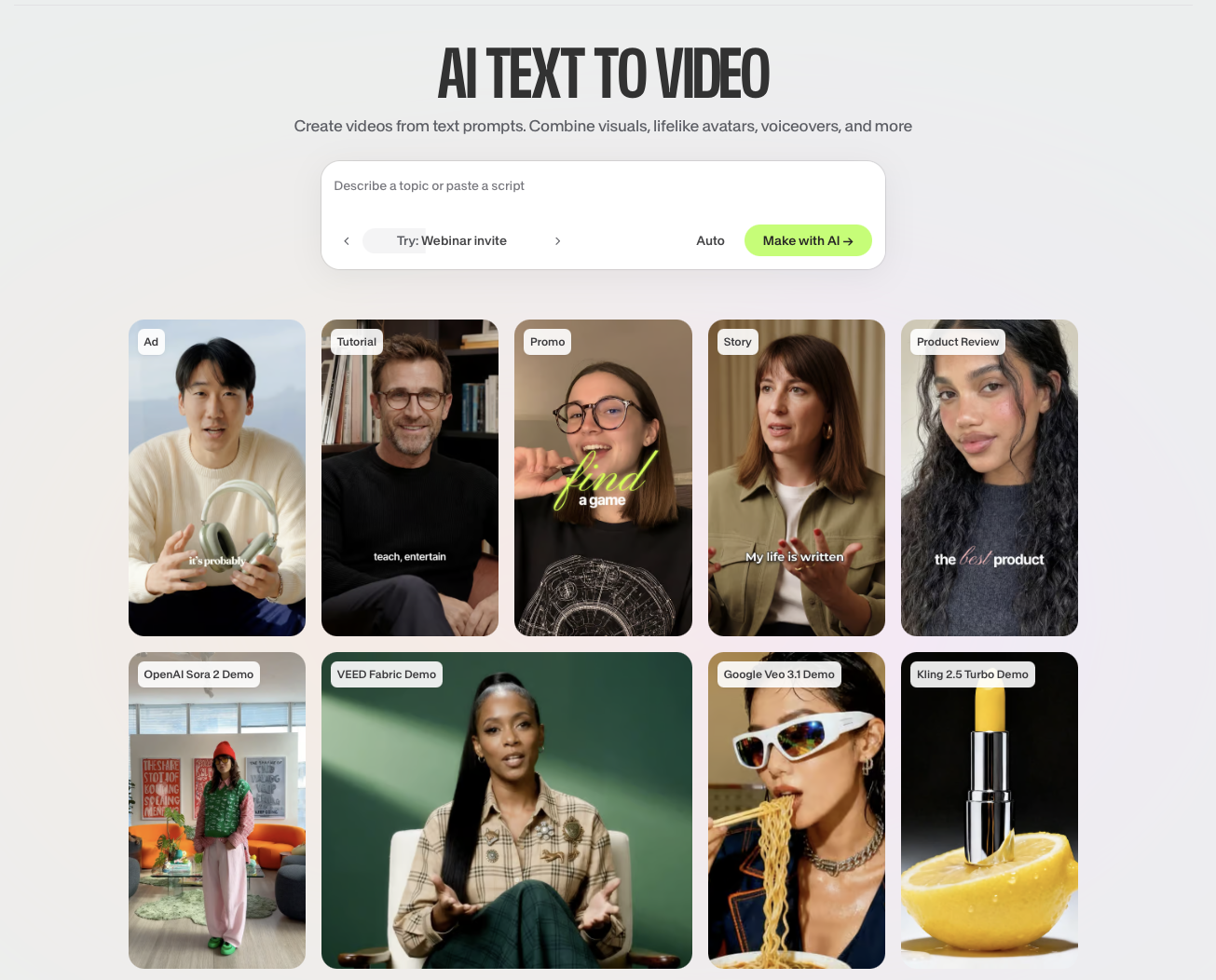
VEED is the AI video creation platform built to grow your brand on social. You envision a video, generate it, add your branding, and get a post-ready video in minutes. What sets VEED apart is that it does not stop at generation. Most generation tools hand you a clip and leave you to finish it elsewhere. VEED keeps going, giving you the editing and branding layer in the same workflow so the final video looks like your brand made it, not AI.
Best for: Marketers, founders, and social teams who want to go from idea to on-brand social video fast.
Key features:
- Text-to-video generation: Type an idea or paste a script and get a complete video with footage, narration, and subtitles using VEED's text-to-video AI tool.
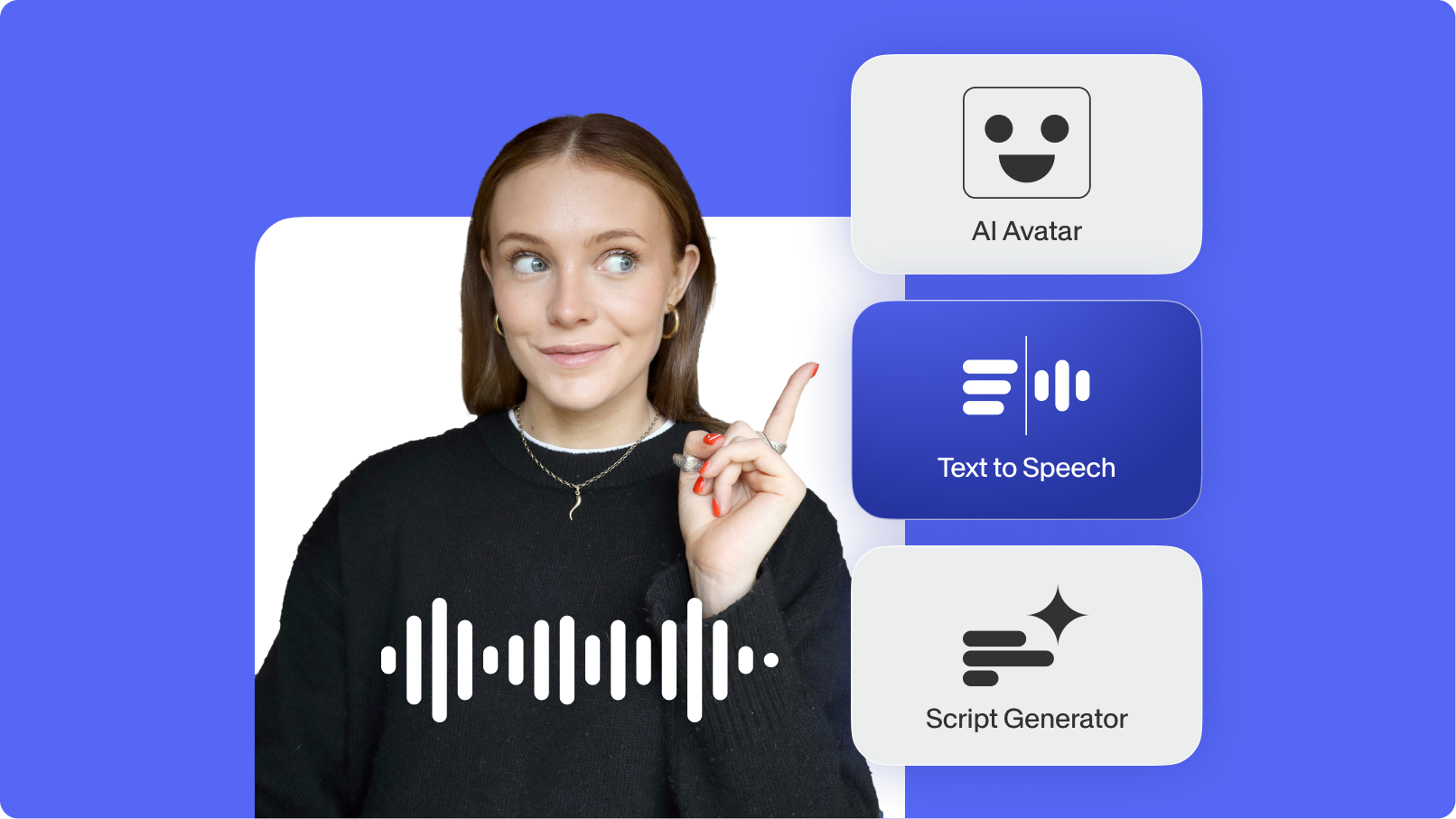
- AI avatars: Choose from a library of realistic presenters, or turn yourself into an avatar, so you can make talking-head video without filming.
- AI voiceovers and dubbing: Add AI voiceovers with text-to-speech in dozens of languages, or clone your own voice.
- Auto subtitles: Auto-generate subtitles with high accuracy, then style them so they pop on muted feeds.
- Brand control and editing: Drop in your logo, brand colors, and fonts, swap footage, resize for any platform, and export. Generation and editing live in one place.
VEED is built for the stretched marketing generalist who needs more video than a small team can make and cannot afford output that looks generic. Because creation, editing, and branding happen in one workflow, you skip the usual routine of generating in one app, captioning in another, and resizing in a third. That is the difference between content that looks posted by a brand and content that looks auto-generated.
Pricing: Free plan to start, with paid tiers as your needs grow. See VEED's pricing page for current rates.
Synthesia: Best for training and explainer video
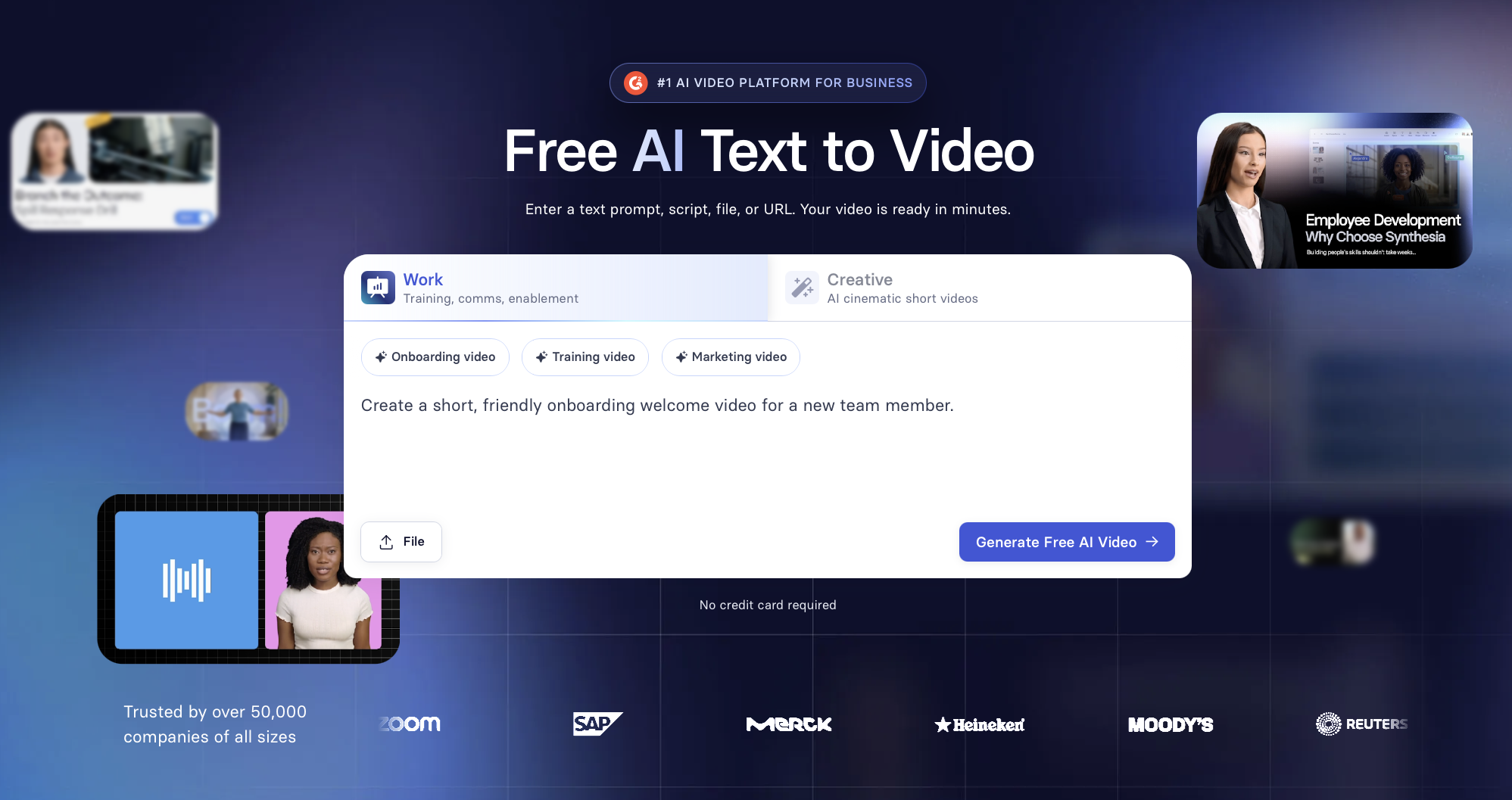
Synthesia turns scripts into studio-style videos with AI avatars, which makes it a common pick for corporate training, onboarding, and product explainers. It supports a wide range of languages and presenters, so a single script can become localized videos for global teams. It leans toward formal, talking-head content rather than fast-moving social clips.
Best for: Learning and development teams producing structured training videos.
Pricing: Tiered plans by usage. Check Synthesia's pricing page for current rates.
HeyGen: Best for personalized spokesperson video
HeyGen focuses on AI avatars and voice cloning, which makes it strong for personalized sales and marketing video. Teams use it to scale founder-led or spokesperson-style content without filming each variation. Like Synthesia, it is built around presenters speaking to camera rather than broad creative editing.
Best for: Sales and marketing teams scaling personalized talking-head video.
Pricing: Free tier plus paid plans. Check HeyGen's pricing page for current rates.
Runway: Best for experimental and creative video
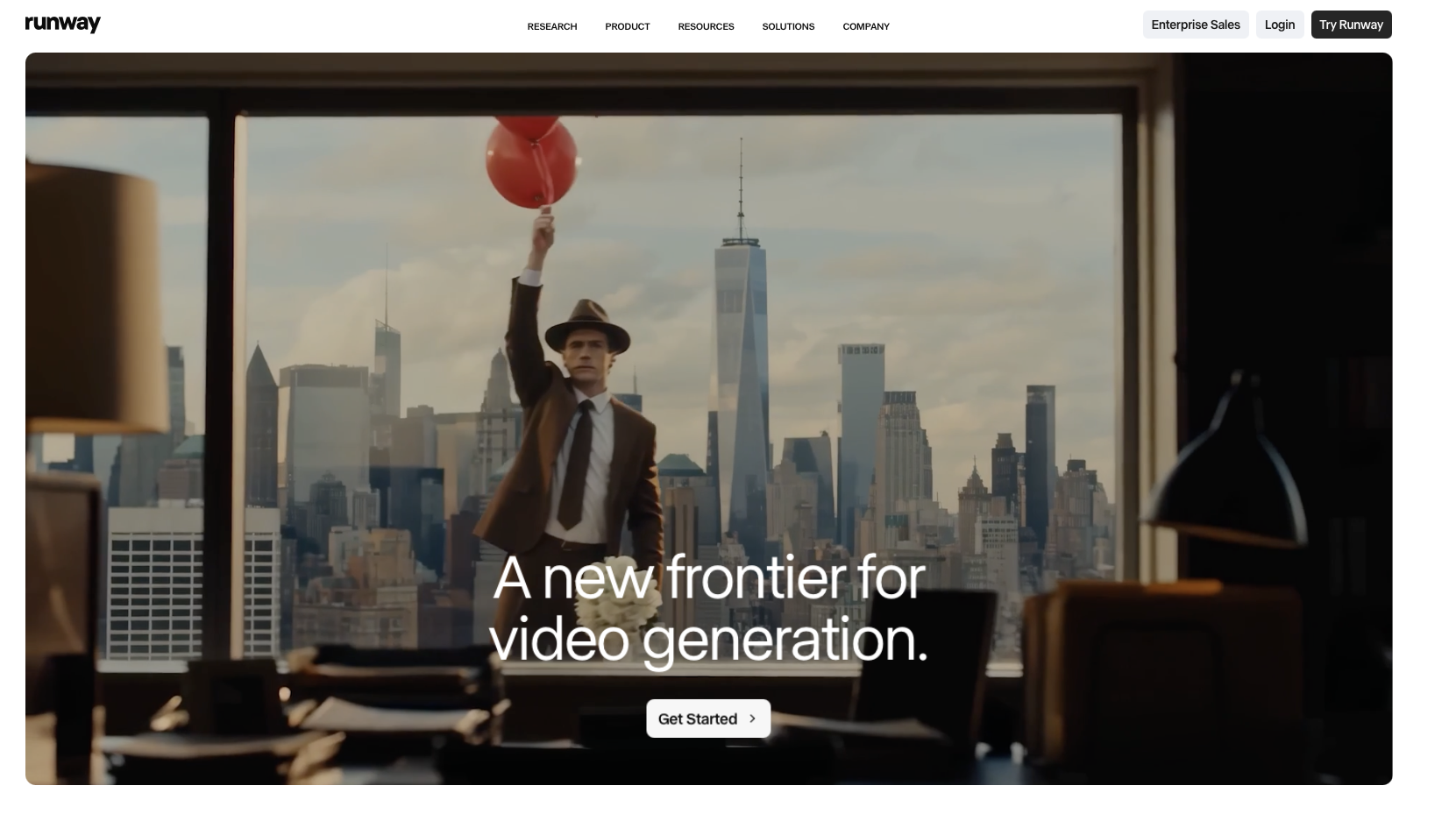
Runway is a generative video tool favored by creatives and filmmakers. Its strength is text-to-video and video-to-video generation for stylized, original footage you cannot easily shoot. It is more of a generation engine than a publishing workflow, so you will usually finish and brand the output elsewhere.
Best for: Creators and editors who want generative, cinematic-style clips.
Pricing: Free credits plus paid plans. Check Runway's pricing page for current rates.
AI tools for writing and copy
AI writing tools are the most advanced category, and the majority of marketers already utilize at least one. The key differences between them lie in their length, brand control, and the extent to which they are specifically tailored for marketing.
ChatGPT: best all-around AI writing tool
ChatGPT is the versatile default for ideation, drafting, outlines, and repurposing. It is strong at turning a rough brief into a first draft, brainstorming angles, and reshaping one piece of content into formats for different channels. For brand-specific copy, you will still edit its output to match your voice.
Best for: General writing, ideation, and quick repurposing.
Pricing: Free tier plus paid plans. Check OpenAI's pricing page for current rates.
Claude: Best for long-form and document-heavy writing
Claude handles long-form drafting and document analysis well, with a large context window that lets you feed in briefs, transcripts, or research and get structured writing back. Marketers often turn to it when a task requires extensive source material, such as transforming a webinar transcript into an article.
Best for: Long-form content and work that involves large documents.
Pricing: Free tier plus paid plans. Check Anthropic's pricing page for current rates.
Jasper: Best for marketing copy at scale
Jasper is built for marketing teams. It offers brand voice settings, campaign templates, and workflows for producing ads, emails, and landing page copy across a team. The trade-off is that it is a paid, marketing-specific tool rather than a general assistant.
Best for: Teams producing on-brand marketing copy at volume.
Pricing: Paid plans by seat and usage. Check Jasper's pricing page for current rates.
Copy.ai: Best for short-form marketing copy
Copy.ai is tuned for quick, short-form output: ad variations, social captions, and product descriptions. It is useful when you need many versions of a short message quickly to test what lands. For long-form depth, the writing tools above are a better fit.
Best for: Quick ad and social caption variations.
Pricing: Free plan plus paid tiers. Check Copy.ai's pricing page for current rates.
AI tools for images and design
Visuals carry social posts, thumbnails, and ads. These tools split between full design platforms and pure image generators.
Canva Magic Studio: Best for design-first teams
Canva pairs a familiar drag-and-drop editor with a suite of AI features for writing, design, and image generation, plus a brand kit to keep colors, fonts, and logos consistent. It is the easy entry point for teams that want polished graphics and simple video without a steep learning curve.
Best for: Quick graphics, presentations, and simple branded content.
Pricing: Free plan plus paid tiers. Check Canva's pricing page for current rates.
Midjourney: Best for stylized AI imagery
Midjourney generates high-quality, artistic images from text prompts. It is the go-to when you want distinctive, stylized visuals rather than stock-style photos. There is a learning curve to prompting well, and output needs review before it goes out under your brand.
Best for: Original, stylized image generation.
Pricing: Paid plans by usage. Check Midjourney's pricing page for current rates.
Adobe Firefly: Best for commercially safe visuals
Adobe Firefly is Adobe's image generation model, built to be commercially safe and integrated directly into Creative Cloud apps like Photoshop and Express. If your team already lives in Adobe, Firefly fits the existing workflow with fewer licensing worries about generated assets.
Best for: Adobe users who need brand-safe generated images.
Pricing: Included with some Creative Cloud plans plus standalone options. Check Adobe's pricing page for current rates.
AI tools for voice and audio
Voice is where AI has closed the gap between "robotic" and "believable," which matters for video narration, podcasts, and ads.
ElevenLabs: Best for realistic AI voiceovers
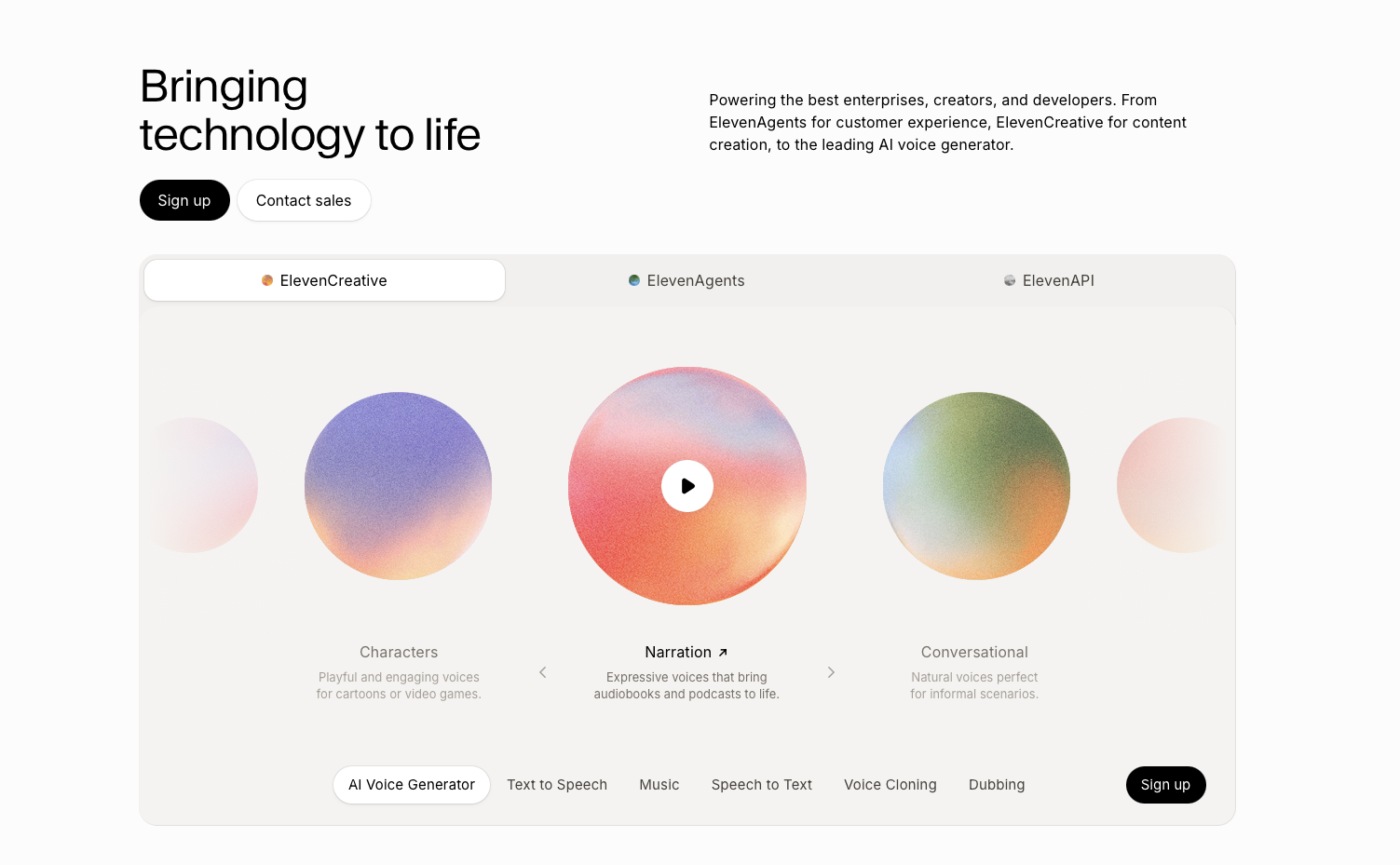
ElevenLabs produces natural-sounding text-to-speech and voice cloning across many languages, and it is widely used for narration, dubbing, and audiobook-style content. If you produce video inside VEED, you can also generate voiceovers there directly, which keeps narration in the same workflow as your edit.
Best for: Realistic standalone voiceovers and dubbing.
Pricing: Free tier plus paid plans. Check ElevenLabs' pricing page for current rates.
AI tools for social media and repurposing
The fastest content wins are often repurposing successes: turning one asset into many posts. These tools are built for that.
Opus Clip: Best for turning long video into shorts
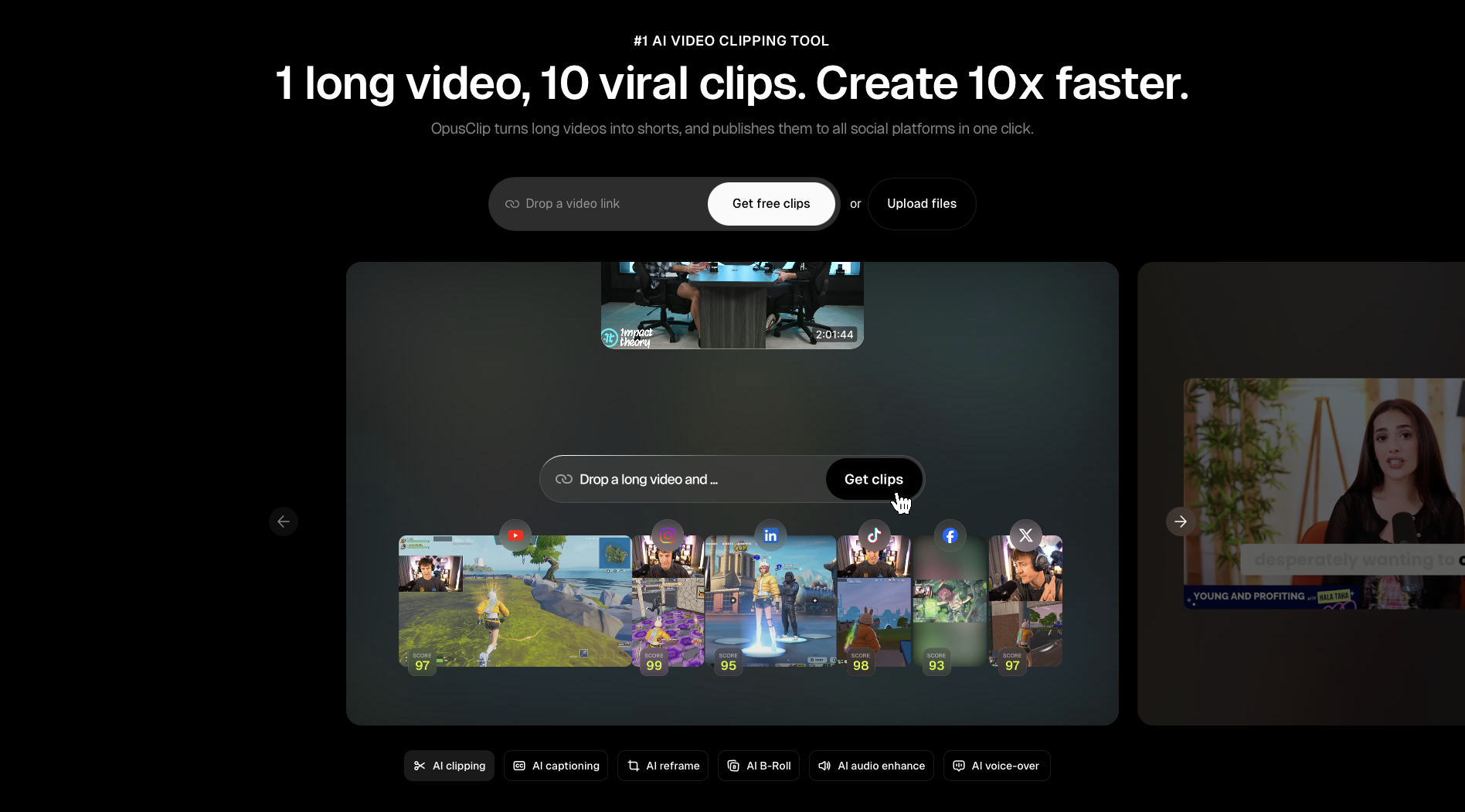
Opus Clip takes a long video, like a podcast or webinar, and automatically cuts it into short, captioned clips ready for Reels, Shorts, and TikTok. It scores segments for likely engagement so you know which clips to post first. It is repurposing-only, so you create the source video elsewhere.
Best for: Repurposing long-form video into social clips.
Pricing: Free plan plus paid tiers. Check Opus Clip's pricing page for current rates.
Buffer: Best for scheduling with AI assistance
Buffer is a social scheduling tool with an AI assistant that helps generate caption ideas and adapt a single post for different platforms. It sits at the distribution end of the workflow rather than the creation end, so it pairs well with the creation tools above.
Best for: Scheduling and lightweight caption repurposing across channels.
Pricing: Free plan plus paid tiers. Check Buffer's pricing page for current rates.
How to use VEED to create content step by step
VEED is the clearest example of an end-to-end workflow, so here is how to take a piece of content from idea to post-ready in one place. This is the same flow whether you start from a prompt or from existing footage. For a fuller walkthrough, see VEED's guide on how to make AI videos with VEED.
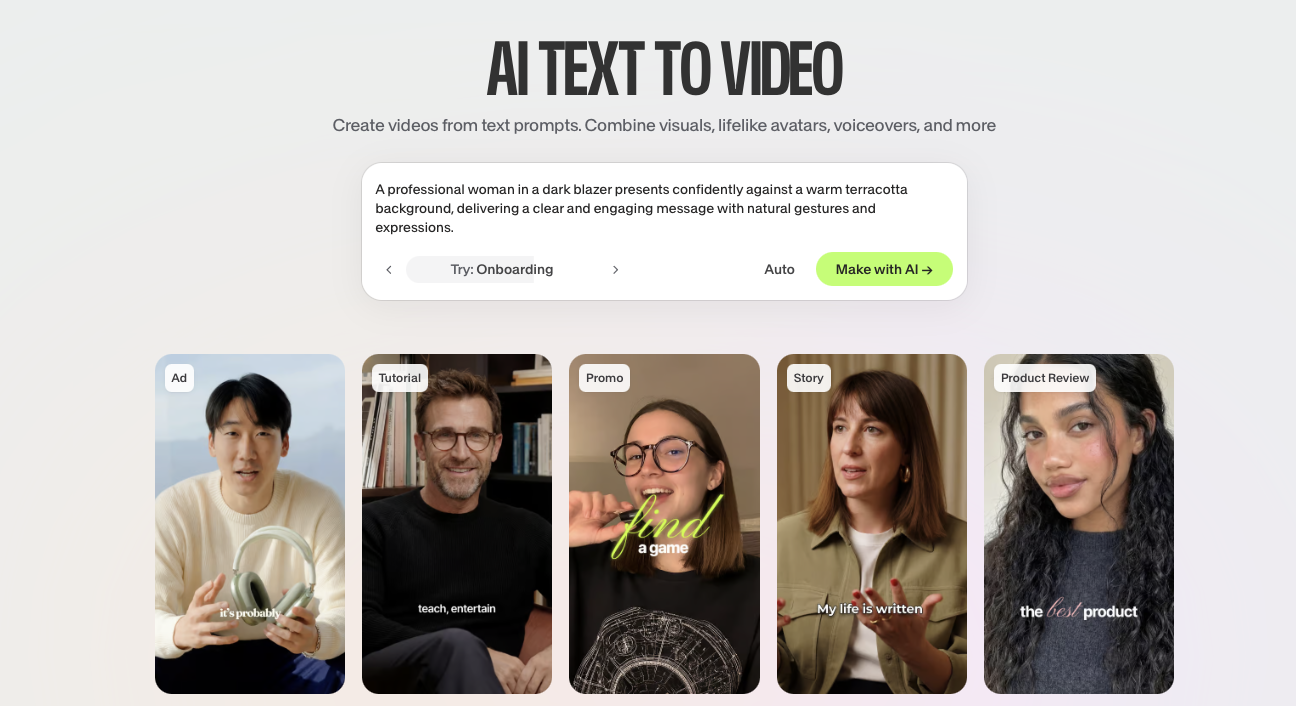
- Start with an idea or a script. Open the text-to-video tool, describe the video you want, or paste a script or article. VEED breaks it into scenes and matches visuals.
- Choose your presenter. Pick an AI avatar or go voice-only, then select a voice profile, language, and tone.
- Refine the generated draft. Swap any footage for your own clips, stock media, or new AI-generated visuals. Edit the script directly if the wording needs work.
- Add your branding. Drop in your logo, brand colors, and fonts so the video looks like your brand made it. Add styled, animated subtitles that hold attention on muted feeds.
- Resize and export. Format for the platform you are posting to, whether that is vertical for TikTok and Reels or square for the feed, and then export.
Because every step happens in the same editor, you avoid moving the file between a generator, a captioning app, and a resizing tool. That is what makes it realistic to ship social video at the volume modern channels demand.
How to choose the right AI content creation tool
The best tool is the one that fits the content you actually make and the way your team works. Use these checks to build a stack instead of collecting subscriptions.
Match the tool to your content format
- Lead with the format: Decide whether your bottleneck is video, writing, design, or distribution, then pick the category leader for that job first.
- Avoid all-in-one promises that are not: A writing tool bolting on weak image generation rarely beats a focused tool. Be honest about where each tool is actually strong.
- Map the entire workflow: Document every step from idea to published post, and identify the tool responsible for each step to ensure nothing is overlooked.
Prioritize control over the output
- Look past the first draft: Generation is the easy 80%. The last 20%, editing and branding, is what makes content publishable. Favor tools that help with both.
- Check brand controls: Brand kits, voice settings, and reusable templates keep output consistent so it does not look like everyone else's AI content.
- Maintain a human presence in the process: AI serves best as a starting point that you shape, rather than a mere publish button. Review before anything goes out under your name.
Test before you commit
- Use the free plans: Most tools here let you try the core workflow free. Run a real task through each before paying.
- Count the handoffs: Fewer tools and fewer file transfers usually means faster output. A workflow that lives in one place beats a chain of five apps.
- Revisit your stack quarterly: This category moves fast. For an ongoing view of what is working for video specifically, VEED keeps an updated roundup of AI tools for video editing.
What to remember about AI content creation tools
Here's what to remember:
- There is no single best tool: The best AI tools for content creation are the ones matched to each format you produce. Most teams run two or three together.
- Generation is only half the job: Tools that help you brand and finish the work, like VEED for video, save more time than tools that only produce a raw draft.
- Video is the format to get right: It is the most-consumed and hardest to scale, so a strong video workflow pays off most.
- Control protects your brand: Brand kits, editing, and human review keep output from looking generic.
- Start free, then build a stack: Test on real tasks, count the handoffs, and combine the focused leaders in each category.
🔧 Next step: Ready to turn an idea into a post-ready social video? Try VEED's text-to-video AI tool and create, brand, and export in one place.
FAQ
The best AI tools for content creation depend on the format. For video, VEED leads as an all-in-one platform, with Synthesia, HeyGen, and Runway covering specific use cases. For writing, ChatGPT, Claude, Jasper, and Copy.ai are top picks. For design, use Canva, Midjourney, or Adobe Firefly. Most teams combine two or three of these.
There is no single best tool, because content creation spans video, writing, design, and audio. The best choice for your team is the category leader for your biggest bottleneck. If that bottleneck is social video, VEED is a strong pick because it handles generation, editing, and branding in one workflow rather than just producing a raw clip.
VEED is built for video content creation aimed at social, letting you generate a video from a prompt or script, then add branding, subtitles, and edits in the same place. Tools like Synthesia and HeyGen specialize in avatar-led training and spokesperson video, while Runway focuses on generative, creative footage rather than a full publishing workflow.
Start by picking the right tool for your format, then follow a generate-refine-publish flow:
- Generate a first draft from a prompt, script, or brief
- Review and edit the output so it matches your message and brand
- Add branding, captions, or formatting for the platform
- Export or schedule, keeping a human check before it goes live
For small teams, yes, because they close the gap between content demand and limited capacity. The biggest gains come from tools that handle the full workflow, not just generation, so you are not stitching five apps together. Used well, AI lets a small team produce more on-brand content without sacrificing the quality that makes it worth posting.