


Trusted by 1M+ creators
VEED MCP
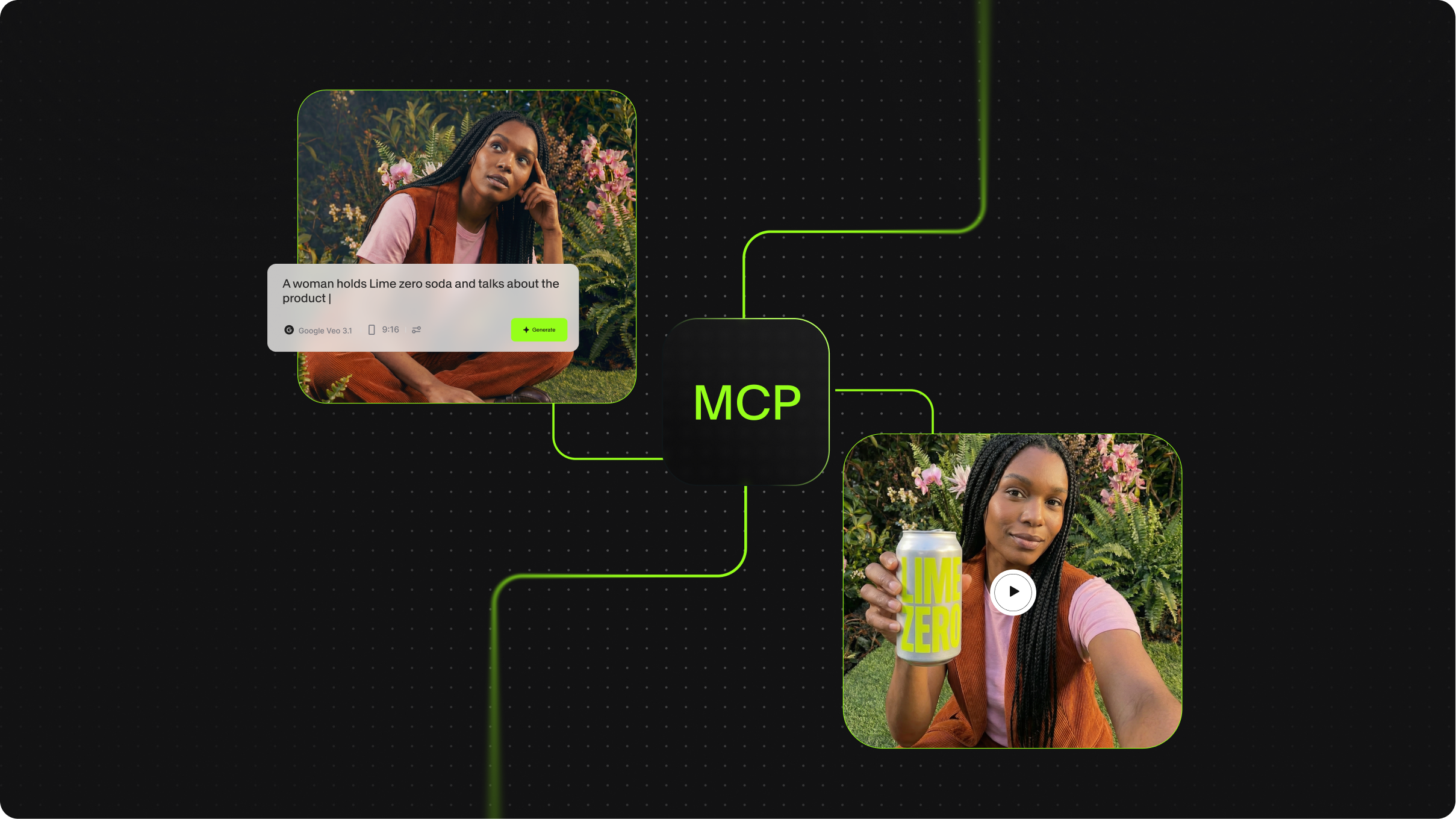
Generate videos inside any MCP-compatible workflow. AI agents call VEED to create videos from avatars.
No credit card required
4.6
2,100+ reviews















The video generation MCP server for AI agent workflows
Most MCP servers focus on data: pulling rows from a CRM, reading email, posting to Slack. Very few handle media creation, and almost none handle video. VEED's MCP server fills that gap. AI agents connect to it the same way they'd connect to a database or messaging tool, then call it to generate video from a text prompt or a static image. The result drops back into the agent's context, ready to pass to the next step in the workflow.
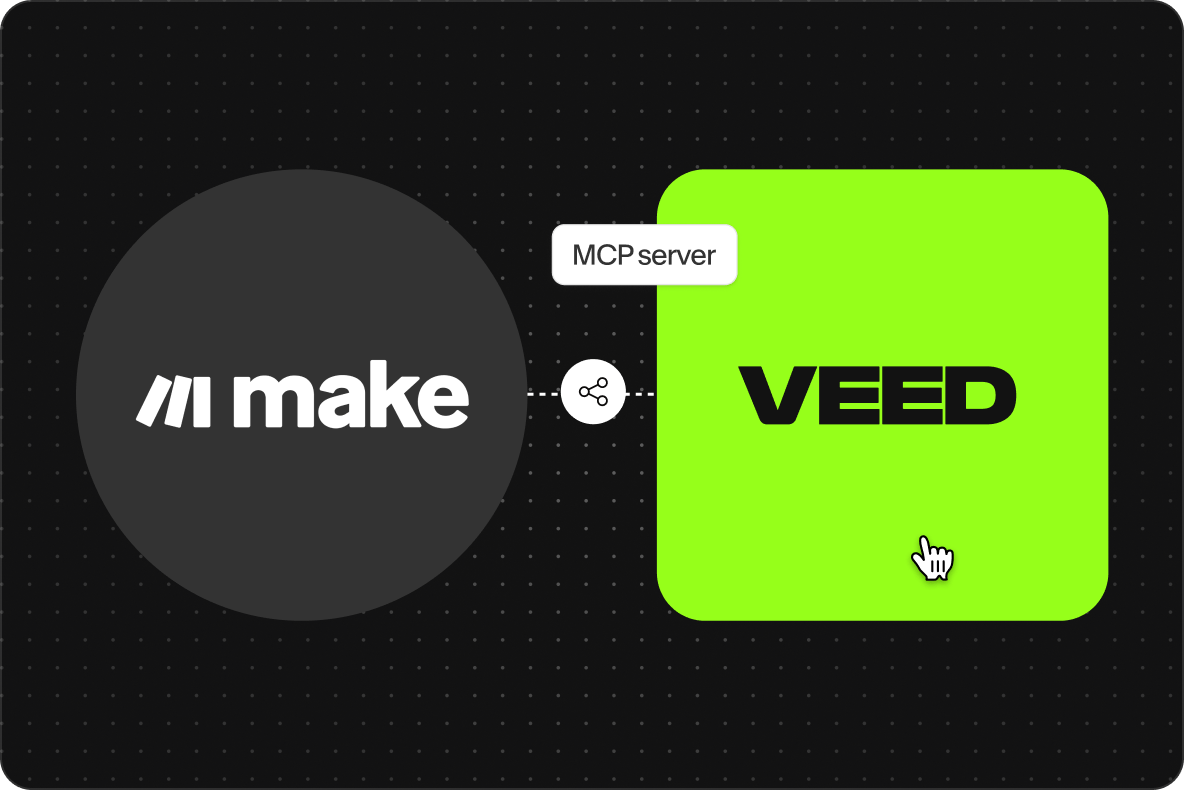
This MCP server runs on VEED's Fabric 1.0 model and is built for the open Model Context Protocol spec. Make.com is supported today, along with Claude, and other MCP-compatible clients can connect using the standard configuration. Use it to spin up product videos from a list of SKUs, generate ad creative from campaign briefs, or turn newsletter content into social video without a human in the loop. For developers building AI agents that need to produce video as a workflow output, the VEED MCP server is the layer that makes it possible.
How to use the VEED MCP server:
Step 01
Connect the server to your MCP client
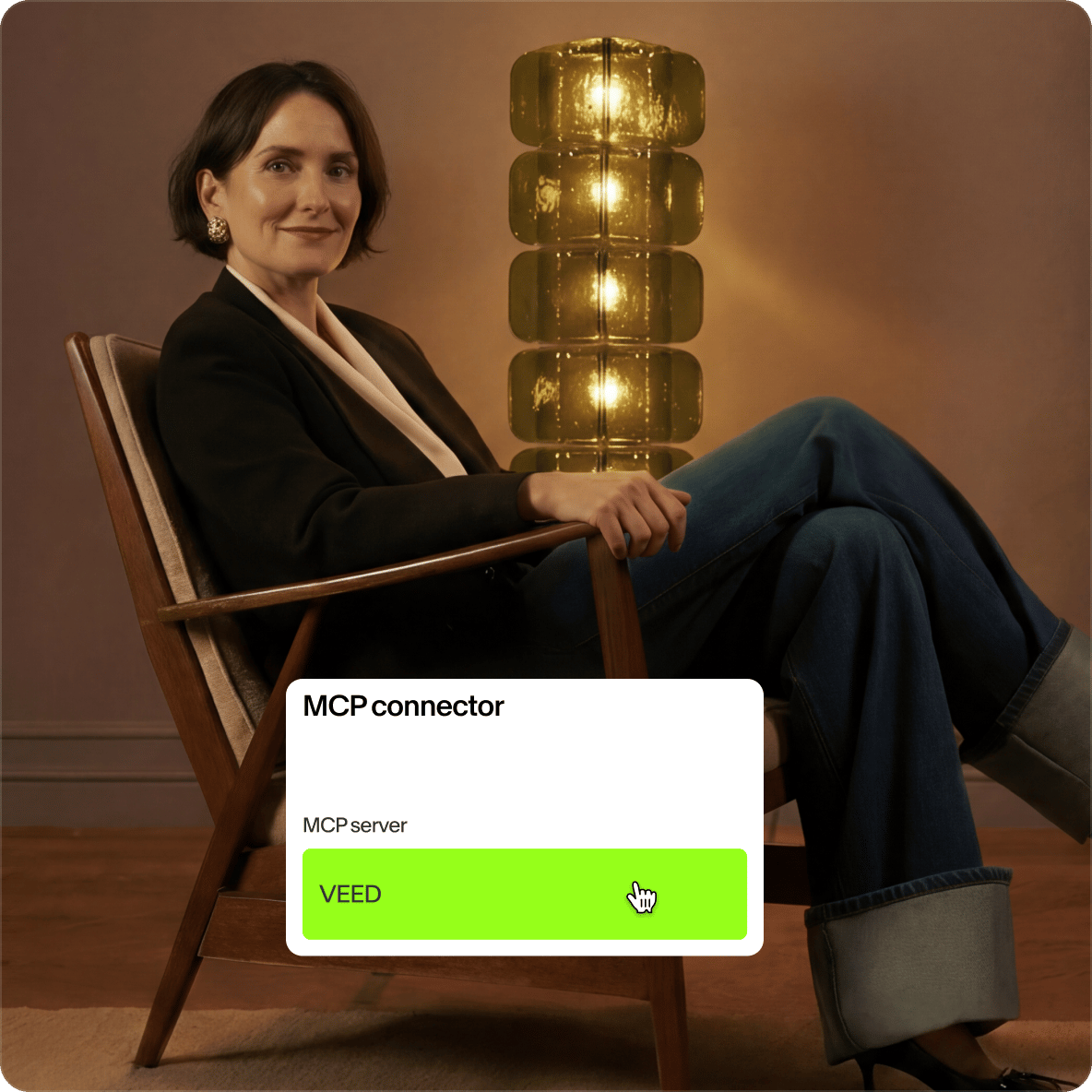
Add the VEED MCP server to your client of choice. Configuration follows the standard MCP setup: point your client at the server endpoint and authenticate. The server registers its available tools with your agent automatically.
Step 02
Send a generation request
Your agent calls the VEED tool with an AI avatar. The MCP server passes the request to Fabric 1.0, VEED's talking video model. Choose a voice, add your script, and VEED generates the video. Your agent doesn't need to know the underlying API: it sees a clean tool interface.
Step 03
Receive the video output
The server returns an MP4 URL the agent can hand off to the next workflow step: post to social, attach to an email, save to a CMS, or pass to another tool for further processing.
Learn More
Watch this demo on Fabric 1.0:
Built for MCP workflow automation, not point integrations
Most ways to add video to an automated workflow involve writing custom API glue: handle auth, manage queues, parse responses, retry failures. The VEED MCP server skips that work. Drop it into a Make.com scenario and the agent treats video generation as a native step, deciding when to call the tool, what prompts to pass, and how to use the output, all inside the same context window it uses for the rest of the workflow. Other MCP-compatible clients connect the same way. This makes MCP workflows that include video as easy to ship as workflows that only touch text data.
A video MCP server that competes in a category dominated by image and design tools
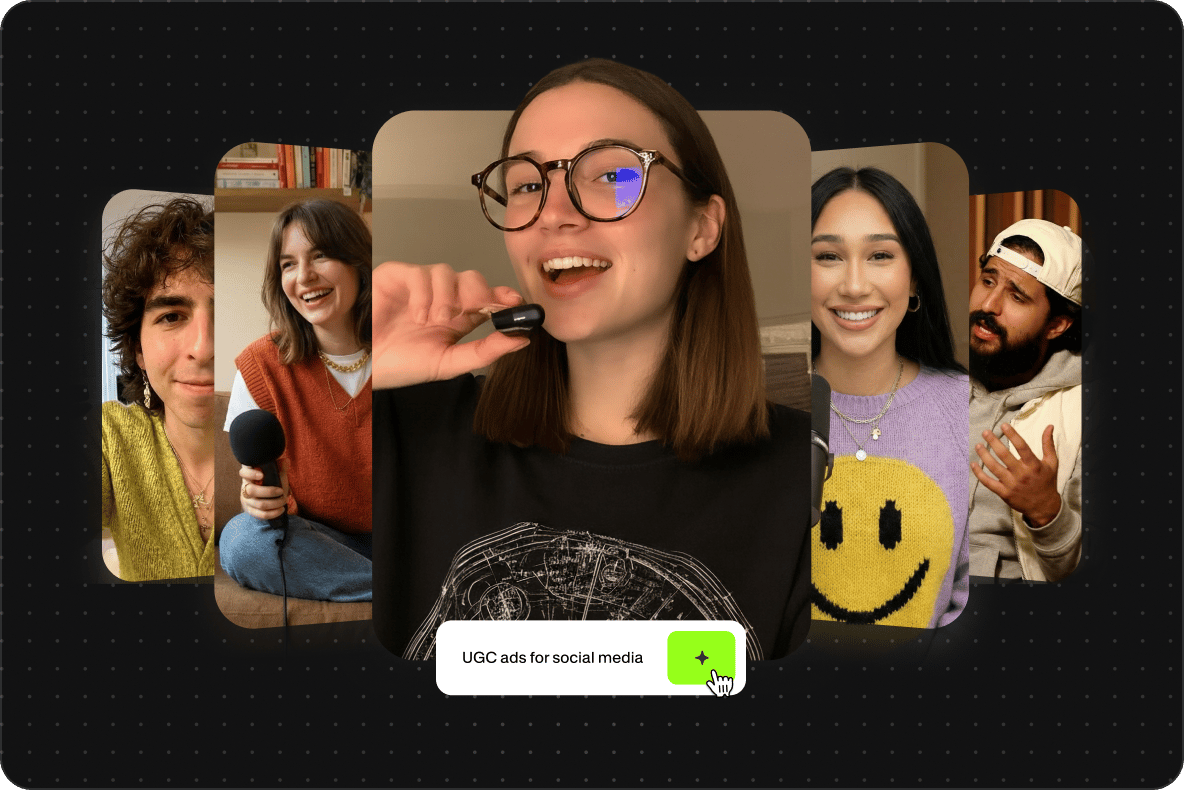
Search demand for tools like the Canva MCP server proves the creative-tool MCP category has an audience, but those servers stop at static design assets. VEED's MCP server is video-native. The same agent that generates a static graphic can now produce video clips from the same prompt, suitable for TikTok, Reels, Shorts, or paid social. For teams already running content pipelines through Make.com, this closes the gap between design automation and video automation, no second platform required.
Designed for marketing and SaaS workflow automation
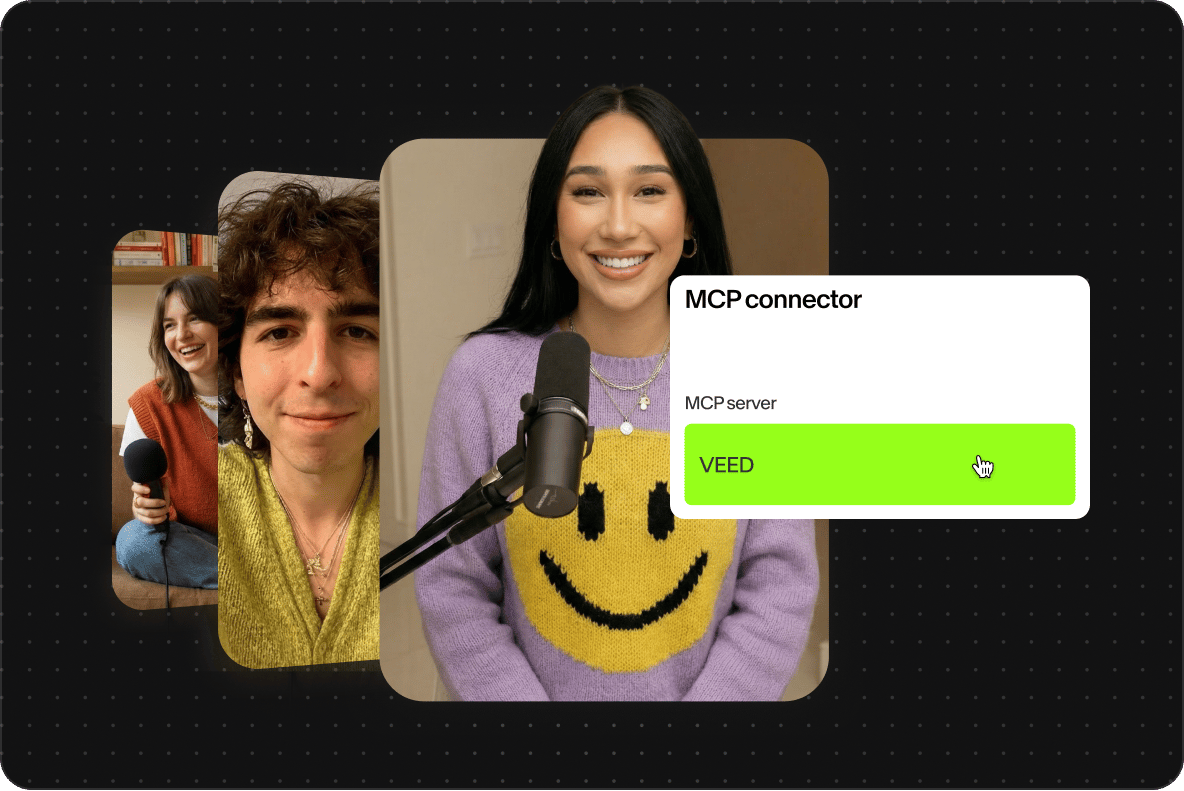
Marketing teams running MCP-powered content pipelines hit a wall when the workflow needs video. Static images are easy to generate at scale; video usually means handing off to a separate tool, breaking the automation. VEED's MCP server keeps the workflow intact. Generate ad creative variants from a campaign brief, produce localized video versions for different markets, or turn product feeds into video listings, all from a single agent run. SaaS teams building agent features can offer video output to their own users without building a video pipeline from scratch.
FAQ
An MCP server exposes a tool or service to AI agents through the Model Context Protocol, a standard for letting models call external systems. Unlike a traditional API, an MCP server is built for agents to discover and use directly: the agent decides when to call it, what to pass, and how to handle the output. For a deeper explainer, see VEED's guide on what MCP is in AI.
The VEED MCP server registers a video generation tool with your MCP client. When your agent decides it needs video, it calls the tool with a prompt or image input. The server runs the request through Fabric 1.0, VEED's video model, and returns an MP4 URL the agent can use immediately. The agent retains context across the call, so the video output can feed directly into the next workflow step.
Input:
- AI avatars (for image-to-video generation via Fabric 1.0)
- Optional parameters for duration and aspect ratio
Output:
- MP4 video URL
- Returned to the calling MCP client for the agent to consume
The VEED MCP server is free to download and integrate, but you would need a VEED account and AI Playground credits to generate videos. You can check the pricing page for more information on how AI credits work with VEED’s plans.
Make.com is a supported client today, as well as Claude, ChatGPT, and other compatible tools. The server follows the open Model Context Protocol spec, so any compliant MCP client can connect using the standard configuration. For teams already running scenarios in Make.com, the VEED server slots in as another tool the agent can call, alongside whatever else the workflow needs.
Yes. The most common use cases are ad creative generation (Google Ads, Meta Ads, TikTok Ads campaigns), social content pipelines for LinkedIn, Instagram, YouTube, and TikTok, and localized video variants for international markets. Pair the VEED MCP server with social posting MCP servers in Make.com to run end-to-end pipelines: brief in, video out, posted to channel, no manual handoffs.
Loved by creators.
Loved by the Fortune 500
“
With VEED I didn't need 15 tutorials - I jumped straight in and started editing.

Gwenne Wilcox
Founder,
Brand Brainery
“
You can go beyond choppping things. VEED actually makes my videos look great.

Michael Glover
Demand Gen Manager,
ConvertFlow
“
The first four videos i created with VEED got over 40,000 impressions on LinkedIn.

Travis Tyler
Senior Content Producer,
PandaDoc
“
I found VEED at the right time: if you're making UGC ads and not using Eye Contact Correction and Noise Reduction on VEED you're missing out on ROI.

Sebastian Schurgers
Head of Growth Marketing,
Gronda
“
With VEED I didn't need 15 tutorials - I jumped straight in and started editing.
Gwenne Wilcox
Founder,
Brand Brainery
“
You can go beyond choppping things. VEED actually makes my videos look great.
Michael Glover
Demand Gen Manager,
ConvertFlow
“
The first four videos i created with VEED got over 40,000 impressions on LinkedIn.
Travis Tyler
Senior Content Producer,
PandaDoc
“
I found VEED at the right time: if you're making UGC ads and not using Eye Contact Correction and Noise Reduction on VEED you're missing out on ROI.
Sebastian Schurgers
Head of Growth Marketing,
Gronda
“
The first four videos i created with VEED got over 40,000 impressions on LinkedIn.
Travis Tyler
Senior Content Producer,
PandaDoc
“
I found VEED at the right time: if you're making UGC ads and not using Eye Contact Correction and Noise Reduction on VEED you're missing out on ROI.
Sebastian Schurgers
Head of Growth Marketing,
Gronda
“
With VEED I didn't need 15 tutorials - I jumped straight in and started editing.
Gwenne Wilcox
Founder,
Brand Brainery
“
You can go beyond choppping things. VEED actually makes my videos look great.
Michael Glover
Demand Gen Manager,
ConvertFlow
More from VEED
What is MCP in AI? The Model Context Protocol, Explained

Background Removal API for Developers: VEED's Video-First Endpoints Explained
Most background removal APIs are built for images. VEED's API processes video natively across three endpoints, standard, fast, and green screen, with 4K output and alpha channel support built for social content pipelines.
VEED Video Editing API: Build Social-Ready Video Creation at Scale
Build social-ready video at scale with VEED's API. AI captions, encoding, generation, and more — no media infrastructure required.
Trusted by 1M+ creators
When it comes to amazing videos, all you need is VEED
No credit card required
More than an MCP server
The VEED MCP server is one entry point into VEED's AI video stack. For direct API integration, see the Fabric 1.0 API for image-to-video, the lip sync API for dubbing and avatar workflows, and the background remover API for compositing. VEED is the AI video creation platform behind all of them. Whether you're building scenarios in Make.com or connecting a custom MCP client, VEED gives you the tools to put video generation inside the workflow.