


Trusted by 1M+ creators
AI Video Agent
Upload your footage or start from an idea, then describe the video you want. VEED AI cuts, reframes, subtitles, and brands it until it looks like yours
No credit card required
4.6
2,100+ reviews















Your AI video agent is here: VEED AI turns your footage or ideas into a finished video
An AI video agent is an AI assistant that takes your footage, or just your idea, plus instructions in plain language, and does the editing itself: cutting, reframing, subtitles, hook text, branding, and new footage where the video needs it. VEED AI is VEED's AI video agent. Upload your clips or describe the video you want, indicate the platform where you want it posted and the job, and it builds the video, shows you the result, and keeps changing it until you say it's done. No timeline, nothing to install.
Social media managers can use it to turn one recording into a week of posts for TikTok, Reels, Shorts, YouTube, and LinkedIn. Small business owners and founders use it to create a product video or promo without learning a complicated editing tool. Newsrooms, podcasters, and marketing teams can use it to package landscape footage as vertical clips with subtitles, lower thirds, a logo, and an end card, the same way every time. If you only need the best moments pulled from a long video, Clips does that in one step.
How to make a video with the AI video agent:
Step 01
Upload your footage or describe the video
Open VEED AI and attach your clips, images, audio, or logo, or start with nothing and describe the video you want. Say what it is for and what needs doing: cut the video to 30 seconds, make it vertical, and add subtitles and our logo.
Step 02
Answer a few questions and let it build
The agent may ask about your brand, style, or length, then shows its plan and builds the video: trimming dead air, reframing, adding subtitles and hook text, placing your logo, and generating b-roll, music, or sound where needed. It asks before running a costly generation.
Step 03
Review, refine, and download
Watch the result, then ask for changes in the same chat: a stronger hook, a shorter cut, a different end card. Each result is saved as its own version, so you can go back. Download the MP4, or ask for a vertical version next.
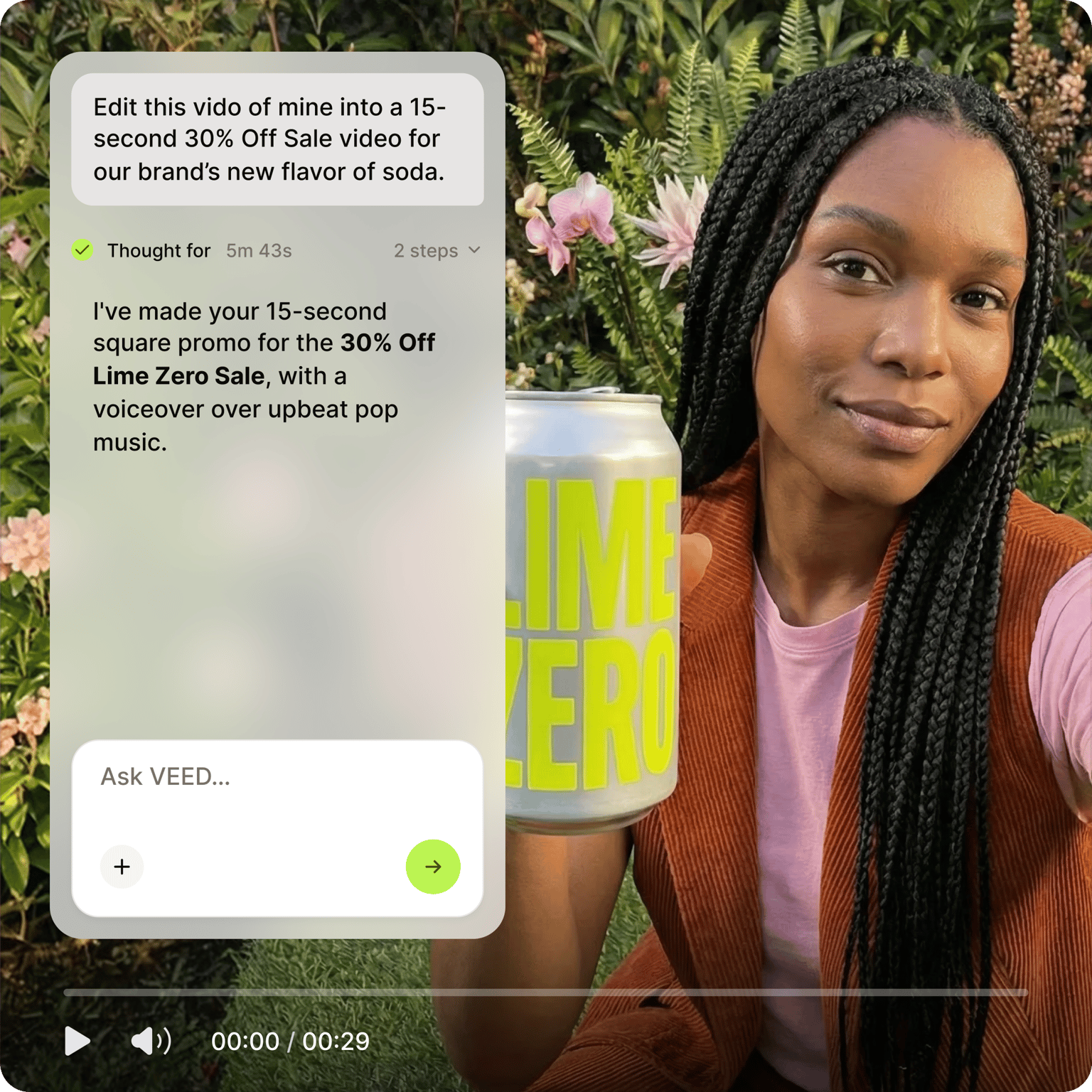
From raw clips to a post-ready video in one conversation
Footage goes in with a one-line brief. What comes out is a finished video: trimmed, reframed for the platform, subtitled away from the speaker's face, with a hook at the start and your logo and end card at the finish. Ask for a vertical cut for TikTok, Reels, and Shorts and a landscape one for YouTube and LinkedIn from the same recording. No footage? Describe the video, and the agent generates it.
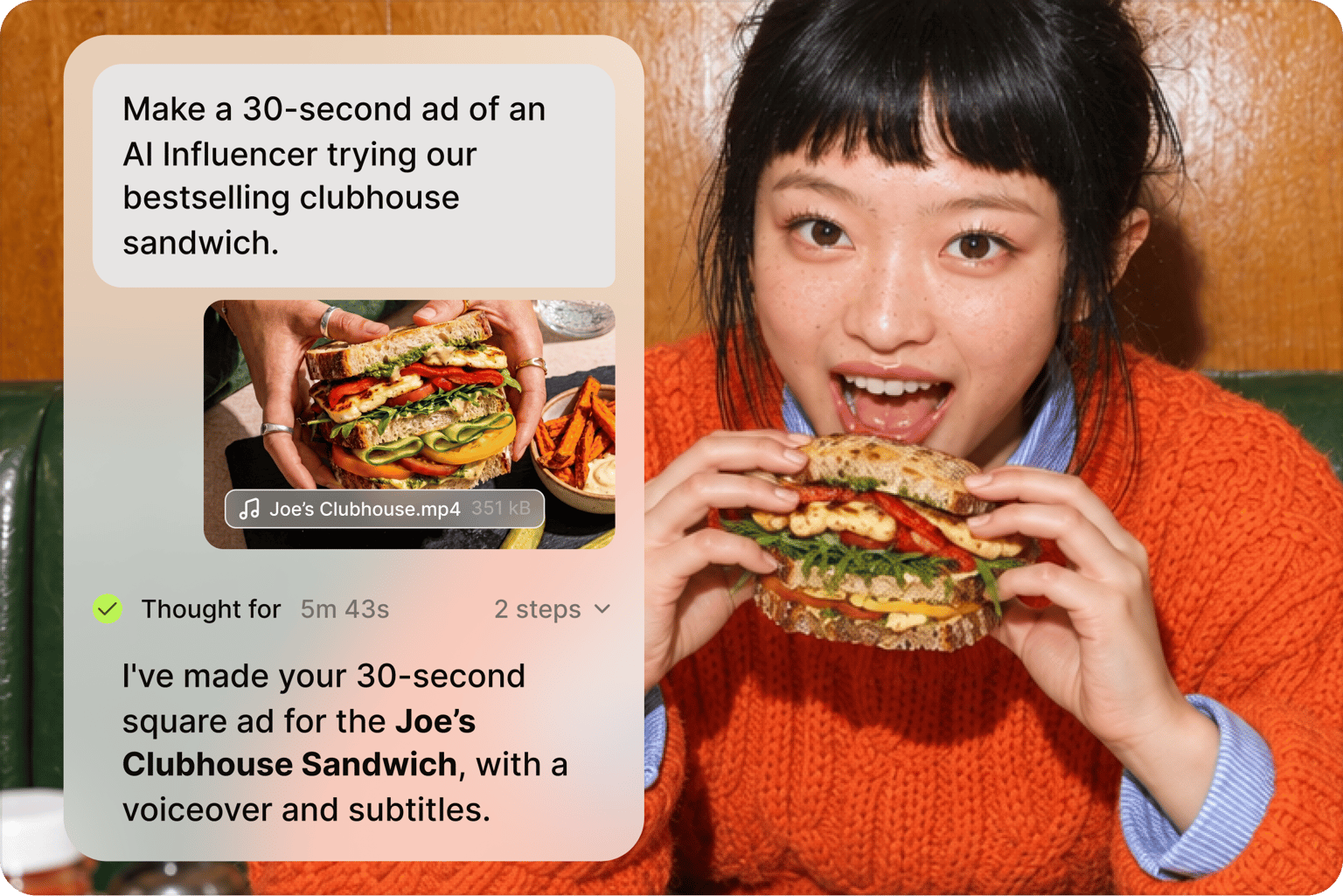
You direct, VEED AI edits
Describe the change in plain words, and the agent makes it: lose the pause at the start, make the hook punchier, and swap the music. Every version is kept, so nothing is lost when you try something. Before a costly generation runs, it asks you first. The result looks like your brand made it, not generic, because you set the brief and approved the cut.
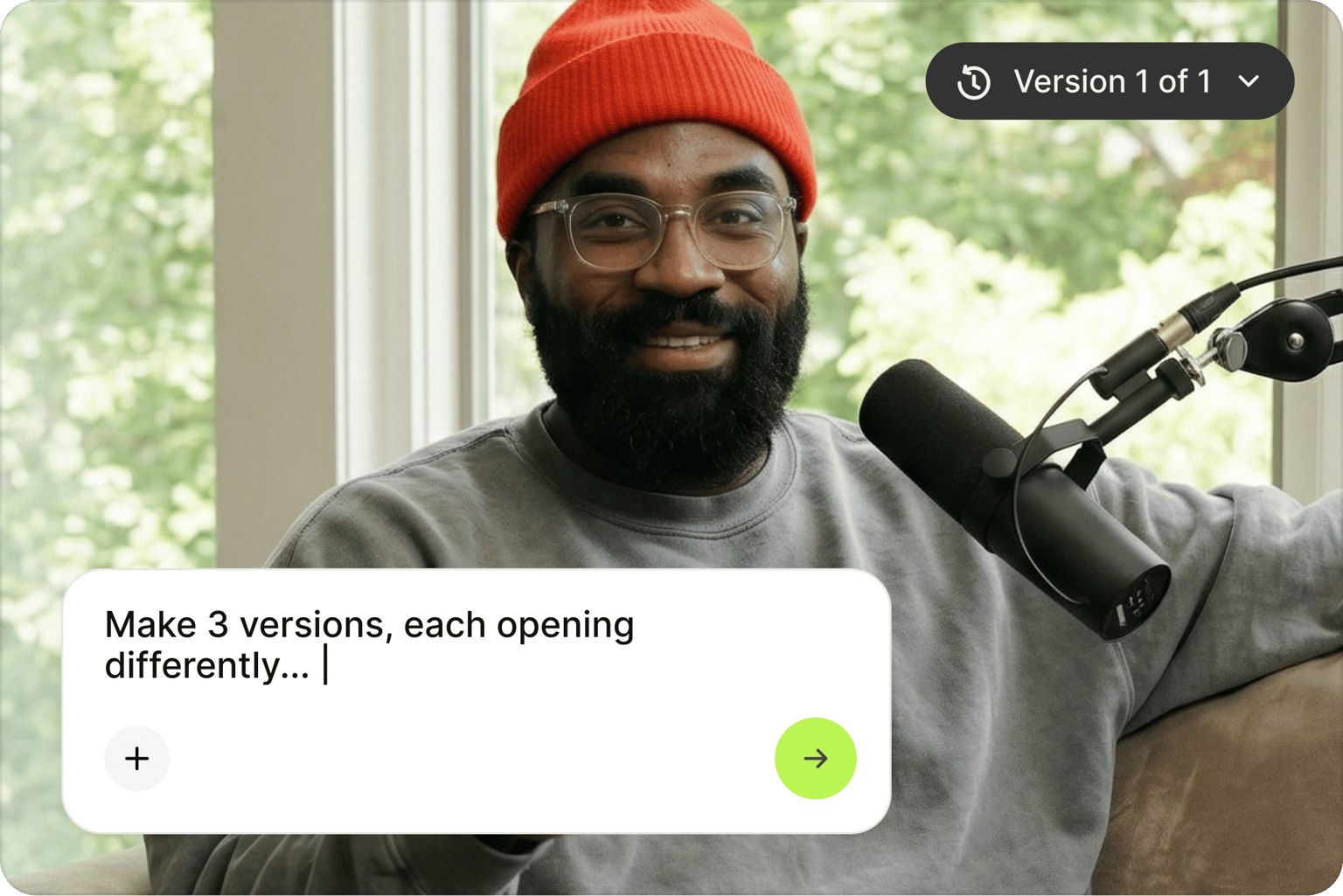
One agent for editing, generating, and repurposing
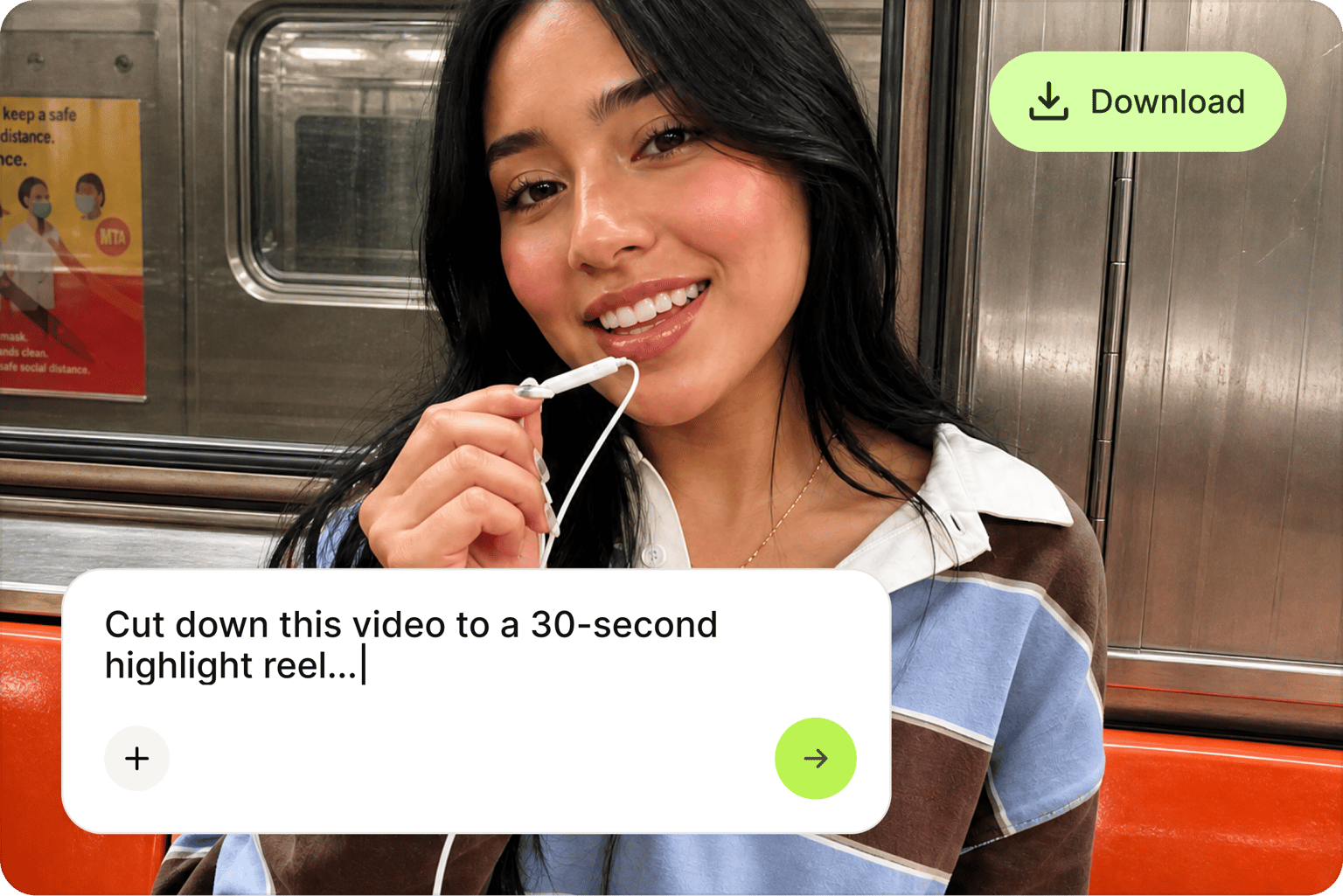
The same chat edits what you shot, generates what you did not, and mixes both: AI b-roll, images, voiceover, music, and sound effects, plus a clone of your own voice from a clip you upload. Long recording? Ask for the highlights as short clips. Want a video with no footage at all? The AI video generator builds one from a script, and Auto Edits cleans up a recording in one pass when you would rather skip the conversation.
FAQ
An AI video agent is software that edits or creates a video from instructions in plain language instead of a timeline. You give it footage or an idea and a brief, and it plans the edit, handles the cut, subtitles, and branding, generates any missing media, and shows you the result to refine. VEED AI is a powerful AI video agent: nothing to install or connect, and you keep refining in the same chat until the video is ready to post.
Using an AI agent to edit a video means describing the job rather than doing it. In VEED AI, upload your clips, images, audio, or logo, then say what you want: trim the dead air, make it vertical, and add subtitles and an end card. The agent may ask a question or two, then build the video. Review it, ask for changes, and download the version you like. Every result is saved, so you can go back to an earlier cut.
Agentic workflows in video editing hand the whole job to an AI agent that plans and carries out the steps itself, rather than to a single tool that automates one task, like captions. The agent decides the cut, reframes, places subtitles and graphics, generates b-roll where needed, checks its own result, and then takes your feedback. VEED AI works this way: one brief in, a finished video out, with you approving the plan and the changes along the way.
The best AI video agent finishes the video, not just a draft: it handles your footage and generated media, delivers subtitles, hook text, logo, and end card in the right places, and needs nothing installed. Judge it on the first result and how few follow-ups it takes to fix. VEED AI is built only for video, works from your footage or from nothing, and keeps every version, so trying a change is just one sentence away.
An AI video agent can create a video ad from a brief and, if you have them, your product shots. Describe the offer, the audience, the platform, and the length, and VEED AI writes the hook, cuts or generates the footage, adds subtitles, music, and a call-to-action end card, and sizes it for TikTok, Reels, Shorts, or YouTube. Ask for a second version with a different hook, or a UGC-style cut, and each one is saved separately.
Loved by creators.
Loved by the Fortune 500
“
With VEED I didn't need 15 tutorials - I jumped straight in and started editing.

Gwenne Wilcox
Founder,
Brand Brainery
“
You can go beyond choppping things. VEED actually makes my videos look great.

Michael Glover
Demand Gen Manager,
ConvertFlow
“
The first four videos i created with VEED got over 40,000 impressions on LinkedIn.

Travis Tyler
Senior Content Producer,
PandaDoc
“
I found VEED at the right time: if you're making UGC ads and not using Eye Contact Correction and Noise Reduction on VEED you're missing out on ROI.

Sebastian Schurgers
Head of Growth Marketing,
Gronda
“
With VEED I didn't need 15 tutorials - I jumped straight in and started editing.
Gwenne Wilcox
Founder,
Brand Brainery
“
You can go beyond choppping things. VEED actually makes my videos look great.
Michael Glover
Demand Gen Manager,
ConvertFlow
“
The first four videos i created with VEED got over 40,000 impressions on LinkedIn.
Travis Tyler
Senior Content Producer,
PandaDoc
“
I found VEED at the right time: if you're making UGC ads and not using Eye Contact Correction and Noise Reduction on VEED you're missing out on ROI.
Sebastian Schurgers
Head of Growth Marketing,
Gronda
“
The first four videos i created with VEED got over 40,000 impressions on LinkedIn.
Travis Tyler
Senior Content Producer,
PandaDoc
“
I found VEED at the right time: if you're making UGC ads and not using Eye Contact Correction and Noise Reduction on VEED you're missing out on ROI.
Sebastian Schurgers
Head of Growth Marketing,
Gronda
“
With VEED I didn't need 15 tutorials - I jumped straight in and started editing.
Gwenne Wilcox
Founder,
Brand Brainery
“
You can go beyond choppping things. VEED actually makes my videos look great.
Michael Glover
Demand Gen Manager,
ConvertFlow
Explore related tools
More from VEED
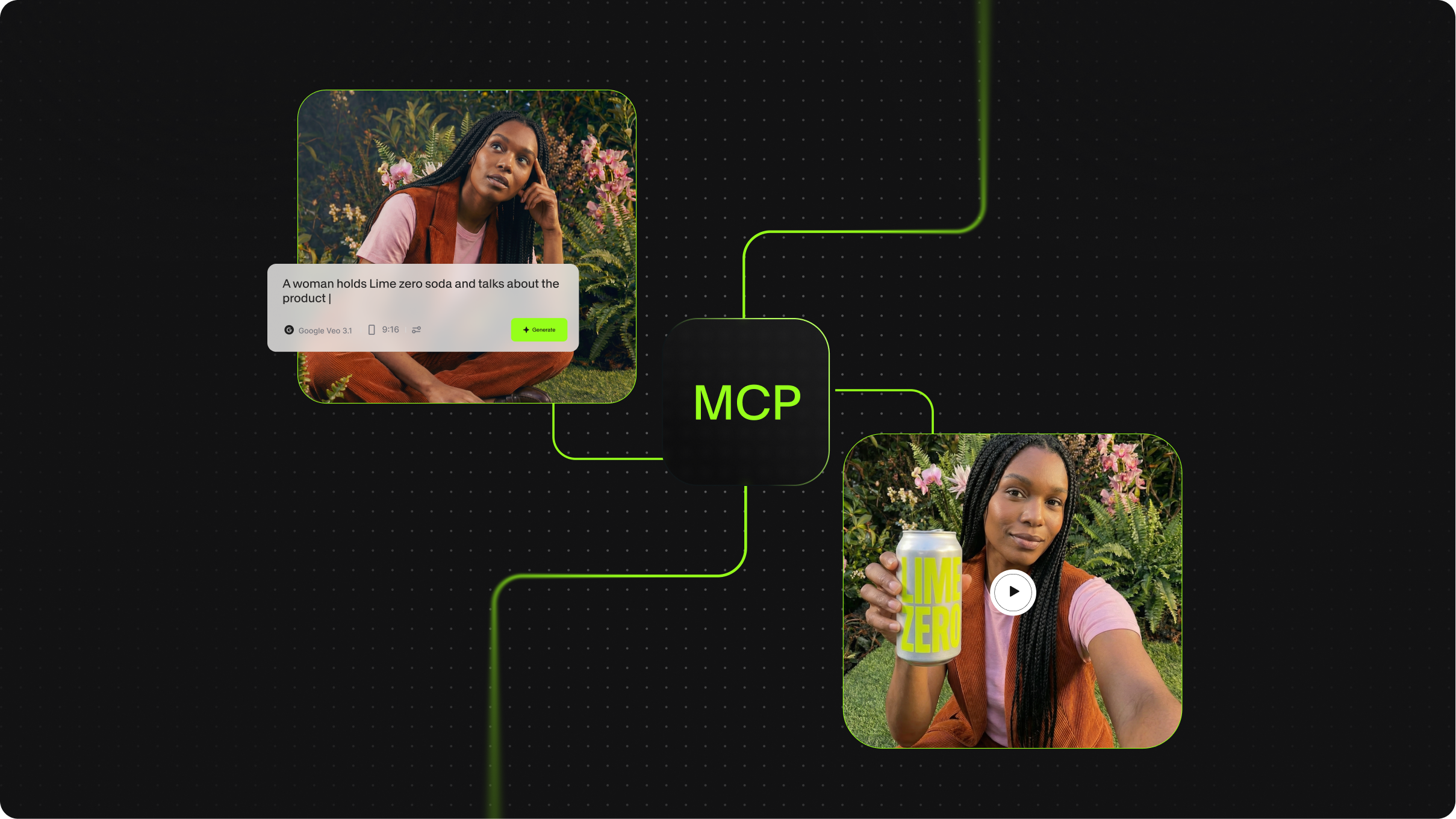
What is MCP in AI? The Model Context Protocol, Explained
Best Video API for Handling Media Files
We tested and compared the leading video and media file APIs across five practical use cases: large file upload via REST, batch audio and video processing, audio transcription from file, hosted FFmpeg manipulation, and programmatic media retrieval and delivery.

Introducing OpenEdit
OpenEdit is VEED's agent-native video tool. Tell your AI agent to add subtitles to a video, and it transcribes the audio, designs a caption style to fit, and renders the finished clip.
Trusted by 1M+ creators
When it comes to amazing videos, all you need is VEED
No credit card required
More than an AI video agent
The agent is one way in. VEED is an AI video creation platform that takes you from idea to social-ready video in one workflow. Generate a scene, a voiceover, or an AI avatar from a prompt, refine the cut with subtitles, clean audio, and the details you ask for, keep fonts, colors, and logos consistent so every video looks like your brand made it, and export post-ready for TikTok, Reels, YouTube, and LinkedIn. Turn this week's recording into next week's posts. Start creating with VEED today.