Streamlining Video Editing with AI: A Guide for Busy Marketers
Want to streamline your video editing workflow? Check out this list of the best AI tools for video editing.
AI auto video editor that cleans your audio, adds music and B-roll, and more. Turn your raw footage into a polished video in minutes
4.6
319 reviews















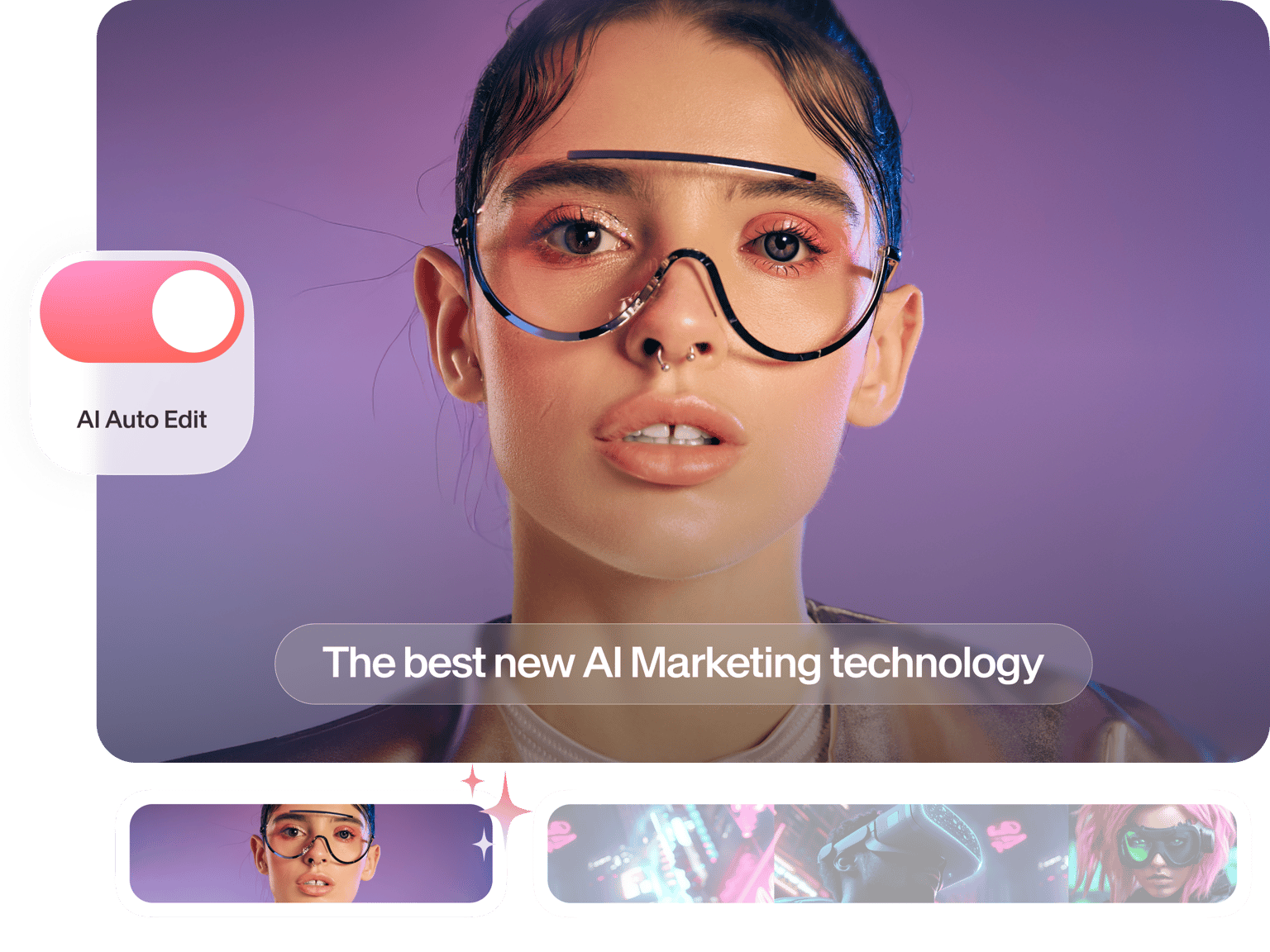
Turn hours of video editing into minutes. Our AI auto video editor handles the heavy lifting for you. Upload your video and apply automatic edits like noise removal, B-roll, and dynamic captions. Select your preferred social media platform and auto-resize your video to the perfect format.
Create content for faceless YouTube channels, podcast highlights, gaming clips, and car review videos. Automated video editing lets you focus on your message instead of tedious editing tasks. Try our auto video editor now for free.
How to edit a video automatically with AI:
Step 1
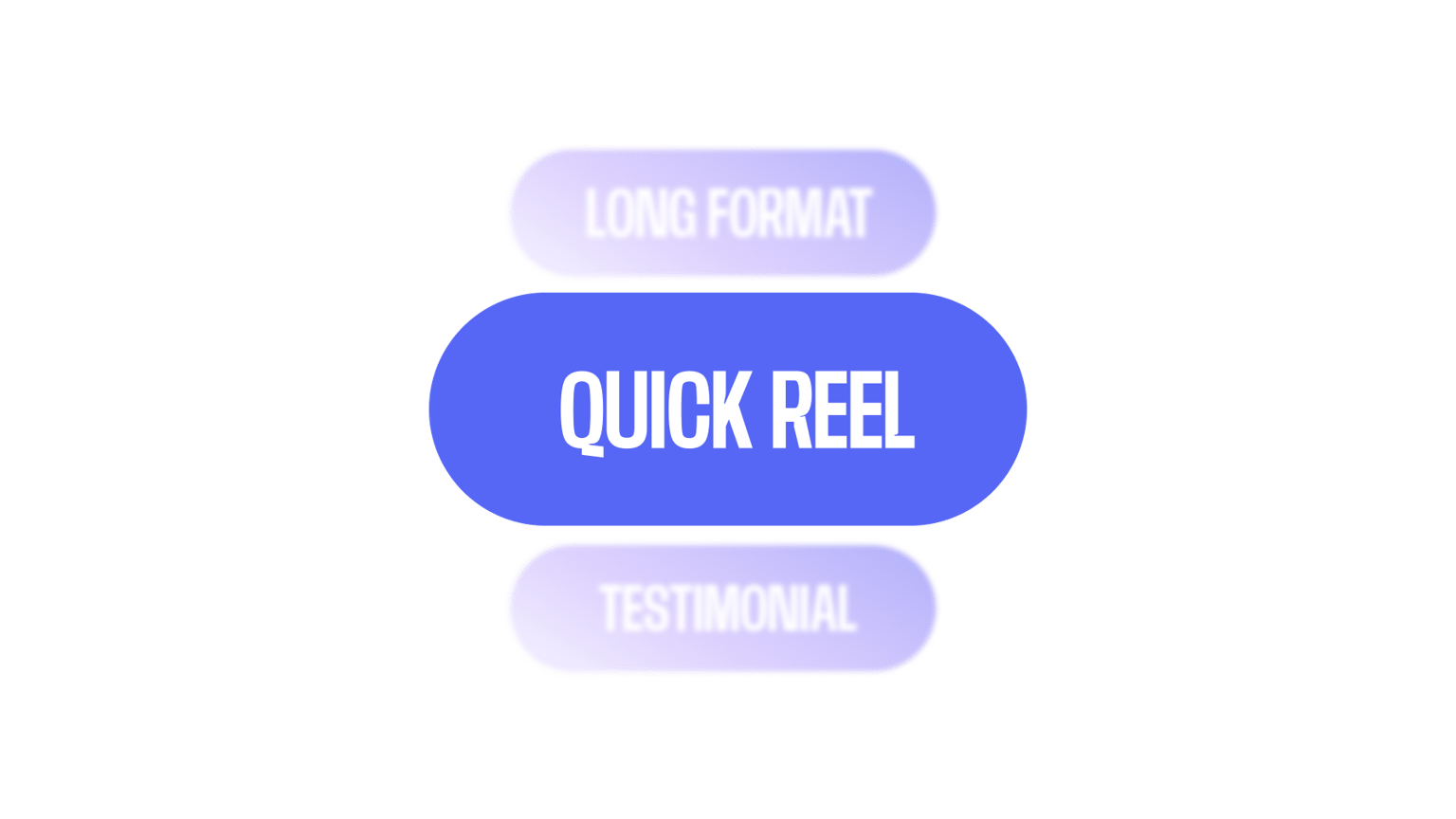
Select your video type and goal, then choose your preferred social media format.
Step 2
Import the video you want to auto-edit. Our automatic video editor works well with vlogs, tutorials, interviews, and product demos.
Step 3
Select automatic edits like noise removal, eye contact correction, and AI B-roll to enhance your video. Download your video or add finishing touches by editing manually on our editor.
Learn More
Learn how to add B-roll to your videos automatically:
Smart video editing and automatic silence removal
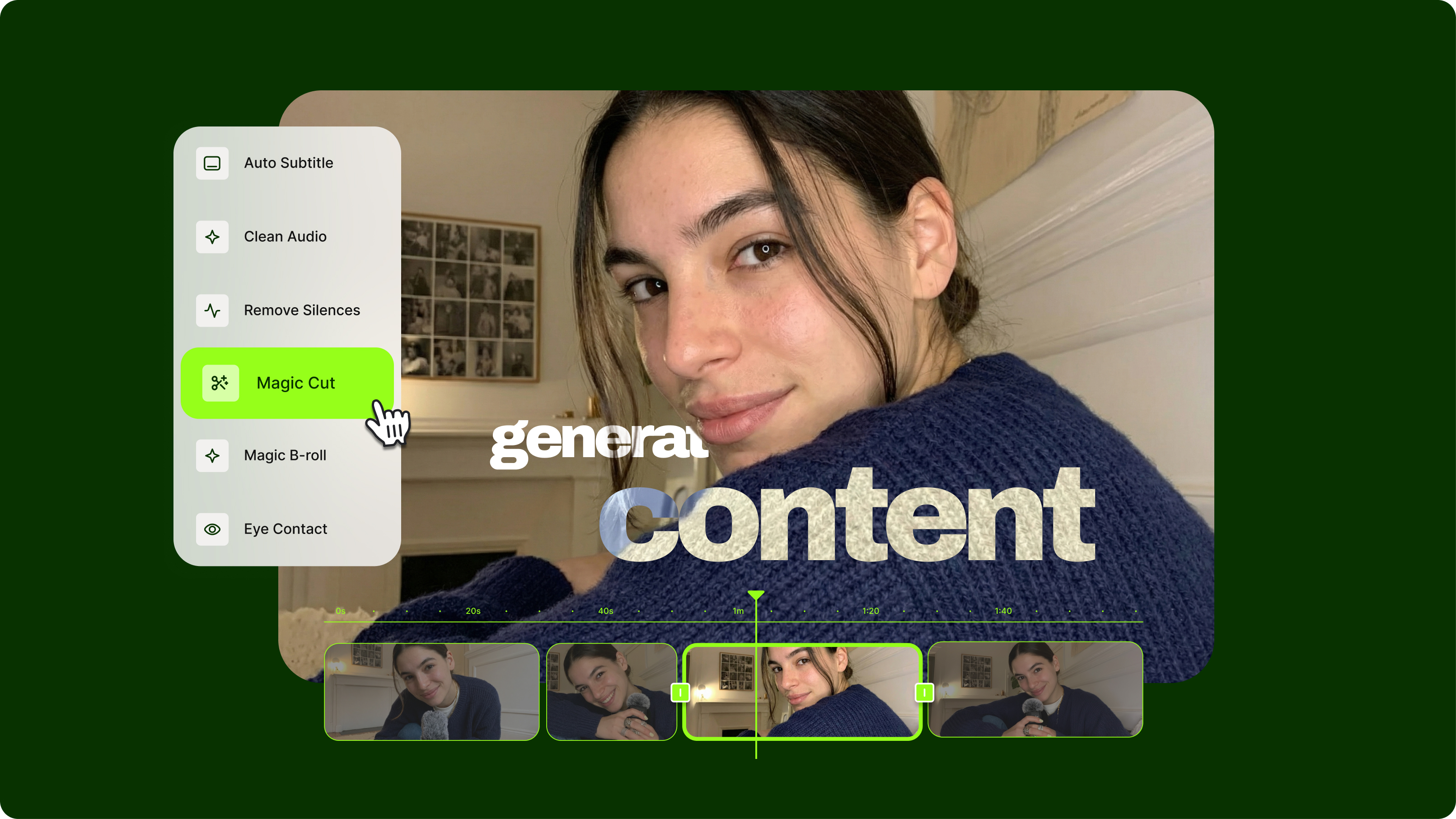
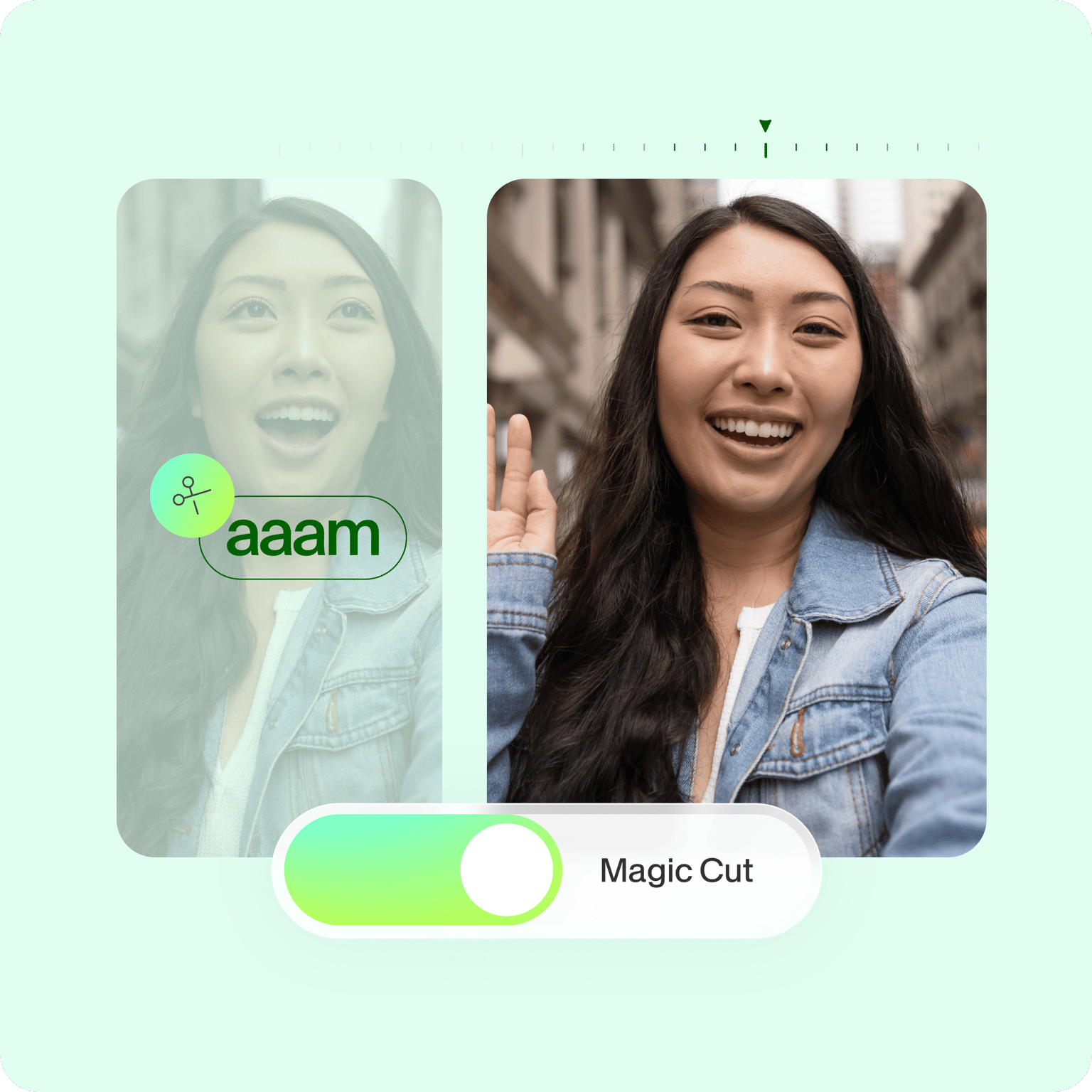
VEED features all the tools you need to edit videos in minutes. Our Auto Edits tool applies automatic enhancements like audio cleanup, eye contact correction, and B-roll to your video. Load our video editor and click 'Magic Cut' to remove filler words and silences in just one click.
Apply camera filters and special effects instantly. Add subtitles, closed captions, and animated text to make your videos accessible for all viewers. Plus, repurpose long videos and extract shareable clips for social media.
Create videos for social media
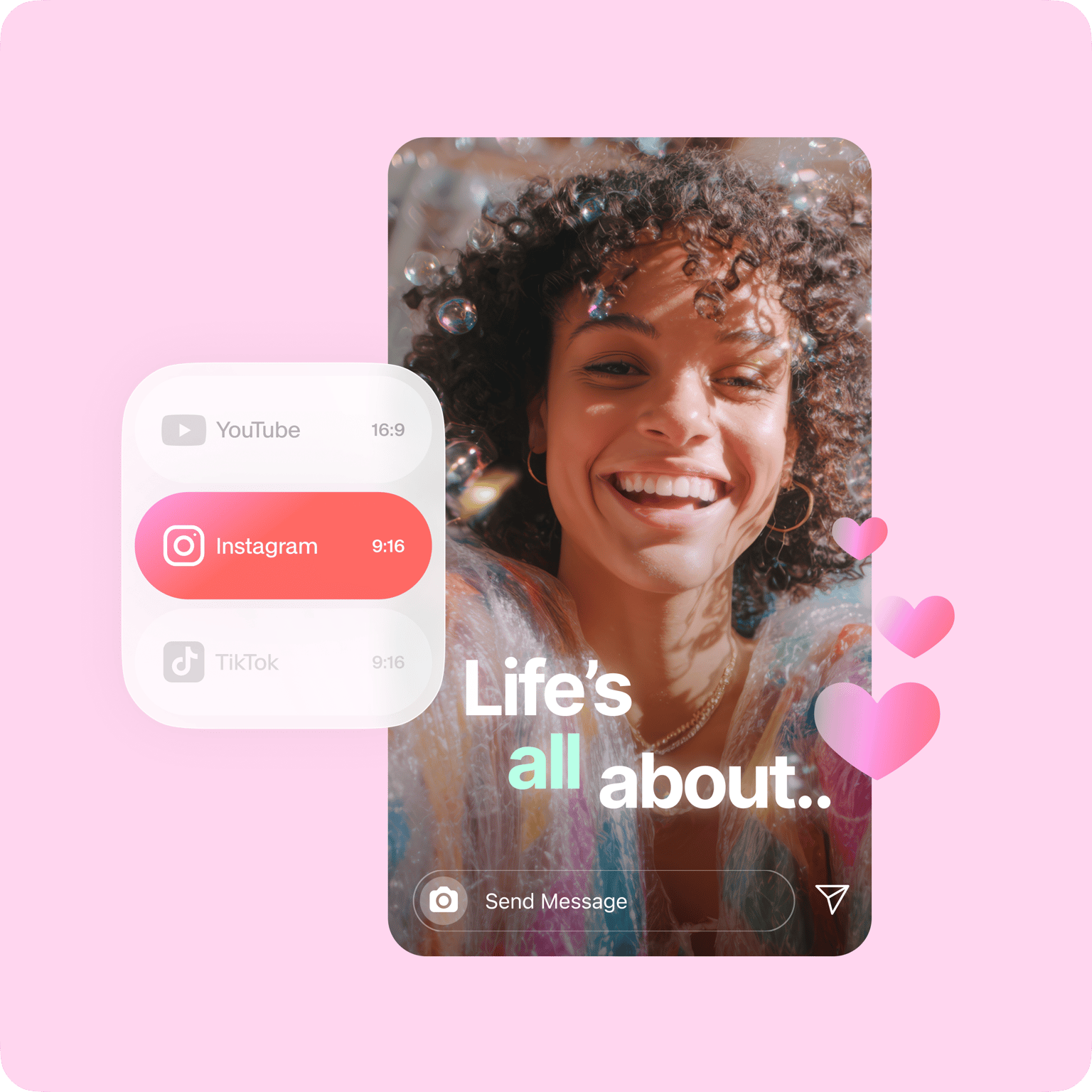
Optimize your videos for all social media and video-sharing platforms like YouTube. Easily create Instagram reels, Facebook stories, and more. If you’re creating social media videos for your business, you can even use our Brand Kit to add your logo, fonts, and brand colors to keep everything on brand. Our Brand Kit feature is available to premium subscribers. Check our pricing page for more information.
Free online video editing software
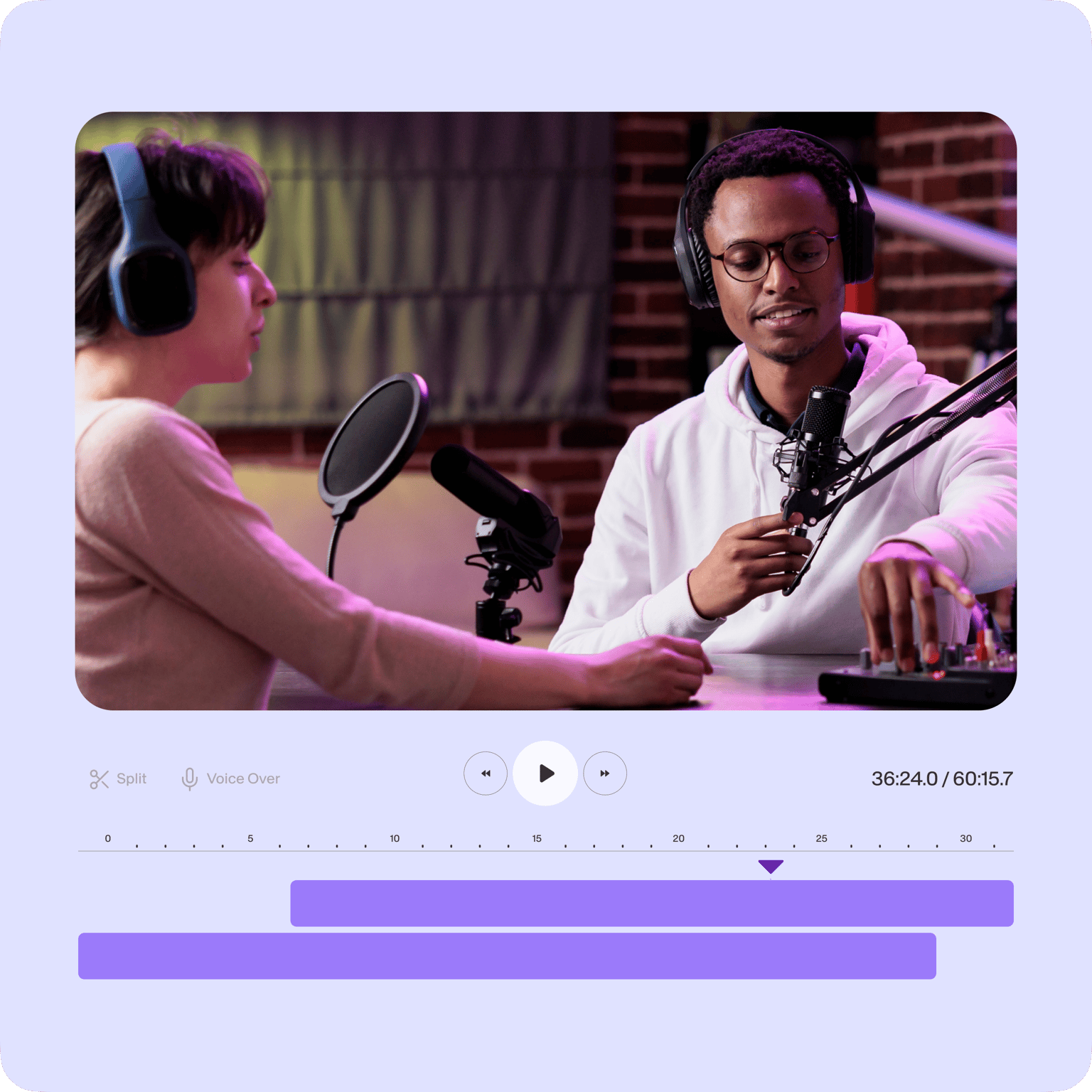
Create professional-quality videos even without expensive, complicated software or a full video production team. With our online video maker, you can turn your video footage, audio files, images, and animations into stunning, professional video content. Our auto video editor app's features include color correction, color grading, and visual effects.
You can edit audio tracks, clean your audio in one click (available to Pro users), and remove filler words. Get started for free, then upgrade for watermark-free exports and full access to our AI tools.
FAQ
Discover more
Explore related tools
Loved by the Fortune 500
VEED has been game-changing. It's allowed us to create gorgeous content for social promotion and ad units with ease.

Max Alter
Director of Audience Development, NBCUniversal

I love using VEED. The subtitles are the most accurate I've seen on the market. It's helped take my content to the next level.

Laura Haleydt
Brand Marketing Manager, Carlsberg Importers

I used Loom to record, Rev for captions, Google for storing and Youtube to get a share link. I can now do this all in one spot with VEED.

Cedric Gustavo Ravache
Enterprise Account Executive, Cloud Software Group

VEED is my one-stop video editing shop! It's cut my editing time by around 60%, freeing me to focus on my online career coaching business.

Nadeem L
Entrepreneur and Owner, TheCareerCEO.com

More from VEED
When it comes to amazing videos, all you need is VEED
No credit card required
More than an auto video editor
VEED is not just a free online auto video editor app. It’s also a screen and webcam recorder, presentation recorder, and can even be used as an audio editor. Create stunning videos in just a few clicks. It also allows for easy collaboration for content creators and businesses. Use our brand kit to add logos to your videos, create sales videos, meeting videos, and more. Do it all online; straight from your browser!


