


Trusted by 1M+ creators
AI B-Roll Generator
Enhance your talking videos for YouTube, Instagram, and TikTok. Add b-roll images to your video in one click
No credit card required
4.6
2,100+ reviews















Add engaging b-roll footage to your video in seconds
You've just finished recording a great video, but now comes the part many creators dread — hunting down the perfect b-roll footage. The process can burn through hours of your time, not to mention cost a fortune in stock subscriptions or filming equipment. Our AI b-roll generator eliminates all that by creating custom images that match your content.
Gen B-roll generates exactly what you need: workspace images for productivity tips, cozy coffee scenes for lifestyle content, or mountain views for travel vlogs. The AI drops them precisely where they belong on your timeline. Publish videos faster and get back to what you love: creating content that connects with your audience. Try our AI b-roll generator for free.
How to use our AI b-roll generator:
Step 01
Upload your video
Upload your talking head video, podcast, or tutorial. Our system transcribes your spoken audio, creating the foundation for b-roll creation that matches your content.
Step 02
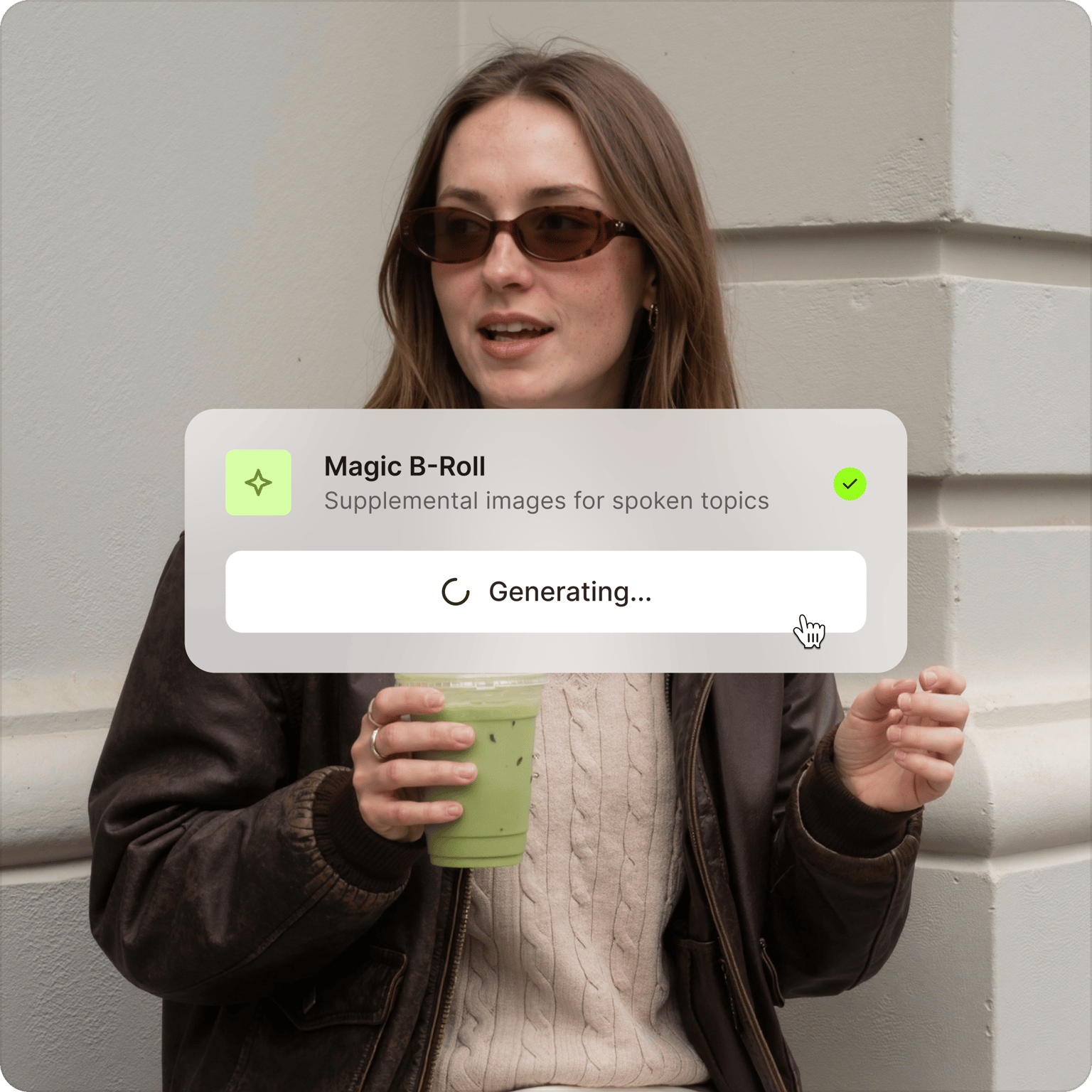
Generate contextual b-roll footage
Click ‘Create B-Roll images’ on the timeline or ‘Magic B-Roll’ in the AI Tools section. Generate custom b-roll footage to enhance your storytelling — from coffee brewing scenes for productivity videos to city skylines for corporate content.
Step 03
Watch AI place visuals on your timeline
The AI doesn't just create b-roll clips; it places them at the perfect moments to keep viewers watching. Each visual is automatically timed and positioned, with animations included by default.
Learn More
Watch this AI b-roll generator walkthrough:
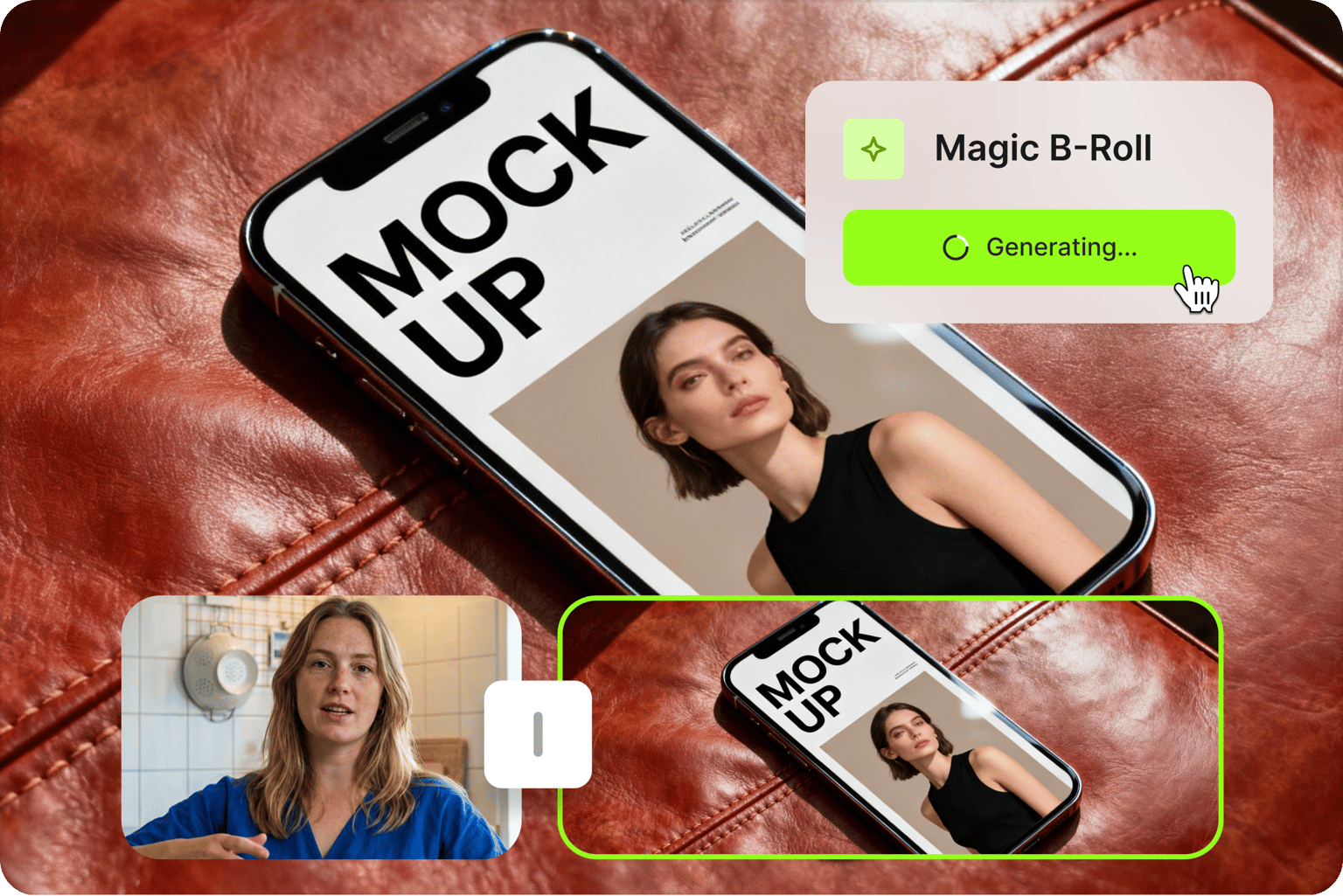
Save hours with automatic b-roll footage
No need to search stock libraries or film additional footage. Our AI reads your transcript, identifies key moments, and generates relevant visuals instantly. Add b-roll images in seconds. Break up long talking segments and add visual interest to your video. You can also do further edits, such as removing filler words and background noise. VEED saves you hours of editing time.
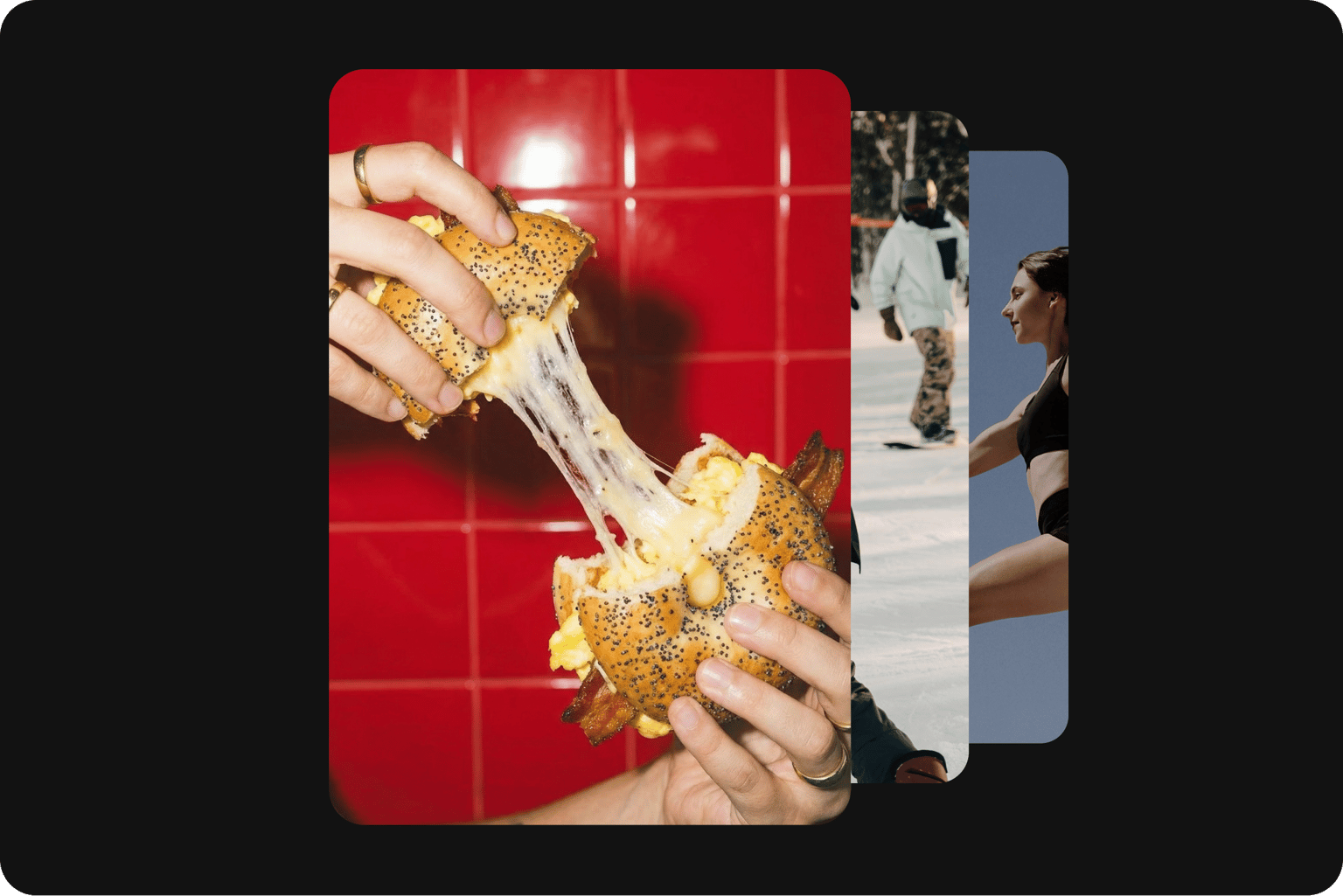
Professional visuals that match your content
Skip the endless stock photo searches. Our AI creates custom b-roll images that perfectly visualize what you're talking about. Generate images of productivity setups for business content or scenic landscapes for travel vlogs. No more settling for generic stock footage that doesn't quite fit your message.
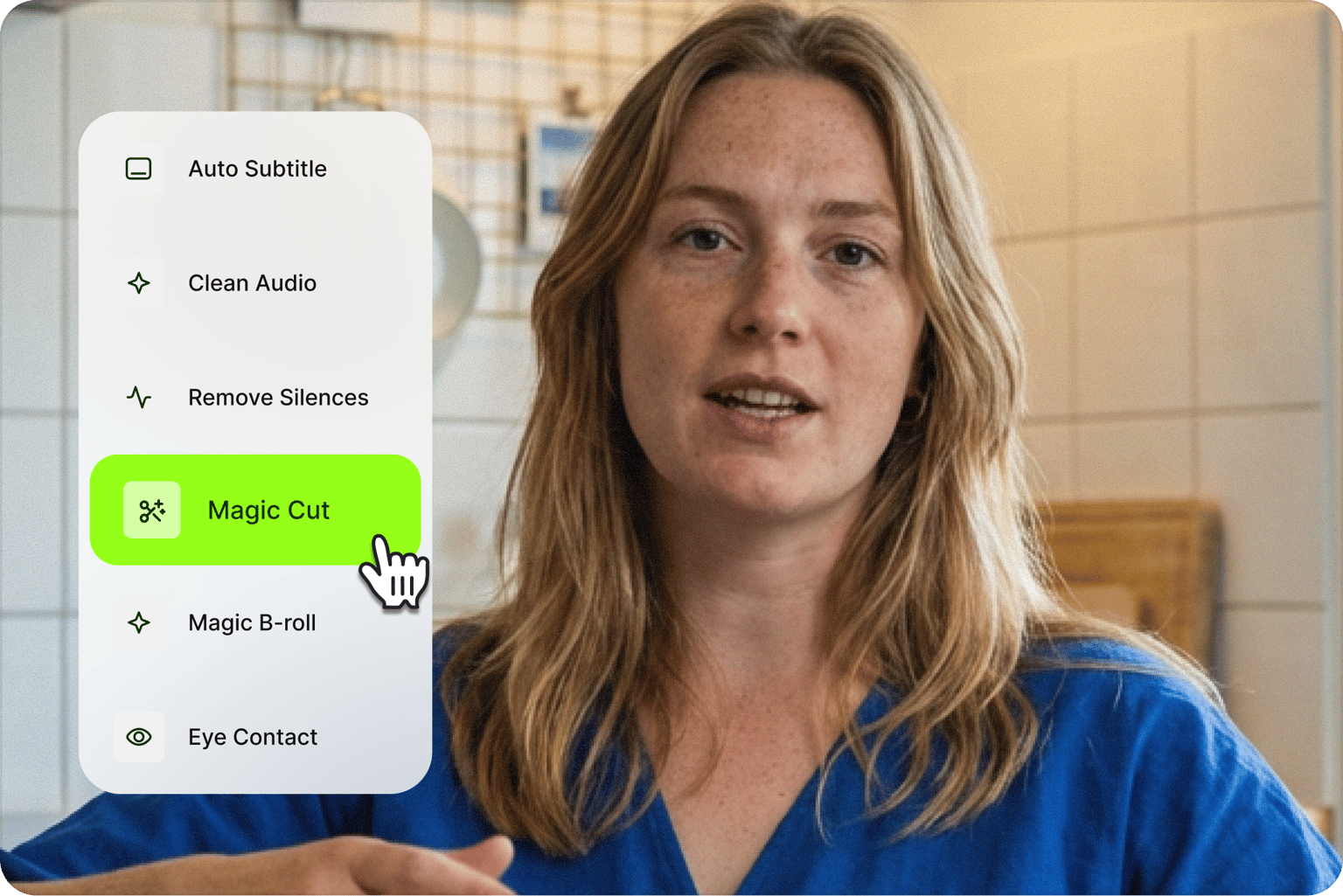
Complete AI video creation beyond b-roll content
VEED has all the video creation tools you need in one platform. Add text overlays, royalty-free music, lower thirds, and automatic subtitles. Our drag-and-drop interface makes editing easy. Whether you're creating social media content or a podcast clip, VEED gives you all the tools to make engaging and professional videos.
FAQ
B-roll refers to supporting visuals that complement your main footage (A-roll). It's called "b-roll" because it's secondary footage that adds depth, context, and visual interest to prevent viewer fatigue during long talking segments.
AI B-Roll is free to try once. Upgrade to a subscription for unlimited use. Check our pricing page for more details.
Currently, our AI B-Roll feature only generates custom images. But stay tuned, we're constantly improving our product. In the meantime, you can easily replace a generated b-roll image:
- Right-click the image you want to replace.
- Click Replace, then select: Upload media, Stock media, Asset library, or AI-generated media.
Absolutely. You can move, resize, replace, or remove any generated footage. Simply click on a b-roll image to reposition it on your timeline, drag the corners to resize for picture-in-picture effects, or delete clips. You can also replace an image with your own footage or stock videos from our library.
Yes. By default, Gen B-Roll creates full-screen cutaways, but you can easily resize any broll footage for a picture-in-picture effect. Click on the b-roll image and drag the corners to resize it on your canvas. You can also remove animations if you prefer a cleaner, simpler look for social media content.
Think about what you're discussing in your video and film related activities. For example, if you're talking about productivity, film yourself working at your desk or typing. The key is matching your b-roll to your content theme and filming from multiple angles.
Use our AI b-roll generator to fill in most of your talking video with relevant custom images that match what you're discussing. Then, add your own footage for moments that need your personal touch.
Loved by creators.
Loved by the Fortune 500
“
With VEED I didn't need 15 tutorials - I jumped straight in and started editing.

Gwenne Wilcox
Founder,
Brand Brainery
“
You can go beyond choppping things. VEED actually makes my videos look great.

Michael Glover
Demand Gen Manager,
ConvertFlow
“
The first four videos i created with VEED got over 40,000 impressions on LinkedIn.

Travis Tyler
Senior Content Producer,
PandaDoc
“
I found VEED at the right time: if you're making UGC ads and not using Eye Contact Correction and Noise Reduction on VEED you're missing out on ROI.

Sebastian Schurgers
Head of Growth Marketing,
Gronda
“
With VEED I didn't need 15 tutorials - I jumped straight in and started editing.
Gwenne Wilcox
Founder,
Brand Brainery
“
You can go beyond choppping things. VEED actually makes my videos look great.
Michael Glover
Demand Gen Manager,
ConvertFlow
“
The first four videos i created with VEED got over 40,000 impressions on LinkedIn.
Travis Tyler
Senior Content Producer,
PandaDoc
“
I found VEED at the right time: if you're making UGC ads and not using Eye Contact Correction and Noise Reduction on VEED you're missing out on ROI.
Sebastian Schurgers
Head of Growth Marketing,
Gronda
“
The first four videos i created with VEED got over 40,000 impressions on LinkedIn.
Travis Tyler
Senior Content Producer,
PandaDoc
“
I found VEED at the right time: if you're making UGC ads and not using Eye Contact Correction and Noise Reduction on VEED you're missing out on ROI.
Sebastian Schurgers
Head of Growth Marketing,
Gronda
“
With VEED I didn't need 15 tutorials - I jumped straight in and started editing.
Gwenne Wilcox
Founder,
Brand Brainery
“
You can go beyond choppping things. VEED actually makes my videos look great.
Michael Glover
Demand Gen Manager,
ConvertFlow
Discover more
Explore related tools
More from VEED
What is B-Roll? A Complete Guide to Using it Like a Pro
This starter guide will tell you everything you need to know about B-roll footage, and how to make the most of it.

Creating Accessible Videos: A Beginner’s Guide to Video Accessibility
Video accessibility refers to the practice of designing video content so that everyone, regardless of ability, can understand and engage with it.
How to Scale Video Creation and Remain On-Brand
Empower your teams to efficiently create, edit, and repurpose more on-brand videos with VEED. Learn more here.
Trusted by 1M+ creators
When it comes to amazing videos, all you need is VEED
No credit card required
More than an AI b-roll generator
B-roll is just one way to keep your audience hooked. Add dynamic captions that stop the scroll. Drop in AI transitions for cinematic scene changes that look like CGI effects. Creating a video from scratch? VEED is an AI video creation platform that turns your ideas into post-ready videos in minutes. Type a prompt or enter your script. Our AI video generator builds a video for you, complete with a presenter, supporting visuals, and captions. Sign up now to start creating.