What Is an AI Clone? How Digital Clones Work and Who Uses Them

.png)
You have a video idea on Monday, client calls all week, and no time to film until Friday. For a lot of creators and coaches, the hardest part of video is getting on camera often enough to keep an audience interested.
That's where an AI clone comes in. An AI clone is a digital version of a real person that looks and sounds like them and can present any script in a video. You write what you want to say, and your clone says it on screen. This guide covers how the technology works and how people use it, from YouTubers to coaches.
Key takeaways
- An AI clone, also called a digital clone or digital twin, is a video version of you built from a photo and a voice sample.
- A voice clone copies only how you sound, while a full AI clone gives you a presenter that also looks like you.
- Creators, coaches, and podcasters use AI clones to post more often without filming every video.
- On VEED, you can make an AI clone of yourself from one selfie and your voice, then edit and brand the video in the same place.
- Only clone yourself or someone who has given clear permission, and let viewers know when a video uses a clone.
What is an AI clone?
.png)
An AI clone is a digital copy of a real person that can appear and speak in videos they never filmed. It has your face and your voice, and it reads whatever script you give it. People also call it a digital clone, a digital twin, an AI twin, or a personal AI avatar.
Here's the AI clone definition this guide uses: a video presenter based on a real person, made with AI from a photo plus a voice sample. A stock AI avatar is a made-up presenter that any user can pick, while a personal AI clone is based on you. If you want to compare tools that offer both, see our roundup of the best AI avatar generators.
How AI clone technology works
AI clone technology learns how you look and how you sound, then combines the two to animate a talking video from a script. Here's the AI clone creation process in plain terms:
- Your face: You upload a photo, and the AI maps your features so it can move your face and mouth naturally.
- Your voice: You read a short script aloud. A voice model learns your pitch and pace, then uses text-to-speech to say new words in your voice.
- The script: You type or paste what you want your clone to say.
- Lip-sync: The tool turns the script into speech and animates your face so your lips match each word.
Early digital clone AI tools, including VEED's own personal avatars, asked you to record a couple of minutes of video and wait several hours for processing. On VEED today, one selfie and your voice are enough to get started.
Types of AI clones
The term covers a few different products, so it helps to know which one you're looking for.
Video clones and digital twins
A video clone, sometimes called an AI twin clone, is the full version: your face and voice together in a talking video. This is what most people mean when they search for an AI digital clone.
Voice clones
A voice clone copies only how you sound. It's useful for voiceovers or for dubbing a video into another language in your own voice. VEED's AI voice cloning tool handles this, and you can use the same cloned voice inside a full video clone.
Personality clones
Some tools build an AI clone personality instead. This is a chatbot trained on your writing or course material so it can answer questions in your style. It doesn't make video, so it solves a different problem.
AI clone use cases by audience
Most people make an AI clone so they can stay the face of their content without filming every video.
AI clones for content creators, YouTubers, and influencers
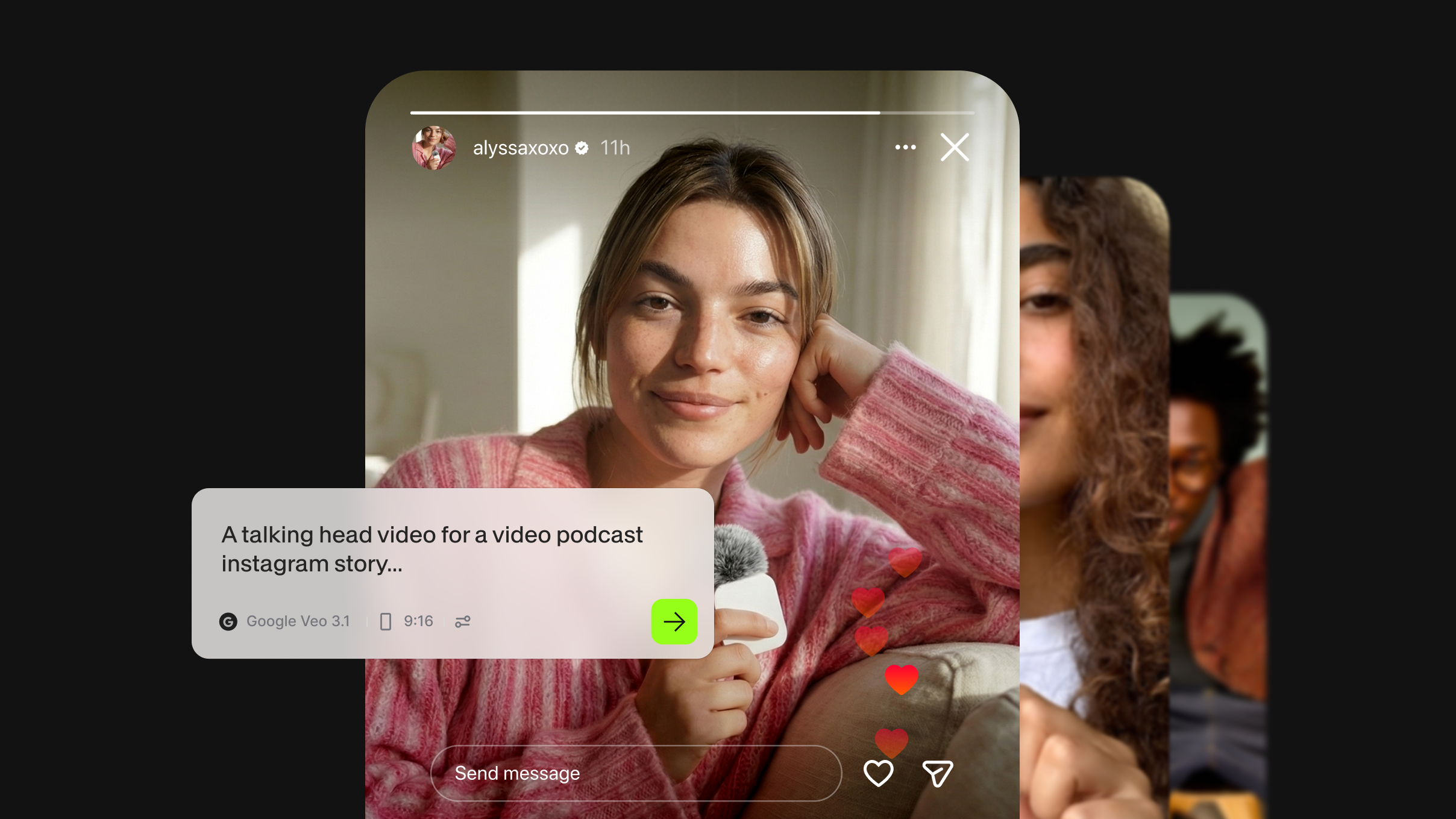
Creators and influencers depend on posting often. A personal AI clone turns a script into a talking-head video on days you can't film, whether you're traveling or just behind schedule.
YouTubers often use an AI clone for Shorts and channel updates and save real filming for long-form videos. You can also turn longer videos into short clips and have your clone record a new hook for each one.
AI clones for coaches
Coaches explain the same ideas to client after client. An AI clone for coaches can deliver onboarding videos and short answers to the questions everyone asks. You're still on screen in each one, so the videos feel personal. When your program changes, you edit the script and generate a new version instead of reshooting.
AI clones for podcasters
Podcasts are often audio-first, which makes them harder to promote on video platforms. With an AI clone, you can script a 30-second episode teaser, have your clone present it, and post it as a Reel or Short. If part of your audience speaks another language, a video translator can bring those clips to them.
How to make an AI clone of yourself
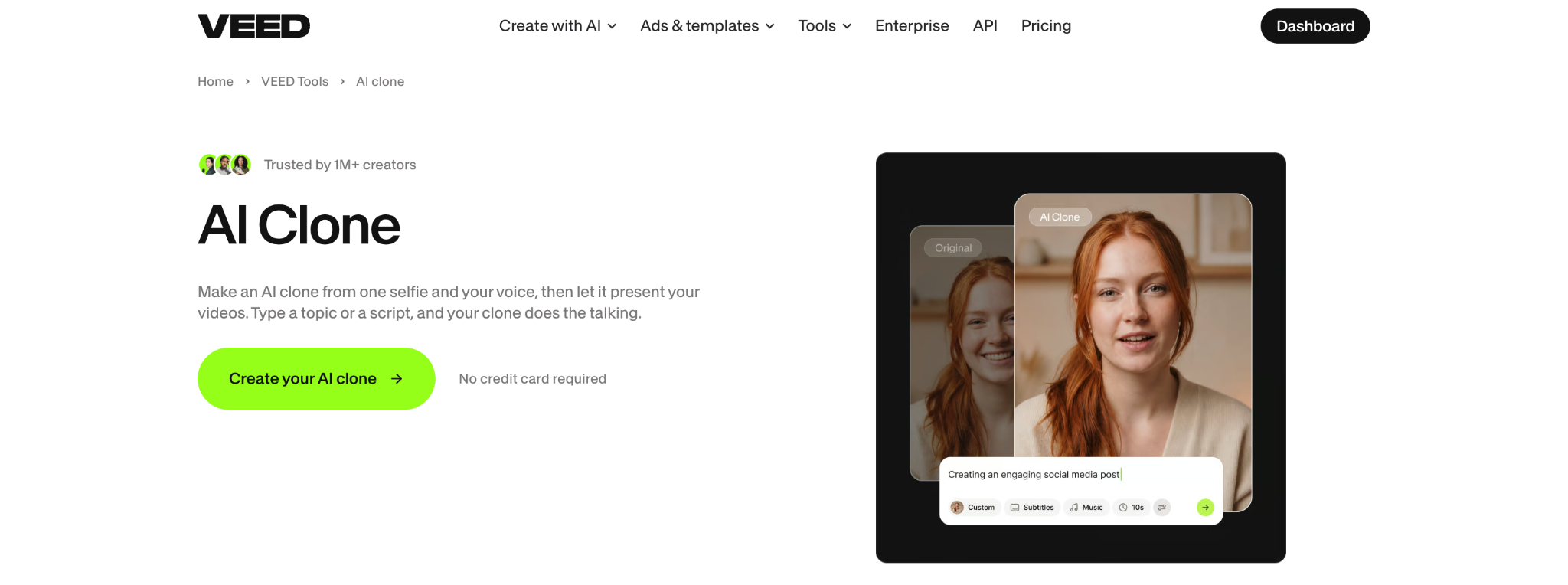
To make an AI clone of yourself, you need a clear photo, a voice, and a script. Here's how to clone yourself with AI on VEED:
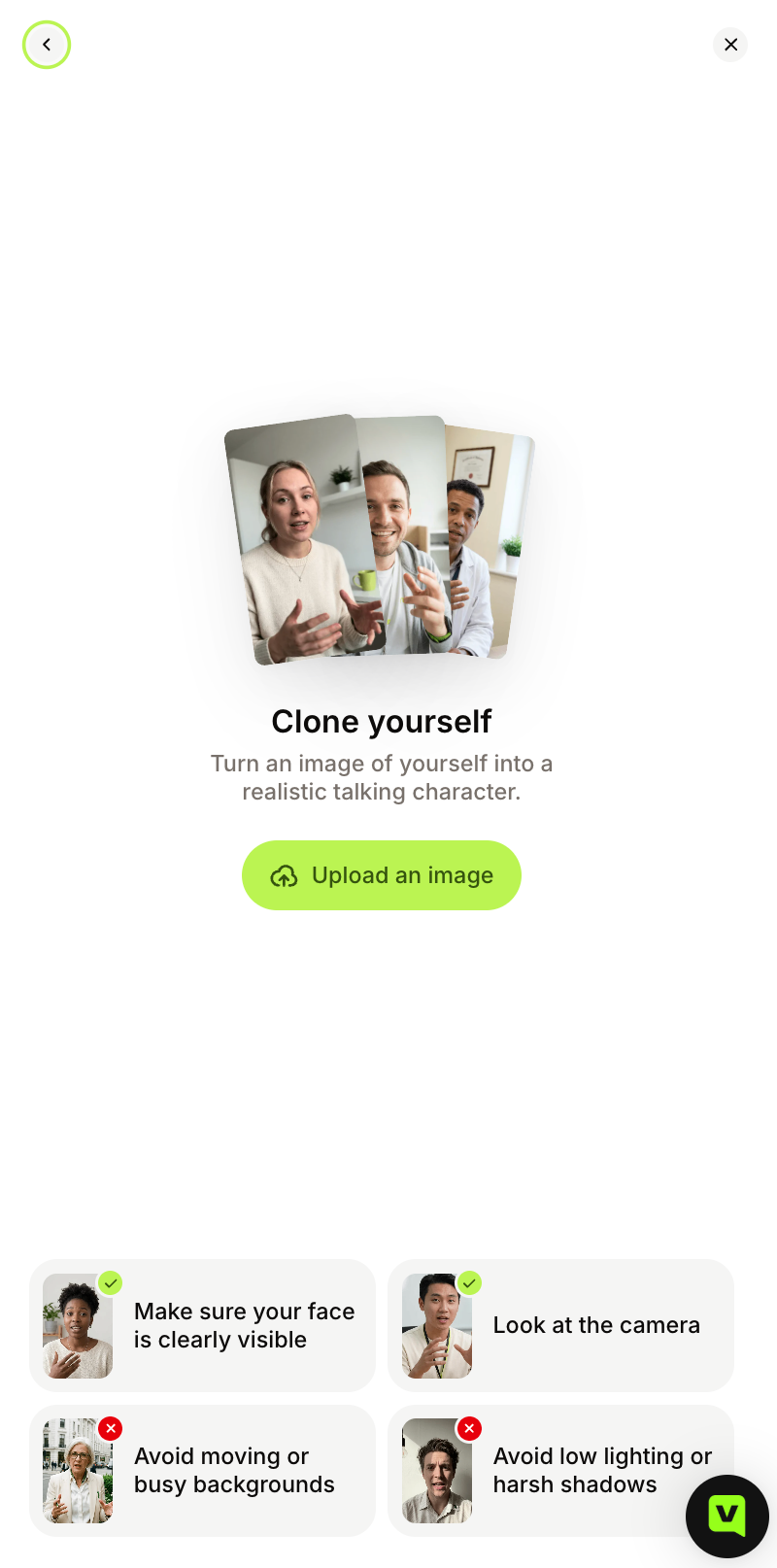
- Open Clone yourself: Log in to VEED, go to Create a talking video, click Character, and choose Clone yourself.
- Add your selfie and voice: Upload a clear photo. Then clone your own voice by reading a short script in a quiet room, or pick one of VEED's AI voices.
- Give it something to say: Type a topic and VEED writes the script, or paste your own. Set the subtitles, length, and platform.
- Generate and finish: Download the video, or open it in VEED AI Studio to trim it and add text before you export.
Because your clone lives inside an AI video creation platform, you can add captions and your brand's fonts, colors, and logo to your AI clone video without switching apps. For a longer walkthrough, read our guide on how to make an AI version of yourself.
Using an AI clone responsibly
Can AI clone people? Yes, which is why consent matters. Clone yourself freely, but only clone another person with their clear permission. Let viewers know when a video uses a clone so nobody feels misled, and check the rules where you publish, since laws on using someone's face or voice differ by country. Viewers are also getting better at telling when a video is AI-generated, so being upfront protects your credibility.
Start creating with your AI clone
An AI clone keeps you showing up in your content on the days you can't film. Start with a short video you already make often, like a weekly tip or an episode teaser, and let your clone handle it. Create your AI clone with VEED from one selfie, then turn your next script into a post-ready video.
FAQ
An AI clone is a digital version of a real person that looks and sounds like them and can present any script in a video. It's built from a photo plus a voice sample. People also call it a digital clone or digital twin. It differs from a stock AI avatar, which is a made-up presenter, and from a voice clone, which copies only sound.
In VEED, open Create a talking video, click Character, and choose Clone yourself. Upload a selfie, then record a short script to clone your voice or pick one of VEED's AI voices. Type a topic or paste a script, set the length and platform, and generate. You can download the video or keep editing it in VEED AI Studio.
You can always clone yourself. To clone anyone else, you need their clear permission first. Laws on using a person's face or voice vary by country, so check the rules where you publish, especially for ads. It's also good practice to label videos made with a clone so viewers know what they're watching.
It depends on the tool and how many videos you make. On VEED, creating a clone and generating videos with it uses AI credits, so the cost depends on your plan and your credit balance. You can check what each plan includes on the VEED pricing page before you start.
The most common uses are short social videos you'd otherwise film yourself, such as daily tips, product updates, course lessons, and podcast teasers. An AI clone works best for content you make often and update regularly, since changing a script is faster than reshooting a video.