How to Tell if a Video is AI-Generated: An AI Detection Guide 2026

Summary / Key Takeaways
- AI-generated videos can be detected by examining facial inconsistencies (e.g., unnatural blinking, lip-sync issues), background artifacts (e.g., warping, blurring around subjects), and lighting mismatches.
- Key detection methods include checking metadata, using reverse video search tools, and analyzing temporal consistency across frames.
- While AI video technology continues to improve, telltale signs such as texture inconsistencies and unnatural motion still reveal synthetic content.
You're scrolling through social media when a video stops you cold. A celebrity making shocking statements they'd never actually say. Or maybe it's a news clip that seems too outrageous. In 2026, AI-generated videos have become so realistic that spotting fakes has become essential to digital literacy.
The rise of AI video generators and deepfake technology means anyone can create convincing footage in minutes. While this opens up excellent creative possibilities (hello, content creators!), it also makes trust trickier than ever. Whether you're a content creator verifying sources, a parent teaching media literacy, or simply someone who wants to avoid sharing fake content, knowing how to spot AI-generated videos is now a must-have skill.
This guide will walk you through the visual cues, technical tricks, and verification tools you need to assess video authenticity, no computer science degree required.
What makes a video "AI-generated"?
An AI-generated video is any footage created or manipulated by artificial intelligence, whether it's an entirely synthetic video made from text prompts, a deepfake face swap, or real footage enhanced by AI.
Before diving into detection methods, it's essential to understand what we mean by "AI-generated video" and how this technology works.
Types of AI video generation
You'll come across a few different flavors of AI-generated video content.
- Deepfakes are probably what you've heard about most. They use face-swapping technology to replace one person's face with another in existing footage. Think celebrity face swaps or political figure manipulation.
- Fully synthetic videos are completely AI-created from scratch, which means no real footage exists at all. They often use text prompts to generate everything you see on screen. Text-to-video generation tools let you type a description and watch as AI creates a video based entirely on those words. It's wild tech, but it also makes detection even more critical.
- AI-enhanced videos start with real footage and use AI tools to modify or enhance specific aspects, such as cleaning up lighting, removing backgrounds, or tweaking facial features.
How AI video generation works
Neural networks start by analyzing thousands of images and videos to learn patterns: how faces move, how light behaves, and how objects interact. From there, Generative Adversarial Networks (GANs) take over, creating and refining synthetic content through an AI "competition" in which one network generates content and another tries to spot the fakes.
The AI models predict and generate frames based on everything they've learned from that training data. Modern tools have gotten scary good at generating realistic movement, lighting, and even micro-expressions that used to give away fakes instantly.
Why this matters for detection: Understanding the creation process helps you know what limitations and artifacts to look for. AI still struggles with certain aspects of reality, and those struggles become your detection clues.
What to look for when watching suspicious videos
When watching suspicious videos, look for facial inconsistencies (e.g., unnatural blinking or lip-sync issues), warped or blurry backgrounds, lighting that doesn't match the environment, and hands or hair that move unnaturally.
The most immediate way to spot AI-generated videos is through careful visual inspection. Here are the key indicators to watch for:
Facial inconsistencies
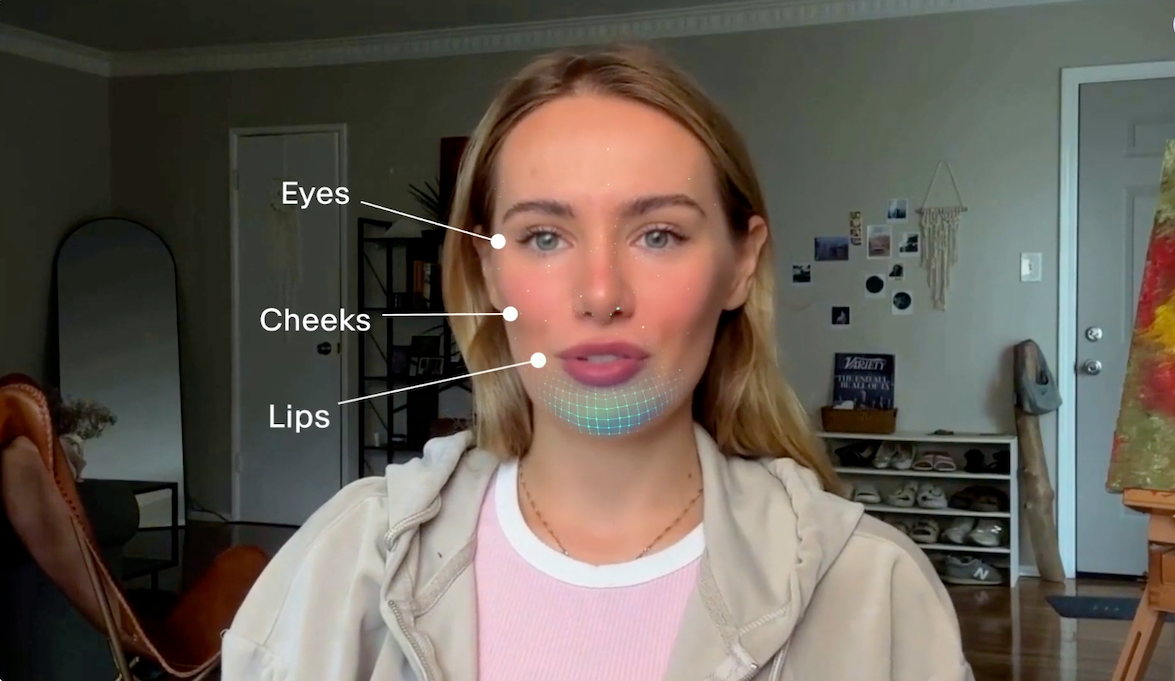
Start with the eyes and how people blink. Real people blink 15-20 times per minute with natural variation – sometimes more when they're thinking, sometimes less when they're focused. AI-generated faces often mess this up completely, showing too little blinking, too much, or that weird mechanical timing where blinks happen at perfectly regular intervals. Watch for synchronized blinking that doesn't match speech patterns. It's one of the easiest giveaways.
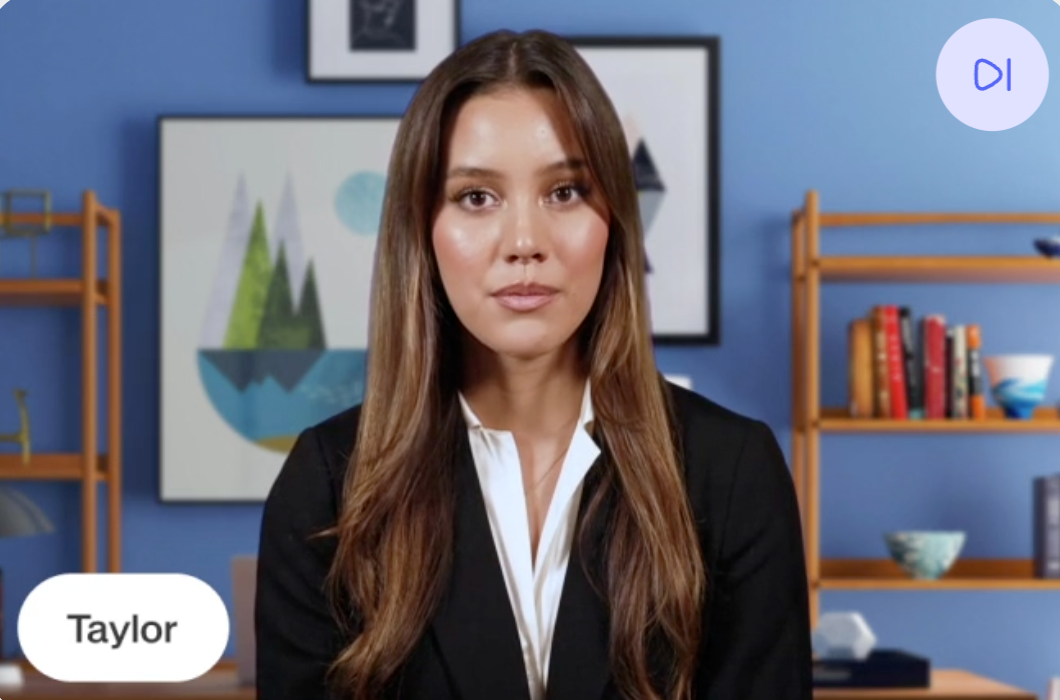
Lip-sync issues are another dead giveaway. You might notice subtle misalignment between mouth movements and audio, or unnatural mouth shapes during certain sounds. Sometimes the words just don't quite match what the lips are doing. Here's a pro tip: watch the video without sound first, then play it again with sound. If something feels off between the two viewings, trust that instinct.
Then there are the facial landmark problems. Ears that change size or position between frames. Eyebrows with inconsistent thickness or color. Teeth that appear blurred or geometrically perfect (AI loves making teeth too perfect). And skin texture that looks too smooth or waxy, like someone applied a beauty filter but cranked it way too high.
Background and environment artifacts
The background tells its own story. Watch for warping and distortion: background elements that warp or blur when the subject moves, straight lines like doorframes or windows that become wavy, or objects that mysteriously appear and disappear between frames.
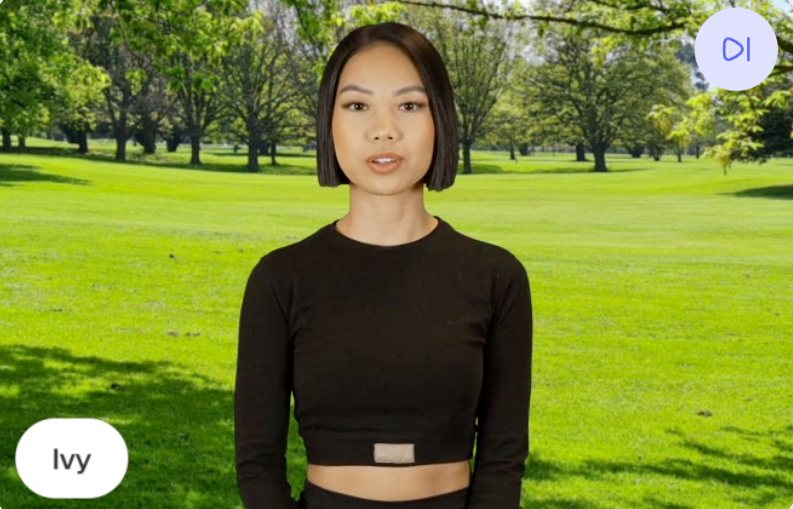
Lighting is where AI really struggles. You'll spot shadows that don't align with the light source, face lighting that doesn't match the environment, inconsistent shadow direction or intensity, and reflections that don't behave as they should in real life. If someone's face is lit from the left but their shadow falls to the left too, something's very wrong.
Temporal inconsistencies are another clue. Objects might shift unnaturally between frames, background elements exhibit unstable textures, or clothing and accessories flicker or morph in ways that real fabric just doesn't.
Hand and body movement red flags
Hands are AI's nemesis. Seriously, even the most advanced AI models struggle with hands. Here’s what to watch out for:
- Fingers with unusual proportions—or worse, extra fingers or missing ones
- Hands that blur into a mess when moving quickly
- Body movements that seem robotic or unnaturally smooth
- Clothing that moves independently from the body
- Jewelry or accessories that phase through skin or clothing like a video game glitch
Hair and texture issues
Hair is one of AI's biggest challenges. Real hair responds to movement, catches light differently, and has individual strands that move independently. AI-generated hair often doesn't respond naturally to movement. It might look painted on rather than real. You'll see individual strands that look more like brushstrokes than actual hair.
Watch for hair that clips through shoulders or objects (another video game-style glitch), or textures that remain completely static when they should be moving with the person's head or body.
How to use technical methods to detect AI videos
Technical detection methods include checking video metadata for missing camera information, analyzing frames one by one for inconsistencies, and verifying audio-video synchronization. These are especially useful when visual inspection alone isn't conclusive.
When visual inspection isn't conclusive, technical analysis can reveal hidden signs of AI generation.
Metadata analysis
Metadata is the behind-the-scenes information that every video file contains. AI-generated videos often lack standard camera metadata, like creation date, device information, and camera settings. Look for signs of AI-generated software in file properties or unusual compression patterns that may indicate synthetic content.
Here’s how to check it yourself:
- Right-click the video file → Properties (Windows) or Get Info (Mac)
- Look for missing or suspicious camera/device information
- Use tools like ExifTool for detailed metadata analysis
- Compare with known authentic videos from the same source
Frame-by-frame analysis
When a video has subtle inconsistencies, or you need definitive proof, it's time to go frame by frame. This method takes more time but can reveal things you'd never catch at normal speed.
What to look for:
- Inconsistent frame rates or stuttering
- Objects that appear slightly different in consecutive frames
- Facial features that shift unnaturally
- Background elements that show temporal instability
You can use video editing software with frame-by-frame playback, browser extensions that allow slow-motion review, or screenshot comparison tools to examine frames side by side.
Audio-video synchronization
AI-generated videos often struggle with perfect audio-video alignment. It's like dubbing a foreign film. Even when it's done well, something feels slightly off.
Here are some detection techniques you can use:
- Watch lip movements frame by frame to see if they truly match the audio or voice
- Check if ambient sounds match what you're seeing on screen
- Listen for audio quality that doesn't match the video quality
- Notice if the background noise suddenly changes or disappears completely
What to look for beyond the video itself
Beyond the video itself, look for red flags in the posting context: suspicious timing, unverified sources, emotionally manipulative captions, newly created accounts, and content designed to provoke outrage or reinforce biases.
Sometimes the most enormous red flag isn't in the video itself, but in the context surrounding it.
Content red flags
Some content just screams "too good to be true." Celebrity statements that are entirely out of character. Breaking news that drops at the perfect moment. Sensational content that's clearly designed to provoke strong emotions. Political content that perfectly confirms your existing biases (or attacks them).
Then there are the suspicious circumstances around how the video appeared.
Does it only show up on one account or platform?
Is there zero corroborating evidence from other sources?
Did an unverified or newly created account post it?
Does the caption or description use emotional manipulation to make you feel angry, scared, or outraged?
These context clues often matter more than the video's technical details.
Source credibility checks
Ask yourself some basic questions:
- Is this from a verified account or official source?
- Does the account have a history of reliable content?
- Are other credible sources reporting the duplicate content?
- Is the video being shared by fact-checkers or experts?
Watch for warning signs such as newly created accounts, limited posting history, no profile information, or a suspicious bio, and a history of sharing unverified or false content. These red flags don't prove a video is fake, but they should make you dig deeper before trusting or sharing it.
How to spot deepfakes: special considerations
Deepfakes are spotted by looking for subtle artifacts at face boundaries (color mismatches, unnatural blending), identity inconsistencies (wrong facial proportions, missing distinctive features), and expressions or mannerisms that don't match the person's typical behavior.
Deepfakes represent the most sophisticated form of AI video manipulation and require extra scrutiny.
What makes deepfakes different
Unlike fully AI-generated videos, deepfakes use real footage as a base and swap faces or manipulate specific features. This makes them particularly challenging to detect because you're starting with legitimate video and just changing parts of it.
You'll see deepfakes used for celebrity face swaps, political figure manipulation, non-consensual content, and corporate fraud or impersonation. The stakes can be incredibly high, which is why deepfake detection deserves extra attention.
Deepfake-specific detection signs
Face-boundary artifacts
Look closely at where the face meets the rest of the system. You might spot a slight color mismatch at the face edge, unnatural blending where face meets hair, inconsistent skin tone at the jawline, or visible edge artifacts in high-contrast lighting. These face-boundary issues are the telltale signs of a face swap.
Identity inconsistencies
Identity inconsistencies are another giveaway. Facial proportions that don't match the person's known appearance. Eye color that's off. Distinctive features like moles or scars that are missing or in the wrong place. Or a voice that doesn't perfectly match the person. Maybe the tone is correct, but the cadence feels wrong.
Movement patterns
Pay attention to movement patterns, too. Expressions that don't match the person's typical mannerisms. Head movements that seem detached from body movement. Facial animations that appear slightly delayed or mechanical, like there's a tiny lag between what the body does and what the face does.
Your step-by-step detection workflow
A solid detection workflow starts with a 30-second gut check, moves to 2-3 minutes of visual inspection if something feels off, then advances to 5-10 minutes of technical verification (metadata, reverse search, source checking) for anything you're seriously questioning.
When you encounter a suspicious video, follow this systematic approach to verify it thoroughly.
Step 1. Quick assessment (30 seconds)
Start with your gut.
Does anything feel "off" visually?
Is the content sensational or emotionally manipulative?
Do you recognize the source?
Is this being shared widely with strong reactions in the comments?
If you answered yes to multiple questions, it's worth digging deeper.
Step 2. Visual inspection (2-3 minutes)
Now it's time for a systematic check:
- Watch once at normal speed, paying close attention to faces
- Watch again, this time focused on backgrounds and environments
- If anything seemed off, watch those sections in slow motion
- Pause on key frames to examine details up close
- Watch without sound to focus purely on visual consistency
Document what you find. Take screenshots of any weird moments or anomalies so you can reference them later or share them with others if needed.
Step 3. Technical verification (5-10 minutes)
For videos that need deeper analysis, it's time to get technical.
Start by checking the metadata. View the file properties, note the creation date, device, and software information, and flag any missing or suspicious details.
Then try a reverse search. Extract 3-5 clear frames from different parts of the video, run each frame through reverse image search, and check whether they appear in other contexts elsewhere online. This can reveal if someone stitched together footage from multiple sources.
Investigate the source next. Find the earliest online posting of the video. Verify the account or source credibility. Search for official statements or debunking attempts. Cross-reference everything by checking fact-checking websites, searching for news coverage of the content, and looking for expert analysis or verification from people who know what they're doing.
Tool-assisted analysis (when needed)
For high-stakes verification – such as political content, claims that could harm someone's reputation, or anything you're considering publishing – it's time to bring in the big guns.
Use AI detection platforms such as Deepware or Sensity if you have access. Consult with verification experts or journalists who do this for a living. Report suspicious content to platform moderation teams. And if it's a deepfake of a real person, consider contacting them or their representatives directly.
Why quality matters: VEED's advanced AI video generation
As AI detection methods become more sophisticated, the quality gap between different AI video tools has never been more apparent. While this guide helps you spot lower-quality AI-generated videos with noticeable artifacts, not all AI video generation is created equal.
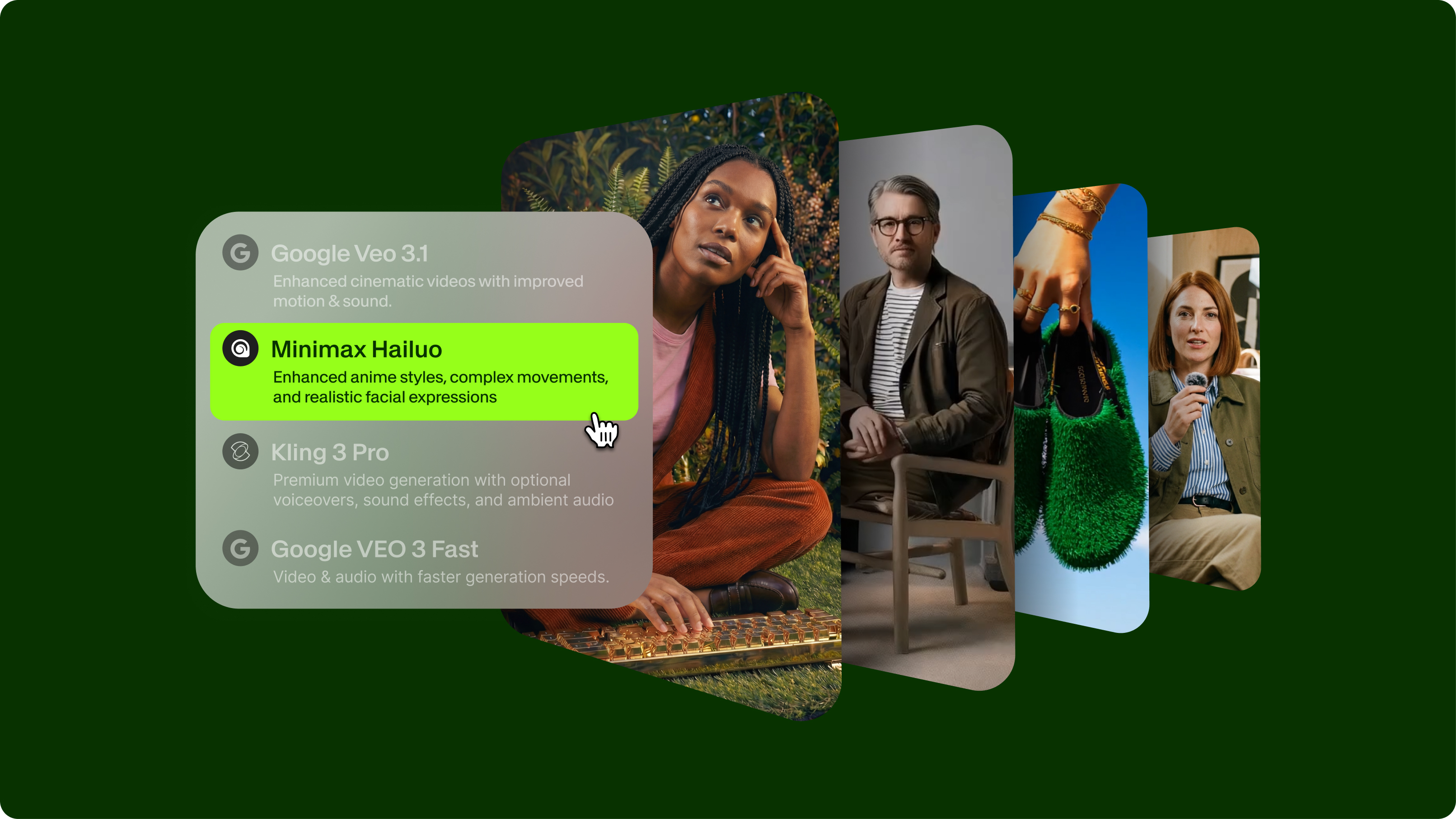
VEED's AI video generation models represent a significant leap forward in quality and realism. Through our AI Playground, you'll find models that produce fewer of the common telltale signs that make AI videos easy to detect: better facial consistency, more natural lighting integration, and smoother temporal coherence across frames.
This matters whether you're creating content for:
- Professional marketing campaigns that need to look polished and credible
- Social media content where quality directly impacts engagement
- Educational materials where visual clarity is essential
- Creative projects that demand cinematic results
The difference comes down to more advanced training, better frame consistency, and sophisticated rendering that handles challenging elements like hands, hair, and background integration more effectively than most AI video platforms.
When you're creating legitimate AI content (always labeled transparently, of course), using higher-quality generation tools means your work looks professional rather than suspicious. VEED's models help you create AI-generated videos that reflect your creative vision without the artifacts that undermine credibility.
Recap and final thoughts
You've now got a solid toolkit for spotting AI-generated videos. From facial tells to background glitches, from metadata checks to context clues, you know what to look for. But before you go, let's lock in the most critical points you need to remember.
- Always verify before you share. Even with the best detection skills, no single sign is 100% definitive. Use multiple techniques and keep that healthy skepticism alive, especially when content seems designed to shock or outrage.
- Visual checks catch most fakes. Facial weirdness, warped backgrounds, wonky lighting, and unnatural movements are still your best first clues, even as AI tech gets better.
- Context is everything. Pay as much attention to who's sharing, when it was posted, and whether it feels emotionally manipulative as you do to the technical stuff.
- Try making AI videos yourself. Using tools like VEED's AI video generator helps you understand how this tech works, making spotting fakes much easier.
Bookmark this guide and practice on suspicious videos you come across. The more you actively verify content rather than just accept it, the sharper your detection skills become.
FAQ
You can’t always tell with certainty whether a video is AI-generated, especially as technology advances. Modern AI-generated videos can be compelling, and perfect detection isn't always possible. However, most AI videos still contain detectable signs when you know what to look for, like facial inconsistencies or lighting mismatches. The key is to use multiple detection methods in concert and maintain appropriate skepticism. For critical decisions, expert analysis with specialized tools provides the highest accuracy.
A deepfake is a face-swapping technique that replaces one person's face with another's in real footage, often targeting recognizable individuals. AI-generated videos are broader. They include deepfakes and fully synthetic videos created entirely by AI from text prompts or other inputs, with no real footage. Both use similar neural network technology, but deepfakes typically focus on impersonation while AI-generated videos can create entirely fictional scenes, people, or events.
The most reliable immediate indicators are unnatural blinking patterns (too frequent, too rare, or mechanically timed), lip-sync misalignment between mouth movements and audio, and background warping that occurs when the subject moves. Also watch for hands with incorrect proportions or blurring during movement, lighting that doesn't match between the subject and environment, and hair that doesn't move naturally with body motion. If you notice 2-3 of these signs together, the video is very likely AI-generated.
Current AI detection tools vary widely in accuracy, typically ranging from 70% to 95%, depending on the sophistication of both the generation and detection AI. No tool is 100% accurate because AI generation constantly improves. The best practice is to use detection tools as one data point alongside visual inspection, metadata analysis, and source verification rather than relying on a single automated result.
First, complete your verification process to confirm it's actually AI-generated using multiple detection methods. Then, don't share it further. Report it to the platform using their misinformation reporting tools, notify relevant fact-checking organizations if it's spreading widely, and if someone's reputation is being harmed, consider alerting them directly. For high-impact deepfakes (political figures, public safety threats), contact appropriate authorities. Your goal is to stop the spread while educating others about detection methods, not inadvertently increasing the visibility of the fake content.