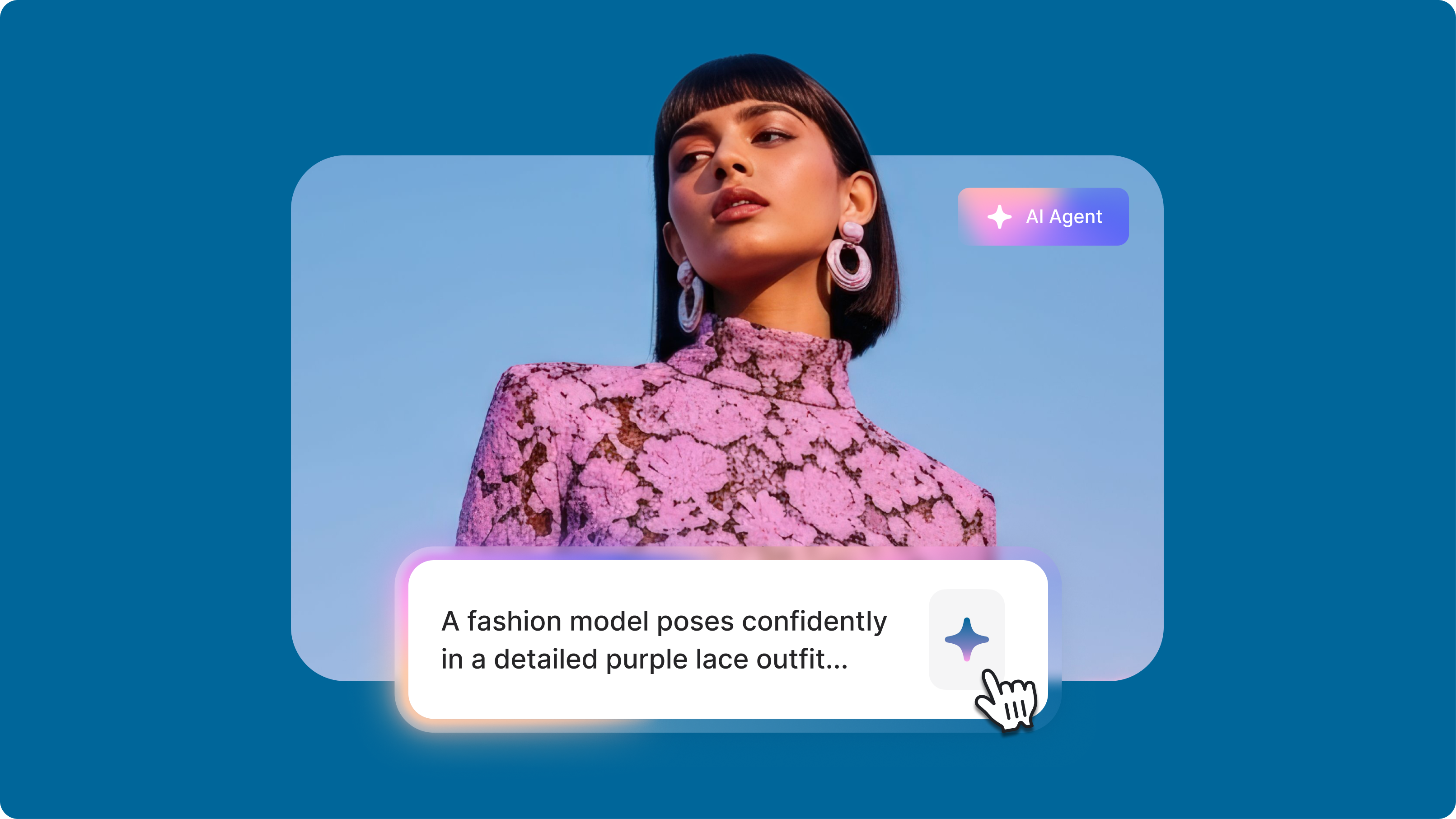
Kling O1: Everything You Need to Know About the New AI Video Model
Learn how Kling O1's multi-modal reasoning delivers precise AI videos with cinematic camera control. Now available on VEED's AI Playground!
4.6
2,100+ reviews















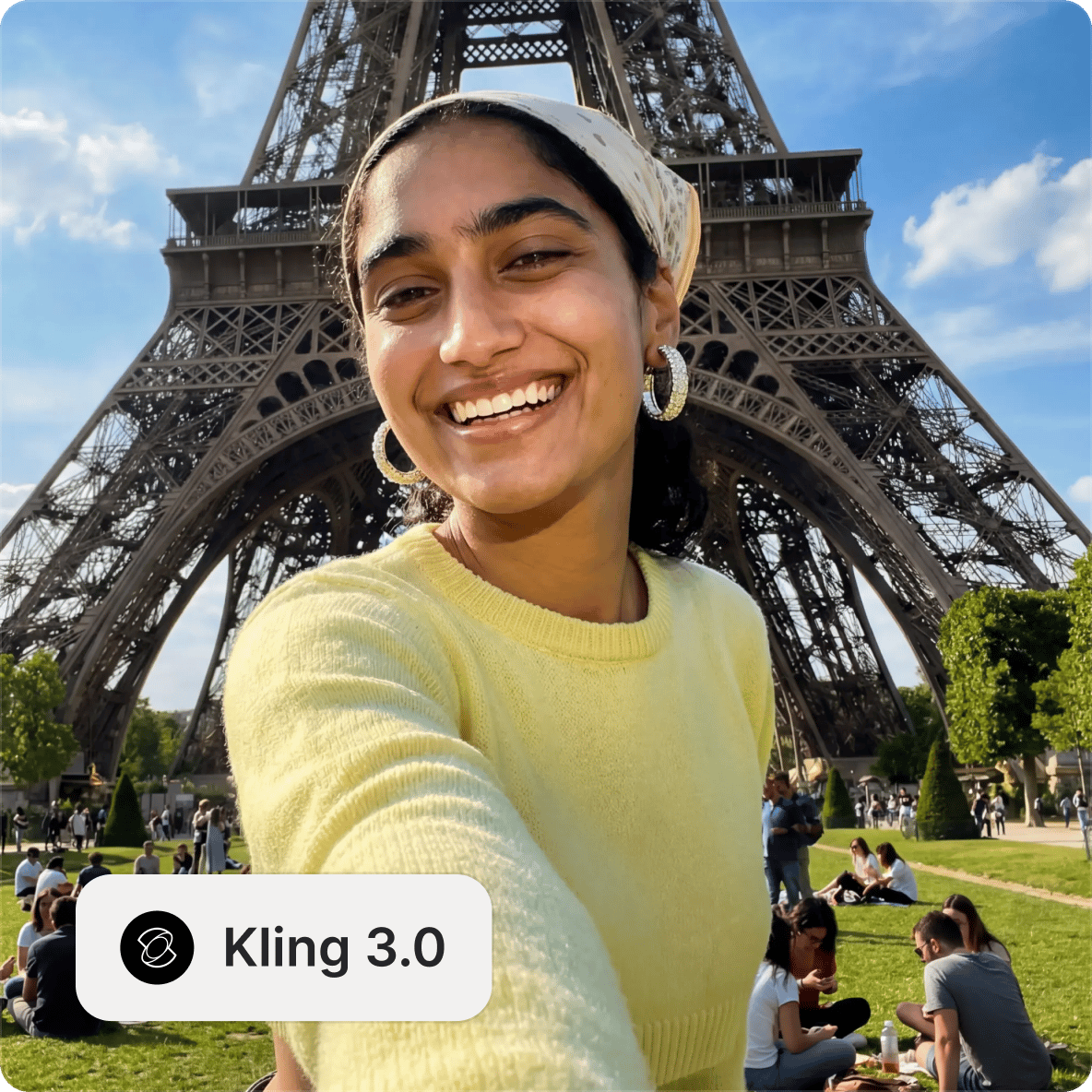
Kling 3.0 is Kuaishou's latest AI video model, built on a truly native multimodal architecture that combines text-to-video, image-to-video, and audio generation into a single unified system. Dialogue, sound effects, and ambient audio are generated together with the video rather than added in post-processing.
What sets Kling 3.0 apart is its multi-shot storyboarding capability, which lets you generate up to 6 distinct camera cuts within a single video. Rather than generating a single continuous clip, the model interprets cinematic instructions — shot coverage, camera angles, character dialogue, scene transitions. Build a structured multi-shot sequence from one prompt. Test Kling AI 3.0 on VEED's AI playground alongside other leading models.
How to use the Kling 3.0 AI video generator:
Step 1
Start with a text description or upload a reference image. Describe your scene, characters, camera angles, and audio. For best results with character faces, image-to-video gives more consistency than text-to-video alone.
Step 2
Select the Standard or Pro model. Set the aspect ratio (portrait, square, landscape) and video duration. For multi-shot sequences, you can structure your prompt with numbered shots describing what happens in each scene.
Step 3
Create your video with native audio and dialogue in your specified language. Download your video or add it to a project in our video editor to combine with other clips.
Learn More
Also check out Kling O1:
Kling 3.0 features
Multi-shot storytelling in one generation
Create up to 6 distinct camera cuts in a single generation. Define each shot's camera angle, perspective, and movement. The model renders these transitions seamlessly with director-grade memory for consistent character tracking. This storyboard-level creation eliminates manual editing and clip stitching. You get precise control over narrative flow, pacing, and visual progression — from establishing shots through close-ups to dramatic reveals.
Native audio-visual generation with multilingual character dialogue
Kling 3.0 generates dialogue, sound effects, and ambient audio simultaneously with video. In multi-character scenes, Kling 3.0's lip sync generation keeps each character's facial movement aligned with their dialogue. Each character can speak a different language with coherent facial expressions. The model supports English, Chinese, Japanese, Korean, and Spanish, including dialect and accent variations. Audio and video stay aligned, whether you're building a bilingual conversation or a scene with layered ambient sound.
Consistent characters across scenes and camera changes
Achieve character consistency when the camera moves. The model locks in appearance and spatial position across different shots and transitions. Upload a reference image to anchor your character's identity, and the model maintains that consistency through camera changes and interactions with other characters. Great for product ads and short-form content that needs consistent characters across multiple scenes.
FAQ
Discover more
Explore related tools
Loved by the Fortune 500
VEED has been game-changing. It's allowed us to create gorgeous content for social promotion and ad units with ease.

Max Alter
Director of Audience Development, NBCUniversal

I love using VEED. The subtitles are the most accurate I've seen on the market. It's helped take my content to the next level.

Laura Haleydt
Brand Marketing Manager, Carlsberg Importers

I used Loom to record, Rev for captions, Google for storing and Youtube to get a share link. I can now do this all in one spot with VEED.

Cedric Gustavo Ravache
Enterprise Account Executive, Cloud Software Group

VEED is my one-stop video editing shop! It's cut my editing time by around 60%, freeing me to focus on my online career coaching business.

Nadeem L
Entrepreneur and Owner, TheCareerCEO.com

More from VEED
When it comes to amazing videos, all you need is VEED
No credit card required
Beyond Kling 3.0
Test Kling 3.0 and other video models like Sora 2 for hyper-realistic scenes, Veo 3.1 for cinematic quality transformations. See how different models handle multi-shot sequences and audio synchronization. VEED is an AI video creation platform where you can move your output directly into the editor. Add captions, layer in audio, apply your brand assets, and export for any platform. One workspace, from first prompt to finished video. Try VEED now and see what you can create.