AI Playground

Kling 2.6

openai/sora-2
NEW
openai/sora-2-pro
NEW
google/veo-3.1
NEW
google/veo-3.1-fast
NEW
minimax/hailuo-02-standard
wan/wan-v2.5
kwaivgi/kling-v2.5-turbo-pro
kwaivgi/kling-v2.6-pro
NEW
bytedance/seedance-1-lite
pixverse/pixverse-v4.5
minimax/hailuo-02-pro
minimax/hailuo-2.3
NEW
minimax/hailuo-2.3-fast
NEW
wan/wan-v2.2
kwaivgi/kling-v1.6-standard
google/veo-3
google/veo-3-fast
google/veo-2
minimax/video-01
lightricks/ltx-video
luma/ray
veed/motion
NEW
kwaivgi/kling-omni-pro-video-to-video
NEW
wan/wan-v2.2-animate/move
wan/wan-v2.2-animate/replace

4.6

319 reviews

Try Kling 2.6, now available on VEED

Kuaishou has launched Kling 2.6, bringing native audio video generation to VEED's AI playground. The model generates visuals, natural voiceovers, matching sound effects, and ambient atmosphere in a single pass—eliminating the fragmented workflow of creating silent videos and adding audio separately. One standout capability: seamless coordination in rhythm, emotion, and narrative expression where voice timing, ambient sounds, and visual actions align naturally, transforming content from "viewable" to truly immersive.

Access Kling 2.6 on VEED's AI playground—VEED is one of the first platforms offering this newly launched native audio model. Generate complete audio-visual videos from text prompts or static images. Create product showcases with professional voiceovers, lifestyle vlogs with natural dialogue, or music performances with synchronized singing—all without post-production audio work. Compare Kling 2.6's integrated approach with traditional video-then-audio workflows to see the difference in production speed and immersion. Try Kling 2.6 now.

How to use Kling 2.6:

Step 1

Select Kling 2.6 and describe your audio-visual concept

Choose Kling 2.6 from the text-to-video model selection. Describe your vision including scene details, character actions, and the audio you want—dialogue, narration, music, or ambient sounds. For character dialogue, specify who speaks, what they say, and the emotion behind it. Toggle "Native Audio" on to generate synchronized audio, or off for silent video.

Step 2

Generate your complete audio-visual video

The model interprets your prompt to create synchronized video and audio—whether you're generating product explanations with professional narration, multi-character dialogue with natural tone switching, or music performances with lyrics and accompaniment. Select duration (5s or 10s) and aspect ratio based on your platform needs.

Step 3

Download or refine your output

Save your generated video with native audio for immediate use, or bring it into VEED's video editor for additional refinements like trimming, subtitles, or visual effects. No separate audio editing or mixing required—your video arrives complete with professional-grade sound.

Learn More

Watch our AI playground walkthrough:

Complete audio-visual generation in one pass

Kling 2.6 generates visuals, voiceovers, sound effects, and ambient atmosphere simultaneously, achieving seamless coordination in rhythm, emotion, and narrative expression. The model supports diverse audio types including voice narration, multi-character dialogue, singing and rap performances, object and action sound effects, and ambient soundscapes. Generate product showcases with clear speech and natural tone matching the product atmosphere. Create lifestyle vlogs with casual, authentic dialogue. Produce news broadcasts with professional, formal delivery. The audio quality supports various sound types with clean quality and rich layers, closely mimicking real mixing effects. On VEED's AI playground, test Kling 2.6's native audio capabilities to create immersive content for marketing, entertainment, and storytelling that traditionally required separate video production and audio post-production.
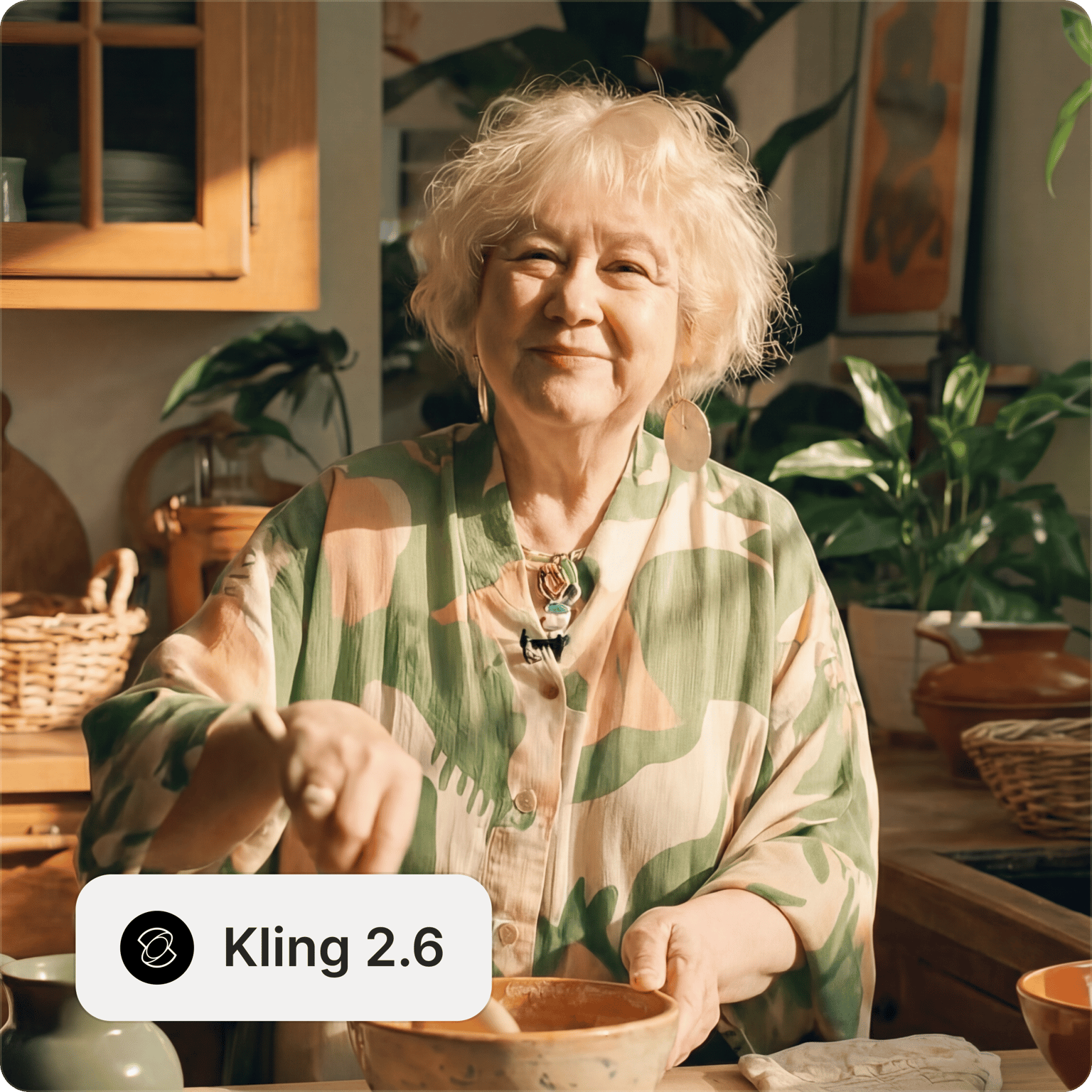

Multi-character dialogue with natural tone switching

Kling 2.6 handles complex multi-character interactions with natural tone switching and synchronized lip movements. Generate interview shows with steady host delivery and guest responses. Create scripted performances with emotional dialogue between characters. Produce casual conversations with conversational pacing and natural pauses. The model understands character labels, assigns unique voice characteristics, and controls dialogue sequence through clear linking words. Generate comedy skits with fast-paced delivery and strong contrast, or dramatic scenes with tense exchanges and emotional depth. This multi-character capability enables narrative content, educational videos, and entertainment formats that traditionally required voice actors, recording sessions, and audio mixing—all generated from a single text prompt describing who speaks, what they say, and how they say it.

Music performances and ambient soundscapes

Kling 2.6 generates complete music performances including singing with lyrics, rap with rhythm and flow, instrumental performances, and group chorus arrangements. The model understands musical styles from pop and opera to country and jazz, with support for vocal techniques like vibrato, falsetto, and harmonies. Generate solo performances with synchronized lip movements and emotional delivery. Create rap sequences with tight rhyme schemes and dynamic beats. Produce instrumental scenes featuring piano, guitar, or traditional instruments with authentic performance details. Beyond music, the model excels at ambient soundscapes—generate nature scenes with wind, ocean waves, and bird chirping, urban environments with traffic noise and crowd murmurs, or indoor spaces with fireplace crackling and subtle room acoustics. This ambient control enables atmospheric content for meditation videos, ASMR content, and cinematic scenes requiring rich sonic environments.

FAQ

Loved by creators.

Loved by the Fortune 500


VEED has been game-changing. It's allowed us to create gorgeous content for social promotion and ad units with ease.

Max Alter
Director of Audience Development, NBCUniversal


I love using VEED. The subtitles are the most accurate I've seen on the market. It's helped take my content to the next level.

Laura Haleydt
Brand Marketing Manager, Carlsberg Importers


I used Loom to record, Rev for captions, Google for storing and Youtube to get a share link. I can now do this all in one spot with VEED.

Cedric Gustavo Ravache
Enterprise Account Executive, Cloud Software Group


VEED is my one-stop video editing shop! It's cut my editing time by around 60%, freeing me to focus on my online career coaching business.

Nadeem L
Entrepreneur and Owner, TheCareerCEO.com

More from VEED

When it comes to amazing videos, all you need is VEED

Try Kling AI 2.6

No credit card required

Beyond Kling 2.6

VEED's AI playground is your centralized platform for testing the latest AI models across text-to-image, image-to-video,video-to-video, and text-to-video. Try Kling 2.6 alongside other video generation models like MiniMax and Runway. Our platform goes beyond single-purpose tools; generate complete audio-visual videos from text, edit existing footage with AI, or animate static images into dynamic content. Compare outputs across different models without juggling multiple platforms or subscriptions. VEED streamlines your workflow from AI model exploration to final video export with professional editing tools. Explore our full suite of tools now.

VEED app displayed on mobile,tablet and laptop