


Trusted by 1M+ creators
AI Clone
Make an AI clone from one selfie and your voice, then let it present your videos. Type a topic or a script, and your clone does the talking.
No credit card required
4.6
2,100+ reviews















Create videos as yourself, without being on camera every time
Turn yourself into an AI clone that looks and sounds like you. Create videos by simply writing a script and let your AI avatar deliver your message for you. Whether you are sharing your expertise, creating social content, or promoting your business, VEED helps you create engaging videos faster without recording yourself for every idea.
How to make an AI clone of yourself:
Step 01
Clone yourself
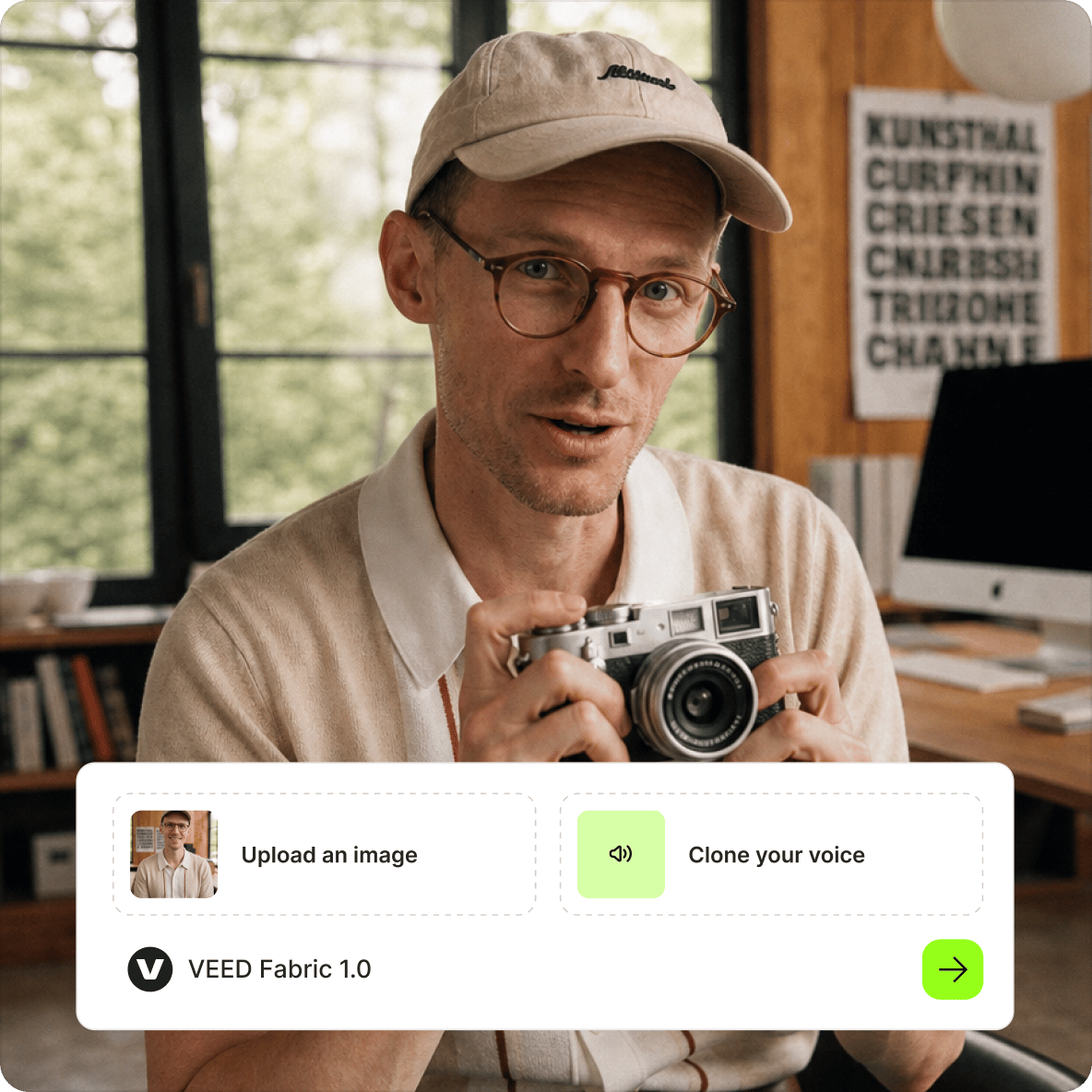
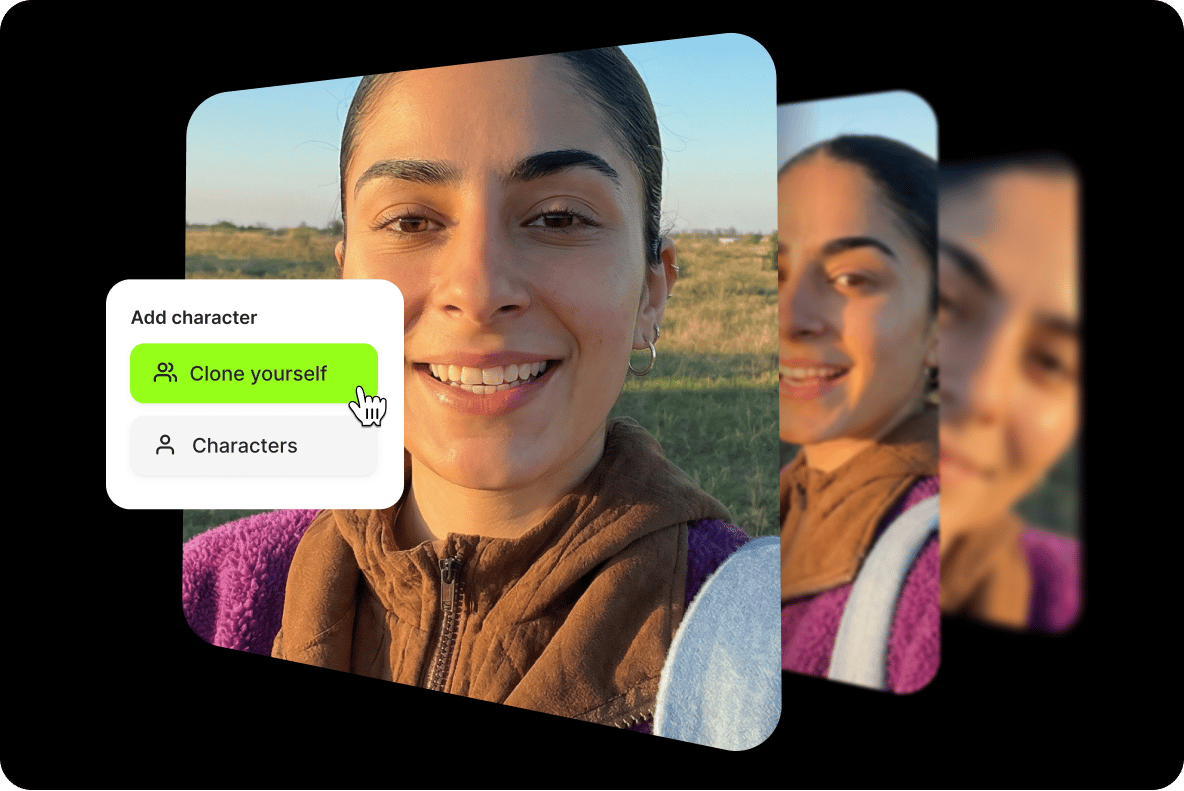
Log in to VEED and open Create a talking video. Choose Clone yourself, then upload a selfie or a photo of yourself. Pick a voice: clone your own or choose one of VEED's AI voices. When both are set, your clone is ready to use.
Step 02
Add a topic or a script
Type a topic and VEED writes the script for your clone, or paste your own. Before you generate, set up the video: subtitles, music, tone of voice, length, and the platform or aspect ratio.
Step 03
Generate, then download or keep editing
Generate the video and watch it back. Download it as it is, or open it in VEED AI Studio to trim it, add text, or polish the details before you export.
Learn More
Watch how to clone yourself with AI on VEED:
Stay the face of your content, without filming every video
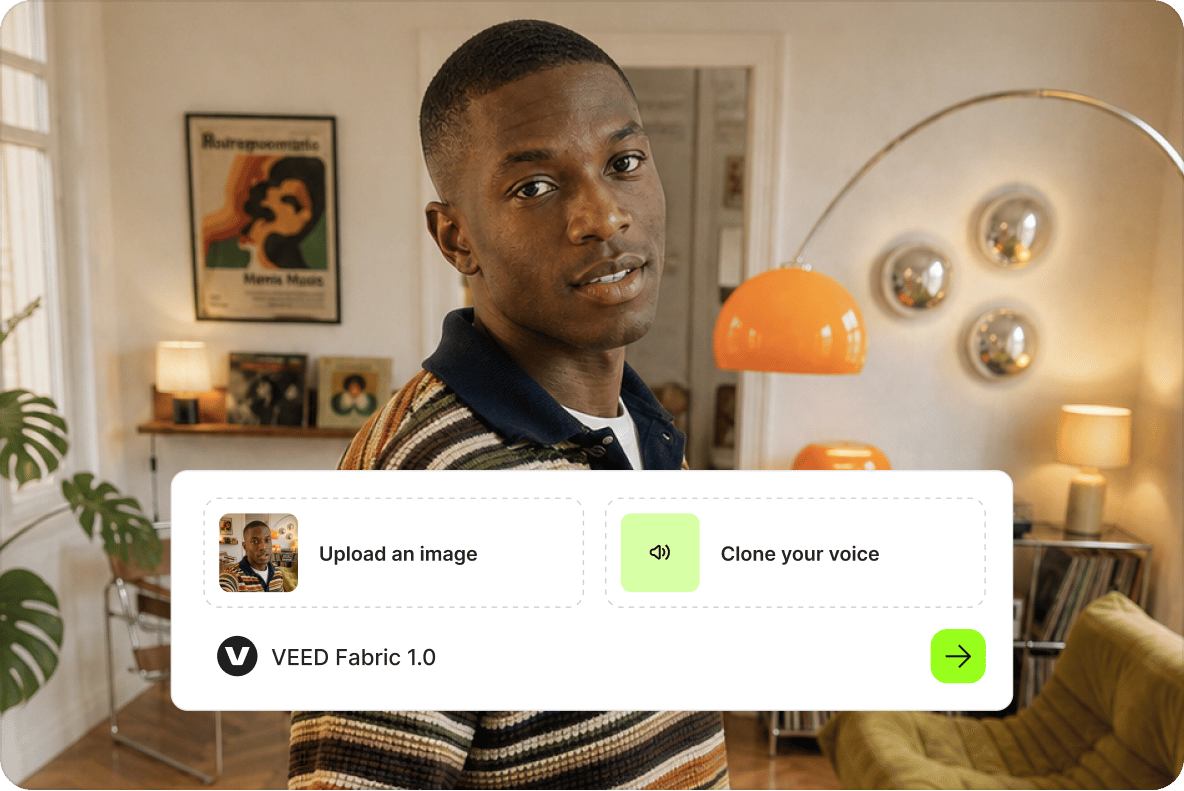
Create an AI version of yourself from your selfie and pair it with a clone of your voice. Your personal AI avatar delivers your script with lip movements matched to the words, so your tips, opinions, and updates can feature you instead of a stock presenter. You choose what your clone says and review the result before sharing it. Keep your face and voice in your content, even on days you do not record.
Turn your next idea into a finished AI clone video
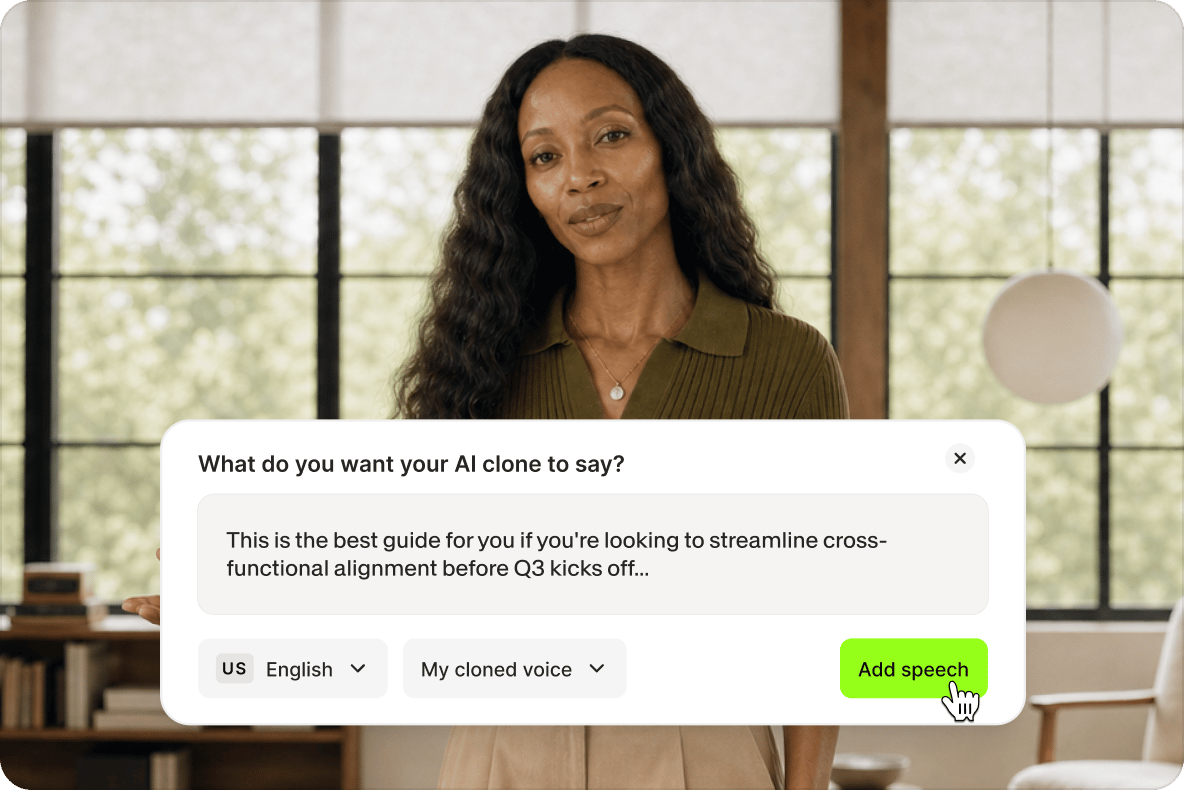
Have a topic in mind but no script or time to film? Let VEED help draft the words, or paste in your own script. Add captions and your branding, and pick the format for Reels, TikTok, or Shorts before you generate your AI clone video. Take that idea out of your notes and into your feed without arranging a shoot or piecing the video together across different tools.
Update your videos by changing the script, not reshooting
A new offer, a better opening line, or a customer question does not have to mean another recording session. Reuse your AI clone to explain a service, share a quick lesson, or promote a launch. Change the script and generate a new version instead of filming yourself again. Try different hooks and calls to action while keeping the same presenter, and spend your time improving the message rather than recording another take.
FAQ
An AI clone is a digital version of a real person that looks and sounds like them and can read any script in a video. AI cloning builds it from a photo and a voice sample. It is not a voice clone, which copies only the voice, or an AI chatbot that copies how someone writes. It has nothing to do with biological cloning. On VEED, your clone comes from one selfie and your voice, or an AI voice.
You need a photo, a voice, and something to say. In VEED, open Create a talking video and choose Clone yourself. Upload a selfie and pick a voice, your own cloned or one of VEED's. Then type a topic, or paste your script, and choose the subtitles, music, tone, length, and platform. Generate, then download the finished video or edit it in VEED AI Studio.
Yes. Your clone can speak with a copy of your own voice. If you would rather not record your voice, pick one of VEED's AI voices instead. You choose the voice when you set up your clone, and it reads every script you type from then on. If you only want your voice without a video, use text to speech in your own voice.
It depends on the tool and how much video you make. On VEED, creating a clone and generating videos with it depends on your plan and your AI credits, so there is no single price. Check the pricing page to see what each plan includes and how credits work. If you plan to make many videos, check your credit balance first.
You can clone yourself. To clone anyone else, you need their clear permission first. Videos made with a clone should also say they are AI-generated, so viewers are not misled. Rules on using someone's face or voice vary by country, so check the rules where you publish, especially for ads.
Make an AI clone of yourself once, then give it a new topic or script for each video. Creators use theirs for daily talking-head posts, quick follow-ups when a video does well, and the same idea recut for TikTok, Reels, and LinkedIn. Pick the platform before you generate, because each version is made in that size, and you stay on screen without filming anything.
Loved by creators.
Loved by the Fortune 500
“
With VEED I didn't need 15 tutorials - I jumped straight in and started editing.

Gwenne Wilcox
Founder,
Brand Brainery
“
You can go beyond choppping things. VEED actually makes my videos look great.

Michael Glover
Demand Gen Manager,
ConvertFlow
“
The first four videos i created with VEED got over 40,000 impressions on LinkedIn.

Travis Tyler
Senior Content Producer,
PandaDoc
“
I found VEED at the right time: if you're making UGC ads and not using Eye Contact Correction and Noise Reduction on VEED you're missing out on ROI.

Sebastian Schurgers
Head of Growth Marketing,
Gronda
“
With VEED I didn't need 15 tutorials - I jumped straight in and started editing.
Gwenne Wilcox
Founder,
Brand Brainery
“
You can go beyond choppping things. VEED actually makes my videos look great.
Michael Glover
Demand Gen Manager,
ConvertFlow
“
The first four videos i created with VEED got over 40,000 impressions on LinkedIn.
Travis Tyler
Senior Content Producer,
PandaDoc
“
I found VEED at the right time: if you're making UGC ads and not using Eye Contact Correction and Noise Reduction on VEED you're missing out on ROI.
Sebastian Schurgers
Head of Growth Marketing,
Gronda
“
The first four videos i created with VEED got over 40,000 impressions on LinkedIn.
Travis Tyler
Senior Content Producer,
PandaDoc
“
I found VEED at the right time: if you're making UGC ads and not using Eye Contact Correction and Noise Reduction on VEED you're missing out on ROI.
Sebastian Schurgers
Head of Growth Marketing,
Gronda
“
With VEED I didn't need 15 tutorials - I jumped straight in and started editing.
Gwenne Wilcox
Founder,
Brand Brainery
“
You can go beyond choppping things. VEED actually makes my videos look great.
Michael Glover
Demand Gen Manager,
ConvertFlow
Explore related tools
More from VEED
VEED vs. ElevenLabs 2026: Which AI Voice Tool Is Right for You?
If you primarily need high-quality AI voice for audio content, podcasts, or developer projects, ElevenLabs is the stronger tool. If you're creating videos for social media, marketing, or YouTube, VEED's all-in-one approach is the better fit for most creators.

How to Dub a Video with AI: Step-by-Step Guide for Perfect Audio Sync
Want to learn how to dub a video with AI? This guide is all you need.

Video Dubbing Guide: Top Tips and Tools for Quality Voiceovers
Dubbing over a video doesn't have to be complicated. Well, that is, if you know what you're doing. Read on to learn more!
Trusted by 1M+ creators
When it comes to amazing videos, all you need is VEED
No credit card required
More than an AI clone generator
Your AI clone is just one way to create with VEED. VEED is an AI video creation platform that brings video generation and editing together, so you can build on your clone video or create something new from a prompt or your own footage. Add visuals that illustrate your message, generate captions, and apply your brand's fonts, colors, and logo without switching between apps. When you're ready to take your content further, turn longer videos into social clips or translate and dub them for audiences who speak another language. Start creating with VEED and turn your next idea into a complete video you're ready to share.