How to Scale Video Creation and Remain On-Brand
Empower your teams to efficiently create, edit, and repurpose more on-brand videos with VEED. Learn more here.
Turn long videos into Shorts, Reels, and TikToks automatically. Try for free
4.6
319 reviews















No more scrubbing through hours of footage. Upload your video and VEED's automatic clip maker extracts the most engaging moments — trimmed, captioned, and sized for your chosen platform. Set your video goals, describe what to highlight, and choose your subtitle style. Our AI generates ready-to-share clips in minutes.
Want more control? Fine-tune any clip by editing the transcript directly. Extend or trim by highlighting text. Use Auto Edits to clean your audio and add music and B-roll footage. The automatic clip maker lets you repurpose podcasts, webinars, and other long videos for TikTok, Reels, YouTube Shorts, and Twitch.
How to create a clip from a video:
Step 1
Click on ‘Clips.’ Upload a video that’s longer than two minutes. Your video needs to have spoken audio for the Clips tool to work.
Step 2
Choose your format and video goal: Viral Short, Highlights, or Insights. Pick a subtitle style, and set your clip length. You can also describe topics you want to extract.
Step 3
Review your AI-generated clips and download the ones you want. Or trim a clip by editing the transcript. Highlight text to extend or cut sections.
Learn More
Watch this walkthrough of our automatic clip creator:
Make social-ready clips from long videos
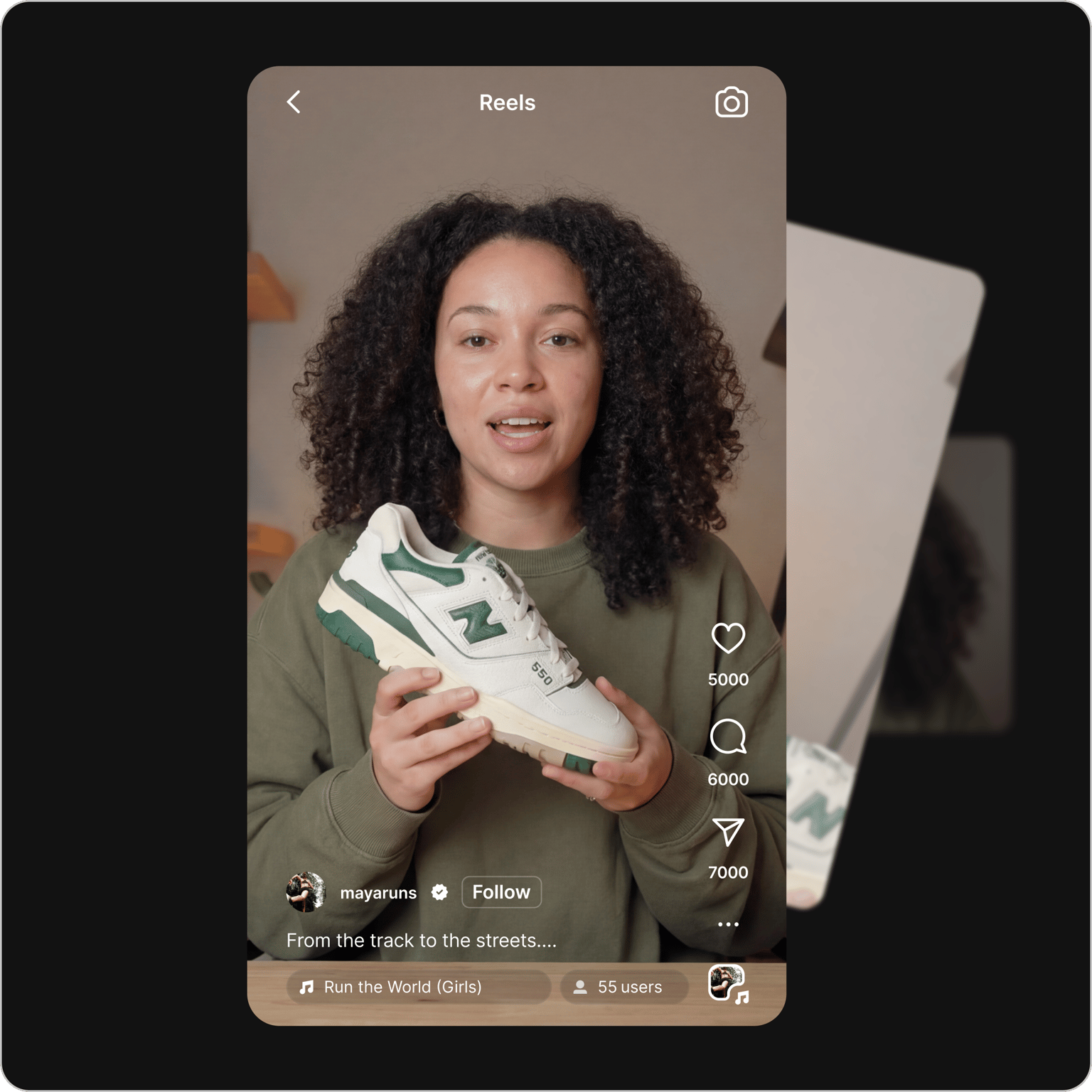
No need to scrub through footage or make manual cuts. Upload your video and our AI clip maker identifies the most engaging moments, removes silences and filler words, and adds dynamic captions for your chosen platform. Export for Reels, YouTube Shorts, TikTok, and Twitch in minutes. Add auto-subtitles and translations to make your clips accessible.
Polish clips with transcript-based editing and auto edits
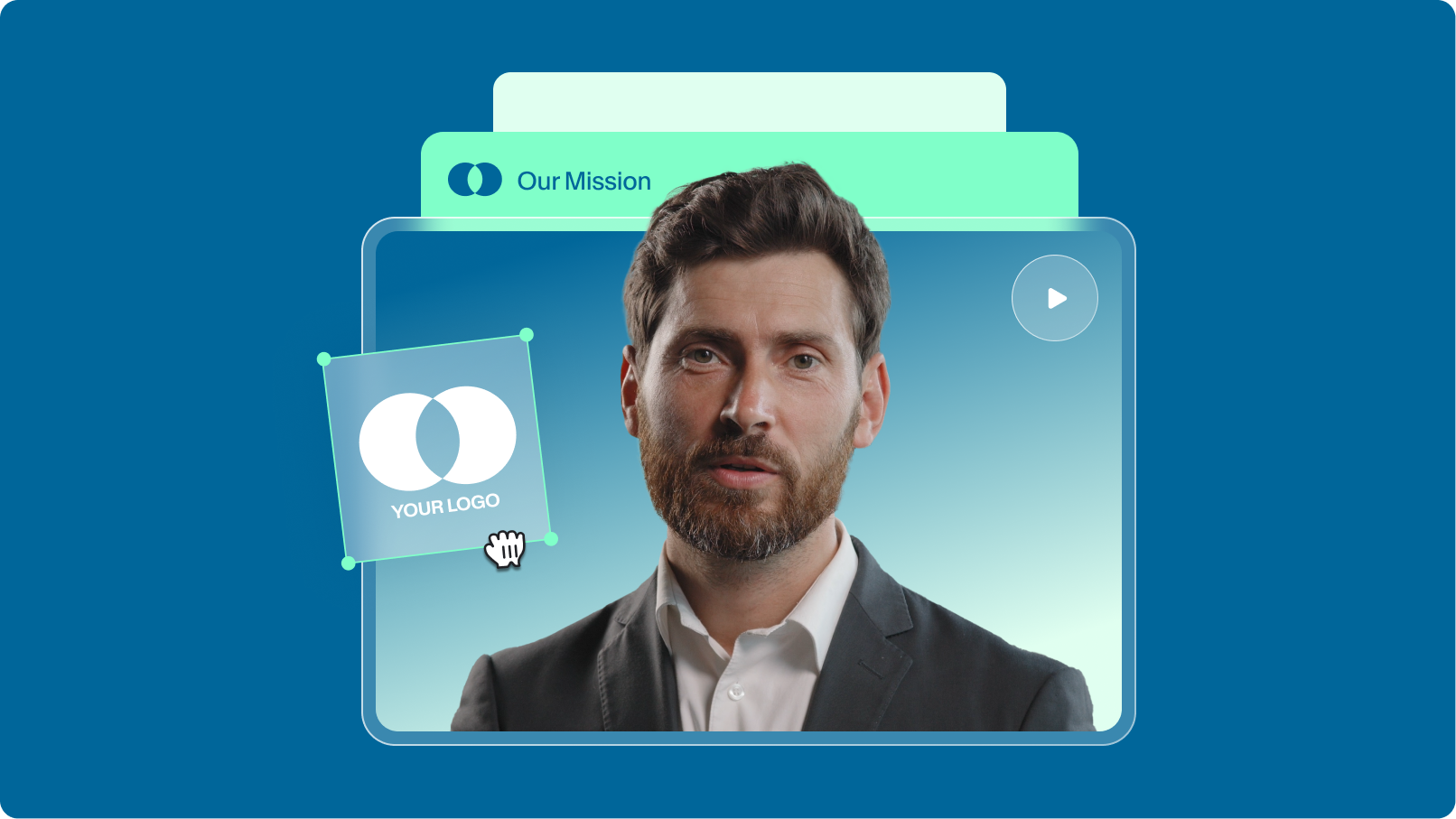
Want more control over the final output? Trim or extend clips by editing the transcript. No timeline scrubbing needed. Use AI Auto Edits to remove background noise, correct eye contact, and add B-roll footage. Open your clips in our editor to add text titles, music, and your logo. Generate and fine-tune your clips in one platform.
Turn ideas into post-ready clips in minutes
No footage and starting from scratch? Create AI videos from an idea or script. Our AI builds a complete talking video for you. Fine-tune the generated script with your unique insights. Have control over every frame. Customize subtitle styles and colors. VEED helps you scale your content production while staying on-brand.
FAQ
Discover more
Explore related tools
Loved by the Fortune 500
VEED has been game-changing. It's allowed us to create gorgeous content for social promotion and ad units with ease.

Max Alter
Director of Audience Development, NBCUniversal

I love using VEED. The subtitles are the most accurate I've seen on the market. It's helped take my content to the next level.

Laura Haleydt
Brand Marketing Manager, Carlsberg Importers

I used Loom to record, Rev for captions, Google for storing and Youtube to get a share link. I can now do this all in one spot with VEED.

Cedric Gustavo Ravache
Enterprise Account Executive, Cloud Software Group

VEED is my one-stop video editing shop! It's cut my editing time by around 60%, freeing me to focus on my online career coaching business.

Nadeem L
Entrepreneur and Owner, TheCareerCEO.com

More from VEED
When it comes to amazing videos, all you need is VEED
No credit card required
More than an automatic clip maker
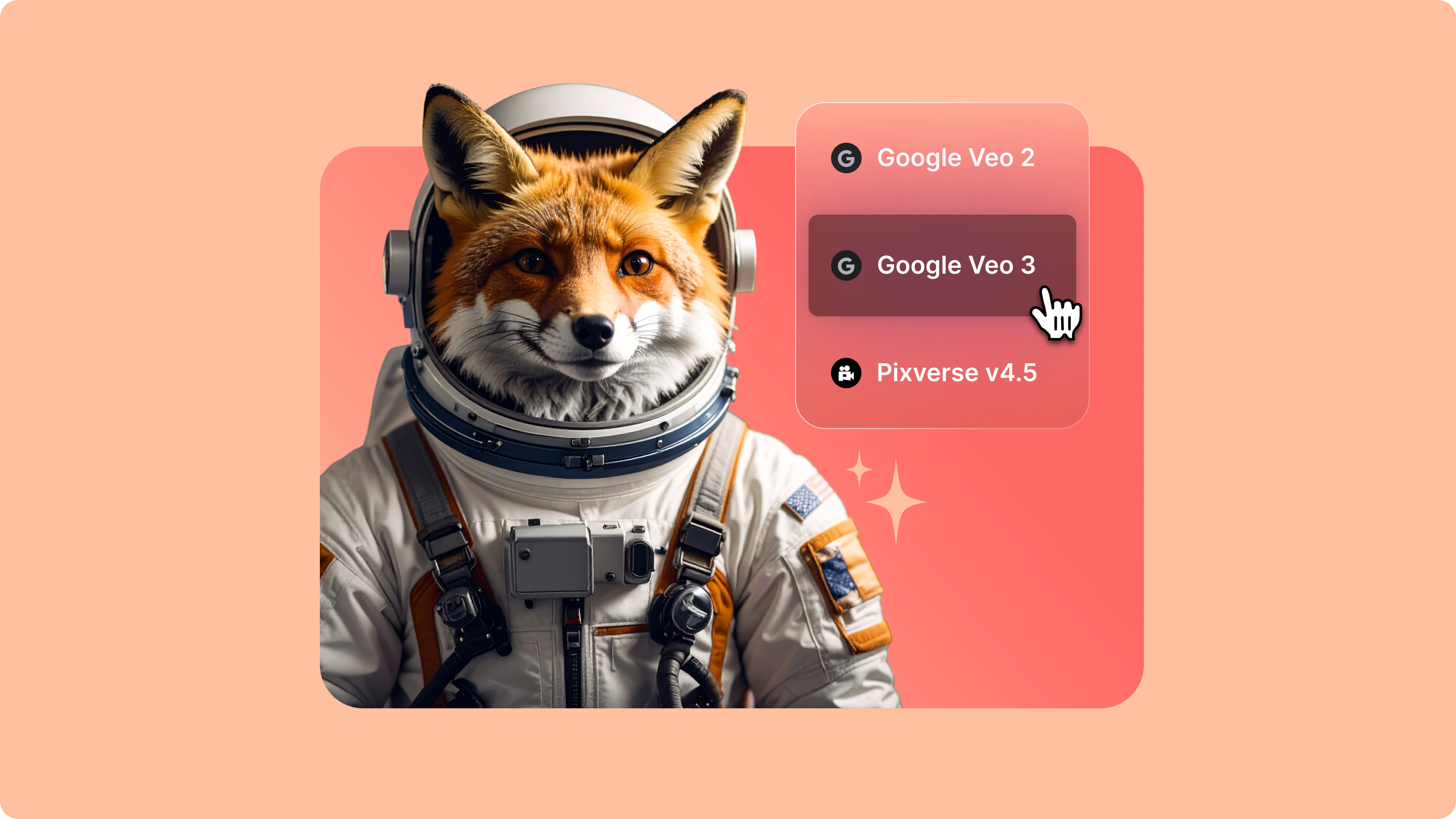
VEED is an AI video creation platform where you can generate, refine, and export videos. Repurposing content? Turn long recordings into bite-sized clips for YouTube Shorts and Instagram Reels. Expand video backgrounds and resize videos for social platforms. Creating a video from scratch? Generate videos with the best AI models, or create talking avatars from scripts. Add text, captions, and your branding. VEED turns your ideas into post-ready videos in minutes.

.png)