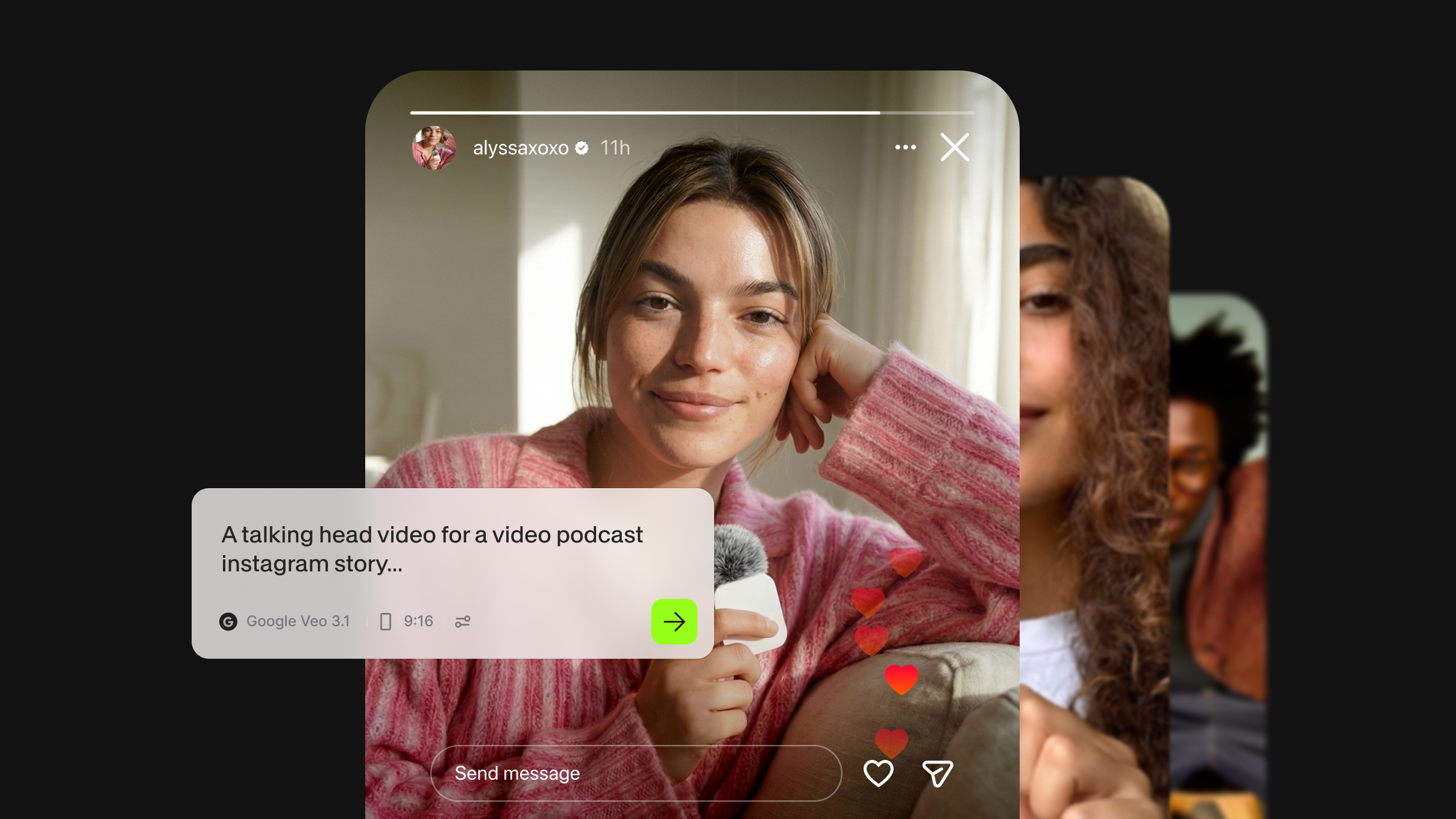
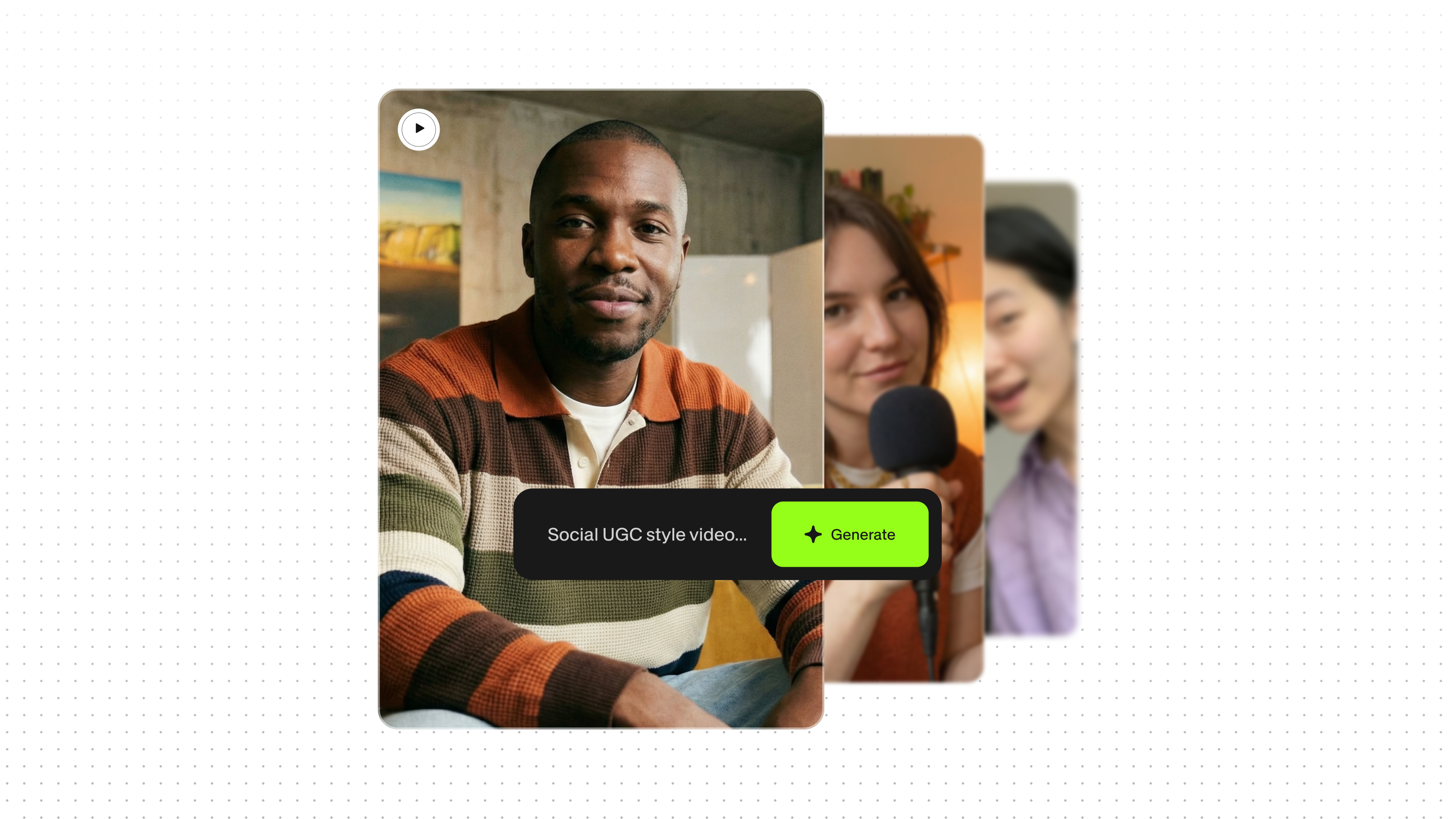
The Best AI Video Editors in 2026 (Compared and Ranked)


The best AI video editor in 2026 is one you can give instructions to, and for social video that is VEED, where VEED AI, the platform's video editing agent, takes a typed command like "add subtitles and format this for Reels" and does the edit. Most tools in this category still work the old way: AI features bolted onto a toolbar you have to learn.
We researched ten AI video editors against the same four jobs (captions, reframing, clipping long videos into shorts, and generating new footage), looking at what each tool documents and what its users report, and ranked them by use case, with a note on which ones let you describe the edit rather than perform it. If your footage is mostly talking heads, Descript is still the pick; if you edit on your phone and need a free option, CapCut; if you need a professional timeline, Adobe Premiere Pro or DaVinci Resolve.
Key takeaways:
- The best AI video editor depends on your footage and where the video is going.
- VEED is our pick for social video because its editing agent, VEED AI, works from typed instructions.
- Agent-style editors remove the learning curve; timeline editors still win for complex, effects-heavy projects.
- Most AI video editors offer a free plan, usually with watermarks or export limits.
- Mobile apps now sync with desktop projects, so you can start on your phone and finish on a laptop.
How we picked the best AI video editors
We ranked each tool on three things: how much editing work the AI actually removes, how usable the output is on social platforms without extra fixes, and how far the free plan gets you before you have to pay. A fourth question separated the top of the list from the rest: can you tell the tool what you want in plain language, or do you still have to find the right button? A tool that generates a clip you then recaption and reframe by hand scored lower than one that hands you something ready to post.
To build the list, we looked at each tool's own product pages and documentation, read public reviews on sites such as G2, and, for VEED, drew on how our own team uses VEED AI day to day. Where a tool's free plan or a feature's availability is unclear, we say so in that tool's entry rather than guess.
AI editing is no longer a niche workflow. Wyzowl's 2026 State of Video Marketing found that 63% of video marketers have used AI tools to create or edit marketing videos, up from 51% a year earlier. The format those tools are being asked to produce is mostly short and vertical: research from Sprout Social shows short-form video under 60 seconds drives the most engagement on Instagram. So we weighted social-first features (auto captions, auto reframing, clipping, and script-to-video) more heavily than color grading or VFX, and we say so in each entry where that weighting matters.
What is an AI video editing agent, and why does it matter?
An AI video editing agent is an assistant inside the editor that takes a written instruction, works out which tools to use, and applies the edit to your project. The difference from a standard AI feature is who does the clicking. An auto-subtitle button still needs you to find it, run it, and style the result; an agent does all three when you type "add subtitles in our brand style."
VEED AI is the clearest example of this in 2026. You describe what you want and it edits your clips, builds social ads, or generates new footage. A few of the commands it accepts, taken from VEED's own list of AI Agent use cases:
- "Add subtitles to this video."
- "Format this for Instagram Reels."
- "Remove awkward pauses."
- "Add upbeat background music."
- "Fix eye contact in this clip."
- "Generate a short intro with our company logo."
Other tools have started moving the same way. OpusClip has Agent Opus for producing videos from a single prompt, Descript has Underlord for transcript-based commands, and InVideo AI accepts text instructions to change a generated video. Timeline editors such as Premiere Pro and DaVinci Resolve still treat AI as a set of tools you apply by hand. We flag the agent status of each tool in the comparison below, because for beginners and busy social teams it is the feature that decides how fast you can ship.
See VEED AI edit for Instagram and TikTok
If you want to see what agent-style editing looks like before you read the full list, this short video from VEED shows VEED AI taking a typed instruction and turning raw footage into a post ready for Instagram and TikTok.
Best AI video editing software 2026: the quick comparison
Pricing changes often, so we have left it out of the table. VEED's current plans are on the VEED pricing page.
The 10 best AI video editors in 2026
1. VEED: best AI video editor for social video that performs
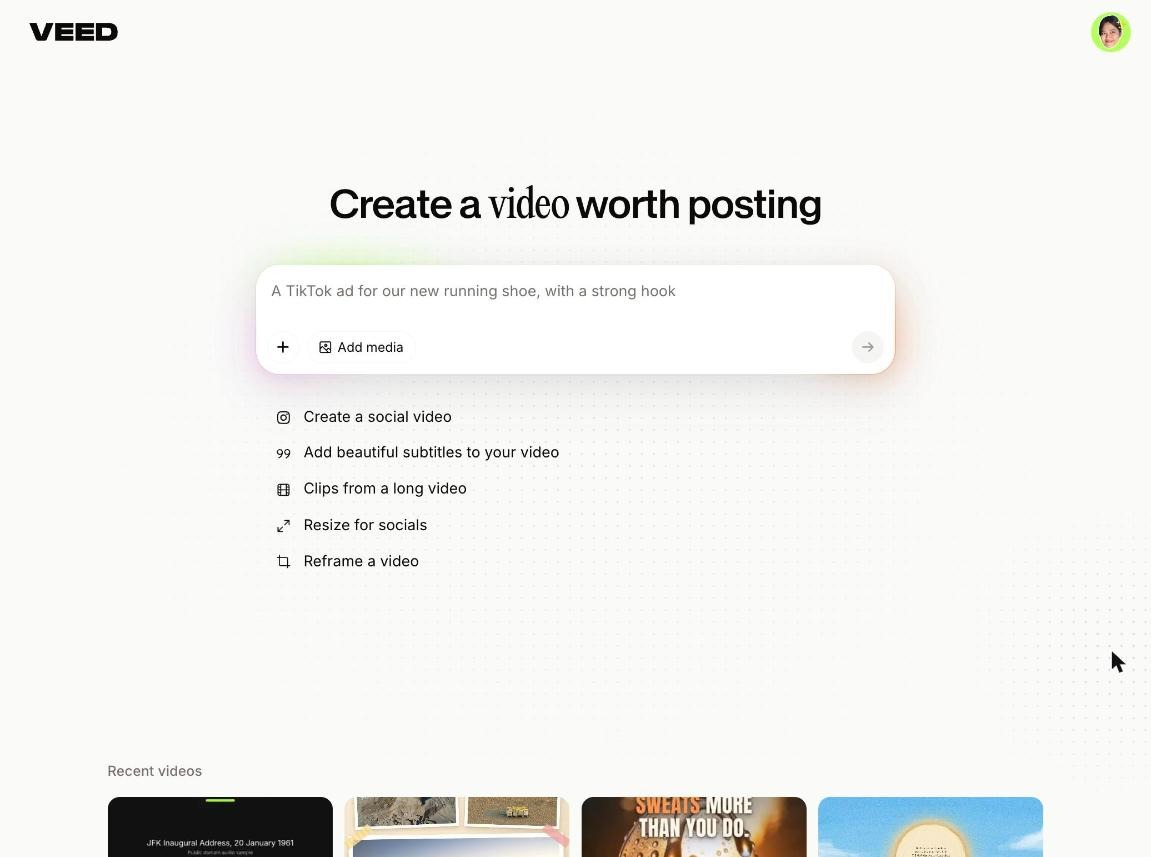
VEED is the best choice for creators and marketers who publish social video often, because VEED AI, its video editing agent, turns a typed instruction into a finished edit. VEED is the AI video creation platform that grows your brand on social, and the whole workflow runs in a browser tab, so there is nothing to install and projects are shared with a link.
Here is what a typical session looks like. You upload a recording, or record your screen and webcam inside the project, and type "remove the silences, add subtitles, and format this for TikTok." VEED AI tightens the cut, generates and styles the captions, and reframes the video to vertical. If you need a cutaway you never filmed, "generate a clip of city traffic at night" produces one from the generative models inside VEED, which include Fabric, Google Veo 3, and Kling. If the result is not quite right, you refine with another instruction or open the timeline and adjust by hand. Edit with Script covers the transcript workflow: delete a line of text and the matching footage goes with it.
Other features worth knowing about:
- Automatic subtitles in 100+ languages, plus AI dubbing for the same video in other languages
- Characters built from your own face and voice, which you can reuse in every video without filming again
- Multi-Shot Characters, which generates multi-camera-style cuts of a presenter automatically
- Eye contact correction and background noise removal, both available as a typed command
- An iPhone and iPad app that syncs projects with the web version
Limitations: VEED AI and the generative models are on paid plans, and VEED's free plan exports with a watermark. Professional colorists and VFX editors will still want a dedicated timeline tool for complex projects. VEED has over 2,100 reviews on G2, and the recurring praise is that it is easy to pick up; the recurring complaint is a smaller library of transitions than desktop editors. See the VEED pricing page for current plans.
Best for: creators, social media managers, and small marketing teams who need a steady output of on-brand short-form video and would rather describe an edit than build it.
2. CapCut: best free AI video editor for mobile users
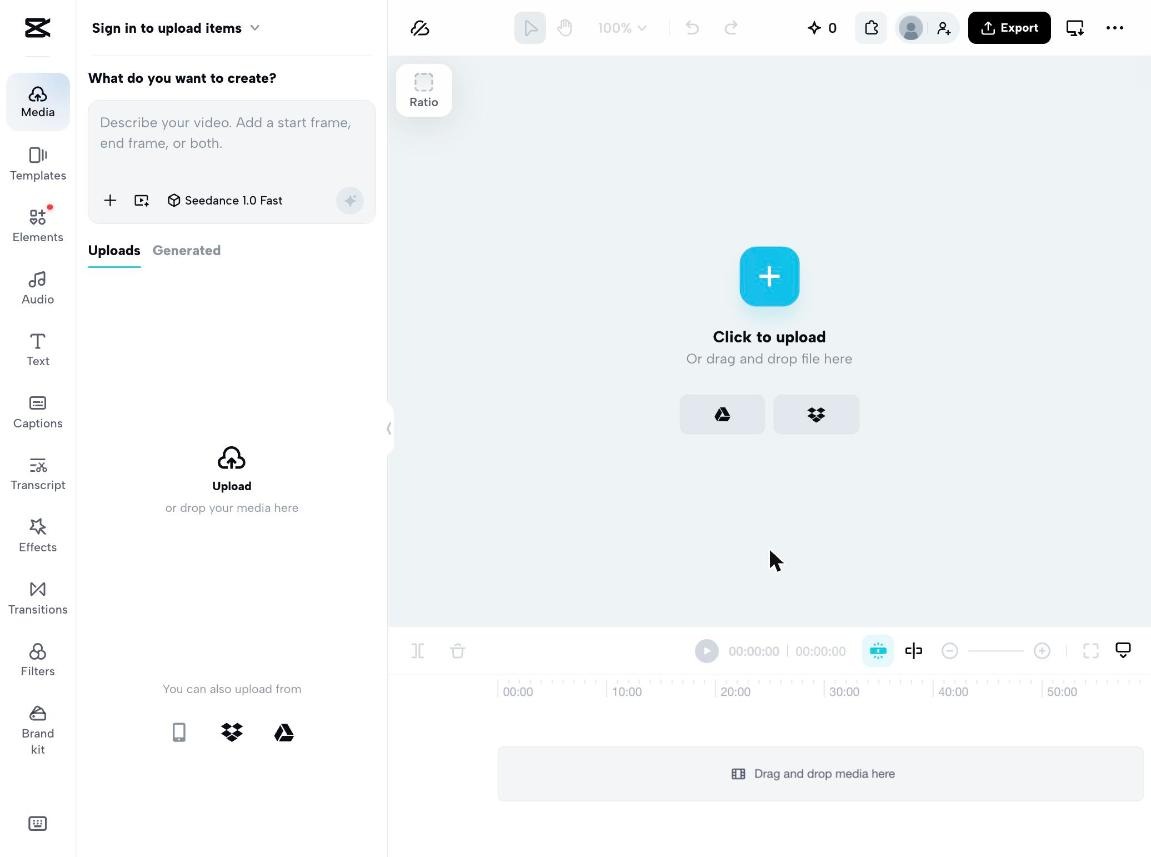
CapCut is the best free AI video editor for people who edit on a phone and publish to TikTok or Instagram Reels. It started as a mobile app and still feels built for vertical video first, with auto captions, trending templates, auto-cutouts, and a text-to-speech tool that are all available on the free plan.
CapCut's AI is applied tool by tool rather than through an agent, so you still tap through the interface for each change, but the interface is simple enough that this rarely slows a short edit down. It also has desktop and browser versions, and a Pro tier that unlocks more AI effects, higher-quality exports, and cloud storage. The main caveats are that some templates and effects are tied to TikTok's ecosystem, and the desktop app is less capable than a dedicated timeline editor once a project gets complicated.
Best for: mobile-first creators and anyone who wants a free AI video editing app with no learning curve.
3. Descript: best for editing video by editing the transcript
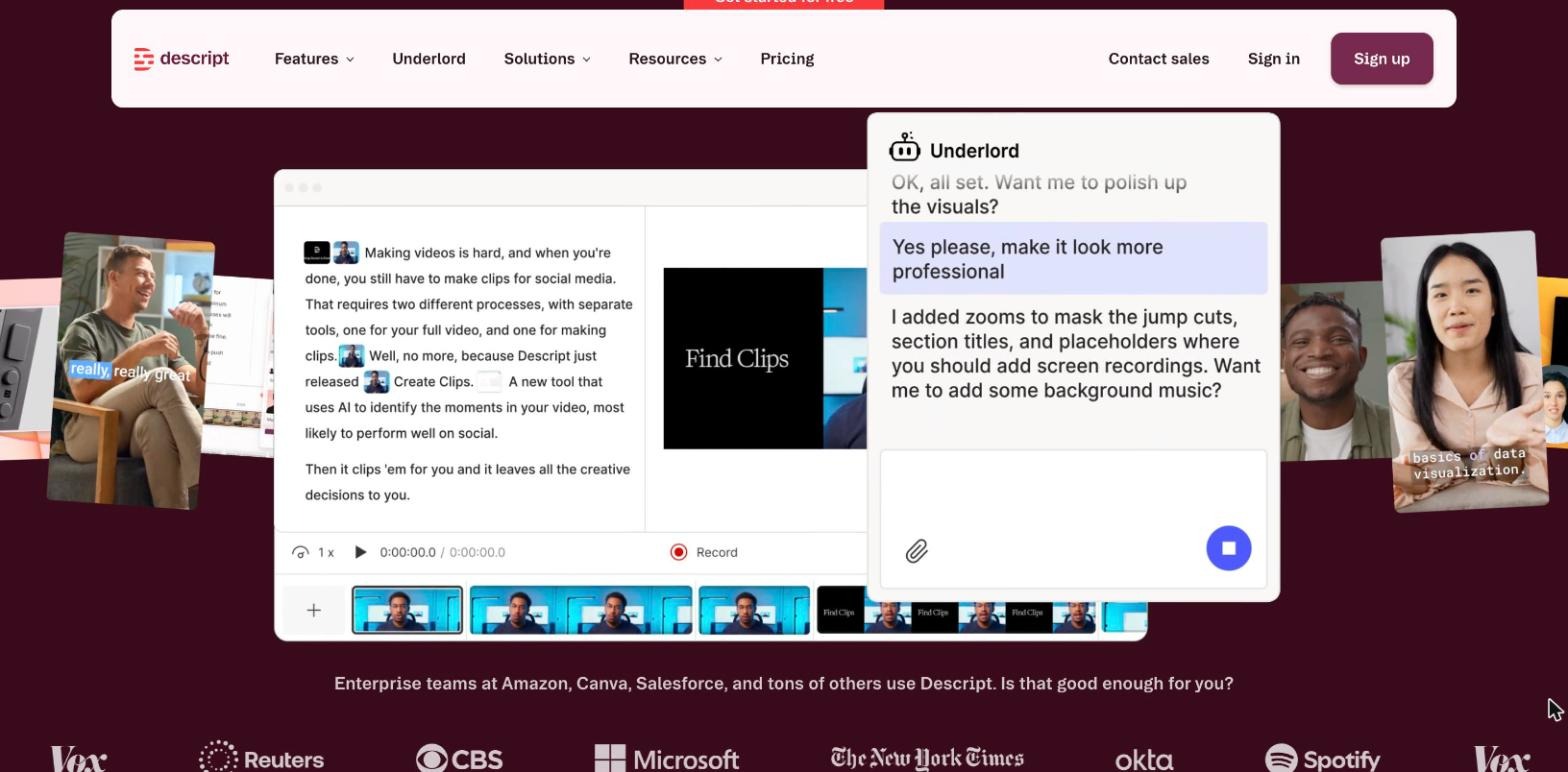
Descript is the best AI video editor for talking-head recordings, podcasts, and interviews, because you edit the video by editing its transcript. Delete a sentence in the text and the matching footage disappears. Its Underlord assistant accepts written requests for common jobs such as removing filler words, fixing eye contact, and cleaning up audio with Studio Sound.
Descript's weakness is anything that is not dialogue-driven. B-roll-heavy stories, music videos, and projects that need precise frame-level cuts are easier in a timeline editor. The free plan is enough to try the transcript workflow, with export limits on the free tier.
Best for: podcasters, educators, and anyone who records themselves talking to camera.
4. OpusClip: best for turning long videos into short clips
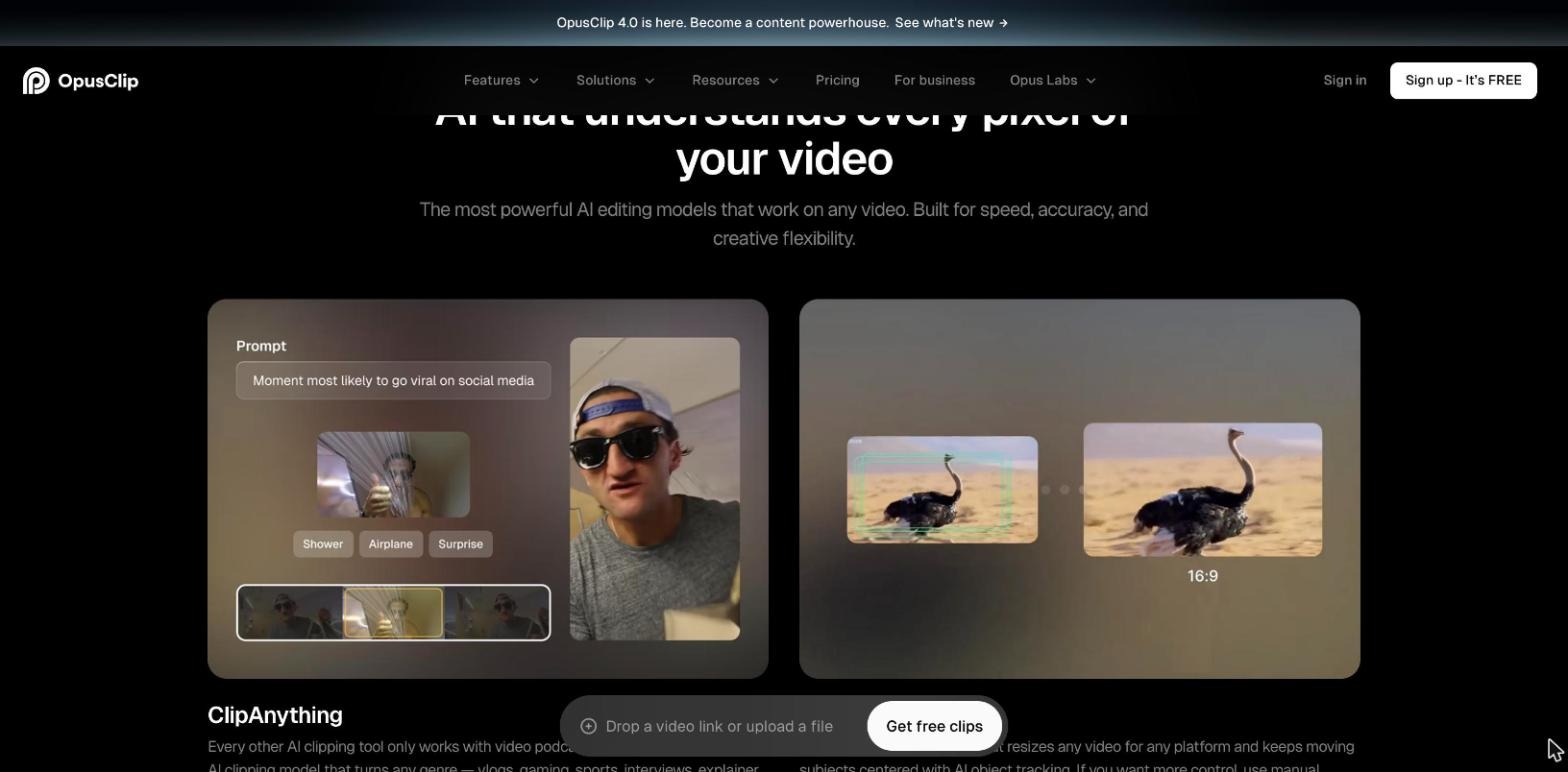
OpusClip is the best AI video editor for repurposing. You give it a long recording, such as a webinar, podcast, or livestream, and it returns a batch of short, captioned, vertically reframed clips, each with a score that estimates how well it will perform on social. Agent Opus extends this with prompt-to-video production, and the clipping tool handles speaker tracking so the active speaker stays in frame.
OpusClip is a specialist. It is not where you would build a video from scratch, and it works best paired with a primary editor for anything beyond clipping. If your content is mostly long-form and your problem is turning it into shorts, it is the most direct route on this list.
Best for: podcasters, webinar hosts, and teams that publish long videos and want shorts without hiring an editor.
5. Adobe Premiere Pro: best for professional editors who want AI assists
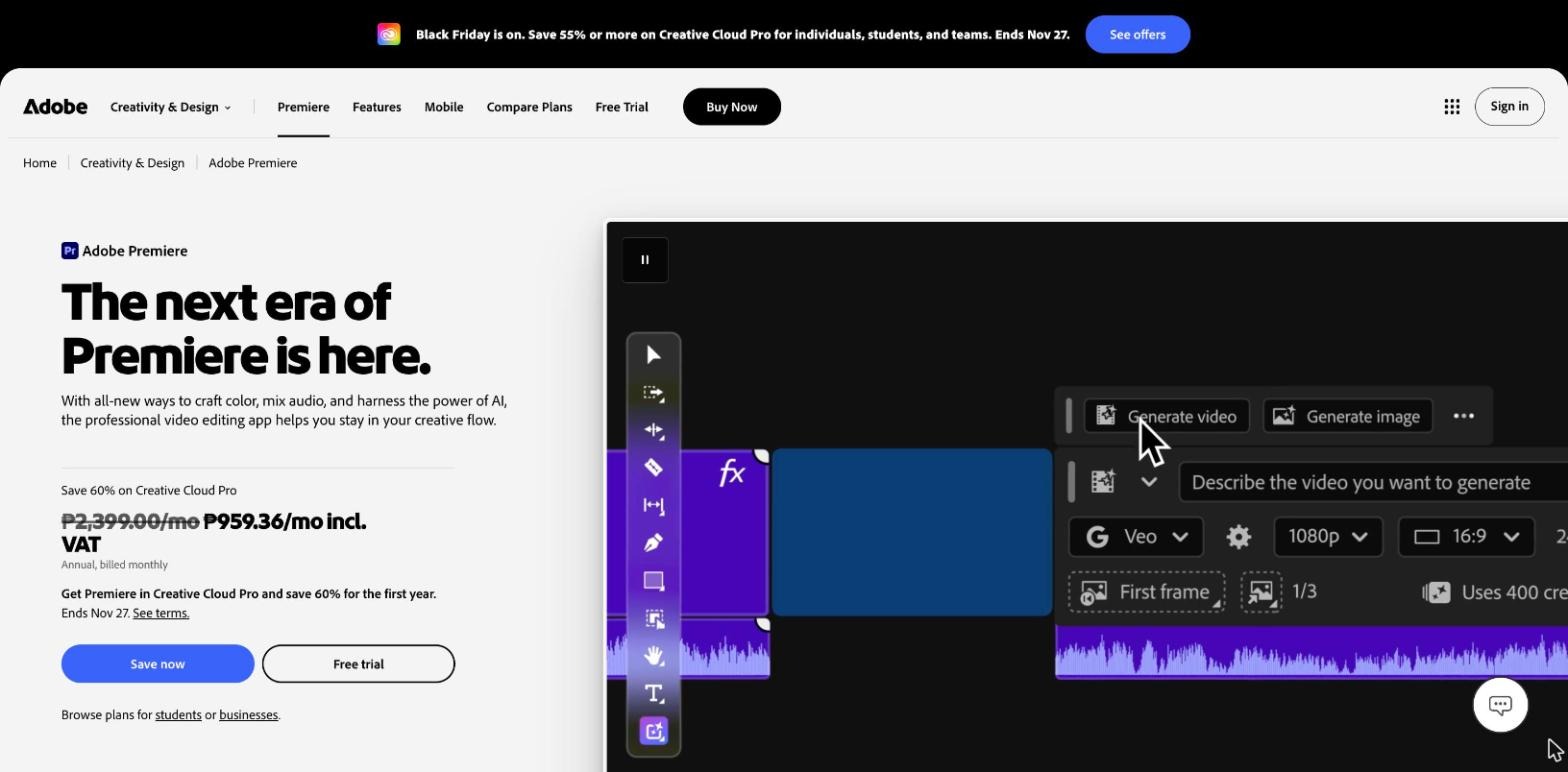
Adobe Premiere Pro is the best AI video editor for professionals who want a full timeline with AI layered on top. Generative Extend adds frames to the end of a clip when you need a few more seconds, speech-to-text generates and translates captions, and auto reframe converts horizontal edits to vertical without re-editing. It integrates with After Effects and the rest of Creative Cloud.
The trade-off is cost and complexity. Premiere Pro is subscription-only, the learning curve is steep for beginners, and the AI features assist a human editor rather than acting on instructions. Adobe has been renaming and repackaging parts of the suite, so check the current product name and bundle before buying.
Best for: agencies, video professionals, and YouTubers producing narrative, b-roll-heavy content.
6. DaVinci Resolve: best free professional-grade AI video editor
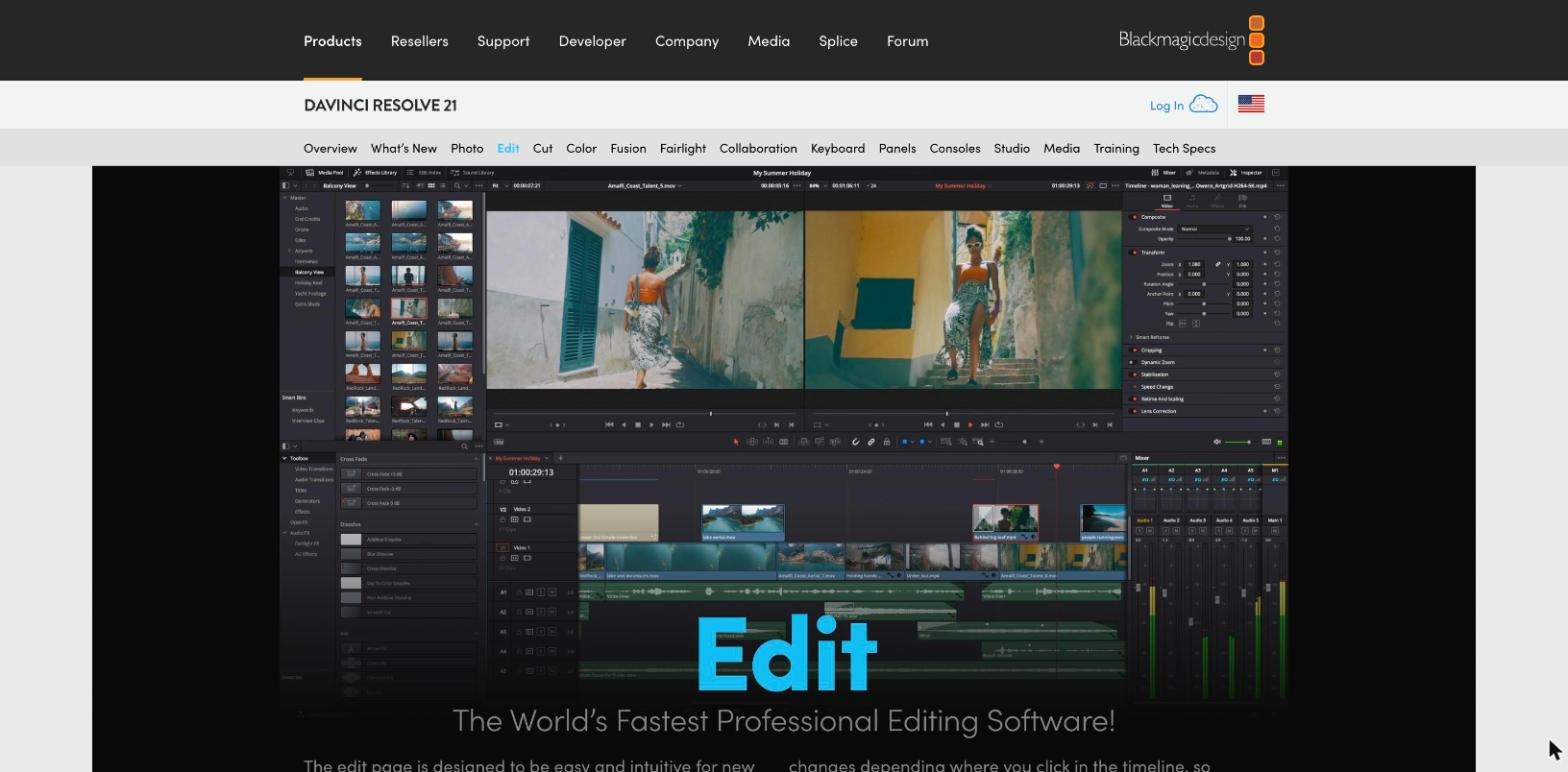
DaVinci Resolve is the best free AI video editor for people who want professional editing and color tools without a subscription and without a watermark. The free version includes a full timeline, Fairlight audio, and the Fusion effects page, and the Neural Engine powers AI tools such as Magic Mask, Smart Reframe, and transcript-based editing. The paid Studio version is a one-time purchase.
The catch is the learning curve, which is the steepest on this list, and the hardware requirements, which are higher than any browser-based tool. There is no agent; every AI tool is something you apply on the timeline. Resolve is a desktop application only.
Best for: editors and colorists who want pro features for free and are willing to learn a complex interface.
7. Canva: best AI video editor for non-editors
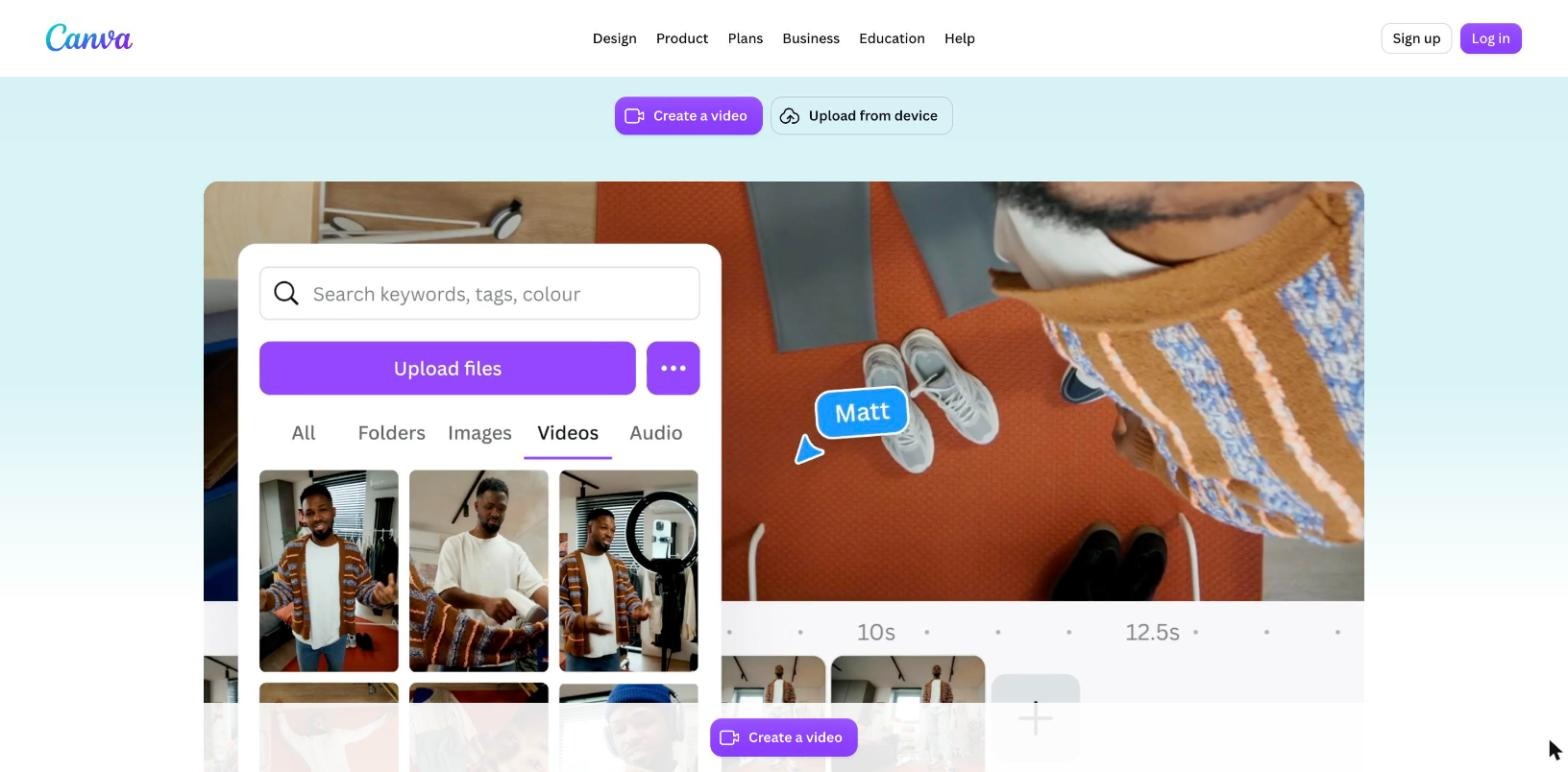
Canva is the best AI video editor for people who already make their social graphics in Canva and want to add short videos without learning a new tool. Magic Studio includes text-to-video, background removal, auto captions, and a beat sync tool, all inside the same drag-and-drop workspace as your templates and brand kit, and several of them accept a short prompt.
Canva is not built for editing long footage, and its timeline is basic compared with every other tool in this list. It is the right pick when the video is one asset in a wider design workflow.
Best for: small businesses and marketers producing branded social posts, ads, and simple promo clips.
8. Runway: best for generative AI video and effects
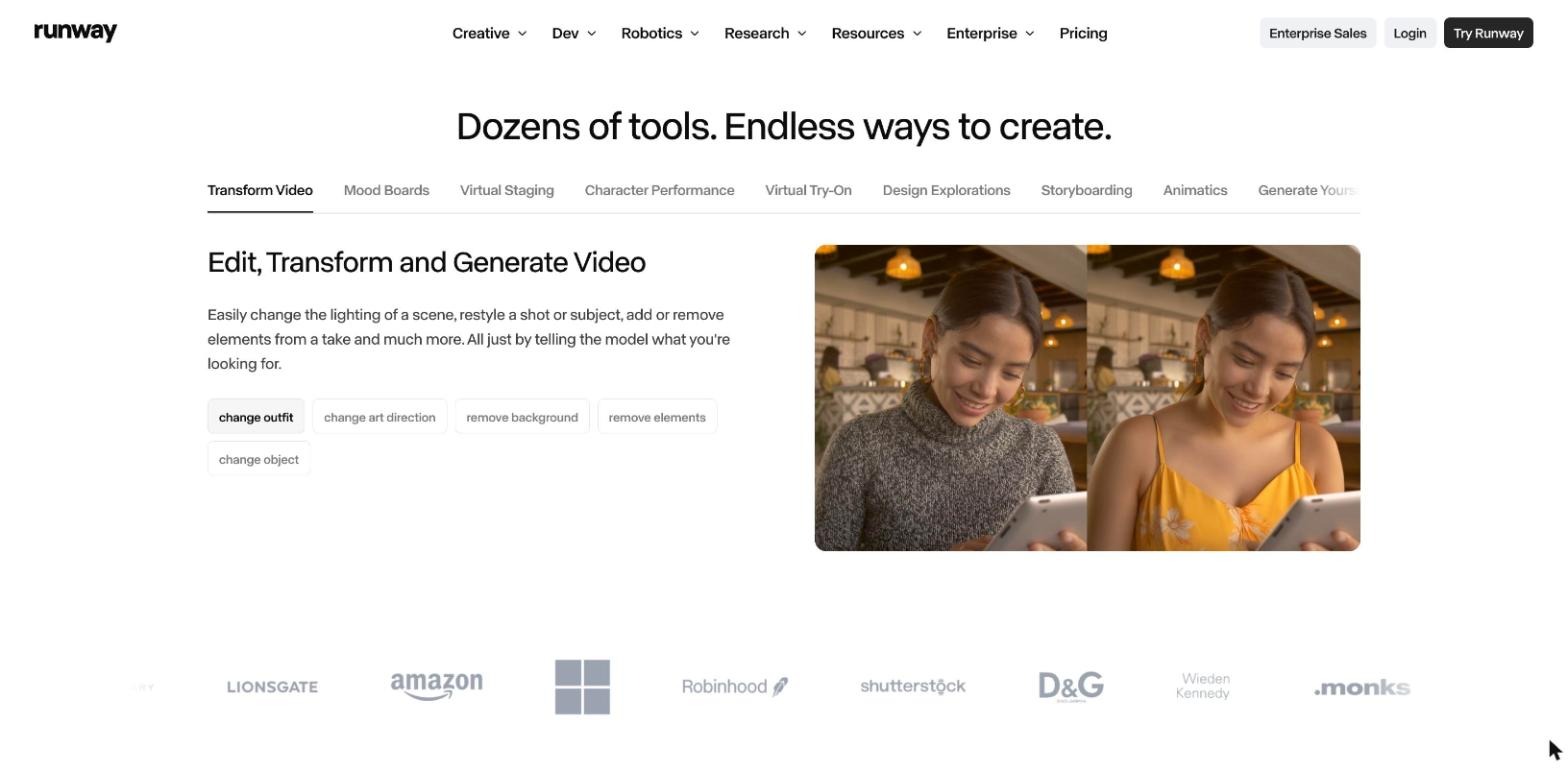
Runway is the best choice for creatives who want to generate new footage or transform existing footage with text prompts. Its generative models produce short clips from text or images, and its editing tools let you restyle a shot, remove objects, or extend a scene by describing the change.
Runway is a generative tool first and an editor second. Prompts drive generation, but there is no agent to assemble a complete video with captions and music, so you will still need something like VEED or a timeline editor for that. Credits run out quickly on the free plan if you generate a lot.
Best for: filmmakers, motion designers, and creatives experimenting with AI-generated visuals.
9. InVideo AI: best for turning scripts and articles into videos
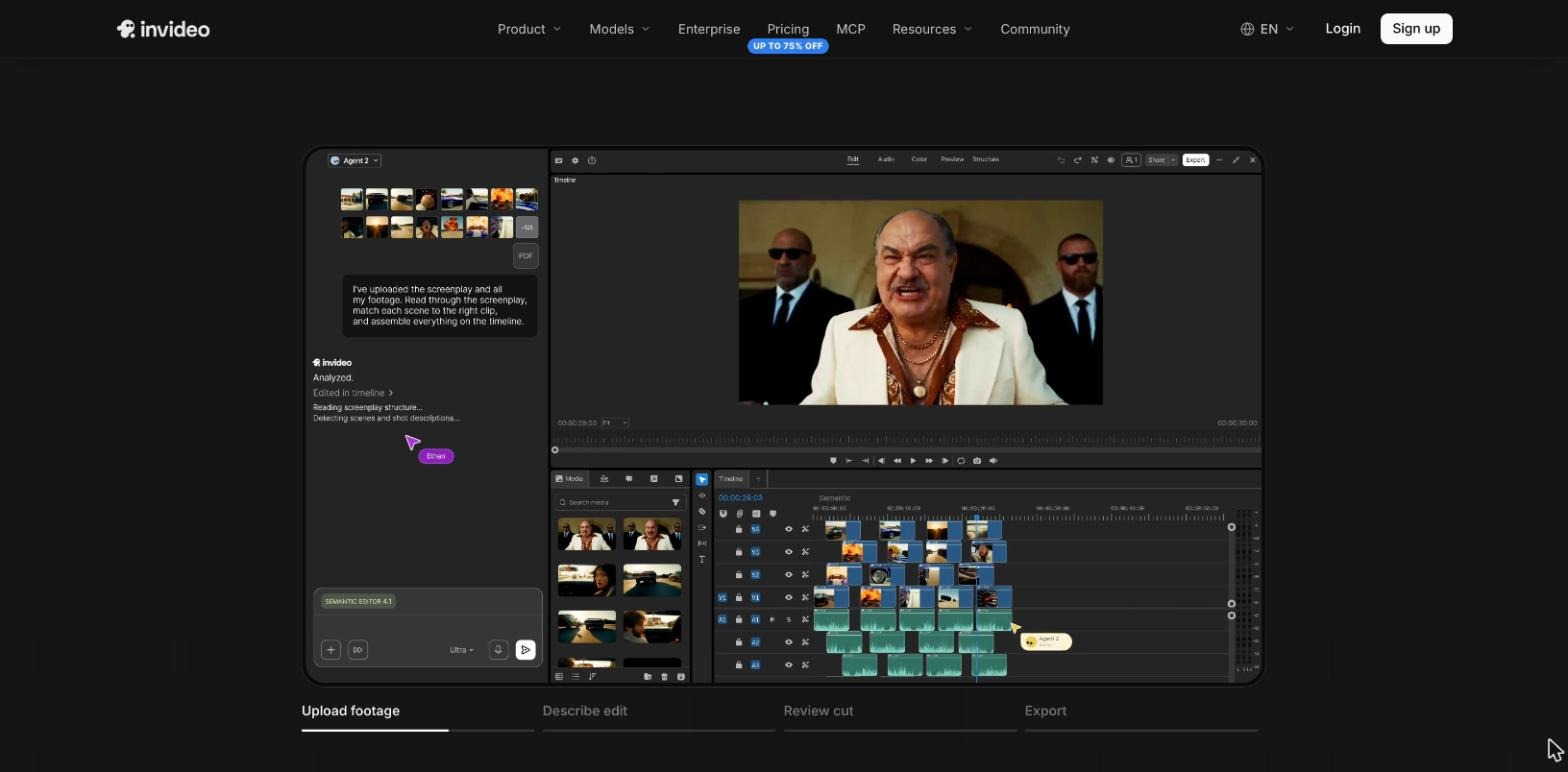
InVideo AI is the best AI video editor for turning a text prompt, script, article, or URL into a complete video with stock footage, voiceover, and captions. Once the video is generated, you edit it by typing instructions such as changing the voiceover or swapping a scene. It is aimed at people who have the words and none of the footage, such as faceless YouTube channels, explainer producers, and blog-to-video workflows.
The output leans on stock footage, so videos can look generic unless you edit them afterwards, and fine control over individual clips is limited compared with a timeline editor.
Best for: content teams that need volume from written content and do not film anything themselves.
10. Filmora: best desktop AI video editor for beginners
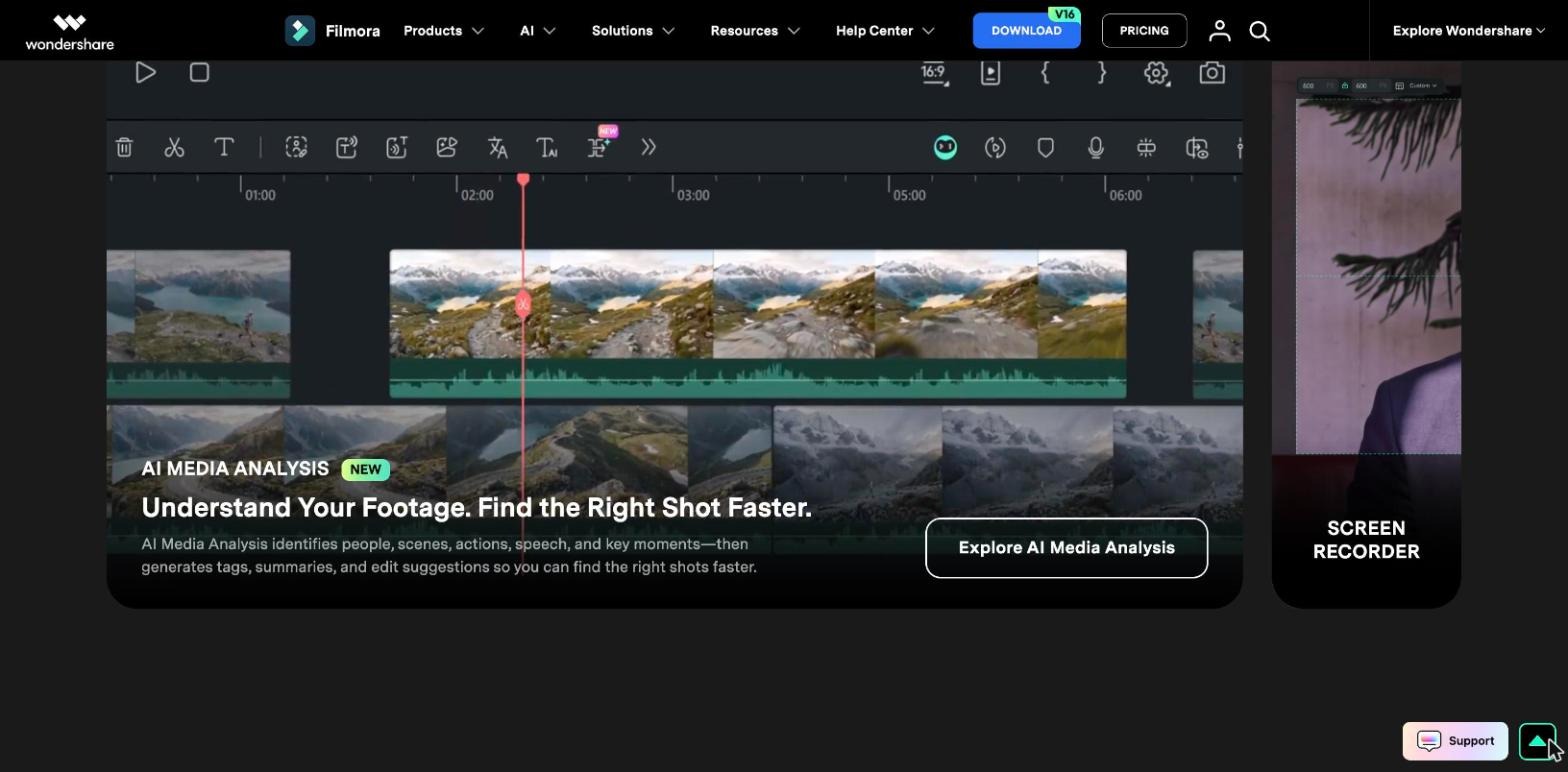
Filmora is the best desktop AI video editor for beginners who want a traditional timeline without the complexity of Premiere Pro or Resolve. Its AI Copilot suggests next steps and points you to the right tool, and one-click features handle background removal, audio denoise, and text-based editing. It runs on Mac and Windows with companion mobile apps.
Filmora is a desktop tool, so there is no browser version for collaboration, and its advanced AI features are gated behind credits on top of the subscription. The Copilot advises rather than edits, so you still do the work yourself.
Best for: hobbyists and beginners who prefer a desktop app and want to grow into timeline editing.
Which AI video editor is best for your use case?
Best AI video editing software for beginners
VEED is the most user-friendly AI video editor for beginners, because VEED AI lets you describe the edit instead of learning where each tool lives. A beginner's first project can be a single sentence: "add subtitles, remove the pauses, and make this vertical." CapCut and Canva are close behind: both are built for people with no editing background and ship with templates that do most of the design work. If you want to learn timeline editing eventually, start with Filmora rather than Premiere Pro or Resolve.
Best free AI video editors in 2026
DaVinci Resolve is the best free AI video editor with no watermark, but it is also the hardest to learn. For free editing without the learning curve, CapCut's free plan covers captions, templates, and exports for social. VEED's free plan lets you try the browser editor with watermarked exports, and VEED AI itself is a paid feature. Descript's free tier is enough to try transcript editing. Every free plan on this list limits something: resolution, export count, AI credits, or watermarks. Check what the limit is before you build a workflow around it.
Best AI video editors for mobile users and Instagram Reels
CapCut is the best AI video editing app for mobile users, and the best AI video editor for Instagram Reels if you do everything on your phone. VEED's iPhone and iPad app is the better option if you want to start a video on mobile and finish it on a laptop, because projects sync with the web version and you keep access to VEED AI and automatic subtitles. Canva's mobile app is the third option for simple branded Reels.
Best AI video editing platforms for quick edits
VEED AI is the most direct way on this list to make a quick edit: "remove the silences and add subtitles" is one command, and "format this for LinkedIn" reformats the same video for another platform without a second edit. OpusClip is the quickest route from a long recording to a batch of shorts, and Descript is the quickest way to cut a specific sentence out of an interview.
Best AI video editor for creatives
Runway is the best AI video editor for creatives who want to generate or transform footage, and Premiere Pro or DaVinci Resolve are better for creatives who need precise control over every frame. VEED sits in the middle: you can ask VEED AI to generate footage with models such as Veo 3 and Fabric, then keep captioning, music, and publishing in the same project, which suits creatives who need to ship as well as experiment.
Best value in AI video editors for creators
DaVinci Resolve is the best value if you count features per dollar, because the free version is a professional editor. For creators who would otherwise pay for a caption tool, a clipping tool, a dubbing tool, and an avatar tool separately, VEED is the better value, because those are all in one subscription and VEED AI can run them from one instruction. CapCut remains the best value for anyone whose output is purely mobile.
AI video editor vs AI video generator: what's the difference?
An AI video editor works on footage you already have; an AI video generator creates new footage from a text or image prompt. Descript, OpusClip, Premiere Pro, and DaVinci Resolve are editors. Runway and the models inside it are generators. VEED, Canva, and InVideo AI do both, which is why they show up in searches for the best AI video generator as well as the best AI video editor.
The distinction matters when you pick a tool. If you film yourself or record calls, you need strong editing features and will rarely touch generation. If you have scripts and no footage, you need generation and a way to assemble the result. Most creators end up needing both, which is why an agent that can do either from the same prompt box, as VEED AI does, saves a lot of switching between tools.
Can AI edit videos well?
Yes, for the repetitive parts of editing. AI is reliable at transcribing speech, generating captions, removing silences and filler words, reframing horizontal video to vertical, and finding the most quotable moments in a long recording. Those are the tasks every tool on this list automates, and they are the ones users consistently report as the biggest time savers in reviews. With VEED AI they take one sentence instead of a sequence of menus.
AI is weaker at judgment calls. It will not know that a joke lands better with a longer pause, or that a client wants the product shot held for two extra seconds. The best AI video editors treat the AI output as a first draft and make it easy to adjust by hand, which is why we rate tools on how editable the result is as well as how automated the process is.
How to choose the best AI video editor for you
Match the tool to your footage and your destination before you compare features.
- Start with your source. Talking-head and podcast recordings suit transcript editors. Long recordings suit a clipping tool. Scripts with no footage suit a generator or an all-in-one platform.
- Decide where the video is going. Short-form social needs auto captions, auto reframing, and fast export presets. YouTube and client work need a timeline.
- Ask whether you want to type or click. If you would rather describe the edit, pick a tool with an agent, such as VEED. If you want to control every cut, pick a timeline editor.
- Check the free plan's actual limit. Watermarks, export resolution, AI credits, and monthly export caps are the usual catches.
- Try the AI on your worst footage. Noisy audio, multiple speakers, and accents separate the good transcription engines from the rest.
- Count the tools you would replace. One platform that covers captions, dubbing, clipping, and avatars can cost less than four specialists.
Make social video that performs
The best AI video editor is the one that gets your next video published with the least friction, and in 2026 that increasingly means telling an agent what you want. If your video is going to Instagram, TikTok, YouTube Shorts, or LinkedIn, VEED AI covers the whole job, from the first prompt to the final caption, and the rest of VEED's AI video tools are in the same tab when you want to adjust by hand. Try it free and see how much of the editing you can hand off.
FAQ
For social video, VEED, because VEED AI edits from typed instructions and the platform combines creation, captions, dubbing, and publishing in one browser tab. For transcript editing, Descript. For free professional editing, DaVinci Resolve. The best tool depends on your footage and where you publish.
CapCut is the easiest AI video editing app for complete beginners on mobile. VEED is the easiest on desktop and browser, because you can type what you want changed and VEED AI does the first pass.
Yes. DaVinci Resolve's free version has no watermark and no export limits, but it is a professional desktop tool with a steep learning curve. CapCut's free plan exports without a watermark in most cases. VEED's free plan adds a watermark; paid plans remove it and unlock VEED AI.
CapCut if you edit entirely on your phone, and VEED if you want to type "format this for Reels" and finish on a laptop. Both handle vertical reframing and auto captions, which are the two features Reels need most.
No. ChatGPT can write a script, suggest a structure, or draft captions, but it cannot open or cut video files. To edit video by typing instructions, you need an agent built into the editor, such as VEED AI, which runs the subtitle, reframe, and cleanup tools for you.
Runway produces the highest-quality generated clips for creative work. VEED and InVideo AI are better if you want a complete video with script, voiceover, and captions rather than a short generated clip, and VEED AI can generate the footage and finish the edit in the same session.