


Trusted by 1M+ creators
Voiceover Video Maker
Create stunning voiceover videos online with AI or your own audio
No credit card required
4.6
2,100+ reviews















Make voice over videos with AI or your own recordings
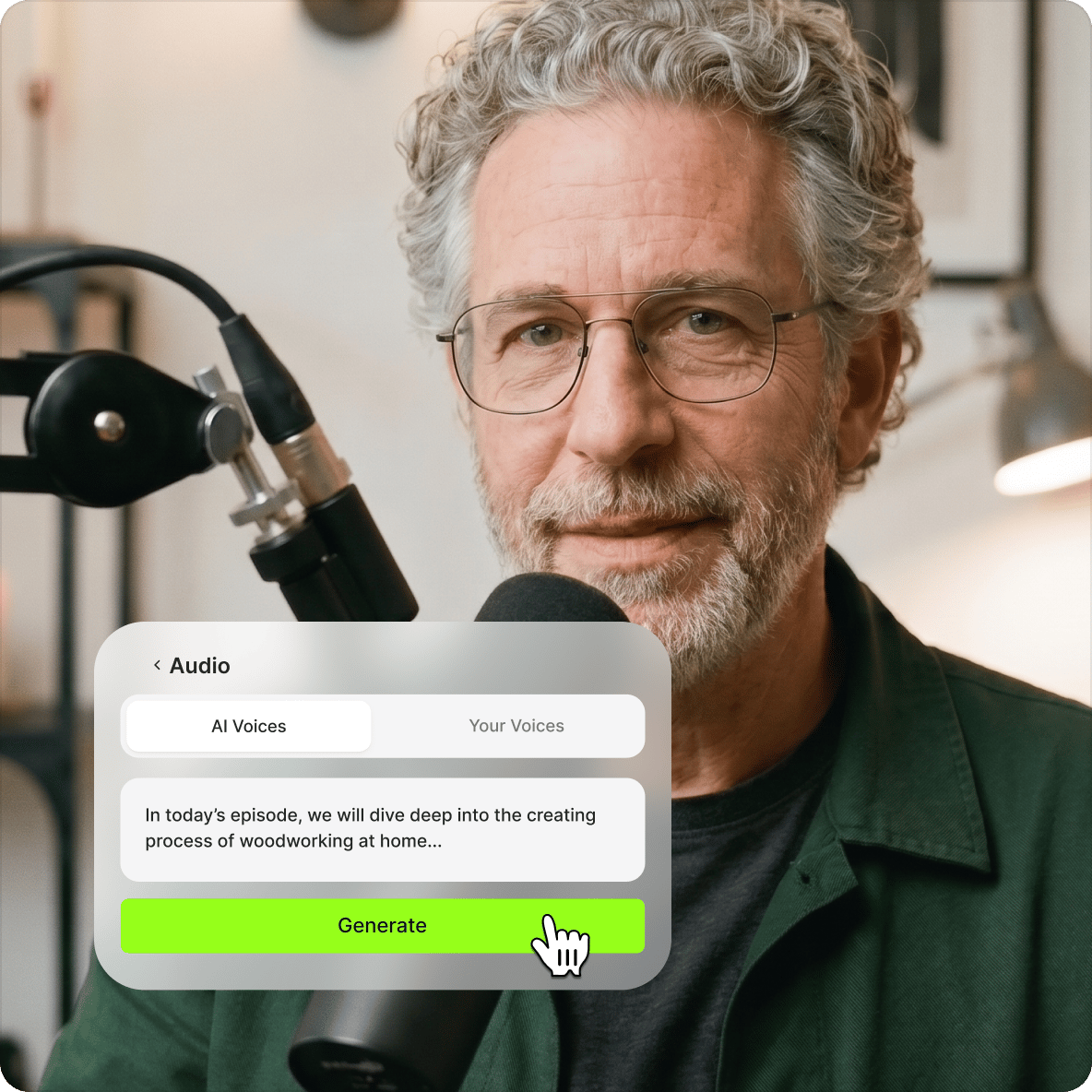
Add a voiceover to any video using VEED's browser-based editor. Record your voice directly in VEED, upload an existing audio file, or use AI text-to-speech to generate a voiceover instantly — paste your script and convert to voice in seconds. Works for product explainers, tutorials, ads, and any video that needs narration.
How to create a voiceover video:
Step 01
Upload, record, or start with a blank canvas
Add your video and audio to VEED or start recording using our online audio recorder. You can also start with a blank canvas and use images plus the voiceover to create a video.
Step 02
Add your audio or use AI text-to-voice
Using our Audio tool, you can add your audio with a single click. Or use our AI software to convert your text to voiceover. You can copy and paste your text or type it on the text field and convert it to voice.
Step 03
Export or keep creating!
Hit ‘Download’, and you’re ready to share your voiceover video with the world. Resize to fit any social media platform. Or keep exploring our wide range of pro video editing tools to make your video look even more stunning!
Learn More
Watch this walkthrough of our voiceover video maker:
Why use our voiceover video creator?
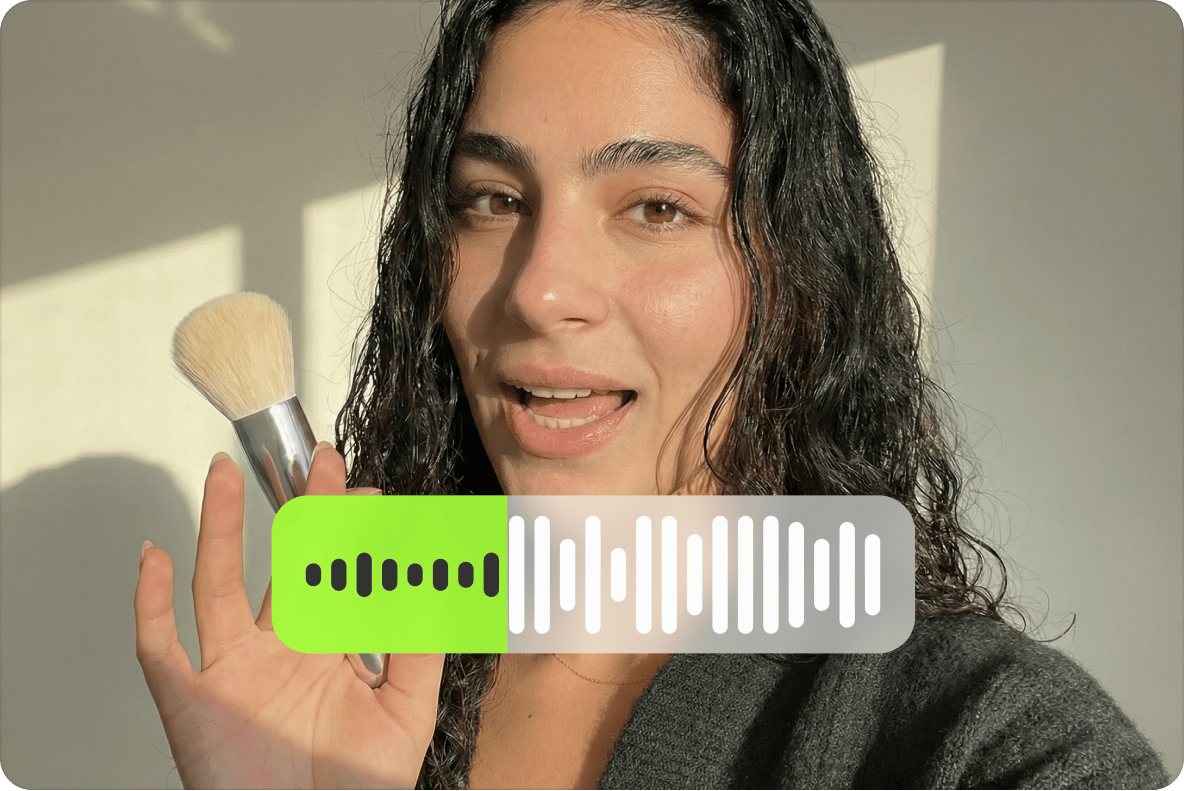
Recording audio on location comes with variables — wind, background noise, equipment. A voiceover lets you record in a controlled environment on your own schedule, then sync it to your video in VEED's editor. Add a soundtrack, sound effects, text, or a logo in the same workspace.
Create video voiceovers and access all our pro tools!
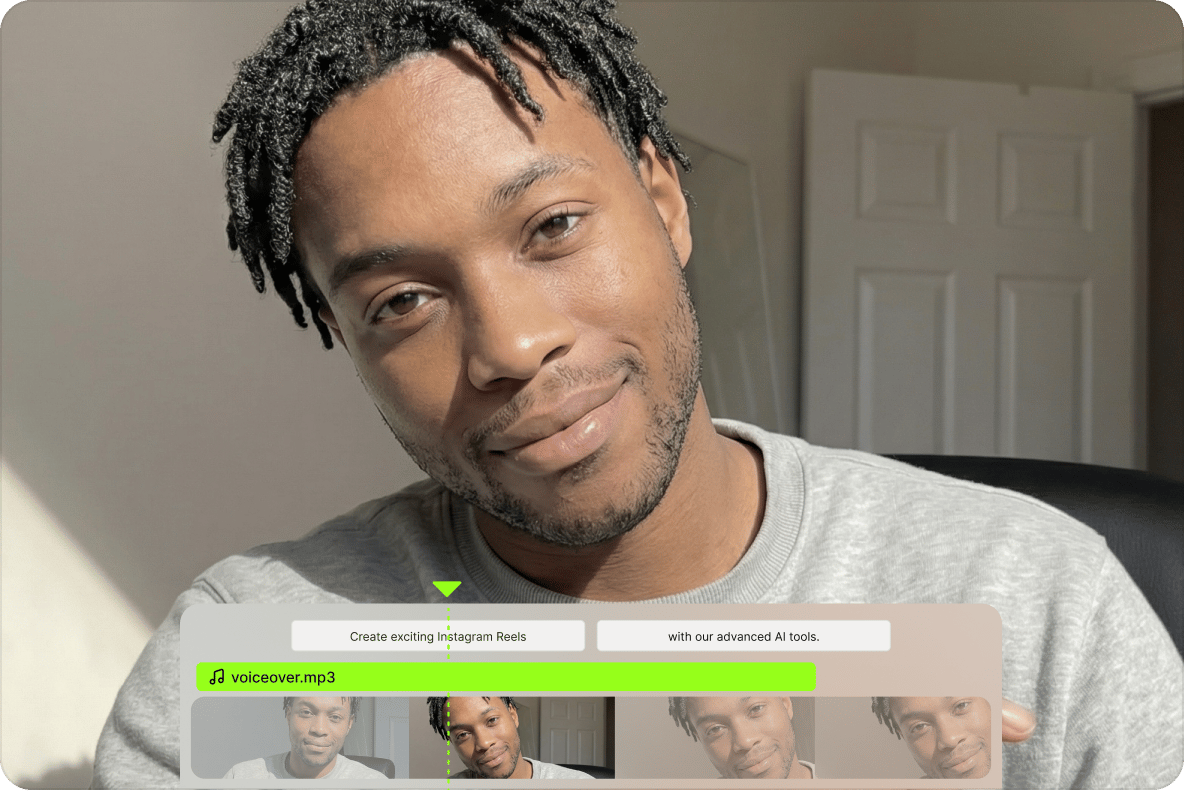
Drag and drop your voiceover and video into VEED and start editing. Adjust timing, split audio and video clips, and control volume — all in the browser. No separate audio software needed.
Perfect for creating ads that yield results
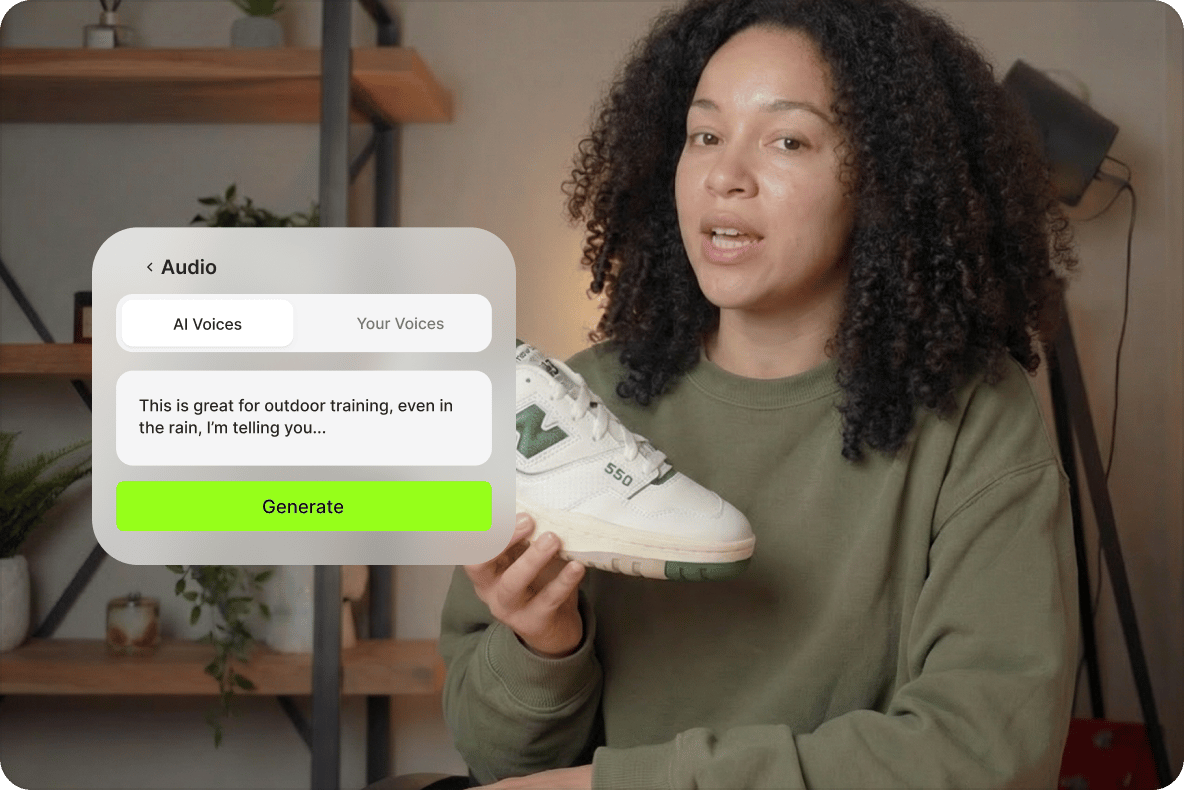
Voiceovers have long been a standard format in video advertising — they let the narrator add context and motivation that visuals alone can't convey. Use VEED's AI text-to-speech tool to generate voiceovers instantly and speed up your ad production workflow.
FAQ
Record and upload a video, then upload it to VEED. Record your audio then add it to your video on VEED. It is super easy to do!
A voiceover, as the name suggests, is a recording of someone speaking which is played in a video, but the speaker is not seen.
- Upload your video. Add your video, photos, and images to VEED. It's all online, you can do it right in your browser.
- Upload your audio. Using our Audio tool, you can add your audio with a single click. It's so easy - change the timing, volume, cut, trim, whatever you need.
- Or you can use our AI TTS tool!
There are many apps that you can use to record voiceovers. All smartphones, for example, have their own default recording app. Simply record your voice using any recording app and upload it along with your video on VEED.
If you are unable to record a clean voiceover, you can clean your audio on VEED. It only takes one click!
A basic microphone and a recording app are all you need to record a voiceover. However, you can always invest in better or professional-quality equipment.
Loved by creators.
Loved by the Fortune 500
“
With VEED I didn't need 15 tutorials - I jumped straight in and started editing.

Gwenne Wilcox
Founder,
Brand Brainery
“
You can go beyond choppping things. VEED actually makes my videos look great.

Michael Glover
Demand Gen Manager,
ConvertFlow
“
The first four videos i created with VEED got over 40,000 impressions on LinkedIn.

Travis Tyler
Senior Content Producer,
PandaDoc
“
I found VEED at the right time: if you're making UGC ads and not using Eye Contact Correction and Noise Reduction on VEED you're missing out on ROI.

Sebastian Schurgers
Head of Growth Marketing,
Gronda
“
With VEED I didn't need 15 tutorials - I jumped straight in and started editing.
Gwenne Wilcox
Founder,
Brand Brainery
“
You can go beyond choppping things. VEED actually makes my videos look great.
Michael Glover
Demand Gen Manager,
ConvertFlow
“
The first four videos i created with VEED got over 40,000 impressions on LinkedIn.
Travis Tyler
Senior Content Producer,
PandaDoc
“
I found VEED at the right time: if you're making UGC ads and not using Eye Contact Correction and Noise Reduction on VEED you're missing out on ROI.
Sebastian Schurgers
Head of Growth Marketing,
Gronda
“
The first four videos i created with VEED got over 40,000 impressions on LinkedIn.
Travis Tyler
Senior Content Producer,
PandaDoc
“
I found VEED at the right time: if you're making UGC ads and not using Eye Contact Correction and Noise Reduction on VEED you're missing out on ROI.
Sebastian Schurgers
Head of Growth Marketing,
Gronda
“
With VEED I didn't need 15 tutorials - I jumped straight in and started editing.
Gwenne Wilcox
Founder,
Brand Brainery
“
You can go beyond choppping things. VEED actually makes my videos look great.
Michael Glover
Demand Gen Manager,
ConvertFlow
Explore related tools
Trusted by 1M+ creators
When it comes to amazing videos, all you need is VEED
No credit card required
More than a voiceover video maker
Adding a voiceover is one step in building a finished video. VEED is an AI video creation platform where you can generate, refine, and export videos for TikTok, Instagram, YouTube, and LinkedIn. Beyond voiceovers, use AI text-to-speech to generate narration in multiple languages, or bring your video into the editor to add captions, music, and brand assets before posting. Get started for free.