


Trusted by 1M+ creators
Transcribe Instagram Video
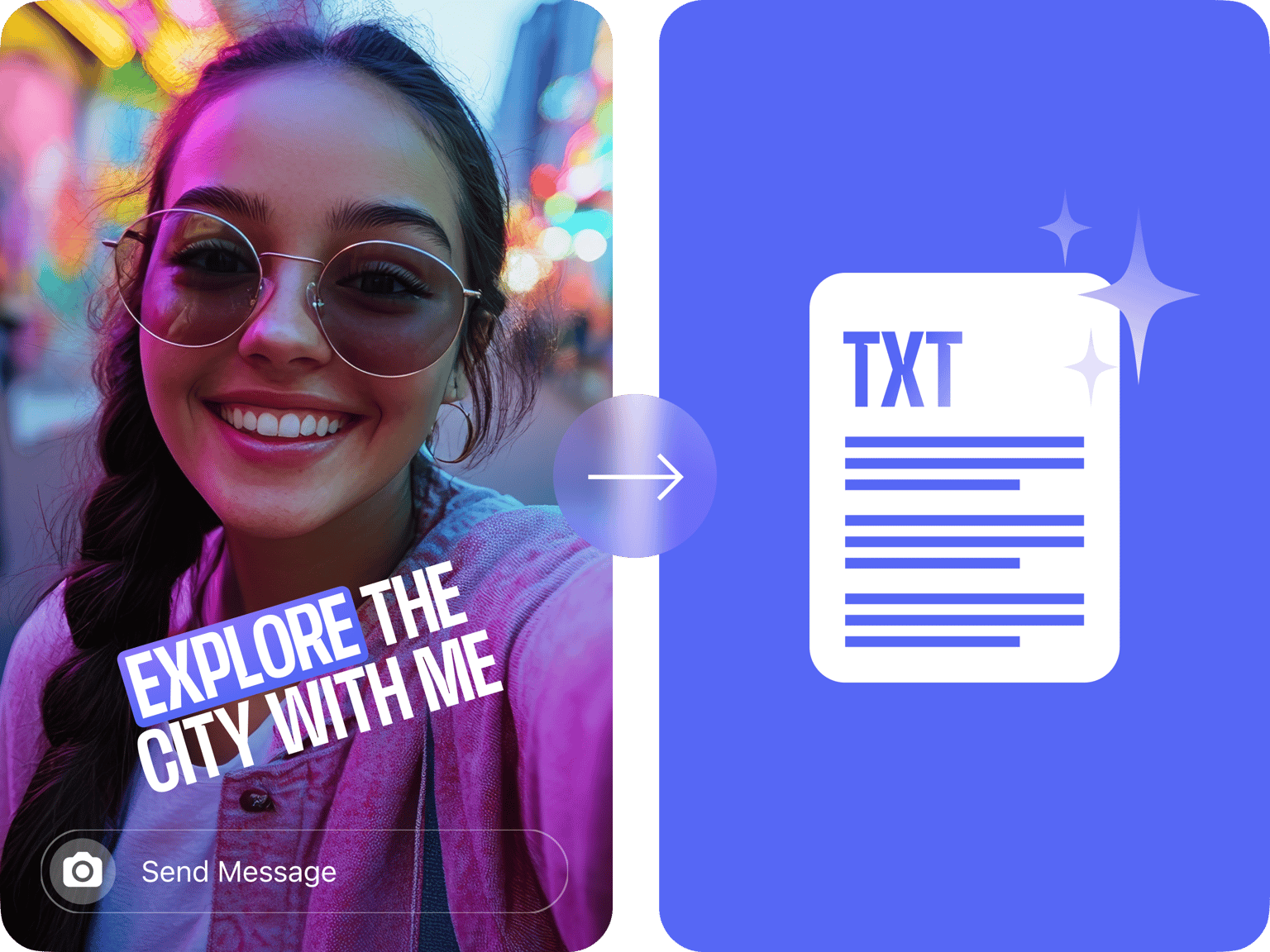
Transcribe an Instagram video instantly. Add professional subtitles to videos or download transcripts
No credit card required
4.6
2,100+ reviews















Accurate Instagram transcripts in minutes
No need to type out every word from your video or settle for basic caption styles. VEED transcribes your Instagram videos with 99.9% accuracy. Customize subtitles or choose from professional-looking presets. Repurposing your videos into blog posts? Upload your video and get high-quality transcripts for your Stories, Reels, or long-form videos. Start transcribing without creating an account or providing your email. VEED gives you everything you need to edit, caption, and enhance your Instagram videos all in one place. You'll only need to create an account when you're ready to export. Try our transcription tool for free today and see the difference.
How to transcribe an Instagram video:
Step 01
Upload
Upload your Instagram video to the editor. Our platform supports many common video file formats.
Step 02
Transcribe
Select the spoken language. Click ‘Auto Subtitle’ to transcribe the video.
Step 03
Review and download
Edit words and spellings as needed. Export your video with the subtitles. Or sign up for a paid subscription to download the transcript as TXT, VTT, or SRT files.
Learn More
Watch our AI transcription tutorial:
Transcribe Instagram videos in minutes, not hours
Upload your Instagram video and our AI instantly converts speech to text, automatically detecting multiple speakers. Apply unique styles to each person's subtitles so viewers can easily follow conversations. What would take you hours happens in minutes. Make quick edits to any words the AI missed, then download your transcript.
Translate Instagram videos in a few clicks
Break language barriers without breaking a sweat. With auto-subtitles in over 125 languages, your content can reach more audiences. Just click ‘Add translation’ in the settings, choose your target language, and let our AI handle the rest. Need more than subtitles? Our AI voice dubbing tool translates spoken words too, keeping your original tone and delivery.
Turn Instagram transcripts into blog content
Take your Instagram video transcripts further. Pull out powerful quotes and expert insights to add credibility to blog posts. Turn makeup tutorials into step-by-step guides and product lists. Your video content works twice as hard — once on social media and again as an SEO-friendly blog post that brings in new followers.
FAQ
You have two options for transcribing Instagram videos:
- Instagram's built-in captioning: Enable the ‘Captions’ option in the editing menu after recording or uploading a reel, and Instagram will automatically transcribe your content.
- Dedicated captioning services like VEED: Upload your Instagram video to our platform for highly accurate transcriptions, advanced editing features, and customization options.
Auto-transcription takes about half the duration of the Instagram video. For example, a 10-minute file takes around 5 minutes to transcribe.
VEED provides enhanced accuracy, more creative styling choices (fonts, colors, animations), and user-friendly editing tools. Our captions support over 125 languages, help your content stand out visually, and allow you to reach more audiences.
The transcription tool is free to use for short clips or testing purposes. However, the free version has a limited usage quota per month. For extended or professional use, you can consider upgrading to a paid plan.
Paid subscribers can download transcriptions as TXT, VTT, or SRT files. Free users can only download videos with generated subtitles burned directly into the video (not as separate files). You can check our pricing page for more details.
Loved by creators.
Loved by the Fortune 500
“
With VEED I didn't need 15 tutorials - I jumped straight in and started editing.

Gwenne Wilcox
Founder,
Brand Brainery
“
You can go beyond choppping things. VEED actually makes my videos look great.

Michael Glover
Demand Gen Manager,
ConvertFlow
“
The first four videos i created with VEED got over 40,000 impressions on LinkedIn.

Travis Tyler
Senior Content Producer,
PandaDoc
“
I found VEED at the right time: if you're making UGC ads and not using Eye Contact Correction and Noise Reduction on VEED you're missing out on ROI.

Sebastian Schurgers
Head of Growth Marketing,
Gronda
“
With VEED I didn't need 15 tutorials - I jumped straight in and started editing.
Gwenne Wilcox
Founder,
Brand Brainery
“
You can go beyond choppping things. VEED actually makes my videos look great.
Michael Glover
Demand Gen Manager,
ConvertFlow
“
The first four videos i created with VEED got over 40,000 impressions on LinkedIn.
Travis Tyler
Senior Content Producer,
PandaDoc
“
I found VEED at the right time: if you're making UGC ads and not using Eye Contact Correction and Noise Reduction on VEED you're missing out on ROI.
Sebastian Schurgers
Head of Growth Marketing,
Gronda
“
The first four videos i created with VEED got over 40,000 impressions on LinkedIn.
Travis Tyler
Senior Content Producer,
PandaDoc
“
I found VEED at the right time: if you're making UGC ads and not using Eye Contact Correction and Noise Reduction on VEED you're missing out on ROI.
Sebastian Schurgers
Head of Growth Marketing,
Gronda
“
With VEED I didn't need 15 tutorials - I jumped straight in and started editing.
Gwenne Wilcox
Founder,
Brand Brainery
“
You can go beyond choppping things. VEED actually makes my videos look great.
Michael Glover
Demand Gen Manager,
ConvertFlow
Discover more
- Arabic Transcript
- Audio to Text Indonesia
- Automatic Transcription Software
- Business Transcription
- Fast Transcription
- French Transcription
- German Transcription
- Google Meet Transcription
- GoToMeeting Transcription
- Japanese Transcription
- Korean Transcription
- Legal Transcription
- Media Transcription
- Medical Transcription Software
- Meeting Transcript
- Multilingual Transcription Services
- Podcast Transcripts
- Sermon Transcription
- Skype Transcription
- Spanish Transcription
- Speech to Text Croatian
- Speech to Text Greek
- Speech to Text Hebrew
- Speech to Text Norwegian
- Speech to Text Polish
- Speech to Text Romanian
- TikTok Transcript
- Transcription in Swahili
- Transcription Services
- Transcription Tagalog
- Translate to Cantonese Audio
- Ukrainian Transcript
- University Transcription
Explore related tools
More from VEED

Subtitling 101: How to Automatically Add and Customize Subtitles with VEED
Everything you need to automatically add, customize, translate, and download subtitles like a pro using VEED.
How to Grow Your Instagram
In this post, we are going to look at the NON-BULLSHIT way to grow your Instagram account to 10K followers. When I say no bullshit I'm referring to no doing any of the following:

How to Get the Transcript of a YouTube Video [Fast & Easy]
The easiest way to get the transcript of a YouTube video without jumping through a million hoops. Here's how.
Trusted by 1M+ creators
When it comes to amazing videos, all you need is VEED
No credit card required
Your all-in-one Instagram video creator
VEED does more than just transcribe videos; it's a comprehensive video editor. Record explainer videos or podcasts directly in our platform. Cut out filler words in one click, add eye-catching text, and resize videos. With our AI clip generator, you can even turn long-form videos into short and snappy reels. Ready to streamline your workflow? Create your first video now.