


Trusted by 1M+ creators
Audio & Video Transcription
Convert audio and video to text. Automatically transcribe your meetings, interviews, and lectures with AI
No credit card required
4.6
2,100+ reviews















Instant, secure & automatic AI transcriptions online
Video and audio transcription is a time-consuming task, but AI is here to help. VEED's automatic transcription software can transcribe a 60-minute file in just 30 minutes or less, while human transcription takes up to 36 hours. Plus, our transcription tool gives you up to 99.9% accuracy, better quality than more expensive alternatives.
Go from video to transcript, or audio to text, with a single click, in popular formats like MP3, WAV, MP4, and MOV. VEED works directly in your browser; no software download needed. Start with free audio & video transcription now. And when you’re ready for more, you can upgrade to a paid plan to unlock higher transcription limits.
How to transcribe audio or video to text:
Step 01
Upload your audio or video file
Click ‘Choose File’ and select your audio or video file from your folders. You can also drag and drop your file into the box.
Step 02
Auto transcribe
Click ‘Subtitles’ from the left menu and select ‘Auto Transcribe’. Select a language and click ‘Start’. VEED will automatically transcribe your file. Make changes to the transcription if needed.
Step 03
Download transcription
While on the Subtitles page, click ‘Options’ then hit the download icon. You’re done! Make sure to select the format that you prefer. You can download a TXT, VTT, or an SRT file.
Learn More
Watch this audio & video transcription tutorial:
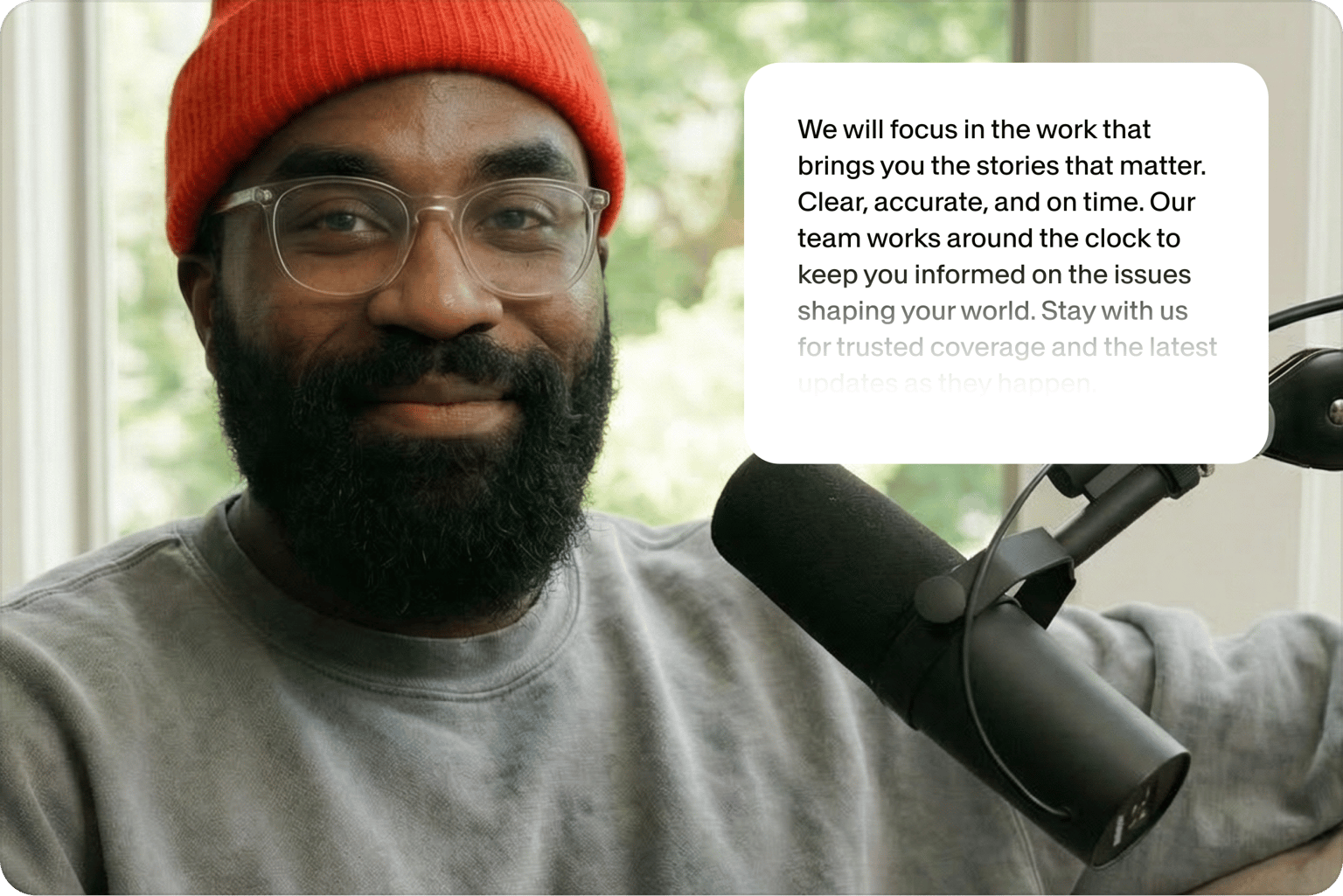
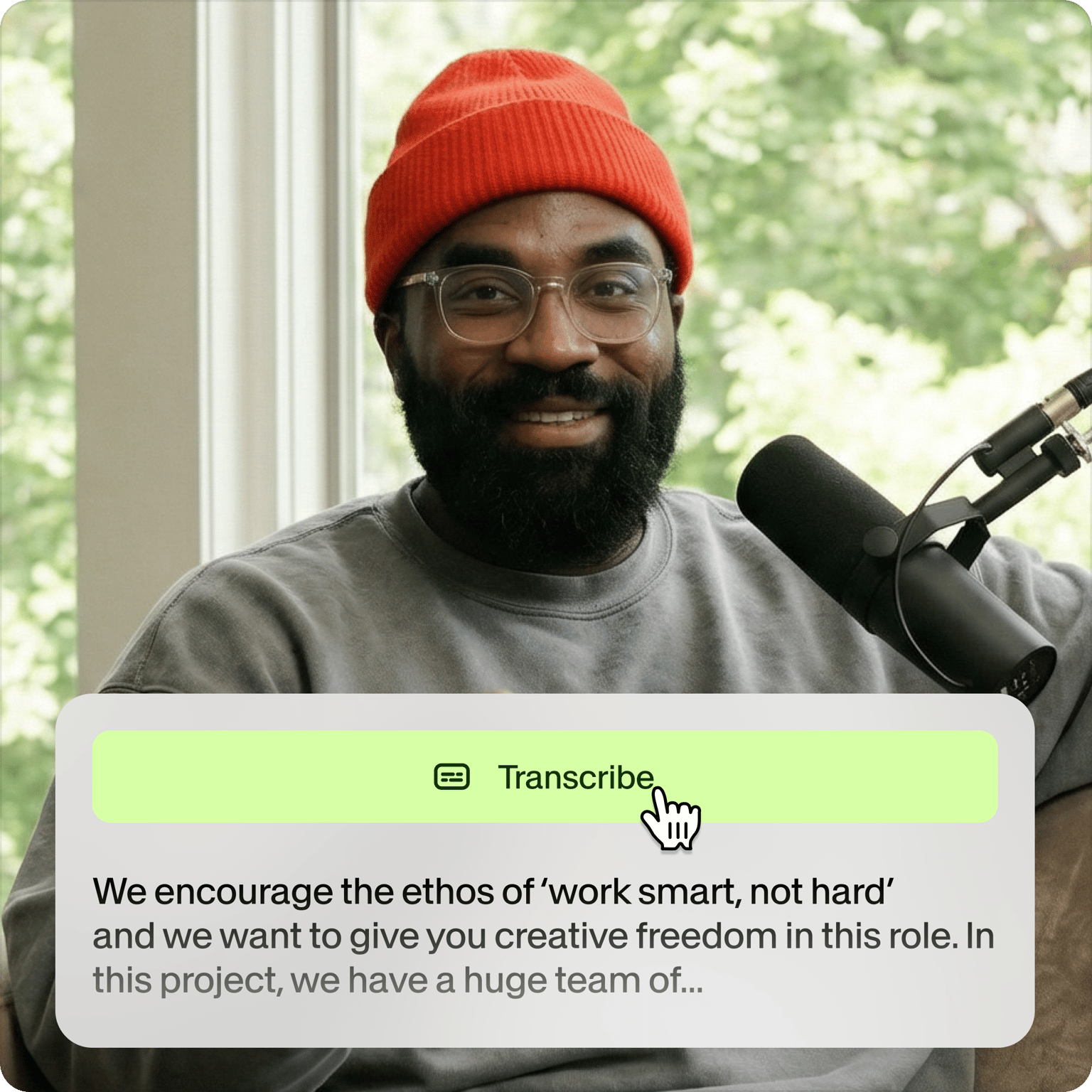
Never miss a word in meetings again
Studies show we miss 27% of information when writing while listening. With VEED, simply record your meetings and let AI transcribe them afterward. Paid users can choose their preferred format (TXT, VTT, or SRT) and download it with a few clicks. While minor edits may be needed, it's significantly faster than manual transcription.
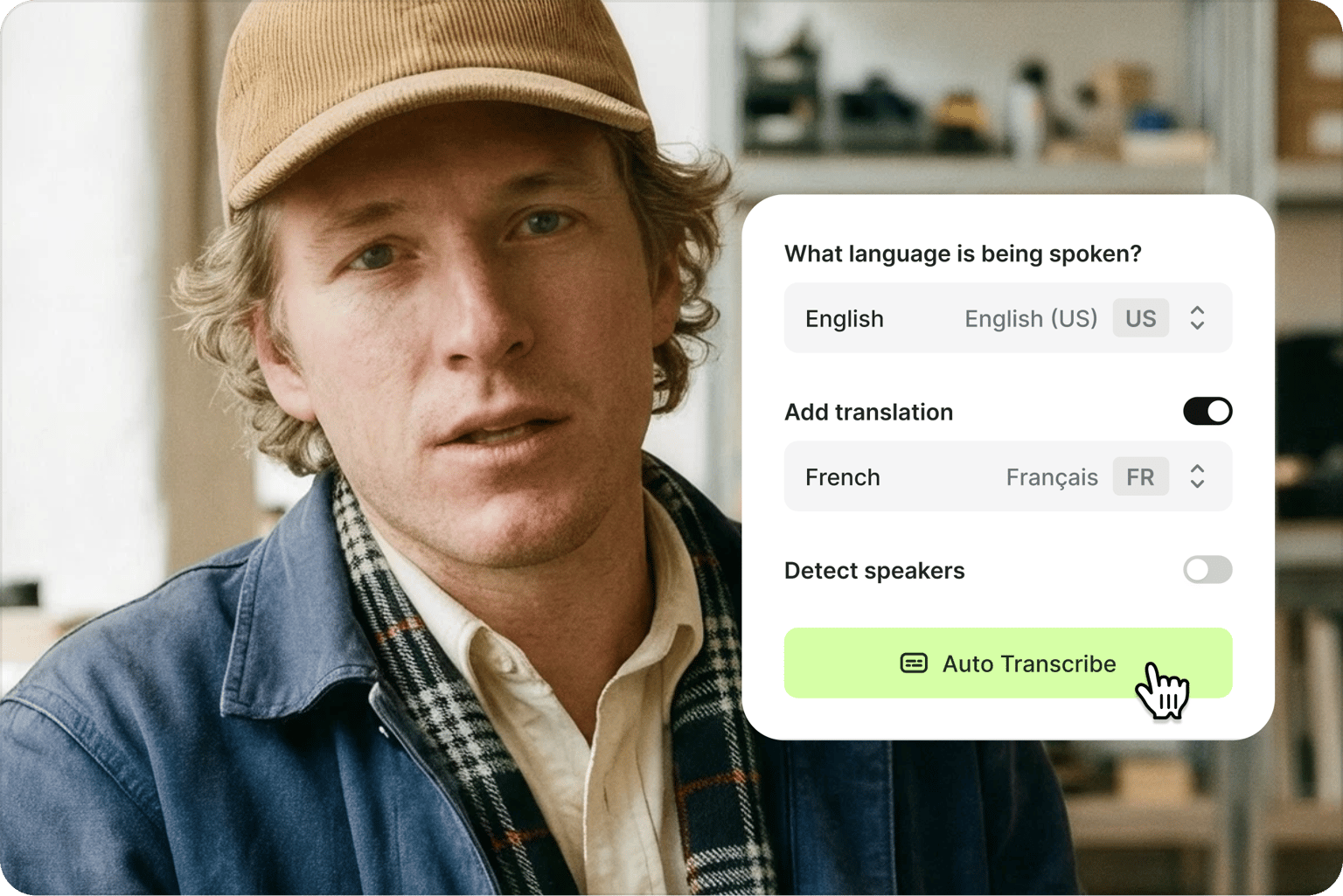
Translate transcripts to 125+ languages instantly
Transform your transcripts into any of 125+ languages with VEED's accent-aware translation. Simply generate subtitles with 'Auto Transcribe,' click 'Translate,' and select your target language. Make your content more accessible and searchable with accurate transcriptions and multilingual subtitles.
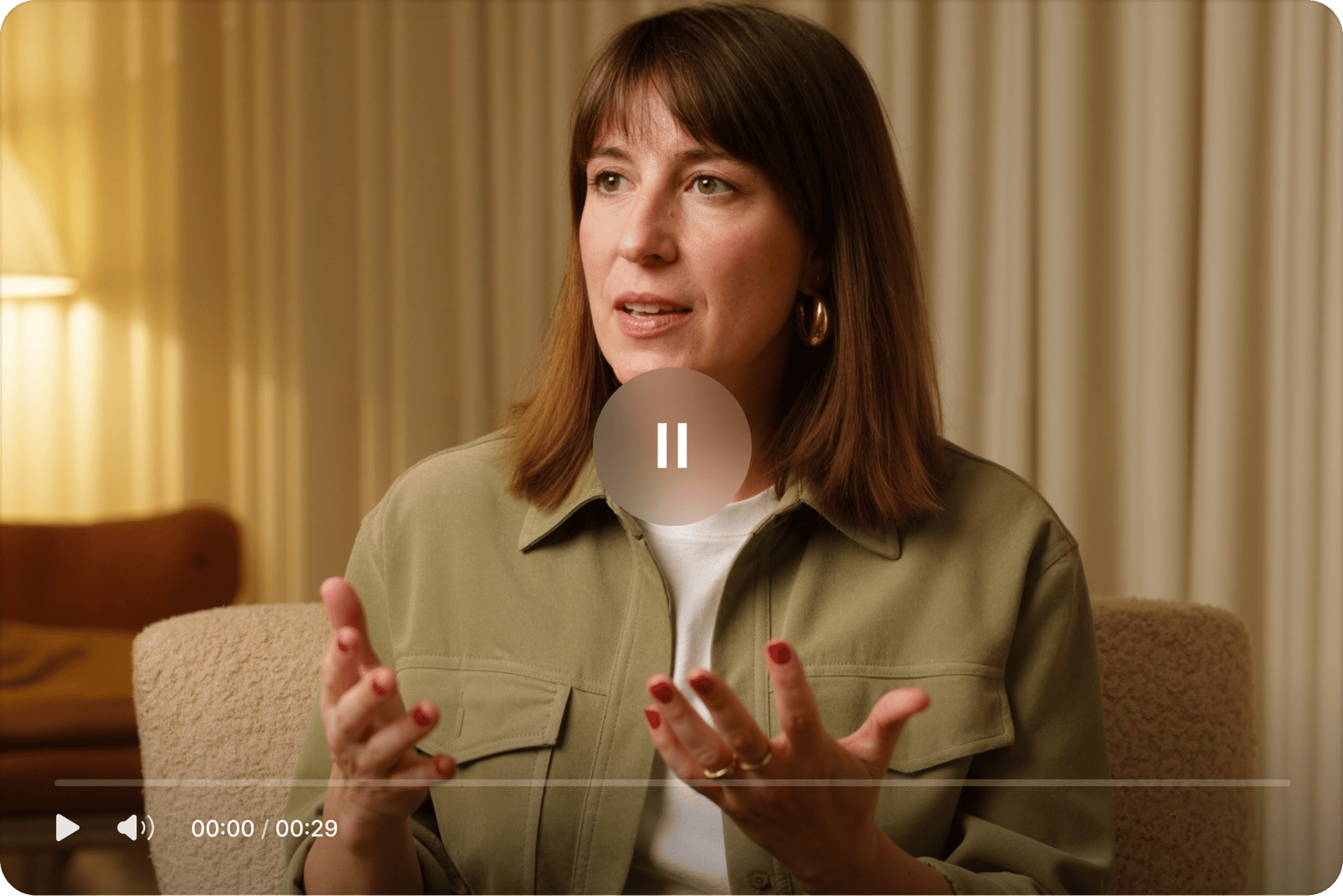
Transcribe and edit content in one place
Unlike basic transcription tools, VEED combines transcription software with a complete video editor. Convert speech to text, edit your transcript, and generate subtitles, all in one workflow. The same process handles podcast transcripts, university transcription for lectures, and fast transcription of a client call. No more switching between apps or exporting files repeatedly.
FAQ
- Upload your file. You can upload an MP3 file, WAV, and other popular audio file types.
- Select the language being spoken.
- Click ‘Auto-subtitle’ to transcribe the audio to text.
- Click the Options button above the subtitles menu. Download the TXT, VTT, or SRT file.
Yes. Unlike other online transcription tools, VEED lets you transcribe both audio and video to text. Upload your video file to VEED and our software will transcribe the original audio recorded in your video.
Yes. Paid users can download the separate TXT, VTT, or SRT file. Alternatively, both paid and free users can download the video with the subtitles burned into the file.
Just click on each box and start typing or editing the text. Depending on how the speech or recording is spaced out through the video, VEED will separate the transcriptions into different boxes.
Yes, our transcription tool is free to try on a short audio or video clip. You can also access our built-in video editor for seamless content creation. Free exports include a watermark, but they're a great way to test out our features. Need more? Unlock higher transcription limits and premium features with one of our paid plans.
VEED delivers up to 99.9% accuracy on auto transcription, especially compared to paid transcription services in its price range. Results vary with audio quality and speech clarity, so there may be a few words to correct from time to time, but VEED recognizes and transcribes almost all the words in a speech or a song.
Yes. VEED's transcription tool is free to try on a short audio or video clip, with no software to install. You can also access our built-in video editor for seamless content creation. Free exports include a watermark, but they're a great way to test out our features. Need more? Unlock higher transcription limits and premium features with one of our paid plans.
Loved by creators.
Loved by the Fortune 500
“
With VEED I didn't need 15 tutorials - I jumped straight in and started editing.

Gwenne Wilcox
Founder,
Brand Brainery
“
You can go beyond choppping things. VEED actually makes my videos look great.

Michael Glover
Demand Gen Manager,
ConvertFlow
“
The first four videos i created with VEED got over 40,000 impressions on LinkedIn.

Travis Tyler
Senior Content Producer,
PandaDoc
“
I found VEED at the right time: if you're making UGC ads and not using Eye Contact Correction and Noise Reduction on VEED you're missing out on ROI.

Sebastian Schurgers
Head of Growth Marketing,
Gronda
“
With VEED I didn't need 15 tutorials - I jumped straight in and started editing.
Gwenne Wilcox
Founder,
Brand Brainery
“
You can go beyond choppping things. VEED actually makes my videos look great.
Michael Glover
Demand Gen Manager,
ConvertFlow
“
The first four videos i created with VEED got over 40,000 impressions on LinkedIn.
Travis Tyler
Senior Content Producer,
PandaDoc
“
I found VEED at the right time: if you're making UGC ads and not using Eye Contact Correction and Noise Reduction on VEED you're missing out on ROI.
Sebastian Schurgers
Head of Growth Marketing,
Gronda
“
The first four videos i created with VEED got over 40,000 impressions on LinkedIn.
Travis Tyler
Senior Content Producer,
PandaDoc
“
I found VEED at the right time: if you're making UGC ads and not using Eye Contact Correction and Noise Reduction on VEED you're missing out on ROI.
Sebastian Schurgers
Head of Growth Marketing,
Gronda
“
With VEED I didn't need 15 tutorials - I jumped straight in and started editing.
Gwenne Wilcox
Founder,
Brand Brainery
“
You can go beyond choppping things. VEED actually makes my videos look great.
Michael Glover
Demand Gen Manager,
ConvertFlow
Discover more
- Arabic Transcript
- Audio to Text Indonesia
- Automatic Transcription Software
- Business Transcription
- Fast Transcription
- French Transcription
- German Transcription
- Google Meet Transcription
- GoToMeeting Transcription
- Japanese Transcription
- Korean Transcription
- Legal Transcription
- Media Transcription
- Medical Transcription Software
- Meeting Transcript
- Multilingual Transcription Services
- Podcast Transcripts
- Sermon Transcription
- Skype Transcription
- Spanish Transcription
- Speech to Text Croatian
- Speech to Text Greek
- Speech to Text Hebrew
- Speech to Text Norwegian
- Speech to Text Polish
- Speech to Text Romanian
- TikTok Transcript
- Transcribe Instagram Video
- Transcription in Swahili
- Transcription Services
- Transcription Tagalog
- Translate to Cantonese Audio
- Ukrainian Transcript
- University Transcription
Explore related tools
More from VEED

How to Get the Transcript of a YouTube Video [Fast & Easy]
The easiest way to get the transcript of a YouTube video without jumping through a million hoops. Here's how.

How to Download SRT Subtitle Files Online (Quick and Easy)
Want to bump up your engagement, improve video SEO, and make your content more inclusive? Here's how to download and upload SRT files for your next video!
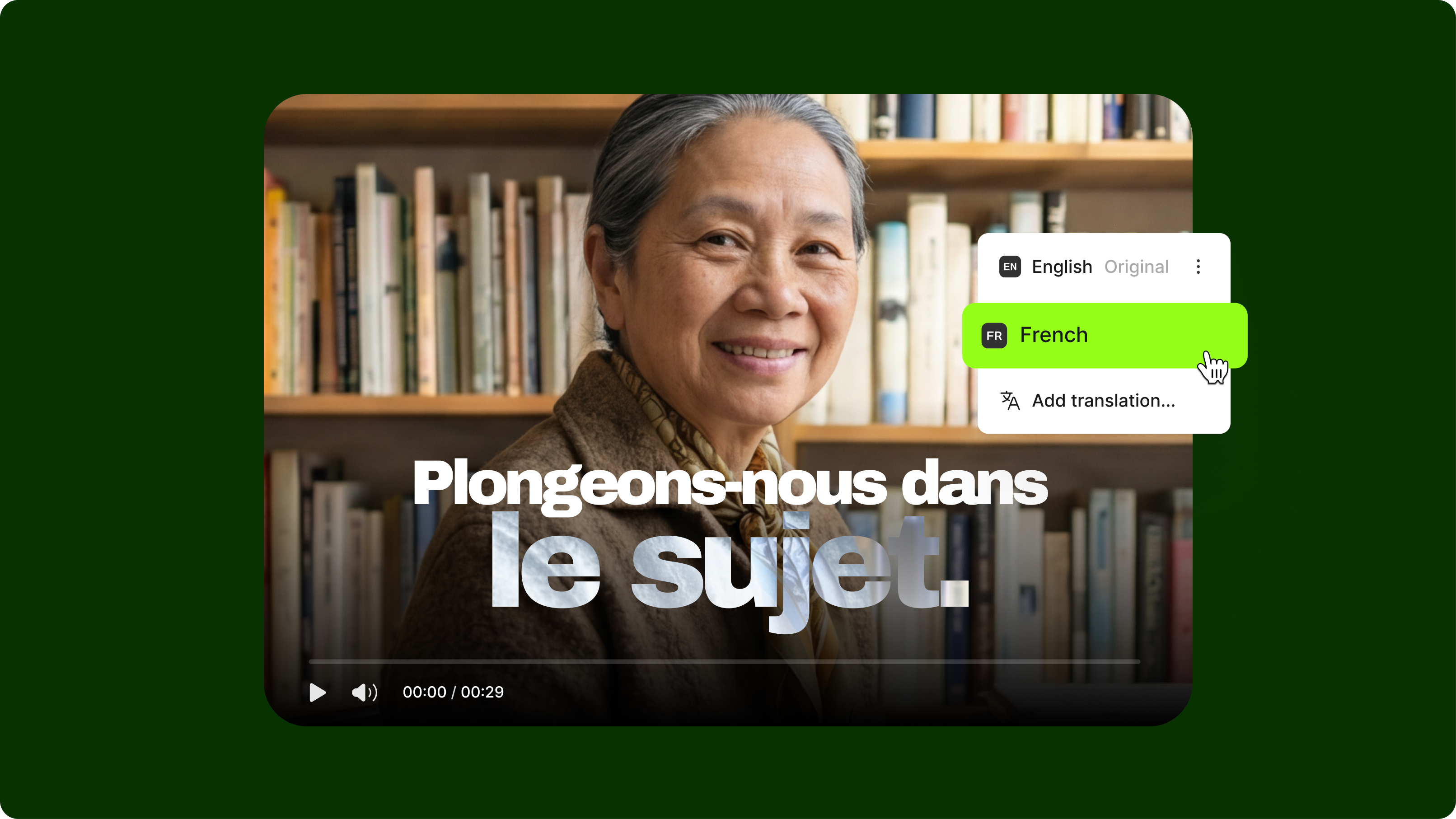
How to Translate YouTube Subtitles: A Complete 2026 Guide for Viewers and Creators
This guide explains how to translate YouTube subtitles for both viewers watching foreign-language videos and creators publishing in multiple languages.
Trusted by 1M+ creators
When it comes to amazing videos, all you need is VEED
No credit card required
More than an auto AI transcription tool
Transcription is one step in the workflow. VEED is an AI video creation platform where you can transcribe and translate videos, then turn the results into content that looks like your brand made it, not AI. Add subtitles to make your videos accessible, drop in GIFs and images in videos, or repurpose a transcript into a script for your next post. Everything runs in your browser, with nothing to install. Start transcribing with VEED today.