.png)
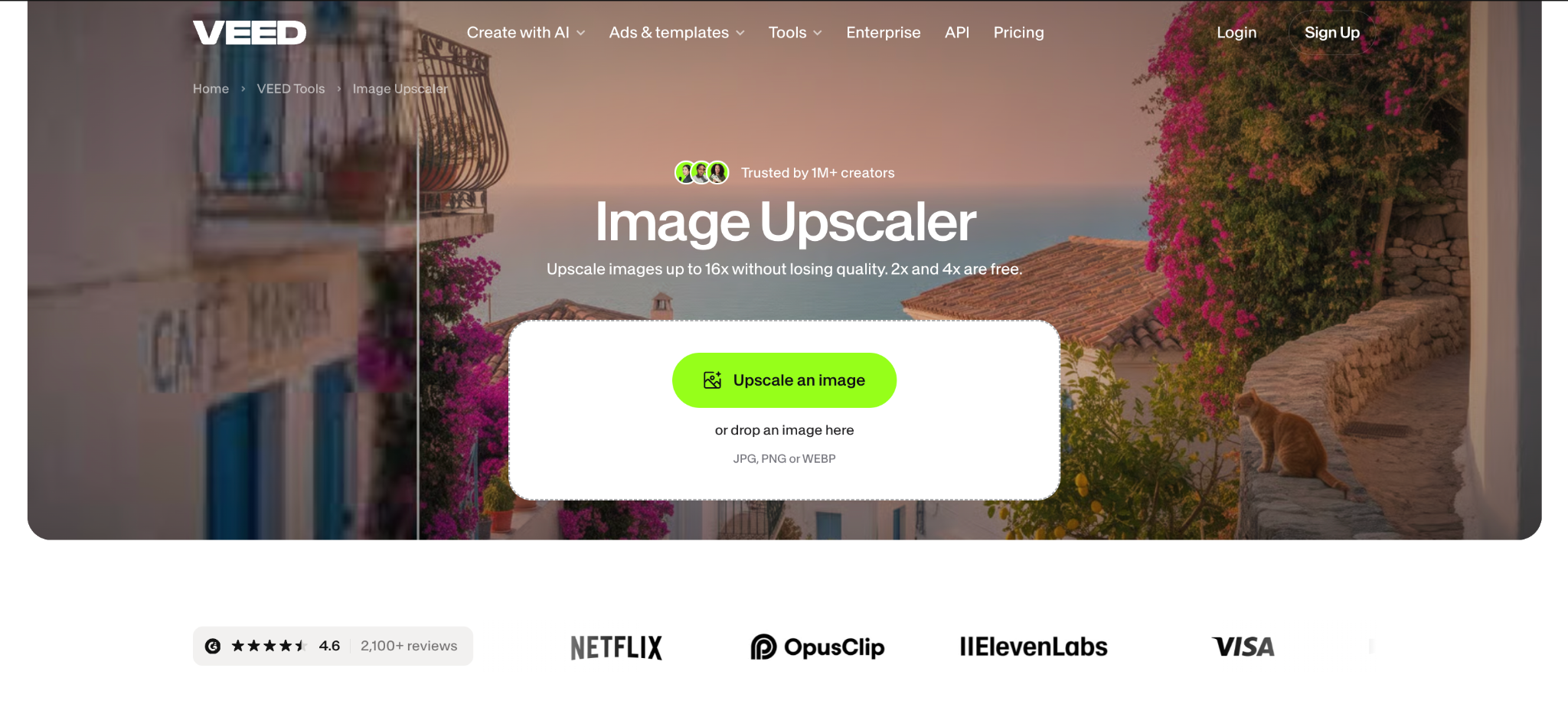
The enhanced AI Image Upscaler is now live on VEED, a one-step tool that takes a small or pixelated image and returns a sharper version at 2x to 16x the original size. It is built for marketers and creators who have a product shot, a thumbnail or a screenshot that is too small to post, print or drop on a slide. Upscaling by 2x or 4x with the Fast model is free, and a 1080p image upscaled by 2x comes back at 4K.
At a glance
- What: AI Image Upscaler, an enhanced tool on VEED
- Does: enlarges an image by 2x, 4x, 6x, 8x or 16x and adds detail as it goes
- For: marketers and creators working with product photos, thumbnails, screenshots and AI-generated images
- Available: now; 2x and 4x free, 6x and up on paid plans
- Where: the AI Image Upscaler page on VEED
- Formats: JPG, PNG and WEBP
What does the enhanced AI Image Upscaler do?
The AI Image Upscaler makes an image bigger and fills in the new pixels, so edges, text and textures stay sharp instead of going soft and blocky. The page now opens on an upload box, and the image you drop in is the only input. From there you can:
- Pick an upscale ratio: 2x, 4x, 6x, 8x or 16x
- Choose a model: Fast, or Pro and Ultra HD when faces, text or fine texture need more detail
- Hold to compare: press and hold the lens on the result to see the original in the same spot, then drag it over the areas you care about
- Download the full-resolution file, click Make image into a video, or open the result in the AI Image Editor
A new upload replaces the previous one, so there is only ever one image on the page. It works on photos, screenshots, logos, thumbnails and AI-generated images.
Why we built it
Until now, upscaling on VEED lived inside the AI Playground, surrounded by a prompt box and settings the job never needed. Most people arriving at the upscaler page had one image and one question: can this be bigger without looking worse? So the page now does exactly that. Upload, pick a ratio, check it, download. The compare lens is there because you shouldn't have to take the AI's word for it. You can see the original and the result in the same spot before you commit.
Availability
.png)
The enhanced AI Image Upscaler is live now for everyone on VEED, and no credit card is needed to try it. 2x and 4x with the Fast model are free. 6x, 8x and 16x, along with the Pro and Ultra HD models, need a paid plan. See the VEED pricing page for current plans.
.png)
.png)