
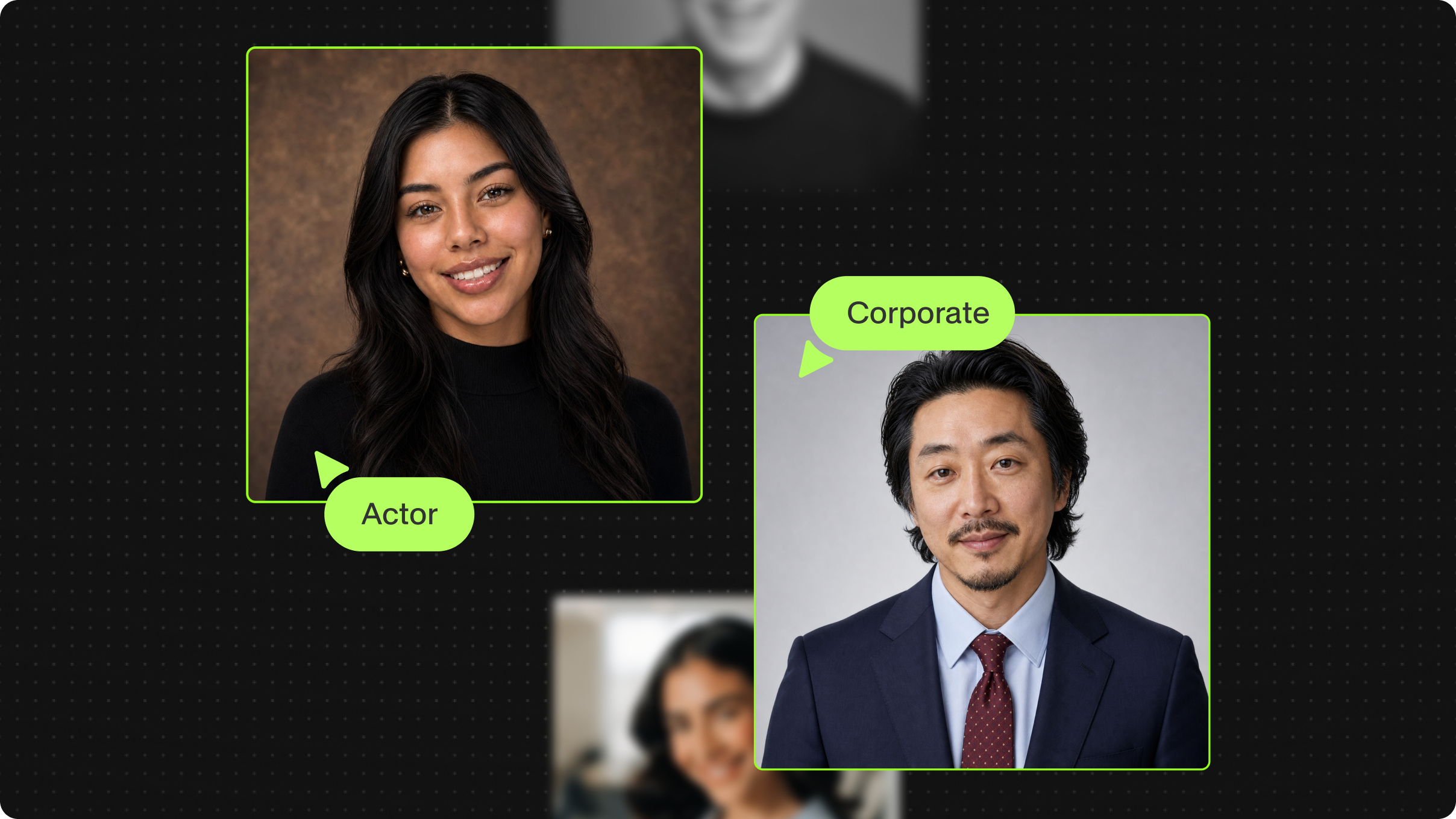
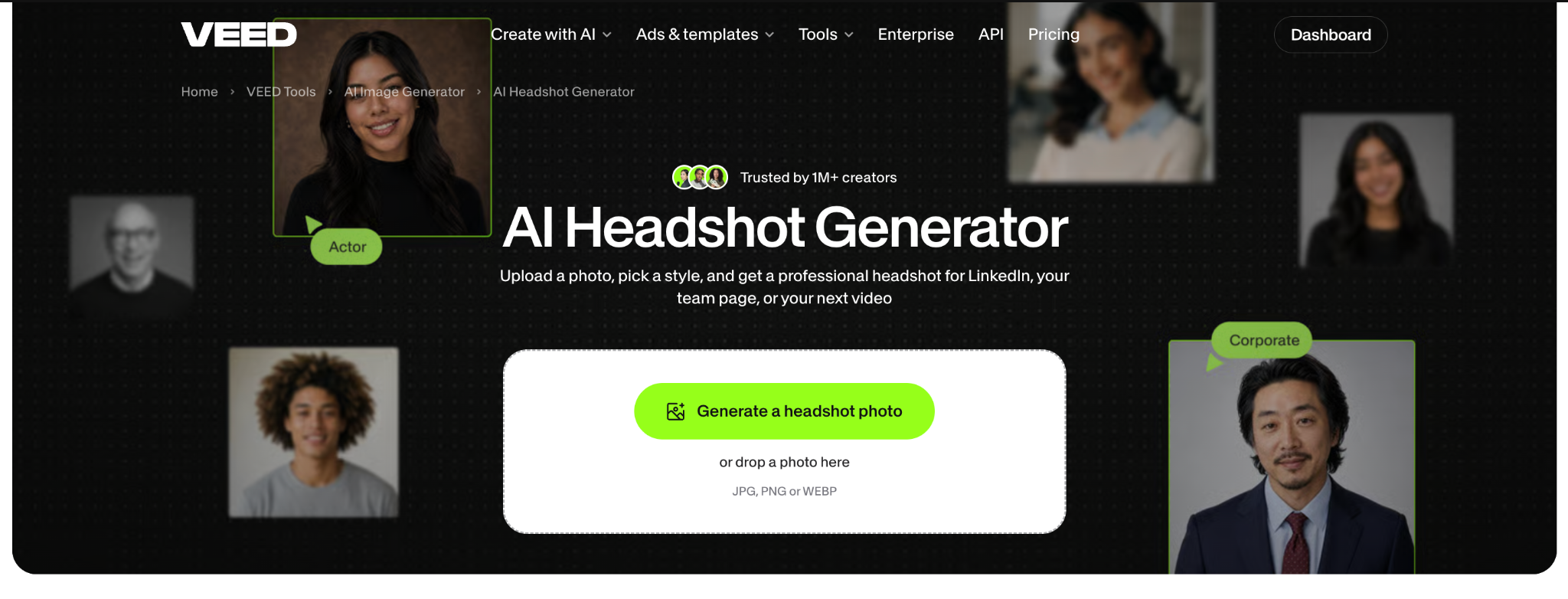
The upgraded AI Headshot Generator is now live on VEED. The tool runs on the page itself and hands the finished headshot straight into VEED AI as the presenter of your next video. The update is for anyone who needs a face on their content, such as founders, sales teams, and marketers, and would rather not film themselves. You pick from seven headshot styles, from corporate and LinkedIn to casual and creative, and the result still looks like you.
At a glance
- What: AI Headshot Generator, an upgrade to an existing VEED tool
- Does: Turns a photo of you into a professional headshot, then into an AI avatar that presents your video
- For: Founders, sales and marketing teams, and anyone who needs to be on camera without filming
- Available: October 2026, with a VEED account; no credit card required
- Where: AI Headshot Generator
- Styles: Seven: corporate, LinkedIn, office, studio, outdoor, casual, and creative
What changed
Until now the AI Headshot Generator page described the tool and sent you to the AI Playground to start from scratch. The page is now the tool, and the headshot keeps going after you make it.
- Generate on the page. Drop in a photo and it becomes the reference image. Your selfie goes in, a headshot comes out, with no prompt to write.
- Style cards instead of a prompt. Pick corporate, LinkedIn, office, studio, outdoor, casual, or creative. Each card carries its own prompt behind the scenes.
- One step to a video. After the headshot appears, choose to make it into a video and it opens in VEED AI with the headshot as your character, with no download and no re-upload.
- Consent built into the flow. Before the avatar is created, you confirm you have the right to use the likeness, since a headshot can be made from any uploaded photo.
- Before-and-after examples on the page. Nine pairs show an everyday photo next to the headshot made from it, one per style. Press one and it runs that style on your own photo.
What it means for you
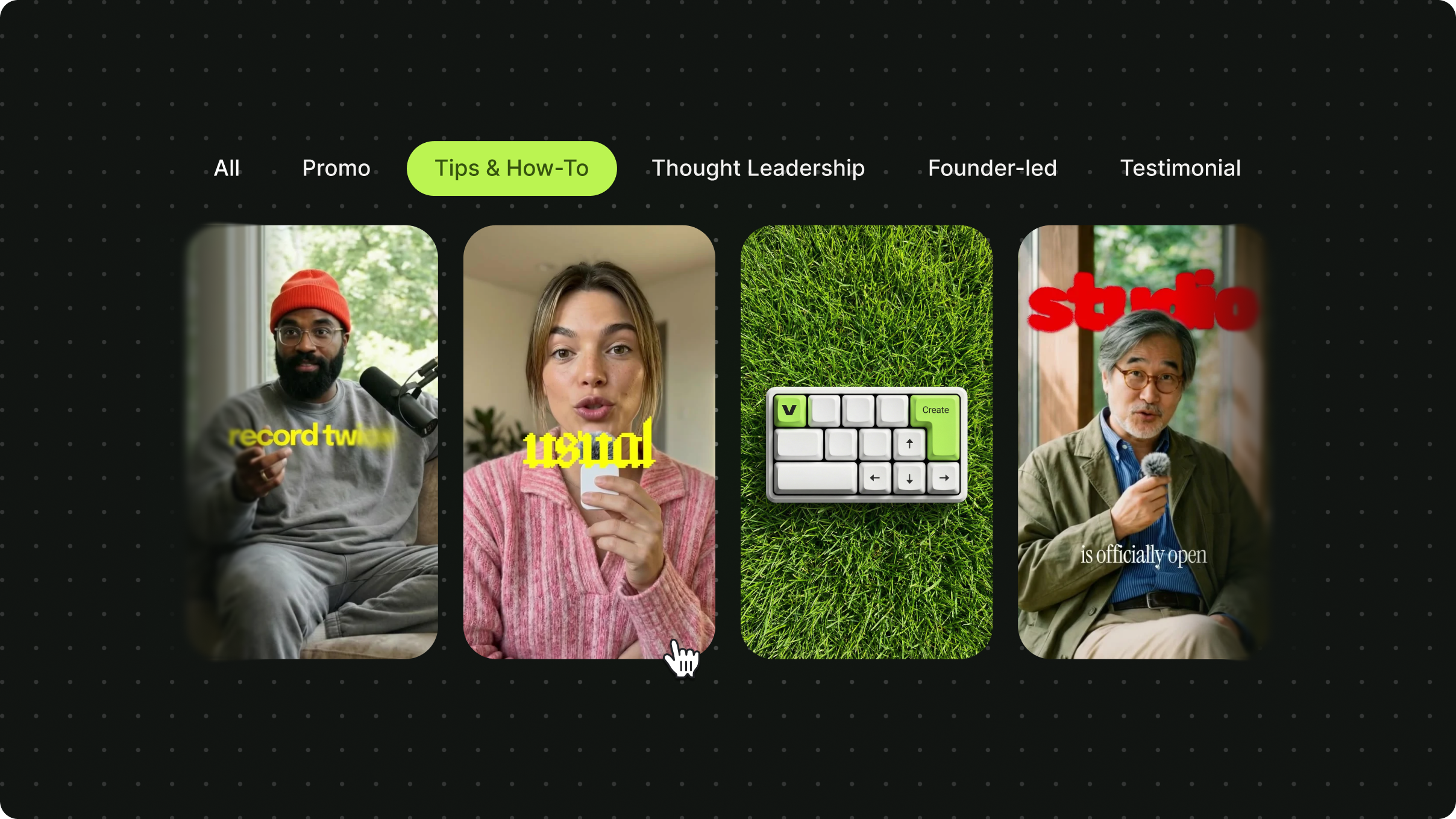
You can put a consistent, professional version of yourself on your content without booking a shoot or sitting in front of a camera. The weekly product tip, the onboarding walkthrough, and the LinkedIn update can all have the same presenter, made from one photo you already have. If the whole team uses the same style, the team page and the videos look like one brand made them.
You still decide what goes out under your name. You write the script, add your branding and subtitles, and shape the video in VEED AI before anything is published.
Try it
- Open AI Headshot Generator and drop in a clear, front-facing photo of yourself as a JPG, PNG, or WEBP. Only upload photos of yourself or of someone who has given you permission.
- Pick a style and generate. Try a second style and keep the one that fits where it's going.
- Download the headshot, or choose to make it into a video. Confirm the likeness consent, type your script, and your avatar presents it.
Availability
The upgraded AI Headshot Generator is live today on the AI Headshot Generator page for anyone with a VEED account, with no credit card required. Headshots use AI credits, and the avatar video is made in VEED AI. Current plans and credit options are on the pricing page.
.png)
.png)
.png)