

Trusted by 1M+ creators
Unblur Image
Unblur photos online with AI. Fix motion blur and out-of-focus shots, then download a clear, sharp picture
or drop a photo here
JPG, PNG or WEBP
4.6
2,100+ reviews















See what Unblur can do
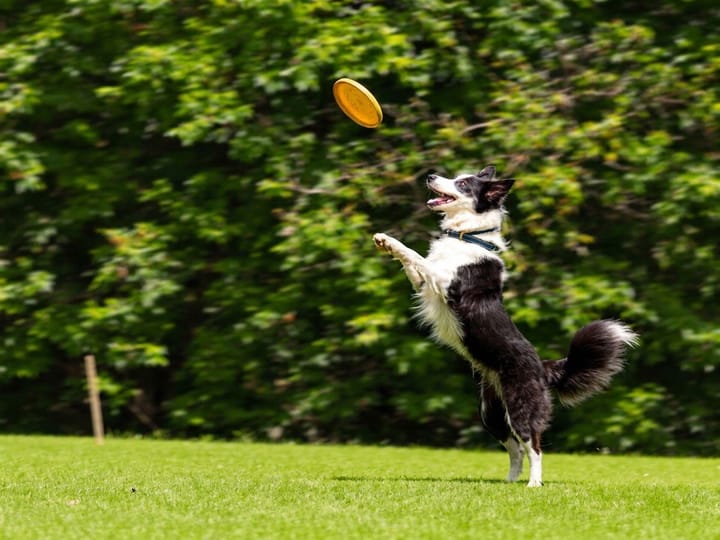
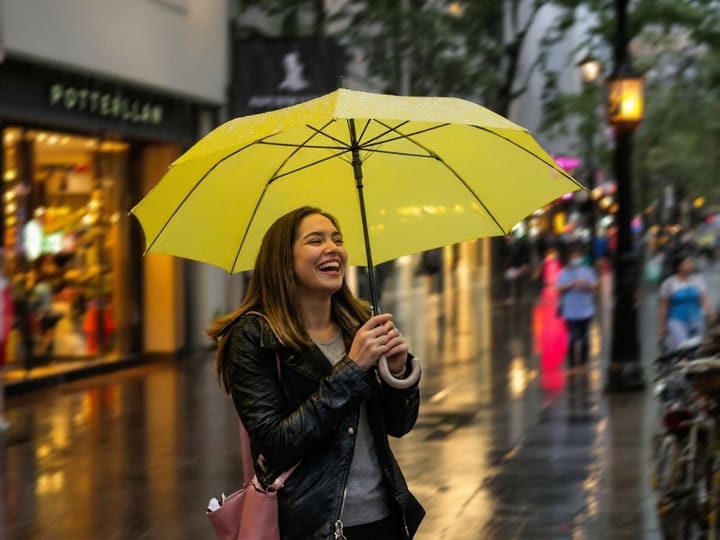
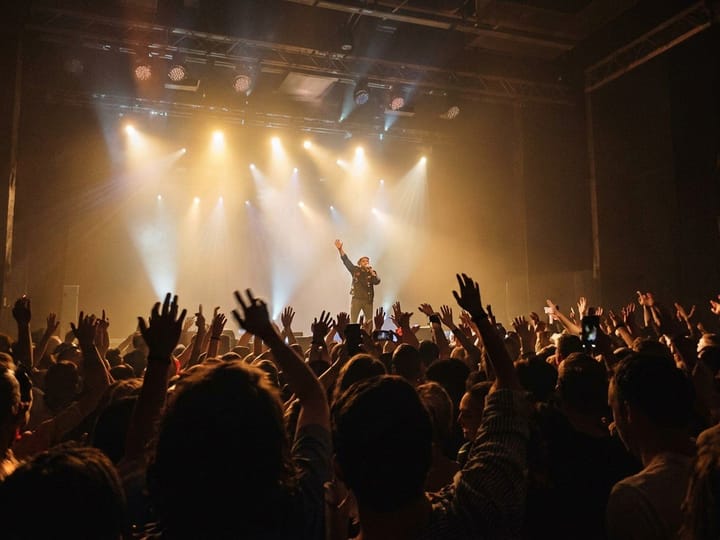
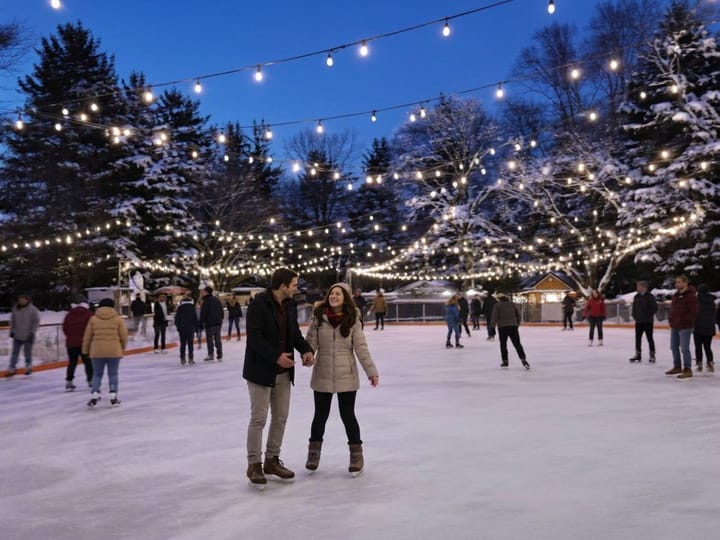
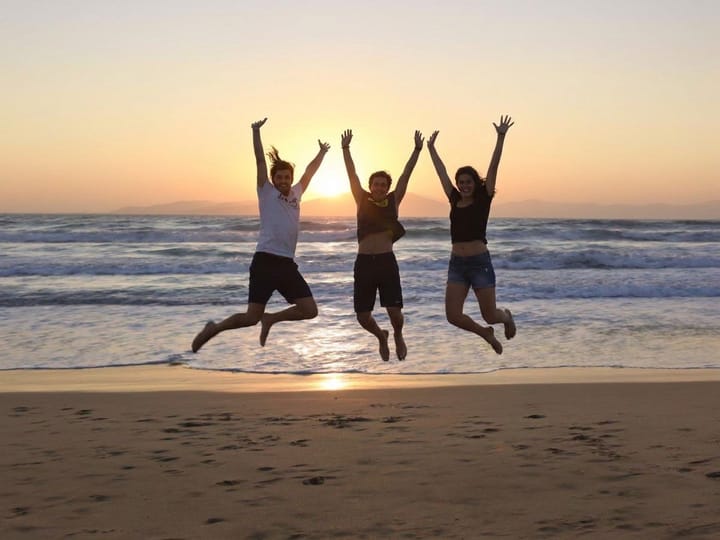
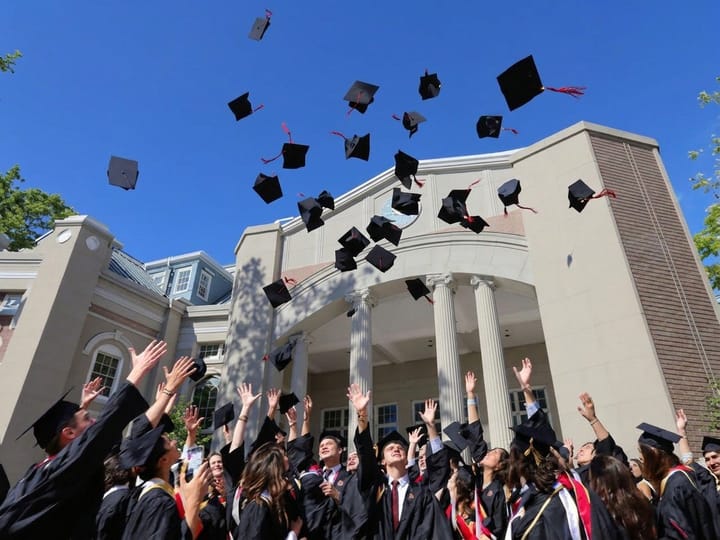
Unblur image online: Turn blurry photos into clear, sharp pictures
You finally got the shot, and it came out blurry. A shaky hand, a moving subject, or a camera that focuses on the wrong thing can ruin a photo you can't retake. VEED's AI unblur tool fixes it in your browser. Upload the blurry image, pick the type of blur, and download a clear photo, with nothing to install.
Unblur product photos for your online store, event shots for Instagram, portraits, group photos, and pictures taken on your iPhone or Android. It also works on blurry screenshots. If your image is small or pixelated rather than blurry, run it through the AI image upscaler to add resolution as well.
How to unblur an image with AI:
Step 01
Upload your blurry photo
Drop your image into the uploader. You can unblur photos straight from your camera roll, pictures saved from your laptop, screenshots, and scanned images.
Step 02
Choose a model and blur type
Pick a model: Fast, Pro, or Ultra. Then set the blur type to Auto, Motion Blur, or Lens Blur. Auto works out the blur for you. Choose motion blur for camera shake or a moving subject, and lens blur for shots that are out of focus. Click the unblur button to remove the blur.
Step 03
Download your clear image
Download your unblurred image and use it anywhere: social posts, product listings, print, or your photo library. Want to change more than the blur? Open it in VEED's AI image editor to remove objects or swap the background. You can also turn the result into a short video if you need one.
Learn More
Watch this walkthrough of AI image editing tool:
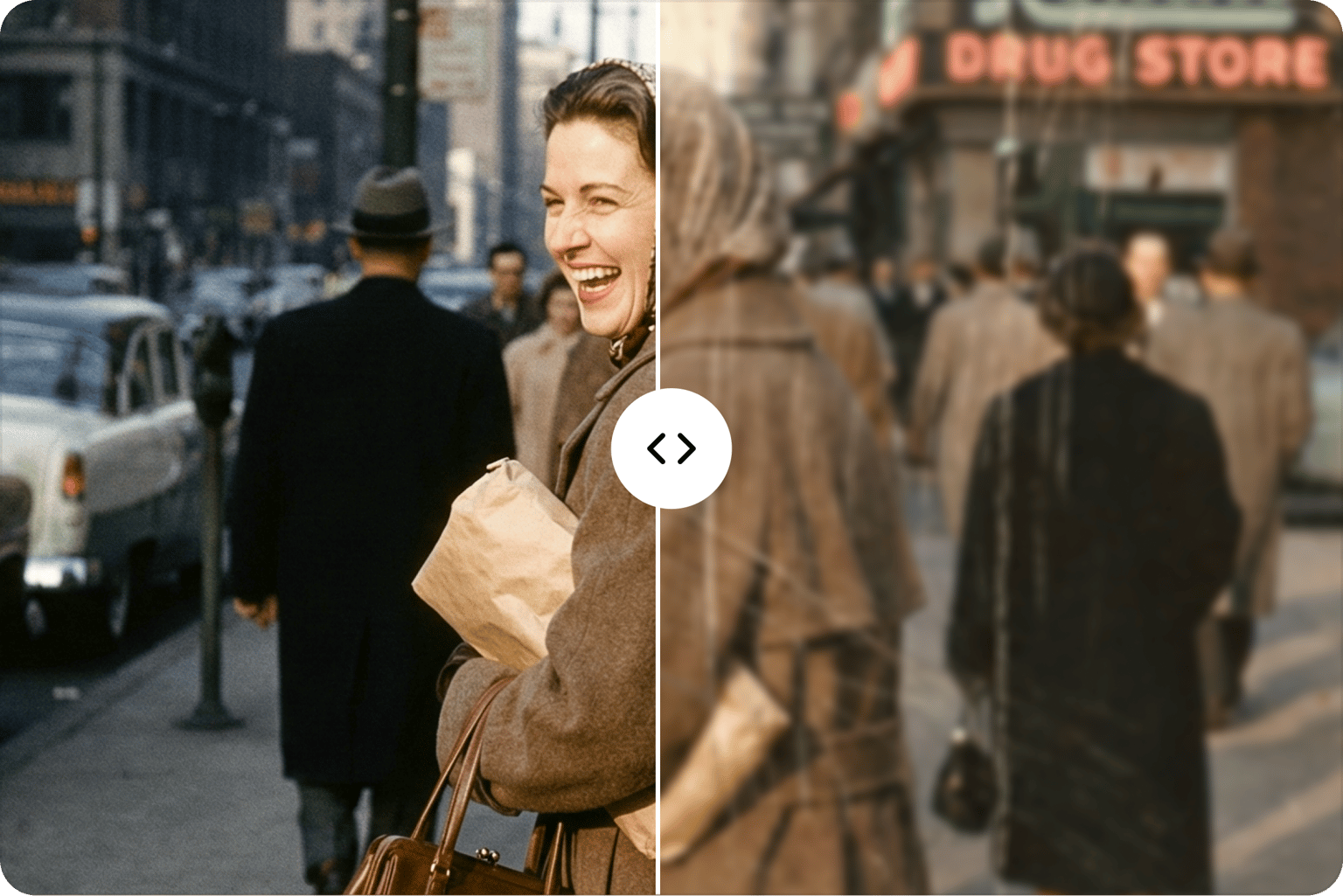
Save the photo you thought you lost
Some moments only happen once. Unblur the birthday photo, the product shot, or the team picture instead of throwing it away. Download a clear, sharp image that's ready to post on Instagram, add to your Shopify listing, or print, all from your browser.
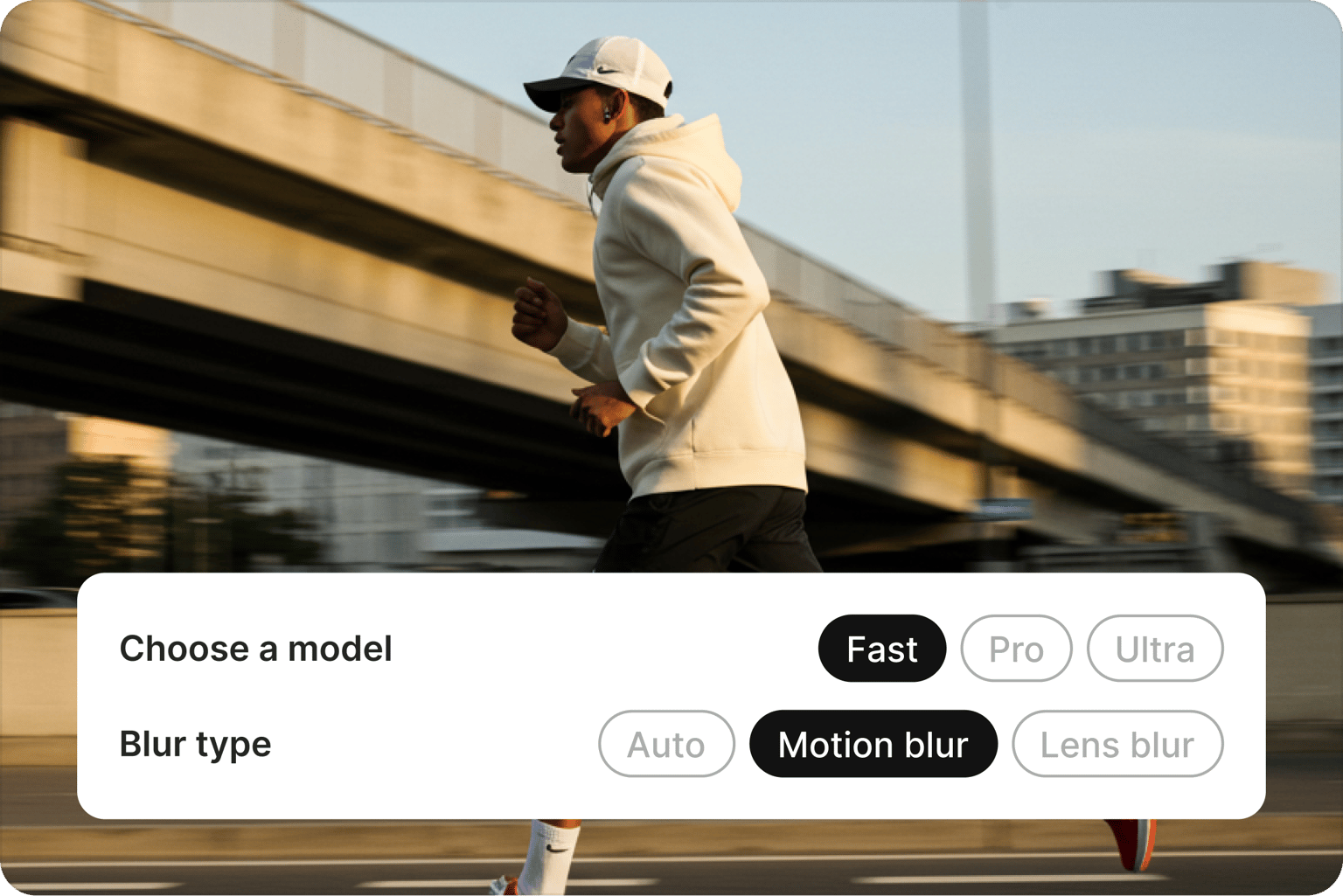
Pick the fix that matches your photo
Not every blurry photo is blurry in the same way. Choose Motion Blur or Lens Blur to target the problem, or let Auto decide. Then pick Fast for a quick fix or Pro and Ultra for tougher images. Your product shots and team photos come out sharp and natural, so they look like your brand shot them, not like AI touched them up.
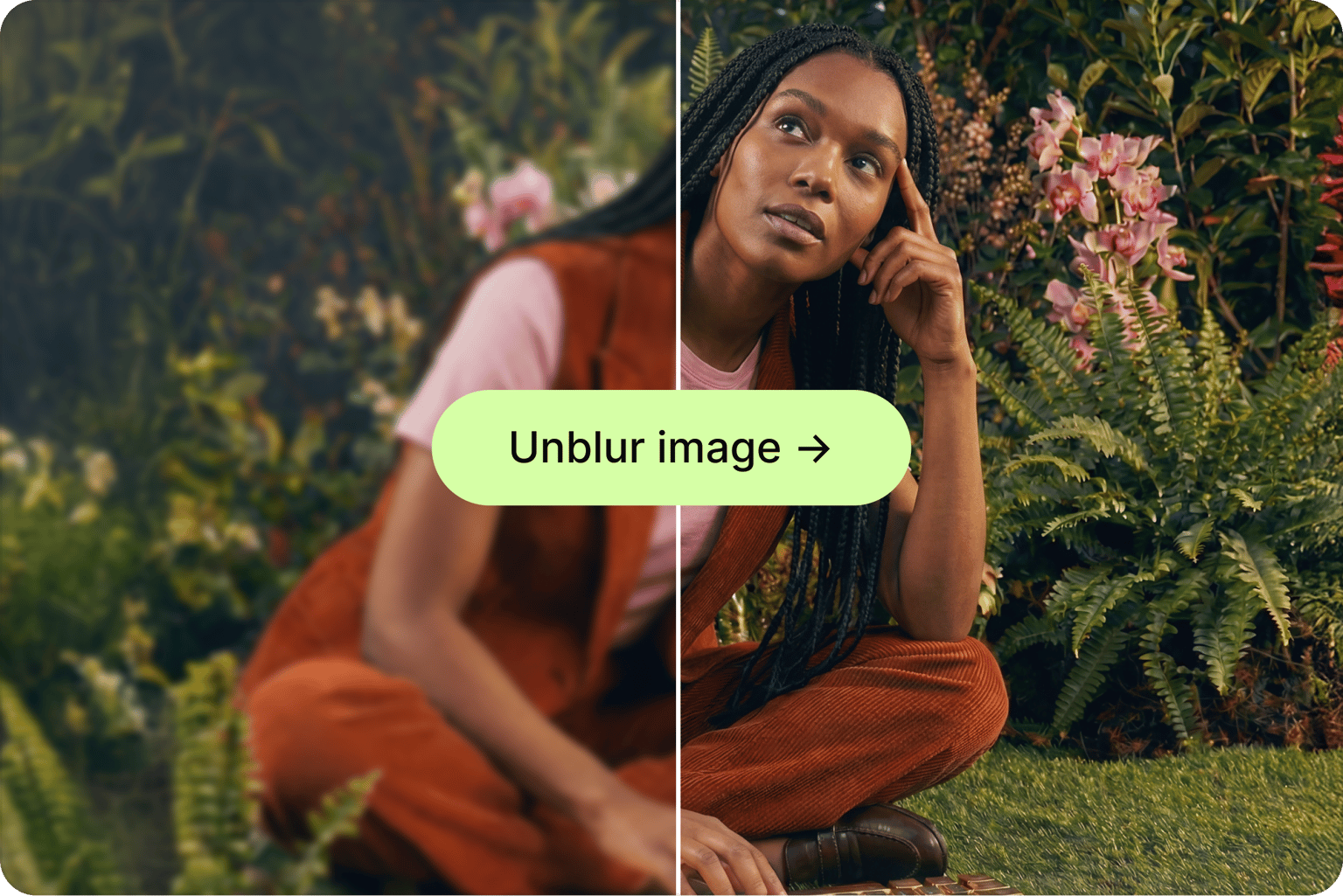
Clear up any kind of blurry image
Unblur phone photos, portraits, group shots, and blurry screenshots in one place. For images where the text is what matters, like documents, receipts, or signs, use the AI image text enhancer to make every word readable. Got old, faded, or damaged prints too? Bring them back with AI photo restoration.
FAQ
Yes. AI can unblur a photo by detecting the type of blur and rebuilding the sharp edges and detail it hid. VEED's unblur tool handles motion blur from camera shake or moving subjects and lens blur from missed focus. Results depend on how blurry the original is. Mild to moderate blur usually comes out clear, while heavily blurred images improve but may not recover every fine detail.
- Upload your blurry image to the tool on this page.
- Choose a model (Fast, Pro, or Ultra) and a blur type (Auto, Motion blur, or Lens blur), then click the unblur button.
- VEED removes the blur in your browser, so there's no app or software to install.
- When it's done, download your clear image and use it wherever you need it. Not satisfied with the result? Switch the model or blur type and run it again.
Start with Auto if you're not sure what caused the blur, since it detects the blur type for you. Choose motion blur when the camera shook or the subject moved, which often leaves streaks or doubled edges. Choose lens blur when the photo is soft and out of focus all over, like when the camera focuses on the background instead of the person. If one setting doesn't look right, try the other.
Use Fast when you want a quick fix for a lightly blurred photo, like a casual snapshot or a screenshot. Choose Pro for more detail on photos you plan to post or share. Pick Ultra for your toughest images and the ones that matter most, such as product photos, portraits, or anything you'll print. You can run the same photo through more than one model and keep the best result.
Yes. Upload the screenshot and set the blur type to Auto, and VEED sharpens the whole image, including text and interface details. For images where reading the text is the main goal, like documents, receipts, or menus, VEED's AI image text enhancer is built for that job. If a screenshot looks blocky because it's low resolution, the image upscaler can add resolution too.
Loved by creators.
Loved by the Fortune 500
“
With VEED I didn't need 15 tutorials - I jumped straight in and started editing.

Gwenne Wilcox
Founder,
Brand Brainery
“
You can go beyond choppping things. VEED actually makes my videos look great.

Michael Glover
Demand Gen Manager,
ConvertFlow
“
The first four videos i created with VEED got over 40,000 impressions on LinkedIn.

Travis Tyler
Senior Content Producer,
PandaDoc
“
I found VEED at the right time: if you're making UGC ads and not using Eye Contact Correction and Noise Reduction on VEED you're missing out on ROI.

Sebastian Schurgers
Head of Growth Marketing,
Gronda
“
With VEED I didn't need 15 tutorials - I jumped straight in and started editing.
Gwenne Wilcox
Founder,
Brand Brainery
“
You can go beyond choppping things. VEED actually makes my videos look great.
Michael Glover
Demand Gen Manager,
ConvertFlow
“
The first four videos i created with VEED got over 40,000 impressions on LinkedIn.
Travis Tyler
Senior Content Producer,
PandaDoc
“
I found VEED at the right time: if you're making UGC ads and not using Eye Contact Correction and Noise Reduction on VEED you're missing out on ROI.
Sebastian Schurgers
Head of Growth Marketing,
Gronda
“
The first four videos i created with VEED got over 40,000 impressions on LinkedIn.
Travis Tyler
Senior Content Producer,
PandaDoc
“
I found VEED at the right time: if you're making UGC ads and not using Eye Contact Correction and Noise Reduction on VEED you're missing out on ROI.
Sebastian Schurgers
Head of Growth Marketing,
Gronda
“
With VEED I didn't need 15 tutorials - I jumped straight in and started editing.
Gwenne Wilcox
Founder,
Brand Brainery
“
You can go beyond choppping things. VEED actually makes my videos look great.
Michael Glover
Demand Gen Manager,
ConvertFlow
Explore related tools
More from VEED
Best AI Image Generators: Top Tools for Creating Stunning Visuals in 2026
From text prompts to breathtaking visuals in mere seconds, AI image generators have revolutionized the way we create digital art. Whether you're building content for social, school, or just for fun, turning ideas into visuals has never been easier. This guide breaks down the best AI image generators of 2025. You'll see what each tool does well, where it struggles, and who it’s built for, so you can pick the right one for your goals and budget.

AI Art Prompts: How to Write Better Prompts, Creative Examples, and Tools to Try
Getting your AI art prompts is the key to winning with generative AI tools. Learn how to write better prompts here.

How to Cartoonize Your Photo with AI (Step-by-Step Guide)
Learn how to cartoonize your photo using AI, and how to use ChatGPT to craft the perfect visual prompt to bring your unique style to life.
Trusted by 1M+ creators
When it comes to amazing videos, all you need is VEED
No credit card required
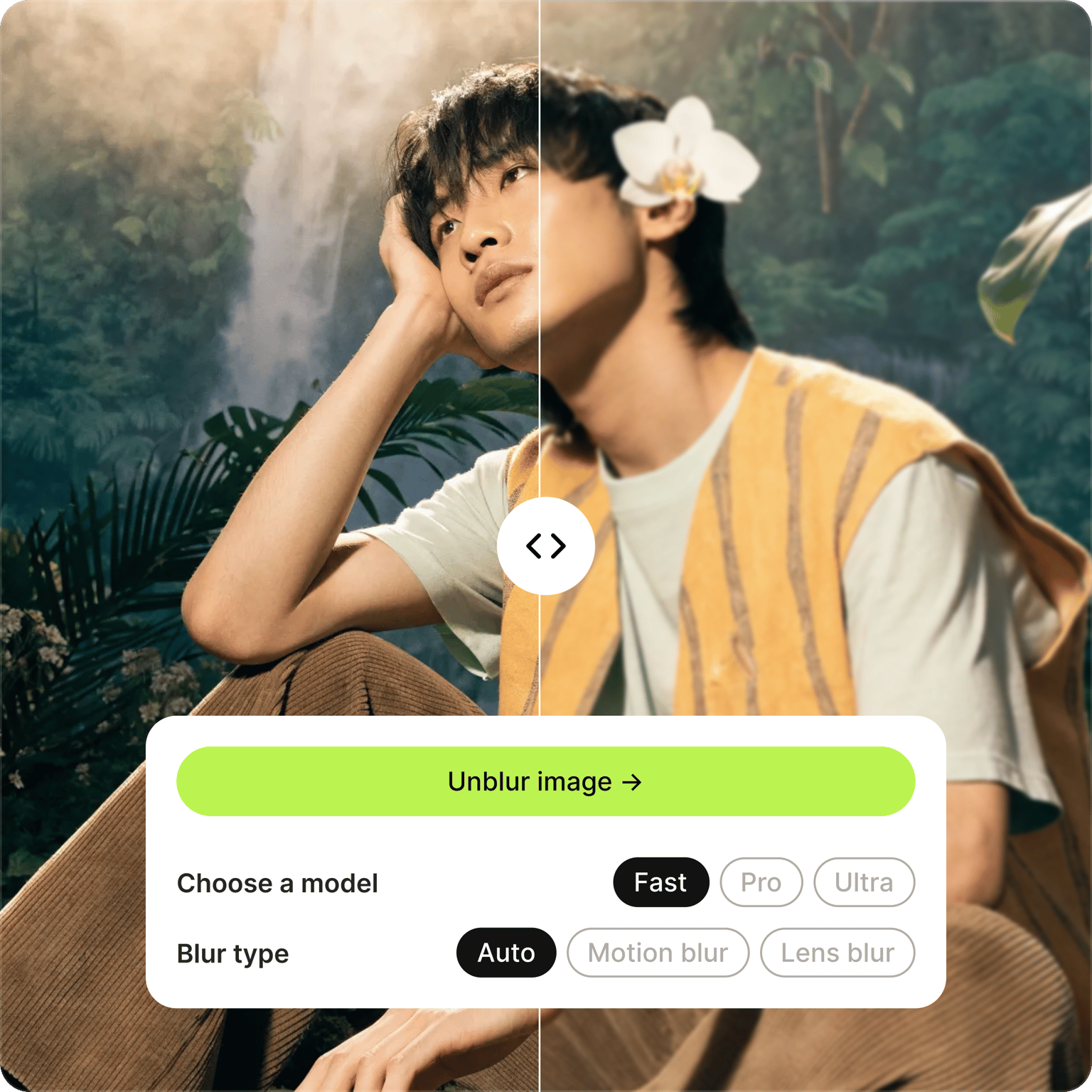
More than an unblur image tool
VEED is an AI creation platform made for social. Fix your photos with tools like the unblur tool, image upscaler, and background remover, or generate new images and videos with the latest models, including Fabric 1.0. Refine everything in one editor and add your brand kit so every post looks like your brand made it, not AI. Then export post-ready images and videos for Instagram, TikTok, and YouTube Shorts in minutes.