Create on the Go: Publish Video Faster From Your Phone
Summary / Key Takeaways:
- The first three seconds of your video are critical—strong hooks with striking visuals or compelling questions capture attention immediately
- Quality lighting and sound design don't require expensive equipment—position yourself near natural light and prioritize audio clarity
- VEED's mobile app streamlines video creation with automatic subtitles, quick cropping tools, and style toggles for fast, polished edits
- Storytelling and B-roll footage keep audiences engaged by adding context and visual interest to your narrative
- Building consistent content creation habits matters more than perfection—spontaneous videos beat no videos at all
You don't need a studio. You don't need expensive equipment. You don't even need to be at your desk. Your phone is already powerful enough to create professional video content that performs.
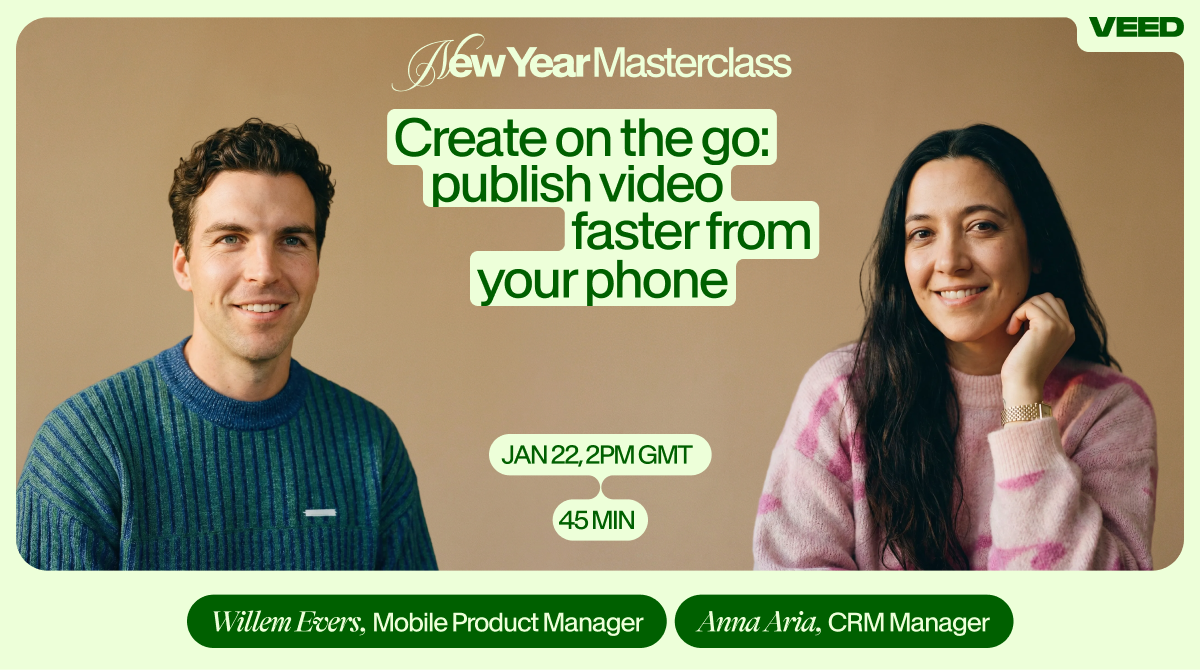
In VEED's recent master class, Willem Evers (Head of Mobile) and Anna Aria Harutyunyan (Sr. CRM Marketing Manager) revealed how creators can capture, edit, and publish high-quality videos entirely from mobile devices. The session tackled the biggest mobile video challenges: maintaining quality, staying consistent, and working efficiently when you're away from your computer.
Watch the full masterclass on demand here. This recap breaks down the exact mobile workflows, editing techniques, and mindset shifts you need to create publish-ready videos from anywhere—without slowing down your content momentum.
Why the first three seconds make or break your video
Willem opened with a truth that every mobile creator needs to internalize: "I would really urge you to focus on the first three seconds of your video and make those great so you can get people hooked into your video, and then the rest will take care of itself."
Your hook determines whether viewers keep watching or scroll past. On mobile platforms where attention spans measure in seconds, this becomes even more critical.
What makes a strong video hook:
- Striking visuals: Fast edits, dynamic movement, or unexpected imagery stops the scroll immediately.
- Direct questions: Pose a problem your audience faces to create instant relevance and curiosity.
- Captivating statements: Lead with your boldest claim or most surprising insight to grab attention.
- Text animations: Overlay key phrases or questions for viewers watching with sound off—which is most of them.
Willem demonstrated multiple hook styles during the session, showing how personal stories, engaging audio effects, and quick cuts all serve the same purpose: buying you those crucial extra seconds of viewer attention.
Lighting and sound: the non-negotiables of mobile video
Natural light is your best friend
Creating visually appealing content doesn't require expensive lighting setups. Willem's advice? Position yourself strategically: "Lighting is very important."
The best mobile video lighting comes free—find a window. Natural light provides even, flattering illumination without the harsh shadows or color temperature issues of artificial lighting. Consistency matters more than perfection.
Audio quality drives retention
Poor sound quality kills videos faster than imperfect visuals. Willem emphasized: "Audio quality is very important too."
Viewers tolerate shaky footage or slightly off framing, but they won't sit through crackling audio or competing background noise. When filming on mobile:
- Record in quieter environments when possible
- Use your phone's microphone directionally (point it toward your subject)
- Consider affordable external microphones for significant quality jumps
- Add relevant sound effects in post-production for emphasis
Don't forget subtitles: They're not just for accessibility—they're essential for the majority of viewers watching with sound off. VEED's automatic subtitle generation makes this effortless on mobile.
VEED's mobile app: professional edits in minutes
Built for speed without sacrificing quality
Willem highlighted what sets VEED's mobile app apart from desktop editing: "Mobile is really made to make short, quick videos on the go."
The mobile interface prioritizes the edits that matter most for social content:
- Automatic subtitle generation: Accurate transcription across multiple languages without manual typing.
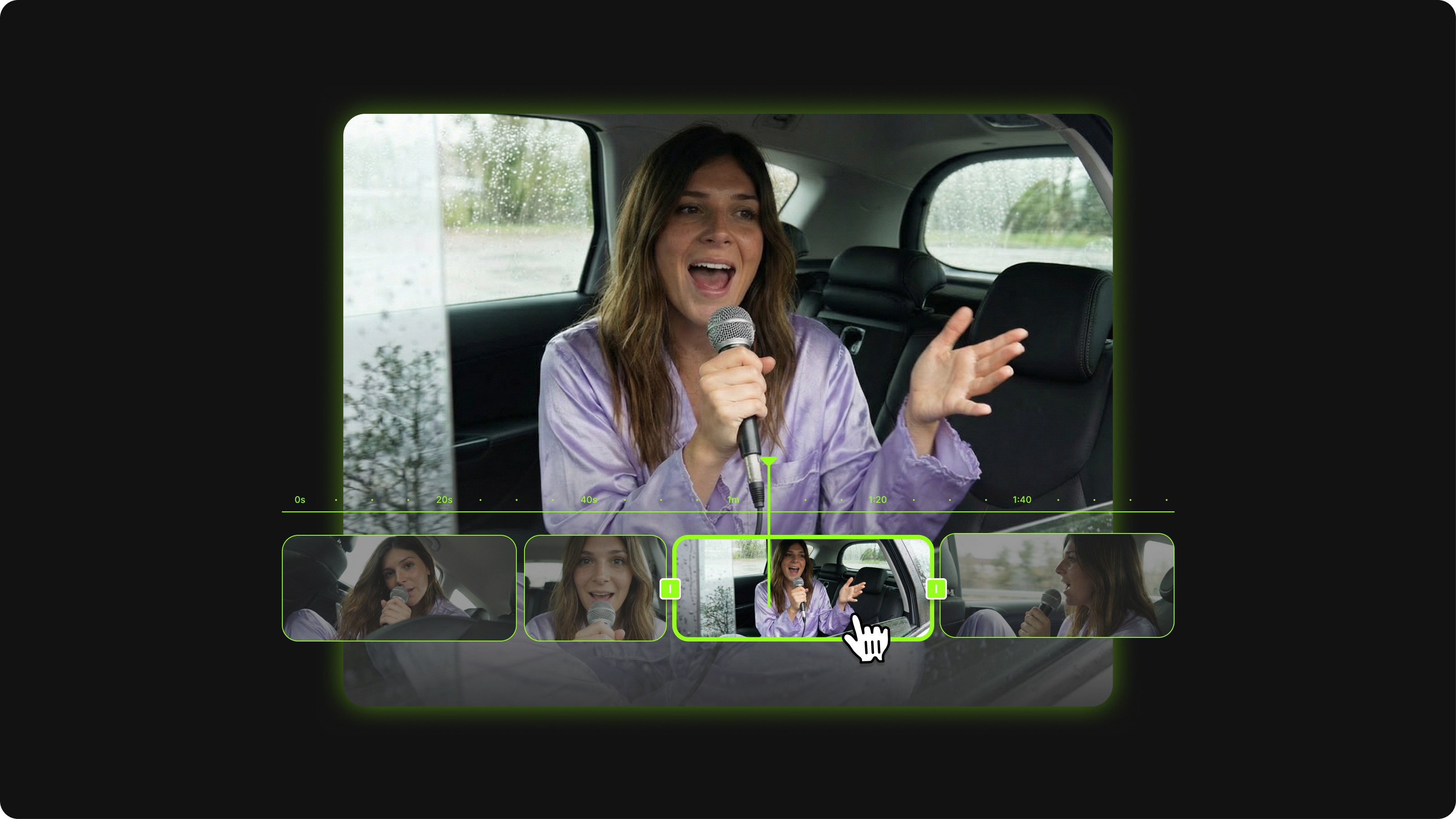
- Quick cropping tools: Remove dead air, long intros, or unnecessary segments in seconds. Willem demonstrated this live: "I also didn't like my intro. It took a little bit too long before I started talking, and that is really killer on social media. So I'm cropping that out."
- Style toggles: Transform your video's look with preset styles that adjust colors, fonts, and effects simultaneously—no manual adjustments needed.
- One-tap optimizations: Format videos for different platforms (vertical, square, horizontal) without starting from scratch.
The mobile editing workflow
Willem's demonstration revealed a streamlined approach to mobile video production:
- Capture your footage with hooks and story in mind
- Import directly into VEED's mobile app
- Trim unnecessary sections (intros, pauses, tangents)
- Generate and customize automatic subtitles
- Apply style presets for consistent branding
- Add B-roll or transitions where needed
- Export optimized for your target platform
This entire process takes minutes, not hours—perfect for creators maintaining high posting frequency.
Storytelling: what separates good videos from scroll-bait
Story and sound design drive engagement
Willem distilled great video creation to its essence: "What makes a good video?... story and sound design."
Technical quality matters, but story creates connection. Whether you're promoting a product, sharing expertise, or documenting experiences, viewers need to feel invested in your narrative.
The storytelling framework:
- Establish context quickly (what's happening and why it matters)
- Build tension or curiosity (the problem, challenge, or question)
- Deliver resolution or insight (your solution, lesson, or answer)
- End with clear next steps (CTA, further resources, or reflection)
B-roll elevates your narrative
B-roll—supplementary footage that supports your main content—transforms talking-head videos into engaging stories. Willem explained: "B-roll gives so much more context about your story... it's just visually more engaging, which keeps people hooked."
On mobile, capturing B-roll is simple:
- Film relevant environments, products, or activities
- Capture different angles of the same subject
- Record action shots that illustrate your points
- Gather establishing shots that set the scene
Layer these clips over your primary footage during editing to add visual variety and reinforce your message.
Building sustainable content creation habits
Consistency beats perfection
Willem's most liberating advice addressed the paralysis many creators face: "I think the most important thing is to build a habit—whatever it is that you wanna do, just commit to it."
He shared his personal system: dedicating Thursday mornings specifically to video creation. This time blocking ensures consistency regardless of inspiration levels or competing priorities.
The key insight? "Spontaneous or maybe even a bad video is better than no video at all."
Start simple, iterate later
Overthinking stalls progress. Willem encouraged starting with basic concepts: "Don't make it too hard on yourself. And you can always add more layers later."
This iterative approach means:
- Publishing version 1.0 instead of endlessly refining
- Learning what resonates through audience feedback
- Improving based on real performance data
- Building momentum through consistent output
Perfectionism is the enemy of consistency. Ship imperfect videos, analyze results, and improve incrementally.
AI tools that accelerate mobile video production
Automated editing with AI analysis
Willem demonstrated VEED's AI capabilities for faster video creation: "We analyze the transcript of your video so that after that, we can do some of the edits automatically."
This AI analysis enables:
- Automatic removal of filler words and pauses
- Smart scene detection for logical cuts
- Transcript-based editing (edit text, edit video)
- Suggested highlight clips from longer content
AI actors for scalable content
For creators needing talking-head content without filming, VEED's AI actor feature generates videos from scripts. Willem noted current capabilities and upcoming features: "For now, we only have AI actors... We don't allow you to upload your own image yet. That is coming soon."
Upcoming personalization includes:
- Custom character creation
- Background customization
- Voice selection and tone adjustment
VEED maintains ethical boundaries—no deepfake-style functionality that could enable misuse.
Making videos globally accessible with multilingual subtitles
Willem highlighted VEED's subtitle support across languages including Greek, Slovenian, and Arabic—valuable for creators with international audiences.
Pro tip for dual-language content: Layer videos with different subtitle language settings to reach multiple audiences simultaneously. This technique ensures inclusivity without creating entirely separate video versions.
Accurate automatic transcription in multiple languages removes the barrier of manual subtitle creation, making global accessibility achievable for solo creators.
Best practices for mobile video creation
Optimize your filming environment
Even when creating "on the go," small environmental choices improve results:
- Scout locations with good natural light before filming
- Minimize background noise (traffic, crowds, machinery)
- Stabilize your phone (lean against surfaces, use makeshift tripods)
- Consider your background composition (clean, relevant, non-distracting)
Plan for platform-specific formats
Different platforms reward different video formats:
- TikTok/Instagram Reels: Vertical (9:16), 15-60 seconds, fast-paced
- LinkedIn: Square (1:1) or horizontal (16:9), 30-90 seconds, professional
- YouTube Shorts: Vertical (9:16), under 60 seconds, strong hooks
- Instagram Feed: Square (1:1), varied length, polished aesthetic
VEED's mobile app lets you export multiple formats from one edit, saving time when cross-posting.
Tools mentioned in the master class
Mobile video creation:
- VEED Mobile App: All-in-one editing with automatic subtitles, cropping, style presets, and format optimization
AI features:
- Automatic transcription: Generate accurate subtitles in multiple languages
- AI actors: Create talking-head videos from scripts without filming
- Smart editing: AI-powered removal of pauses and filler words
Wrapping up: your mobile video action plan
Here's what to remember from VEED's mobile video master class:
- Hook in three seconds: Use striking visuals, direct questions, or captivating statements to stop the scroll immediately.
- Light and sound matter most: Position yourself near natural light and prioritize audio clarity over fancy equipment.
- Mobile tools enable speed: VEED's mobile app delivers professional edits in minutes with automatic subtitles and style presets.
- Story drives engagement: Use B-roll and narrative structure to create connection beyond technical quality.
- Consistency beats perfection: Build content creation habits and ship "imperfect" videos rather than waiting for ideal conditions.
Next Step: Download VEED's mobile app and create one video this week using only your phone—practice the workflows Willem demonstrated to build your mobile editing confidence.