Best Video Editing API for Developers (2026)

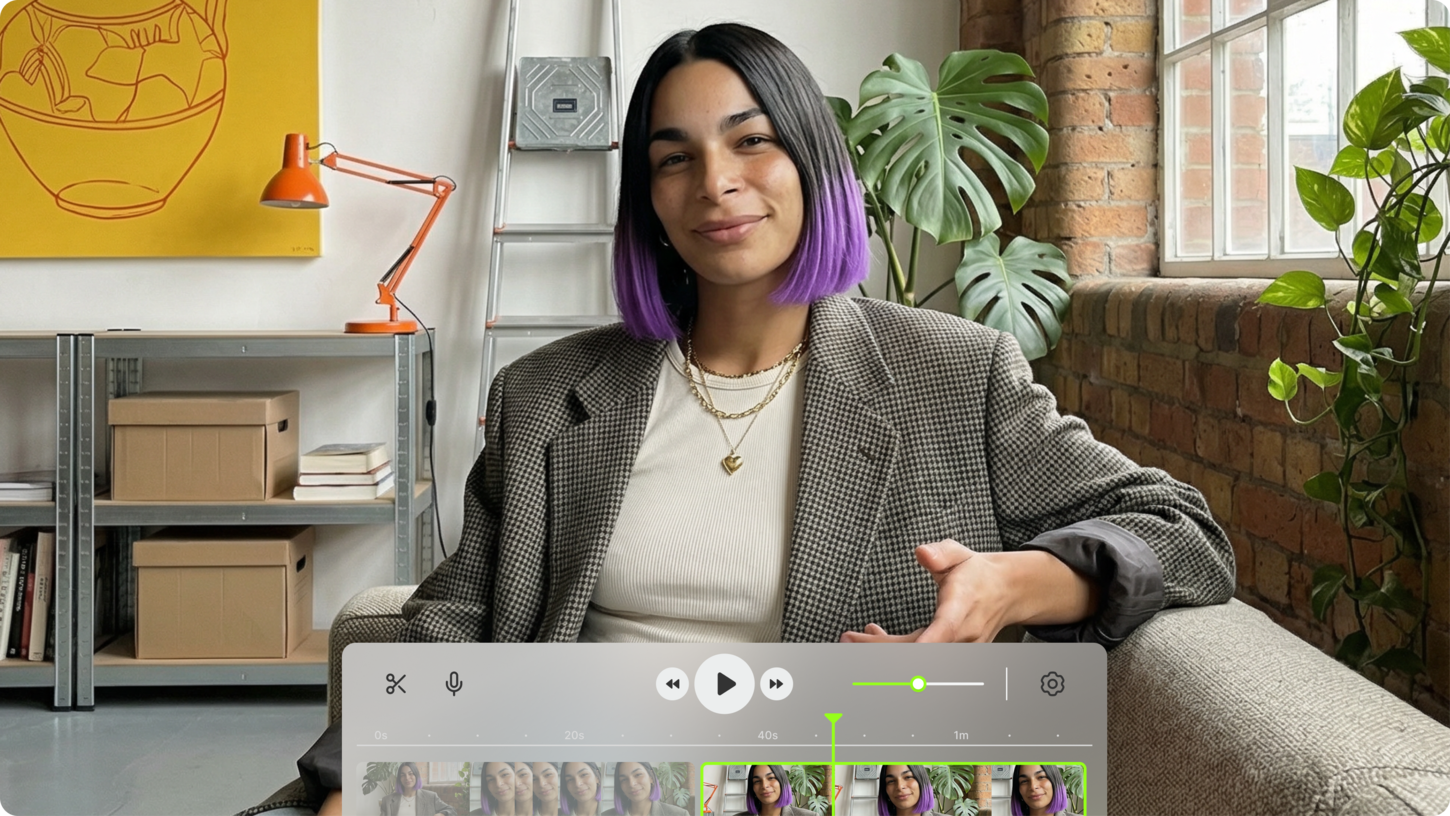
The video editing API problem is not finding something that works in isolation. It's finding something where the output is actually usable: social-ready, branded, captioned, and formatted for the platform it's going to, without a follow-up editing session to get it there.
This article covers the operational case: you have video, audio, or image assets, and you need to process them programmatically. Lip sync for dubbing. Background removal for clean output. Auto-generated captions for social reach. Subtitle overlays for accessibility and SEO. These are the calls that turn raw footage into content that performs.
VEED's API is built for exactly this. It's not a general-purpose encoding API or a transcoding pipeline. It's an AI video creation platform with developer APIs that cover the processing operations social-first video teams actually need at scale.
Key takeaways:
- VEED's video editing API covers lip sync, background removal, green screen, and subtitle generation
- All endpoints run asynchronously: submit a job, get a job ID back, retrieve output via polling or webhook
- Usage-based pricing with no minimums: pay per second, minute, or frame depending on the endpoint
- Output is social-ready: formatted MP4s ready for distribution, not raw renders that need further editing
- Access is through fal.ai with Node.js, Python, and cURL support; no credit card required to start
.png)
What VEED's video editing API is built for
VEED's API is for developers who need to process existing video assets programmatically. The use cases the keyword data points to are consistent: automated editing pipelines, cloud video processing at scale, and API-first video infrastructure for products that generate content without a human editor in the loop.
Concretely, that means: remapping lips in a recorded video to match a dubbed audio track. Removing the background from footage and replacing it with a branded scene. Auto-generating captions with accurate word-level timing. Animating a static character image into a talking video for an avatar pipeline. Each of these is a discrete API call that returns a social-ready MP4.
If you're looking for text-to-video generation from prompts, that's a separate problem handled by generative models like Sora, Kling, and Pika. VEED's AI Playground covers those. This page is about processing video you already have.
VEED API endpoints: what's available
VEED's API currently covers four production-ready endpoints. Each is available through fal.ai with Node.js, Python, and cURL support.
Lip sync API
The lip sync API takes an existing video and a replacement audio file, and returns an MP4 with the speaker's lips remapped to match the new audio. It handles natural mouth shapes, speech timing, and facial dynamics automatically. You provide two inputs: a video URL and an audio URL. You get back a synchronized MP4.
The main use cases:
- Video dubbing: remap lips in an English-language video to match a Spanish, French, or Japanese dub without reshooting
- Content rephrasing: swap out a line or a sentence in a pre-recorded video when the script changes after production
- AI avatar video: generate avatar responses that sync to dynamically generated audio, not pre-recorded clips
Processing runs at roughly 2 to 2.5x realtime: a one-minute video takes about two to two-and-a-half minutes to process. The queue system handles multiple concurrent requests, so you can submit batches for different language versions or content variations simultaneously.
Node.js example:
import { fal } from "@fal-ai/client";

const result = await fal.subscribe(
  "veed/lipsync",
  {
    input: {
      video_url: "https://example.com/source.mp4",
      audio_url: "https://example.com/dubbed-audio.mp3"
    },
  }
);
console.log(result.data); // Returns MP4 URL
Pricing: see current API pricing on fal.ai.
Fabric 1.0: image-to-talking-video API
Fabric 1.0 is VEED's image-to-video model. Provide a static image and an audio file, and it returns a talking video with synchronized lip movements, natural head motion, and expressive body language. No source video required, no preset avatar library. Any image style works: photorealistic portraits, illustrated characters, branded mascots, anime, clay.
This solves a specific problem in content pipelines: you need a character to speak, but you don't have a recorded video of that character. Fabric generates the video from scratch using your image as the visual source and your audio as the motion driver.
Videos can run up to five minutes, which is significantly longer than most image-to-video APIs allow. Generation runs at 480p or 720p, with fast and standard speed options depending on your latency requirements.
The main use cases:
- Brand spokespeople and mascots: animate a brand character without hiring talent or booking a studio
- Localization at scale: generate the same branded character speaking in ten languages from ten audio files, one image
- Personalized video at scale: create unique character videos for each user in an outreach or onboarding flow
- NPC dialogue in games and interactive experiences: animate any character asset with voice lines
Node.js example:
import { fal } from "@fal-ai/client";

const result = await fal.subscribe(
  "veed/lipsync",
  {
    input: {
      video_url: "https://example.com/source.mp4",
      audio_url: "https://example.com/dubbed-audio.mp3"
    },
  }
);
console.log(result.data); // Returns MP4 URL
Fabric 1.0 is also accessible inside the VEED AI Playground for testing before integrating.
Background removal and green screen API
The background removal API processes video frame by frame and returns a clean foreground subject, either as an MP4 with transparent alpha channel (VP9 format) or composited onto a replacement background. Two modes are available: standard removal and refined edges for subjects with complex hair, fur, or fine detail.
The green screen endpoint handles footage shot against a solid color background, replacing it with transparency or a new background at lower per-frame cost than full AI removal.
The main use cases:
- Product videos where the subject needs to be placed in multiple scene contexts without reshooting
- Avatar video pipelines where the character needs to sit on different branded backgrounds per platform or client
- Social content that requires vertical, square, and widescreen versions of the same footage with different backgrounds
Both endpoints return per-frame pricing. See current API pricing for the latest rates.
How VEED's API works: request flow
All VEED API endpoints follow the same async pattern, which is standard for video processing workloads.
- Submit a request with your input media URLs and parameters. The API returns a job ID immediately.
- Poll the job ID endpoint to check processing status, or configure a webhook URL in your request to receive a callback when the job completes.
- Retrieve the output media URL from the completed job response. All outputs are MP4 files unless the endpoint specifies otherwise (VP9 with alpha for background removal with transparency).
The async pattern means your application never blocks waiting for video to render. For high-volume pipelines, you can submit hundreds of jobs simultaneously and retrieve results as they complete.
Authentication uses your fal.ai API key in the Authorization header. Keys should always be kept server-side and never exposed in client-facing code or public repositories.
API pricing: how it's structured
VEED's API pricing is usage-based with no subscription and no minimum commitment. You pay per unit of processing, and the unit depends on the endpoint: per second of output video for Fabric 1.0, per minute of input video for lip sync, and per 30 frames for background processing.
This structure makes cost predictable at scale. If you know how many minutes of video you process per day, you can calculate your monthly API cost directly. There are no seat licenses, no platform fees, and no charges for API calls that don't result in output.
For current per-unit rates across all endpoints, see VEED's API pricing page. Enterprise teams processing high volumes can contact the sales team for volume pricing.
What you can build: video API use cases
Automated social content pipeline
A common pattern for social media teams and content agencies: raw video comes in from a shoot or screen recording, gets passed through VEED's subtitle editor API for auto-captioning, then background removal to place it on a branded scene, then exported at three aspect ratios for Instagram, TikTok, and LinkedIn. The whole pipeline runs on a single automated trigger after upload, with no editor touching the file.
Video localization at scale
A product team records a single English-language demo video. A localization pipeline passes the video and ten dubbed audio files to the lip sync API simultaneously, generating ten localized versions in parallel. Each returns an MP4 with remapped lips and the dubbed audio baked in, ready to publish. No reshoots, no subtitles covering the speaker's face, no uncanny valley from static overlays.
Personalized video outreach
A sales or onboarding team has a spokesperson image and a library of personalized audio scripts, one per recipient. Fabric 1.0 generates a unique talking video for each person, with the spokesperson appearing to say each recipient's name and personalized content. Each video is rendered, captioned, and published to the recipient's unique URL. The pipeline runs via API with no human in the loop after the audio files are approved.
Avatar video for customer support or education
A SaaS platform wants an AI avatar in their help center that answers common questions with video responses. Fabric 1.0 generates the avatar video from a brand character image and dynamically generated audio from a TTS engine. The AI voice generator handles the TTS step. The result is a full text-in, social-ready-video-out pipeline with VEED covering both ends.
Video ad creative testing
A performance marketing team needs to test 50 variations of a video ad: different hooks, different CTAs, different product shots. Each variation is a clip edit away from the base video. An automated pipeline generates each variant by passing clip parameters to the API, applies a branded outro and subtitle style, and exports to the ad platform's required spec. What would take a video editor a week runs overnight.
Getting started with VEED's API
Setup takes four steps:
- Sign up at fal.ai and retrieve your API key. No credit card required to start.
- Install the fal.ai client: npm install @fal-ai/client, pip install fal-client, or use the HTTP endpoints directly with cURL.
- Send your first request using one of the code examples above. Pass your media URLs and parameters. Processing starts immediately.
- Configure a webhook URL in your request to receive a callback when processing completes, or poll the job ID endpoint for status.
Full documentation, including all input parameters, response schemas, and error handling, is available through fal.ai. For enterprise integrations, volume pricing, or custom workflow support, contact the VEED sales team.
A note on alternatives
Other video processing APIs in this space include Cloudinary (strong on encoding and format conversion at scale), Mux (video infrastructure with encoding and playback), and Shotstack (template-based video rendering). Each has a different primary strength.
Where VEED's API is differentiated: the AI processing layer. Lip sync, Fabric 1.0 avatar generation, and background removal are not available in general-purpose video encoding infrastructure. If your pipeline needs those capabilities, VEED is the only production-ready API that covers all three in a single integration.
For teams that need VEED's AI capabilities alongside encoding infrastructure, the APIs are complementary: VEED handles AI processing, a platform like Mux or Cloudinary handles transcoding and delivery. The output from any VEED API call is a standard MP4 that drops into any downstream video infrastructure.
FAQ
A video editing API lets you process and manipulate existing video assets programmatically: trimming, cropping, adding overlays, remapping lip sync to new audio, removing backgrounds, generating subtitles, and exporting to platform-specific formats. You integrate the API into your application or pipeline, pass in your source media, and receive processed video back without building any video processing infrastructure yourself. VEED's API covers the AI-powered operations in this stack: lip sync, background removal, green screen, and subtitle generation.
CapCut does not offer a public API for developers. It's a consumer and creator-facing product without programmatic access for building automated pipelines or embedding video processing into third-party applications. If you need a video processing API for automated workflows, VEED's API covers lip sync, background removal, and AI avatar generation with standard REST endpoints and usage-based pricing.
The best option depends on what you need to do to the video. For AI-specific operations like lip sync, avatar generation, and background removal, VEED's API is the most capable production-ready option. For general encoding and format conversion at scale, Cloudinary and Mux are strong options. For template-based video rendering, Shotstack is worth evaluating. Most production pipelines end up combining one AI processing API with one encoding infrastructure API.
Most production video APIs are usage-based rather than free, since video processing is GPU-intensive. VEED's API has no minimum commitment, meaning you can start with a single API call and pay only for what you process. There's no free tier with unlimited processing, but the usage-based model means small-volume or testing usage costs very little. See current rates on VEED's pricing page.
Video watermarking via API typically works by passing your source video and an overlay image to a processing endpoint, which composites the watermark onto each frame and returns a watermarked MP4. With VEED's background removal and green screen APIs, you can composite branded elements onto video at the frame level. For text-based watermarks and subtitle-style overlays, VEED's subtitle editor API handles text overlay positioning, styling, and timing.
Yes. VEED's API is designed for automated pipelines. All endpoints are asynchronous: you submit a job, get a job ID back, and either poll for status or configure a webhook to receive a callback when processing completes. This means you can trigger video processing jobs automatically on upload, schedule, or user action, without any manual step in the workflow. Multiple jobs can run concurrently for batch processing.