


Trusted by 1M+ creators
Video Training Platforms
Create engaging training videos for multiple platforms. Use AI tools, generate subtitles, and more
No credit card required
4.6
2,100+ reviews















Online video training platform: Your all-in-one video maker
Create training videos, generate subtitles, and host your online courses on VEED. Use our video editor as your learning platform without the ads and other distractions. Unlike several video hosting platforms, VEED features collaborative tools, real-time commenting, and more.
How to use VEED’s video training platform:
Step 01
Upload
Upload your video to VEED or record yourself using VEED’s webcam recorder. You can also upload your slides and present them while recording.
Step 02
Edit
With VEED, the range of tools is endless. You can crop, rotate, add stickers, and even resize your videos to different aspect ratios. Choose the best one for your video presentation
Step 03
Download
Click ‘Download,’ and you’re ready to host your online courses on VEED. Export your video or share the video link to make it viewable online.
Learn More
Learn more about the video training platform:
Use slides to create training videos online
You can upload presentation slides to VEED and record yourself using your webcam while presenting. After uploading your slides and recording yourself, you can edit your video and use our wide array of tools to make it look engaging and fun for your audience.
Add text, audio, and annotate
Add text to your training videos instantly. Choose the font, color, size, and placement, and add multiple layers. You can add audio tracks, sound effects, and subtitles to make your training videos accessible. Annotate your videos—draw arrows, underline key points, and create speech bubbles!
Add subtitles
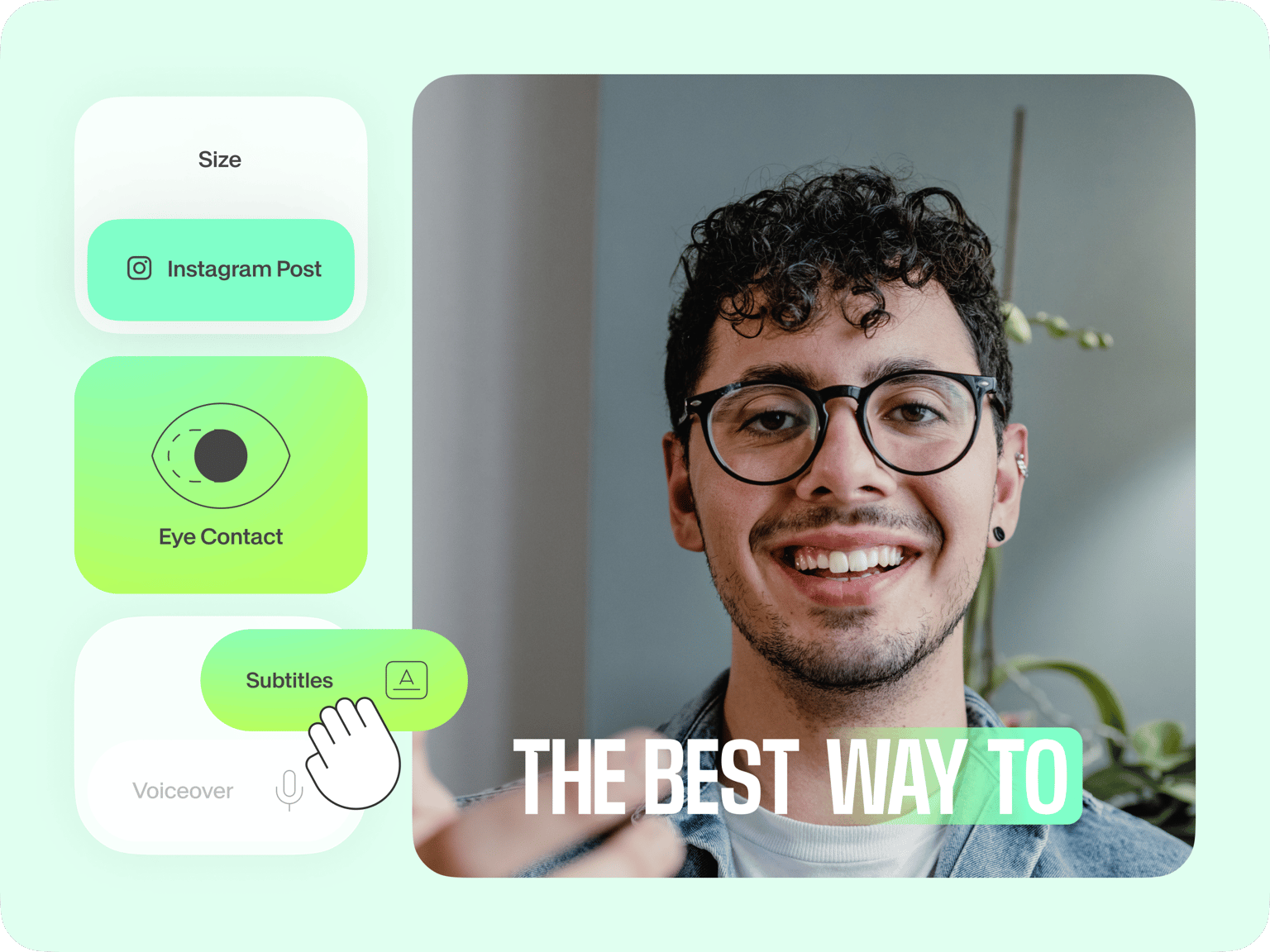
Training videos are so more effective when they include subtitles. This way, more people will be able to understand your content. A lot of people also learn faster and easier when they watch videos with subtitles. VEED can automatically generate subtitles for you. Just click on Auto Subtitle under the Subtitles tab!
FAQ
- Upload your video to VEED; just drag and drop it into the Timeline.
- Personalize your training video by adding text, images, and more.
- Download and share!
Most of VEED’s video editing tools are free to use. You can check out our pricing page to compare plans if you need more storage, subtitle minutes, etc.
You can use VEED’s video editor straight from your browser. No need to download or install the software.
While there are many other free video editors out there, VEED stands out because of its ease of use and its incredibly clean interface.
Loved by creators.
Loved by the Fortune 500
“
With VEED I didn't need 15 tutorials - I jumped straight in and started editing.

Gwenne Wilcox
Founder,
Brand Brainery
“
You can go beyond choppping things. VEED actually makes my videos look great.

Michael Glover
Demand Gen Manager,
ConvertFlow
“
The first four videos i created with VEED got over 40,000 impressions on LinkedIn.

Travis Tyler
Senior Content Producer,
PandaDoc
“
I found VEED at the right time: if you're making UGC ads and not using Eye Contact Correction and Noise Reduction on VEED you're missing out on ROI.

Sebastian Schurgers
Head of Growth Marketing,
Gronda
“
With VEED I didn't need 15 tutorials - I jumped straight in and started editing.
Gwenne Wilcox
Founder,
Brand Brainery
“
You can go beyond choppping things. VEED actually makes my videos look great.
Michael Glover
Demand Gen Manager,
ConvertFlow
“
The first four videos i created with VEED got over 40,000 impressions on LinkedIn.
Travis Tyler
Senior Content Producer,
PandaDoc
“
I found VEED at the right time: if you're making UGC ads and not using Eye Contact Correction and Noise Reduction on VEED you're missing out on ROI.
Sebastian Schurgers
Head of Growth Marketing,
Gronda
“
The first four videos i created with VEED got over 40,000 impressions on LinkedIn.
Travis Tyler
Senior Content Producer,
PandaDoc
“
I found VEED at the right time: if you're making UGC ads and not using Eye Contact Correction and Noise Reduction on VEED you're missing out on ROI.
Sebastian Schurgers
Head of Growth Marketing,
Gronda
“
With VEED I didn't need 15 tutorials - I jumped straight in and started editing.
Gwenne Wilcox
Founder,
Brand Brainery
“
You can go beyond choppping things. VEED actually makes my videos look great.
Michael Glover
Demand Gen Manager,
ConvertFlow
Discover more
Explore related tools
More from VEED

Subtitling 101: How to Automatically Add and Customize Subtitles with VEED
Everything you need to automatically add, customize, translate, and download subtitles like a pro using VEED.

What is a Green Screen (& How to Use One)?
New to green screens? This beginner's guide will help you become a green screen pro in no time!

How to Clean Up Audio in a Video With This One-Click Trick
Remove distracting background noises in a single click using VEED. Learn how in this guide!
Trusted by 1M+ creators
When it comes to amazing videos, all you need is VEED
No credit card required
Video training platforms, easy video editing, and more
Need a simple all-in-one tool for your video editing needs? From creating business videos, training videos, and social media videos to promo videos—VEED has your back. With VEED, you can add your slides to your videos, add images, text, subtitles, and more. You can also upload audio and include background music to your videos.