

VEED launched VEED AI, the #1 AI video editing agent for social videos. You upload videos or images, describe the video you want in a prompt, and VEED AI edits it for you. With no footage at all, VEED AI can build a video from an idea using generative content. Simple, free, online and you can get started in seconds.
VEED AI is built for short-form social video made by marketers, founders and small businesses. It runs in a web browser and in the VEED mobile app, and it has a free plan with no watermark on exported videos.
A prompt instead of a timeline
With VEED AI, you don't need to learn editing software. Write what the video is for, where it will be posted, how long it should be and what it must include. VEED AI assembles and edits the video for you. It adds:
- Fast-paced cuts tuned for short-form attention spans
- Subtitles and captions in multiple languages
- Titles and lower thirds for names, products and key points
- Logos and brand elements from your brand kit
- End cards with your call to action
- Generative content to fill gaps or build a video from an idea
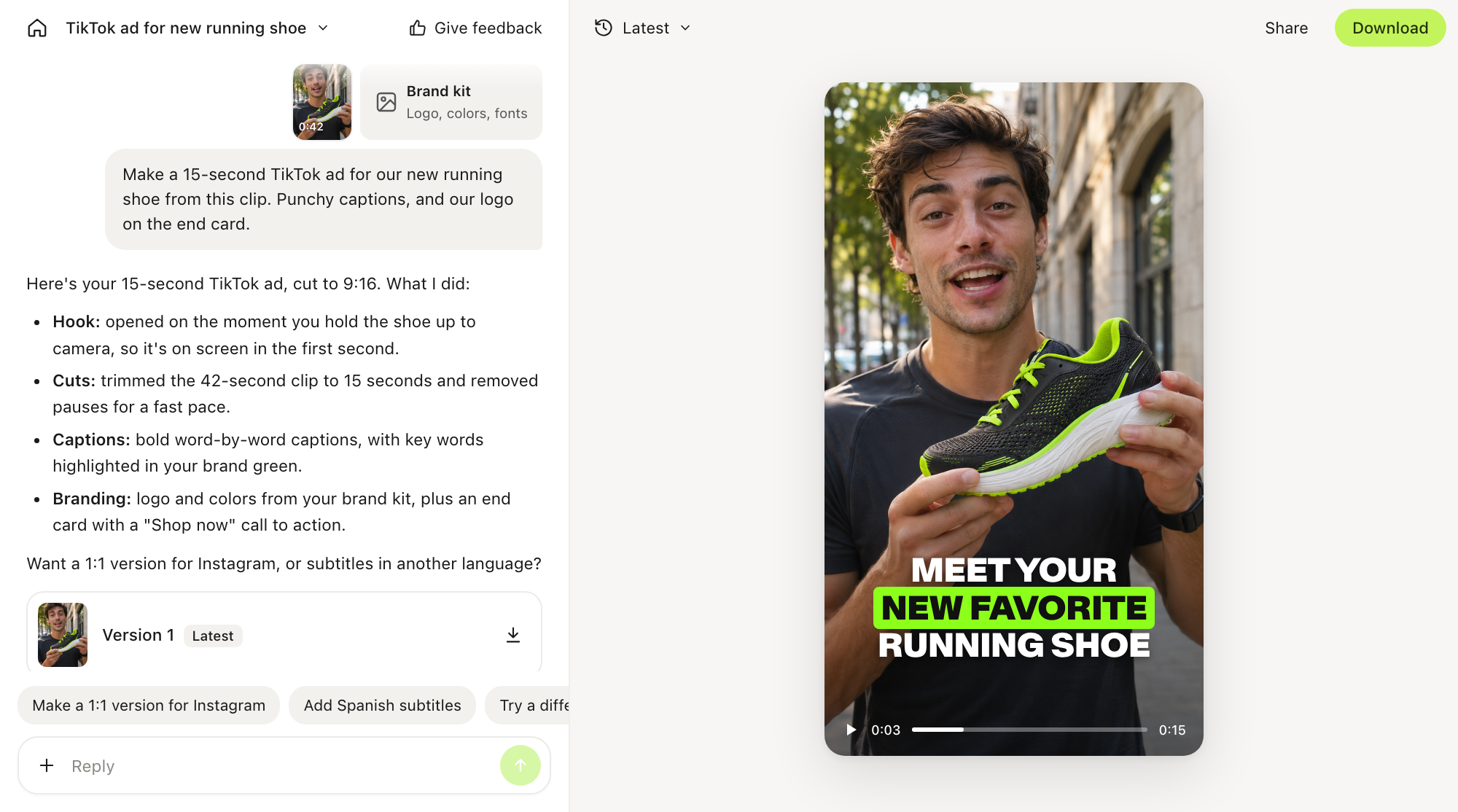
Every capability is built into VEED, with no third-party plugins. When you want changes, ask for them in a follow-up prompt.
VEED's CEO and co-founder, Sabba, explains the thinking behind this shift in the VEED AI manifesto: why the future of video editing is agentic.
Start from footage, a URL or an idea
VEED AI can start from three types of source material:
- Your own media. Upload video, image and audio files, with up to 100 GB of uploads per project.
- A website or product page URL. VEED AI uses the page as source material for a product ad.
- An idea. Describe the video, and VEED AI builds it with generative content.
To keep the result on brand, add style references (images or videos whose look VEED AI should match) and your brand kit with your logos, colors and fonts.
How to create a video with VEED AI
- Sign in at veed.io/ai or open the VEED mobile app.
- Upload your videos, images or audio, or paste a website or product page URL. To start from an idea, skip this step.
- Optionally, add style references and your brand kit.
- Write a prompt. Include what the video is for, the target platform, the length, the tone and any must-haves, such as captions, a logo or an end card.
- Review the edited video and ask for changes in follow-up prompts.
- Export in each aspect ratio you need.6.
Example prompts:
- "Turn these three clips into a 30-second Instagram Reel with captions and our logo on the end card."
- "Make a 15-second TikTok ad from this product page."
- "Cut this podcast episode into three vertical clips with English and Spanish subtitles."
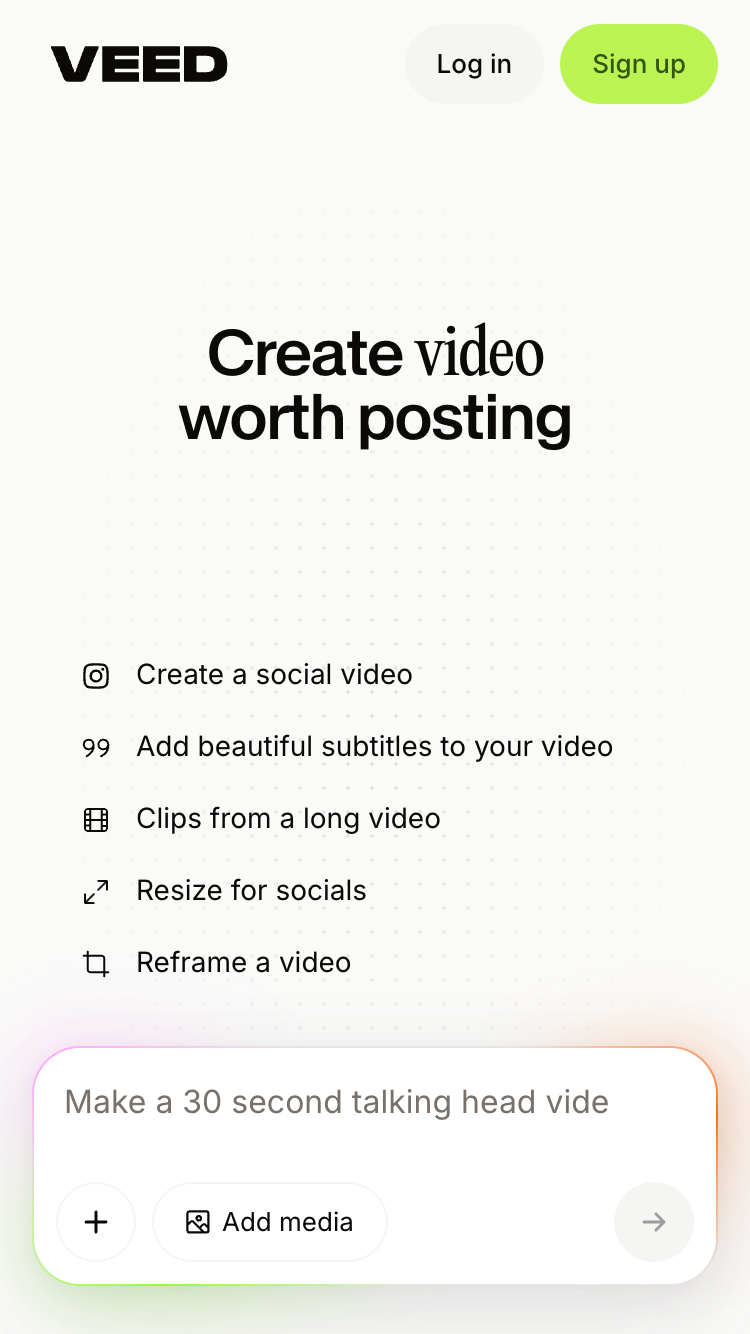
One project, every platform
You can export one project in several aspect ratios, so the same video is ready for each platform you post to.
For step-by-step instructions, prompt tips and the full list of supported files, read our guide: How to create videos with VEED AI, the AI video editing agent.
On the web and on your phone
VEED AI is available in a web browser and in the VEED mobile app for iOS and Android. You don't need to install desktop software. One VEED account works on both, so your projects carry across devices. For example, you can record and upload on your phone, then make fine adjustments on desktop.
Who VEED AI is for
VEED AI is for people who need social video but don't have the time or skills to edit it.

Pricing and availability
VEED AI is available now. It has a free plan, and videos exported on the free plan have no VEED watermark. You don't need editing experience to use it.
To start, sign up at veed.io/ai or download the VEED app, upload a file or type an idea, and write your first prompt.