YouTube Shorts API: How to Upload Shorts Programmatically

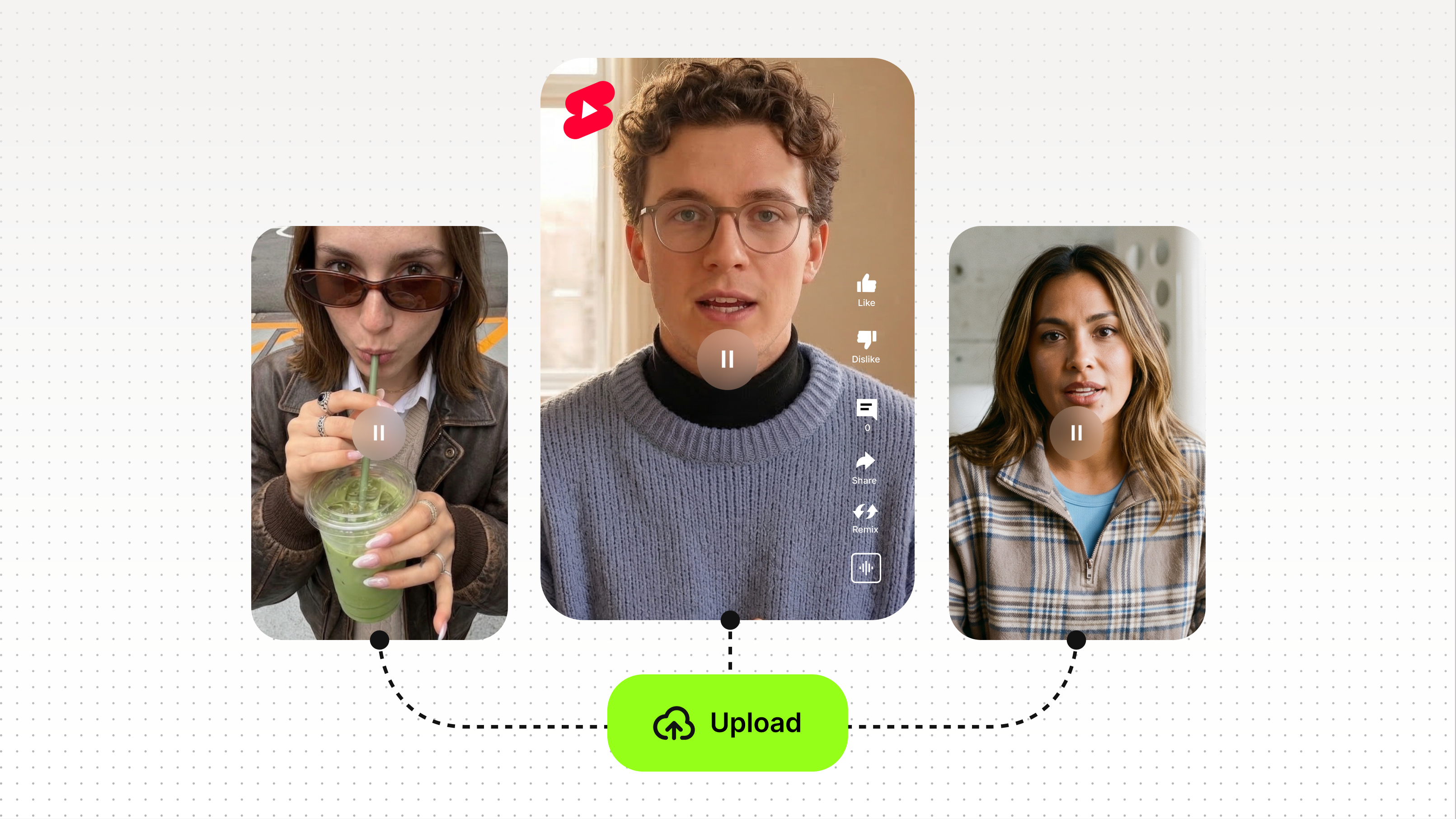
There is no dedicated YouTube Shorts API. But you can absolutely create and upload YouTube Shorts programmatically using the YouTube Data API v3, and that distinction matters when you're building an automation pipeline. The YouTube Data API handles everything from video upload to metadata configuration, and with the right parameters, any vertical video under 60 seconds gets classified as a Short.
Key takeaways
- YouTube has no standalone Shorts API; use the YouTube Data API v3 to upload Shorts via code.
- A video becomes a Short when it is vertical (9:16), 60 seconds or under, and tagged with #Shorts.
- The Videos.insert method is the core endpoint for programmatic Short uploads.
- You can filter Shorts from other videos using the videoDuration and videoDimension parameters in a search or list call.
- Pairing a video generation tool with the YouTube Data API creates a fully automated publish pipeline.

Is there a YouTube Shorts API?
No, YouTube does not offer a dedicated Shorts API. The YouTube Data API v3 is the official API for all YouTube video operations, including Shorts. There is no separate endpoint, no special authentication flow, and no exclusive documentation page specific to Shorts.
What makes a video a Short is not the upload method but the video itself: vertical orientation (9:16 aspect ratio), a maximum duration of 60 seconds, and either the #Shorts hashtag in the title or description, or the short URL format (youtube.com/shorts/{id}). When all three conditions are met, YouTube automatically routes the video into the Shorts feed.
This is actually good news for developers. It means any existing YouTube Data API v3 integration can be extended to publish Shorts without migrating to a new API or learning a new authentication model.
How to upload YouTube Shorts using the YouTube Data API v3
Uploading a Short programmatically uses the same Videos.insert endpoint as any other video upload. The difference is in the metadata you pass.
Step 1: Set up OAuth 2.0 authentication
All YouTube Data API v3 write operations require OAuth 2.0. You'll need to create credentials in the Google Cloud Console, enable the YouTube Data API v3, and request the https://www.googleapis.com/auth/youtube.upload scope.
Step 2: Prepare your video file
The video must be:
- Vertical, with a 9:16 aspect ratio (e.g. 1080x1920px)
- 60 seconds or shorter
- Encoded in a YouTube-compatible format (MP4 with H.264 is the most reliable)
If you need to add captions before uploading, VEED's subtitles API can handle that programmatically as part of the same pipeline.
Step 3: Call Videos.insert with Shorts metadata
Pass the following parameters in your request body:
Step 4: Verify the upload
After a successful upload, call videos.list with the returned video ID to confirm metadata. Check that the contentDetails.contentRating and status.uploadStatus fields return the expected values. YouTube may take a few minutes to process the video and surface it in the Shorts feed.
How to filter and detect YouTube Shorts via API
If you're building an analytics tool, moderation system, or content classifier, you'll need to identify which videos in a channel or playlist are Shorts. The YouTube Data API does not return a dedicated isShort boolean, but you can filter by the characteristics that define a Short.
Using search.list with videoDuration and videoDimension
The search.list endpoint supports the videoDuration=short filter (returns videos under 4 minutes) and videoDimension=2d for standard video. To narrow further, combine these with a keyword search for #Shorts.
A more precise method is to retrieve video details via videos.list and check:
- contentDetails.duration: anything PT60S or under qualifies
- snippet.title or snippet.description: presence of #Shorts hashtag
Note: aspect ratio is not returned directly in API responses. For programmatic aspect ratio detection, you would need to inspect the video file itself before or after download.
How to automate YouTube Shorts uploads: a generate-to-publish workflow
The most common use case for programmatic Shorts uploading is automation: generate a video, then push it directly to YouTube without manual intervention. Here's how a typical pipeline looks.
VEED's video API lets you generate, edit, and export short-form social video at scale, making it a natural fit for the generation stage of this pipeline. You can extend the pipeline further with purpose-built tools: Fabric 1.0 for AI video generation, the lip sync API for dubbed or voiced Shorts, and the green screen API for clean background removal before export. From there, a lightweight script handles the YouTube Data API call. The result is a workflow that goes from prompt to published Short with minimal manual steps.
YouTube Data API v3 upload Shorts: quota and rate limits
Every call to the YouTube Data API v3 costs quota units from your daily 10,000-unit allocation. A video upload (Videos.insert) costs 1,600 units per call. A videos.list call costs 1 unit.
For high-volume automation, this means roughly 6 Shorts uploads per 10,000-unit daily quota. If you need a higher quota, you can request an increase through the Google Cloud Console. Quota resets at midnight Pacific Time.
Always implement exponential backoff for failed requests and monitor Google's API usage dashboard to avoid hitting limits mid-pipeline.
YouTube Data API upload methods compared
For most automation use cases, resumable upload via Videos.insert is the right choice. It handles large files reliably, supports retry logic, and works identically for regular videos and Shorts.
FAQ
No dedicated YouTube Shorts API exists. YouTube Shorts are created and uploaded through the YouTube Data API v3, the same API used for standard video uploads. Shorts are defined by video format (vertical, under 60 seconds) and metadata (the #Shorts hashtag), not by a separate API endpoint.
Use the YouTube Data API v3 Videos.insert endpoint. Pass a vertical MP4 file (9:16, under 60 seconds) with #Shorts included in the title or description, along with your OAuth 2.0 credentials and the required privacy status and category fields. Google's official client libraries for Python, Node.js, and Java all support this method.
Build a pipeline that exports your finished Short as an MP4, then calls Videos.insert via the YouTube Data API v3. Tools like VEED can handle video generation and export; a lightweight script handles the API call. Schedule the script with a task runner or cron job to publish on a cadence.
Use the videoDuration=short filter in search.list calls, then cross-check duration via contentDetails.duration in a videos.list call to confirm the video is 60 seconds or under. The API does not return a dedicated isShort field.
Yes. The google-api-python-client library supports the full YouTube Data API v3. Use the Videos.insert method with a resumable upload for reliability, and include #Shorts in your title or description. Google's official Python quickstart for the YouTube API is the recommended starting point.
YouTube may still classify it as a Short if it meets the format criteria (vertical, under 60 seconds), but including #Shorts in the title or description is the reliable way to ensure it enters the Shorts feed. Omitting the hashtag introduces classification uncertainty that can affect distribution.