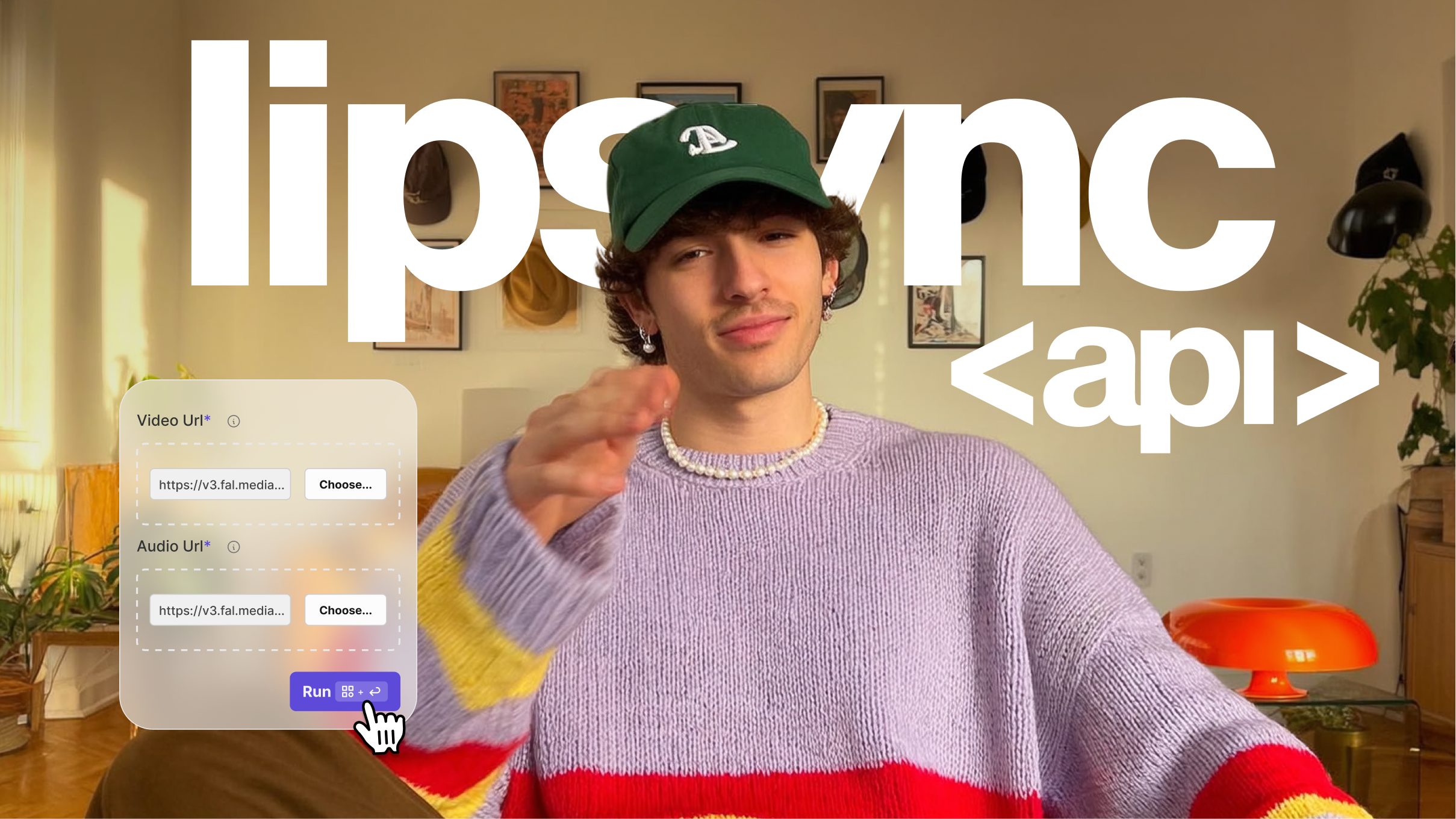
What is an API? (And How it Works for Video Creation)


You're scrolling through a SaaS tool's pricing page and you hit the word 'API'. Maybe it's in a feature list, a help article, or a developer doc someone forwarded you. You skim past it because you've heard the acronym a hundred times, but if someone asked you what an API actually is right now, you'd change the subject.
Most explanations are written by developers, for developers. They assume you already know what endpoints, HTTP methods, and JSON responses are. This one doesn't.
Here's what an API is, how it works, and (because VEED builds video APIs) we'll use video creation as the running example throughout. By the end, you'll understand APIs better than most people in your next meeting, and you'll see exactly how they power the tools that scale your content.
Key takeaways:
- An API (Application Programming Interface) is a set of rules that lets two software applications talk to each other.
- APIs run behind every digital experience you already have: Google Maps embeds, Stripe payments, "Sign in with Google," and social media scheduling.
- A video API lets software send, process, and receive video files automatically, adding subtitles, removing backgrounds, syncing audio, or generating clips from a text prompt.
- VEED's API suite covers the full video workflow: AI generation, lip sync, background removal, and more, no camera, editor, or video skills required.
- For marketers and founders, a video API is the most scalable upgrade to a content operation without proportionally growing the team.
.png)
What is an API? Quick answer:
- An API is the messenger between two software applications: one asks for something, the API carries that request, and the other responds.
- APIs power the tools you already use: Stripe payments, Google Maps embeds, social login, and scheduling platforms all run on them.
- A video API automates production work: subtitles, background removal, lip sync, and AI video generation, all without a video editor.
- VEED's API covers the full video workflow in one platform.
- Content teams can use a video API to produce more output without adding headcount.
Here's a video you can watch to learn more about APIs:
What does API stand for? API meaning, simply explained
API stands for Application Programming Interface. Ignore the jargon: the idea is simpler than the name suggests.
An API is the messenger between two software applications. One application asks for something (data, an action, a result) and the API carries that request to another application and brings back the response.
Here's what that looks like with a video example. When you upload a video to VEED and click 'Add subtitles', you're not manually writing out every word. VEED's API sends your audio to a transcription service, gets the text back, and drops it onto your timeline, automatically, in seconds. You made a request. The API handled the rest.
API definition: A set of rules that lets two software applications communicate. One sends a request, the API carries it, the other responds.
How does an API work?
Every API interaction follows the same cycle. Here it is using a VEED example:
- Your application sends a request: 'Remove the background from this video clip'
- The API carries that request to VEED's background removal service
- VEED's AI processes the video and prepares the output
- The API delivers the processed video back to your application
That cycle (request, transfer, process, response) happens in seconds. Because it's code doing the work, you can run it once or ten thousand times with exactly the same result. That's what makes APIs the engine behind any content operation that needs to scale.
A few more video-specific examples of how VEED's API works in practice:
- Trimming a clip: send a video file with a start and end timestamp, receive back a trimmed version
- Generating a video: send a text prompt, receive an AI-generated video ready to brand and post
- Lip syncing audio: send a video and an audio file in a different language, receive a lip-synced version
- Adding subtitles: send a video, receive it back with captions burned in or available as a file
Each of those is one API call. Chain them together and you have an automated video production pipeline, no editor required.
Real-world examples of APIs you already use
APIs are behind almost every digital interaction you have today. A few you've definitely used:
Payments
When you buy something online and pay with Stripe, an API connects the retailer's website to the payment provider, verifying your card, authorising the transaction, and confirming the purchase in seconds, without the retailer building their own payment system.
Maps
Every food delivery app showing you live tracking, or an event site with an embedded map, uses Google Maps' API. The app borrows Google's mapping capability without building it from scratch.
Social login
The 'Continue with Google' or 'Sign in with Apple' button on almost every app uses an API to securely share your account details, no new password, no re-entering your information.
Social media scheduling
Tools like Buffer or Hootsuite post to your Instagram, LinkedIn, and TikTok accounts automatically through each platform's official API, which is how they get authorised to post on your behalf at the time you set.
Video creation and automation
When a media company produces a hundred localised video variants from a single master clip (different languages, different formats, different subtitles), they're using a video API. The content strategy stays the same; the API handles the production.
What is a video API?
A video API is a set of rules that lets software applications send, process, and receive video files automatically. Instead of a person opening a video editor to apply effects, a video API lets a system do it, at any scale, any time, with no human in the loop.
This is the category VEED's API is built for. Here's what a video API can do:
- Generate a video from a text prompt, no footage, no camera, no timeline
- Add or burn in subtitles automatically from the audio track
- Remove or replace the background in a video without a green screen
- Sync lip movement to a new audio track in a different language
- Trim, crop, resize, or reformat video for different social platforms
- Apply brand assets (colours, fonts, logos) consistently across all outputs
For content teams, a video API collapses the gap between having an idea and having a post-ready video. You define the workflow once. The API runs it as many times as you need.
How does a video API work?
A video API follows the same request-response pattern as any other API. The difference is that the payload is a video file or a video-related instruction, and the response is a processed file.
Here's a practical walkthrough using VEED's background removal API:
Step 1: Authenticate: your application uses an API key to confirm it has permission to make requests
Step 2: Send the request: your app sends the video file and the instruction ('remove background')
Step 3: Process: VEED's AI analyses the video frame by frame and removes the background
Step 4: Receive the response: your app gets back a processed video file, ready to use
The same pattern applies whether you're adding subtitles, lip syncing audio, or generating a brand-new video from a text prompt. The API handles the complexity; your application handles the instructions and the output.
VEED's video APIs:
- Fabric 1.0 API: generate AI video from a text prompt
- Lip Sync API: sync audio to video in any language, automatically
- Background Remover API: remove or replace video backgrounds at scale
- VEED API overview: full documentation and API access
Types of APIs
Not all APIs are built the same way. You don't need to memorise these, but knowing the terms helps when you see them in documentation or tool comparisons.
For most marketers and founders, the type of API matters less than what it does. If a tool has an API, your developer or your automation workflow can connect it to the rest of your stack.
Why APIs matter for marketers and founders
APIs aren't a developer concern. They're the infrastructure behind every team that creates more output without proportionally growing headcount.
Scale your video output without scaling your team
The average marketing team doesn't have the capacity to produce social video at the rate platforms reward. By connecting a video API to your content pipeline, you can generate, edit, and brand dozens of videos in the time it once took to produce one.
Keep your brand consistent at any volume
When video creation is manual, brand consistency depends on whoever is editing that day. When it's API-powered, every output follows the same rules, your colours, your fonts, your style, because you've defined them once and the API applies them every time.
Connect your stack without switching tools
APIs let the tools you already use talk to each other. Your CMS, your social scheduler, your analytics platform, and your video editor can share data and trigger actions automatically, no manual exports, no copy-pasting between tabs.
No camera, no production budget, no problem
VEED's API lets your team generate AI video from a text prompt, add subtitles, remove backgrounds, and lip sync audio, without footage, equipment, or production skills. That's what 'no camera' actually means in practice.
Recap and final thoughts
Here's what to remember:
- An API is a messenger: it carries requests and responses between two software applications.
- You already use them every day: Stripe, Google Maps, social login, and scheduling tools all run on APIs.
- A video API automates production: send an instruction, get a processed video back, at any scale, any time.
- VEED's API covers the full workflow: generation, subtitles, lip sync, background removal, and branding, in one platform.
- More output, same team: an API-powered video workflow is the most scalable upgrade a content operation can make without hiring.
Start automating your video workflow
VEED's video API handles the production work: subtitles, background removal, lip sync, and AI video generation. Your team focuses your team focuses on strategy, not editing.
FAQ
API stands for Application Programming Interface. It's a set of rules that lets two software applications communicate: one sends a request, the API carries it, and the other responds. Despite the technical name, the concept is straightforward: an API is the invisible layer that connects digital tools and lets them work together.
An API key is a unique code that identifies who is making a request, similar to a password for your application. It tells the API 'this request is authorised.' Most APIs require a key to prevent unauthorised access and track usage. When you sign up for VEED's API, you receive an API key to include in your requests.
An API call is a single request sent to an API. When your system sends a video to VEED's background removal API and receives a processed file back, that's one API call. APIs are typically priced per call or per usage volume, so understanding call volume helps you estimate cost when evaluating API tools.
An API endpoint is the specific URL your application sends a request to. Think of it as the address for a particular action. VEED's API has different endpoints for different tasks: one for background removal, one for lip sync, one for subtitle generation. Each endpoint handles a specific type of request.
ChatGPT is a product, the chat interface you use on the OpenAI website. OpenAI also offers an API that lets developers build applications powered by the same AI model. If you've used a tool that generates copy, answers questions, or creates content inside another app, it's likely using OpenAI's API. VEED uses AI models similarly: its video API connects your workflow to AI-powered video capabilities.
A video API works like any other API: your application sends a request, the API carries it to the video processing service, the service does the work, and the API returns the result. The difference is that the input and output are video files or video-related instructions. With VEED's API:
- Send a text prompt, receive an AI-generated video
- Send a video and audio file, receive a lip-synced version
- Send a video, receive it back with the background removed
Full documentation is at veed.io/api.