Wan 2.5 Prompting guide: Get better results in 5 steps


Wan 2.5 essentials
- Wan 2.5 is an image-to-video AI model that transforms static images into 5-second video clips with exceptional motion coherence, realistic physics, and strong prompt adherence.
- The Wan 2.5 prompt format uses a 4-part structure: motion description, camera behavior, environmental effects, and pacing/intensity optimized for image-to-video conversion.
- Wan 2.5 negative prompt eliminates common artifacts like morphing, warping, and inconsistent motion while maintaining the original image's composition and style.
Wan 2.5 image-to-video prompt examples demonstrate that this model interprets motion instructions differently from text-to-video generators. Since you're starting with an existing image, your Wan 2.5 video prompt guide focus should be on describing how elements in that image should move, not what should appear. Without understanding this distinction, you'll waste generations with prompts that conflict with the source image. This guide shows you how to write effective Wan 2.5 prompts, maintain image consistency, and create natural motion.
What you'll learn: The 4-element Wan 2.5 prompt structure, image-to-video prompting principles, motion control techniques, and proven prompt examples for different image types.
Understanding Wan 2.5's strengths

What Wan 2.5 excels at:
Motion coherence: Maintains the original image's composition, lighting, and subject appearance while adding natural movement. A portrait remains recognizable from the first to the last frame without morphing.
Realistic physics: Produces authentic environmental effects like wind on hair, fabric movement, water flow, and natural breathing motion that respect real-world physics.
Compositional respect: Keeps the uploaded image's framing, perspective, and spatial relationships intact while animating specific elements.
What to avoid:
- Major compositional changes, like rotating the entire scene or changing camera angles drastically
- Adding new elements not present in the original image (the model animates what exists, not creates new content)
Quick tip: Wan 2.5 works best when your prompt describes how existing elements should move rather than requesting new visual elements. Think "hair sways gently," not "add flowing hair."
Core Wan 2.5 prompting framework
The 4-part prompt structure
Wan 2.5 prompt template
[Motion description], [Camera behavior], [Environmental effects], [Pacing/Intensity]
Wan 2.5 image to video prompt examples:
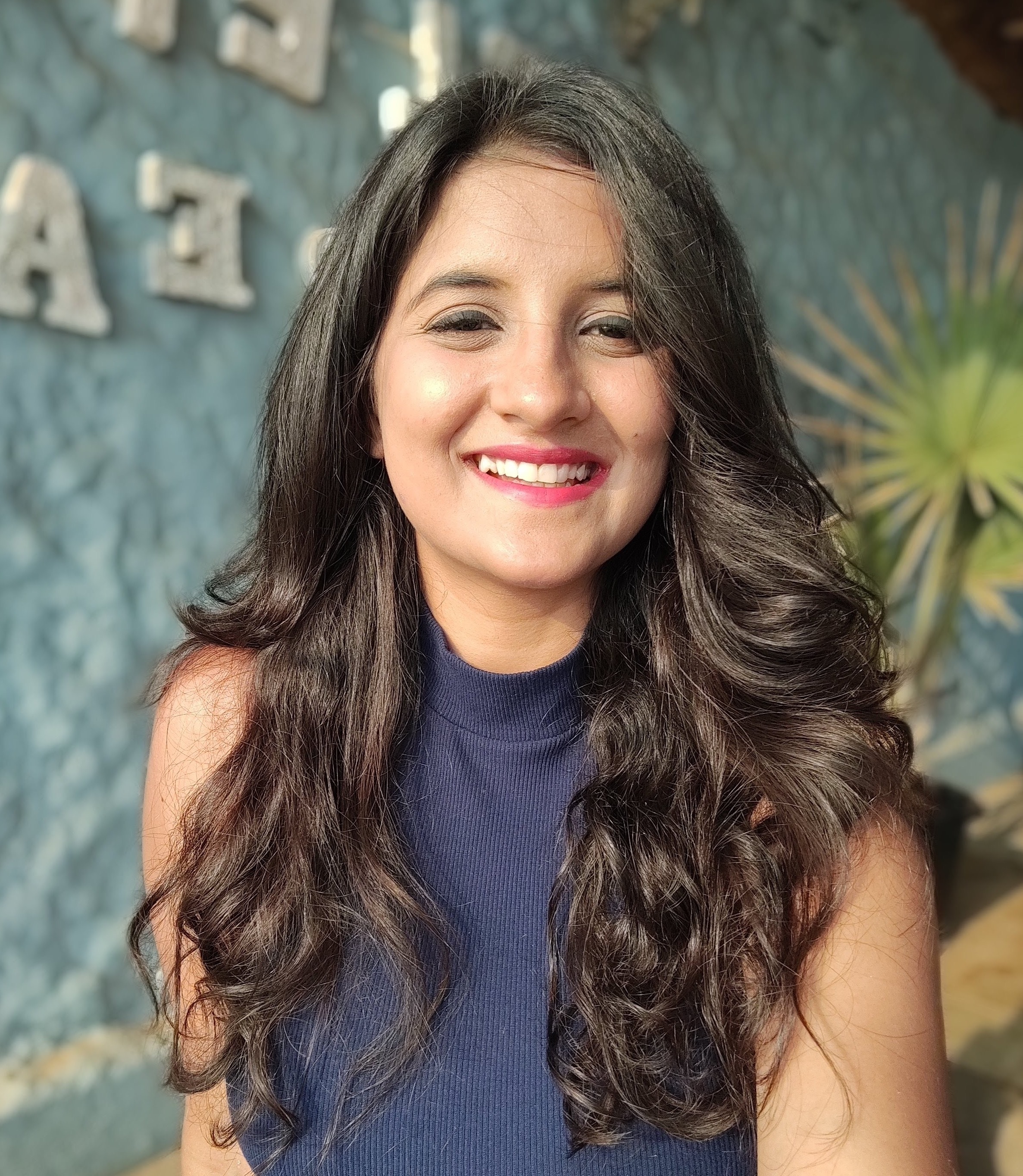
Portrait animation: "Subject's eyes blink naturally, subtle smile forms gradually, slight head tilt to the left, camera maintains static position with very slight zoom in, soft natural lighting remains unchanged, hair moves gently as if in a light breeze, slow peaceful pacing with natural breathing motion.n"
Landscape animation: "Trees sway gently in the breeze, water in the lake creates subtle ripples moving outward, clouds drift slowly across the sky from left to right, camera remains completely static, maintaining original composition, natural lighting with sun position unchanged, slow meditative pacing creating a calm atmosphere."
Product animation: "Product rotates slowly on its axis,s showing all sides, lighting highlights move naturally across the surface as it turns, background remains static and unchanged, camera performs slow orbital movement around the product, smooth professional pacing at moderate speed."
Advanced Wan 2.5 techniques
Selective motion control
Animates specific elements while keeping others completely static.
When to use: When you want movement in one area without affecting the entire image.
Example Wan 2.5 prompt: "Subject's face remains completely still and expressionless, only hair moves in the wind, clothing stays static, background elements frozen, camera locked in place"
Wan 2.5 negative prompt strategy
Prevents common image-to-video artifacts that break consistency.
When to use: Every generation to maintain source image integrity.
Example negative prompt: "Negative: morphing, warping, face distortion, changing facial features, inconsistent lighting, color shifting, background warping, new elements appearing, compositional changes, scale changes"
Layered environmental effects
Adds depth through multiple environmental motion layers.
When to use: Creating realistic atmospheric effects that enhance rather than overwhelm.
Example: "Foreground: subject's hair and clothing move in the breeze. Midground: leaves on trees rustle gently. Background: clouds drift slowly. Camera static."
Common mistakes and fixes
Getting started with Wan 2.5
The Wan 2.5 video prompt guide principles emphasize respecting your source image while adding natural motion. Use the 4-part framework focused on how existing elements move, always include a negative prompt to prevent artifacts, and keep camera movements to a minimum. Start by animating simple elements, such as breathing or gentle wind, before attempting complex multi-element motion.
Try Wan 2.5 alongside other image-to-video AI generators in VEED's AI Playground, where you can upload images, compare different models' interpretations, and integrate results directly into your video editing workflow.
Related resources: Wan 2.2 vs Wan 2.5 comparison | Best image-to-video AI models | How to prepare images for i2v generation