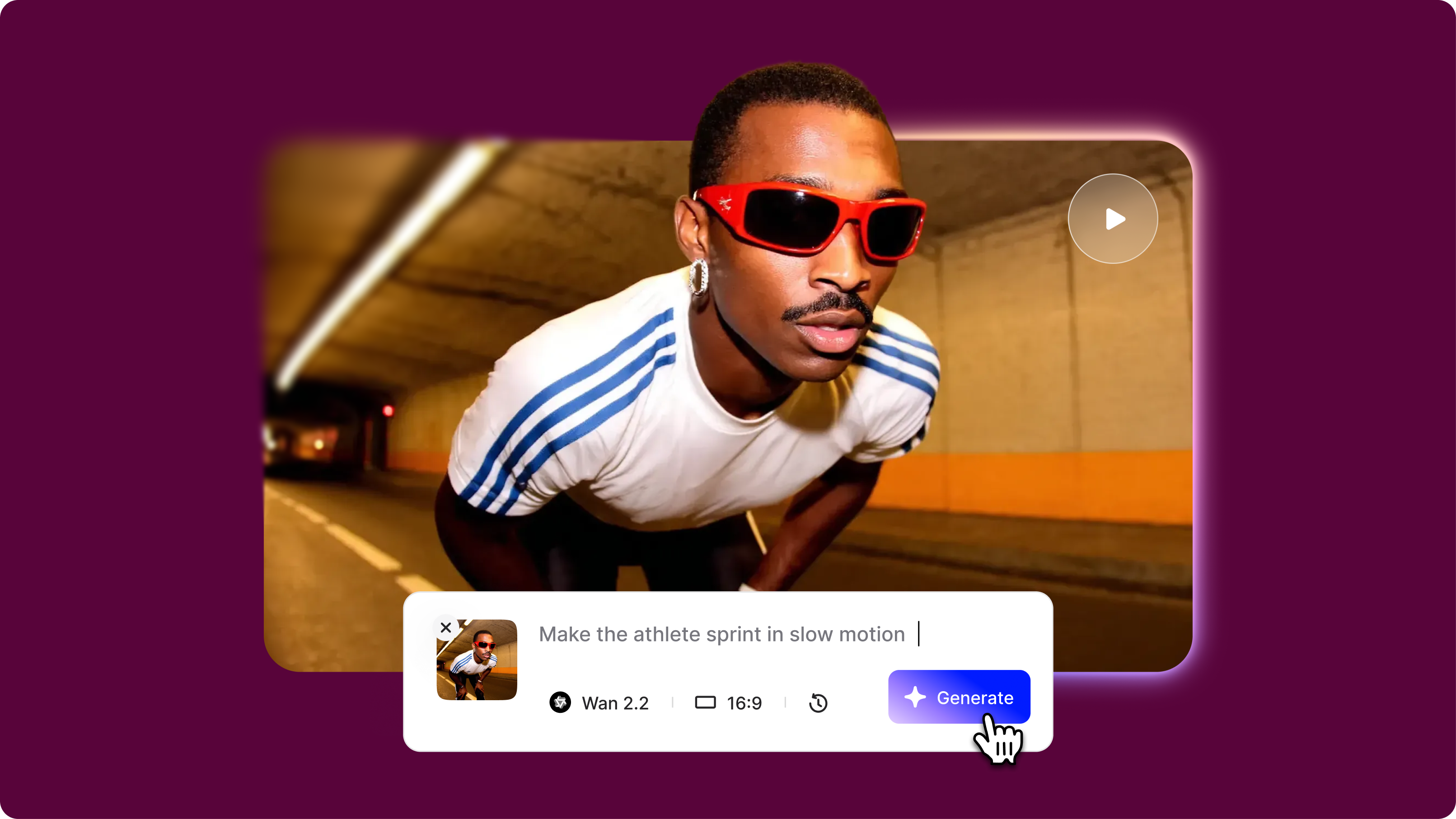
Wan 2.2 Prompting Essentials
- Wan 2.2 is an image-to-video AI model that transforms static images into dynamic video clips using a 4-part prompt framework: motion description, camera behavior, environmental effects, and speed/intensity modifiers.
- Negative prompts are essential for eliminating unwanted artifacts such as morphing, warping, face deformation, and flickering during video generation.
- Best practices: Describe how things move (not what appears), use concrete verbs instead of vague descriptors, and only animate elements visible in your uploaded image
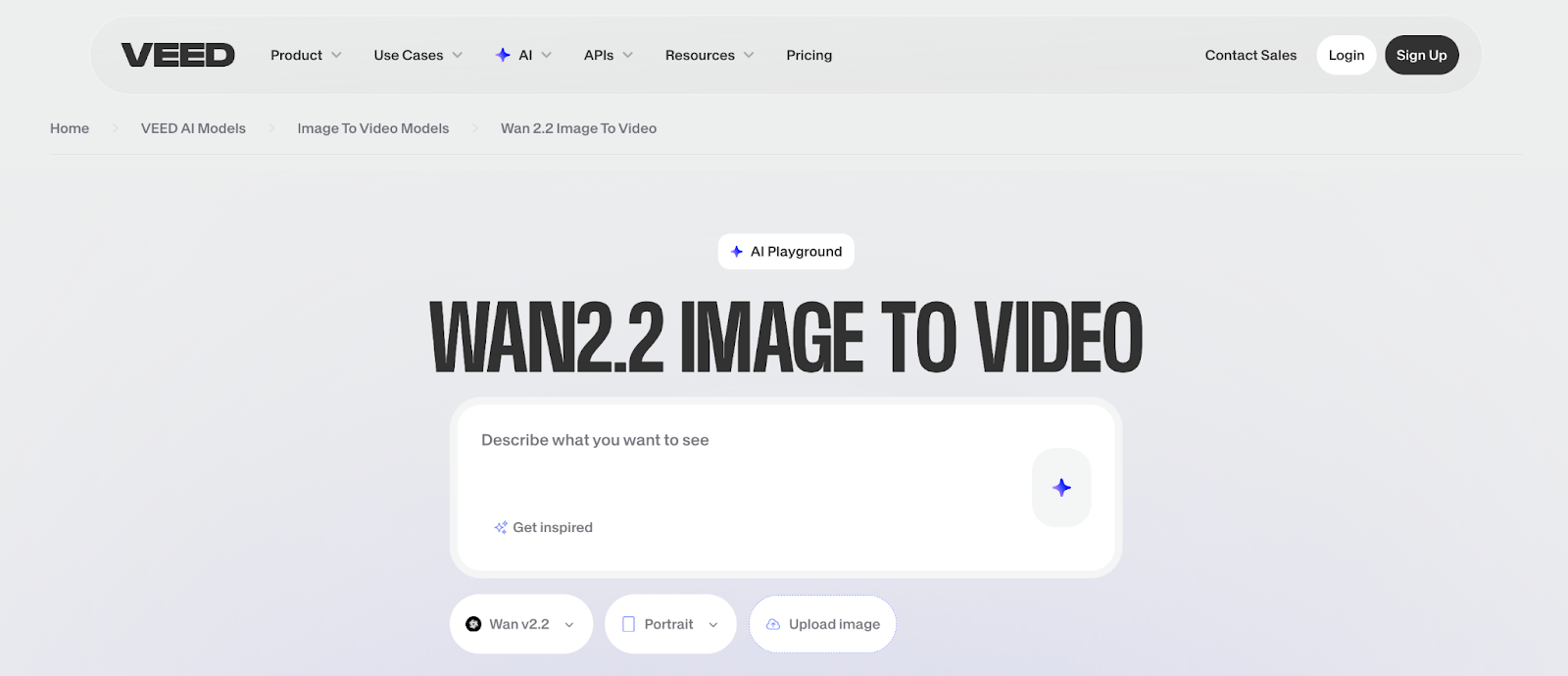
Wan 2.2 is a breakthrough image-to-video AI model that transforms static images into dynamic video clips with impressive motion coherence. Getting high-quality results requires understanding how Wan 2.2 interprets prompts differently from how text-to-video models do. This Wan 2.2 prompt guide shows you how to craft effective prompts, use negative prompts strategically, and avoid common mistakes.
What you'll learn: The 4-part prompt framework, negative prompt strategy, advanced motion control techniques, and common mistakes to avoid.
Watch this video to learn more about Wan 2.2 prompts:
Understanding Wan 2.2's Strengths
What Wan 2.2 model video generation excels at:
Natural motion sequences: Animating realistic movements like hair blowing, water flowing, or fabric draping. A portrait photo becomes a video with subtle head turns and natural breathing.
Camera movement simulation: supports cinematic techniques such as slow zooms, pans, and orbital movements. A landscape photo transforms into a sweeping drone shot — then polish the result with VEED's video editor.
Temporal consistency: Maintains subject identity and environmental details throughout without morphing or distortion.
What to avoid:
- Complex multi-subject interactions where multiple people need coordinated movements
- Extreme transformations like day-to-night or seasonal changes
Quick tip: Wan 2.2 works best when your prompt describes how things move rather than what should appear. Your uploaded image already defines the "what."
Core Wan 2.2 Prompting Framework
The 4-Part Prompt Structure
Wan 2.2 Prompts Template
[Primary motion], [camera movement], [environmental effects], [speed modifiers]
Example: "The dancer spins gracefully in place, camera orbiting clockwise, stage lights creating dramatic shadows, smooth fluid motion at moderate speed"
Wan 2.2 Negative Prompt Strategy
The Wan 2.2 negative prompt eliminates unwanted artifacts.
Essential elements:
- Motion artifacts: "morphing, warping, distortion, flickering, jittering."
- Subject integrity: "face deformation, body distortion, changing identity."
- Visual quality: "blurry, low quality, pixelated, noisy."
- Unwanted effects: "sudden cuts, teleporting, disappearing objects."
Standard negative prompt:
morphing, warping, distortion, blurry, low quality, face deformation, flickering, jittering, sudden changes, inconsistent lighting
Customize for your image: Add "eye distortion" for portraits or "horizon warping" for landscapes.
Advanced Wan 2.2 i2v Prompting Techniques
Layered Motion Control
Separate foreground and background movement for depth.
Example: "Subject remains still with subtle breathing, background trees swaying gently, camera static"
Progressive Motion Build
Start subtle, increase intensity through the clip.
Example: "Begin with minimal movement, gradually increase wind intensity affecting hair and clothing."
Anchor Point Definition
Lock specific elements while animating others.
Example: "Face and eyes remain still, only hair moves in the breeze, locked composition"
Common Mistakes & Fixes
Getting Started with Wan 2.2
The Wan 2.2 image-to-video prompting guide focuses on three essentials: describe motion clearly, control camera behavior explicitly, and use negative prompts to prevent artifacts. Start with simple, single-motion prompts before combining effects.
Test these Wan 2.2 prompts in VEED's AI Playground, where you can compare Wan 2.2 against other leading i2v models from one unified platform.