How to Redeem Your VEED Subtitles API Credits

The VEED Subtitles API is the only end-to-end "video in, styled subtitles burned in" API on the market. Send a video URL, get back a professionally captioned, brand-matched video — across 28 style presets, in 100+ languages, at up to 4K resolution, from $0.10/min. It's live on the Fal marketplace now. Here's how to claim your free credits and start building.
Step 1: Find the VEED Subtitles API on Fal
Head to fal.ai/models/VEED/subtitles — or go to fal.ai and search "VEED subtitles".
Log in or create a free account if you don't have one yet. Authentication is handled entirely by Fal — you'll use a Fal API key to make calls, no separate VEED credentials needed.
Step 2: Redeem your code
You have two options:
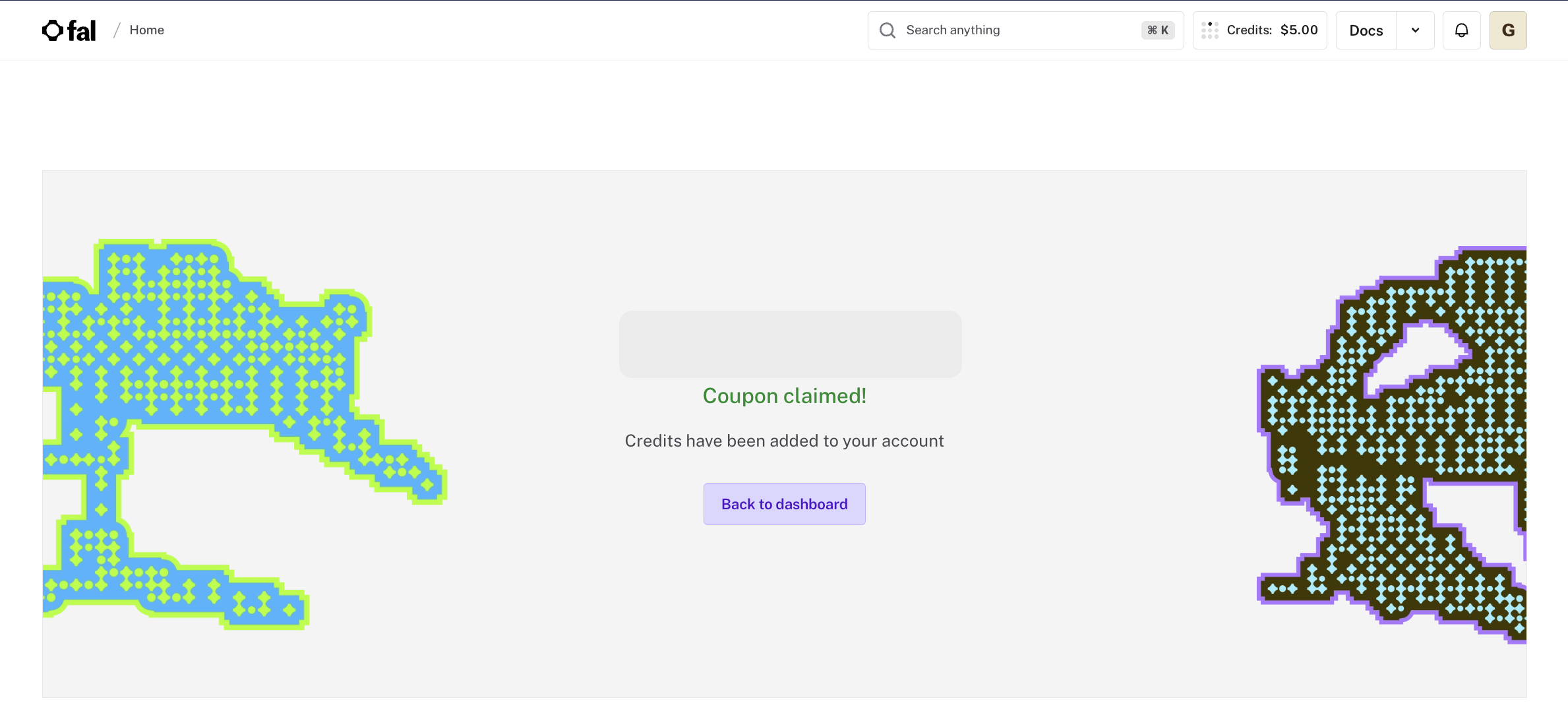
- Via link — if your email/message includes a direct redemption link, simply click it and your code will be applied automatically. You'll land on a confirmation page showing "Coupon claimed! Credits have been added to your account." Hit Back to dashboard and you'll see your credit balance updated in the top nav — you're ready to go.
- Manually — navigate to Dashboard → Settings → Usage → Credits. You'll see an "Enter coupon code" box — paste your code and hit Redeem.
Step 3: Start building
Your credits will appear instantly. Try the playground to test directly in the browser — no code needed — or jump into the API docs to make your first call. Only video_url and preset are required to get a result.
Subtitles API specs at a glance
Ready to build?
Get started at fal.ai/models/VEED/subtitles or learn more about what's possible with the VEED Subtitles API.
Want to integrate VEED into your product?
If you're looking to build a VEED API into your product at scale, get in touch with our sales team to discuss flexible API access plans.
Need help?
Drop us a message at [email protected] and we'll get you sorted.