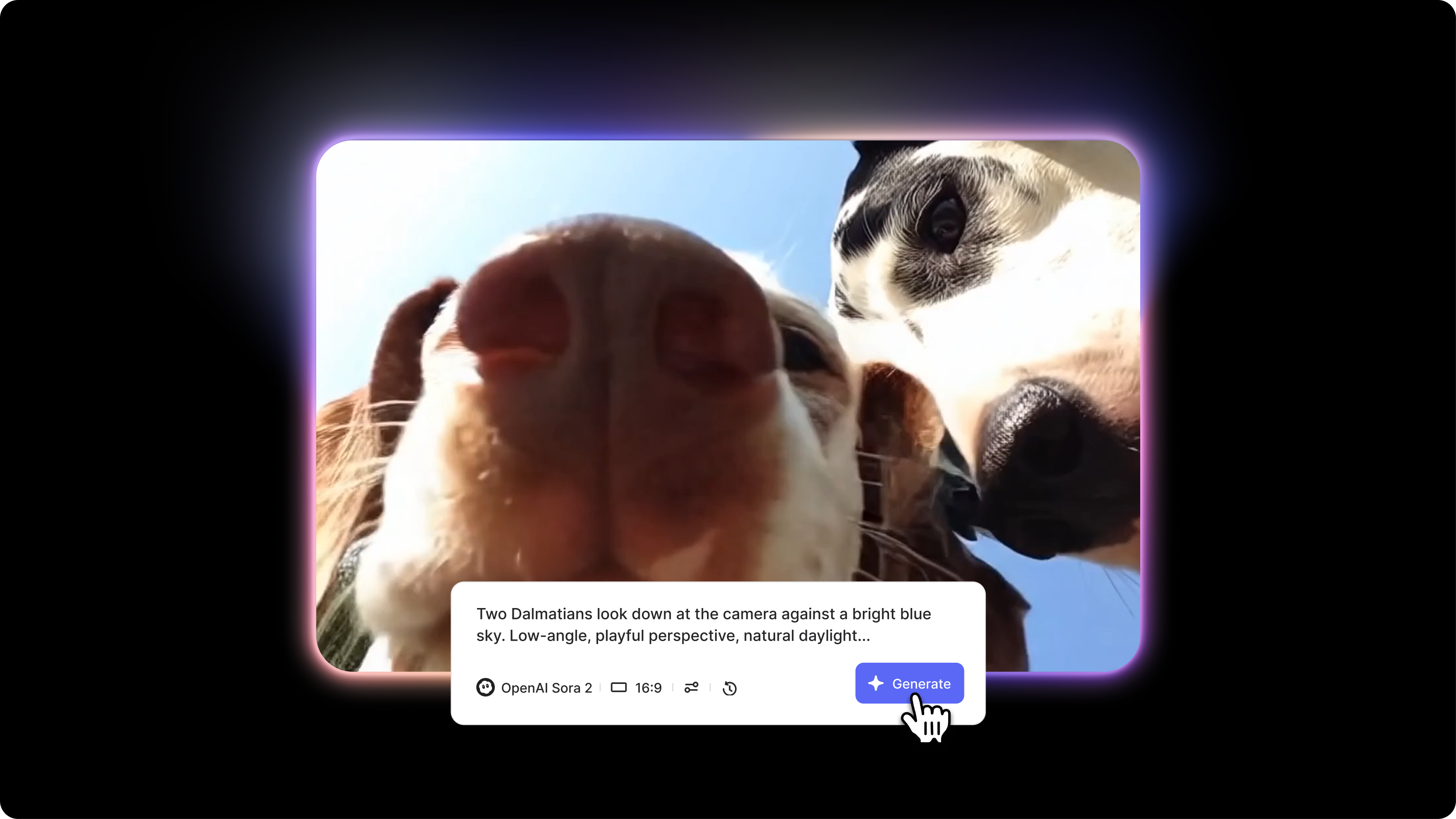
Effective Sora 2 Prompts for AI Video Generation (2025)

Summary / Key Takeaways
- Effective Sora 2 prompts follow a proven five-part structure:
- subject + action
- camera type + movement
- setting + time
- lighting quality + source
- style + technical specs
- Use specific details like "35mm lens, slow dolly push-in, golden hour lighting, shot on Arri Alexa, 8k" for cinema-quality results.
- Sora 2's 20-second capability enables complete sequences that are impossible with shorter-clip tools.
You generated your first Sora 2 video yesterday, and it looked incredible. Today, you tried the same prompt, but the results feel different. Maybe the lighting shifted, the motion looks softer, or the details aren't as sharp as before.
You're not alone. Many Sora 2 creators on Reddit and X report differences between generations, along with common quirks such as inconsistent physics, blurred text, and occasionally distorted hands. These issues can make it feel unpredictable, especially when you're trying to get reliable results without burning through credits.
If you’re new to Sora 2, start with our guide on how to use Sora 2 for the basics. This article focuses specifically on prompt engineering, such as which exact language and structures to use to produce reliable results even when the model is behaving unpredictably.
In this Sora 2 prompting guide, you’ll learn how to structure prompts that minimize common failures, fix the five most annoying errors (logical inconsistencies, text problems, slow/blurry generation, face distortions, physics breaks), and optimize your workflow to avoid wasting credits.

The Sora 2 prompt formula (designed for real-world reliability)
Most Sora 2 prompts fail because they ignore the AI model's specific weaknesses. This formula accounts for what actually breaks.
The 5-part structure with failure-prevention built in
[SUBJECT + ACTION with explicit relationships], [CAMERA TYPE + MOVEMENT optimized for consistency], [SETTING + TIME with complexity limits], [LIGHTING QUALITY + SOURCE], [STYLE REFERENCE + TECHNICAL, avoiding text]Think of building a Sora 2 prompt like directing a film crew that needs precise instructions. Each part addresses a different failure mode.
The formula in action: Before vs. After
Pro tip: The priority hierarchy
When you're short on space (under 50 words), prioritize in this order:
- Subject + Action (who/what with explicit relationships) - Never skip
- Camera (how we see it with specific movement) - Defines quality
- Setting basics (simplified environment) - Can be minimal
- Lighting (specific source and direction) - Sets atmosphere
- Style (technical references) - Can be brief
Minimal but practical example (48 words): "Professional chef in white uniform carefully plating gourmet dish, hands arranging microgreens with precision, slow push-in from medium to close-up over 10 seconds, in modern restaurant kitchen with soft window light from left, culinary photography style, shot on Arri Alexa, 8k."
Six prompt templates with failure-prevention built in
These templates incorporate all the reliability techniques: explicit relationships, complexity limits, text avoidance, and moderation-safe language.
Template 1: Product showcase (avoiding text rendering issues)
The biggest challenge with product videos is text rendering. Logos and brand names turn into illegible blurs. This template sidesteps that entirely while handling reflective surfaces carefully to avoid overwhelming the renderer.
"[Product type] rotating slowly on [surface], camera orbits 360 degrees maintaining focus, [lighting quality] from [direction] creating [specific effect] on [material surfaces], ultra-clean minimalist aesthetic, [background treatment], shot on Arri Alexa, 8k resolution."Example: "Luxury watch rotating slowly on white marble pedestal, camera orbits 360 degrees maintaining sharp focus on dial, dramatic side lighting from camera left creating specular highlights on polished metal and crystal, subtle reflections on metal band, pure black background fading to soft gradient, shot on Arri Alexa, premium product photography style, 8k resolution"
Why this template works:
- No text required (avoids rendering issues)
- Limited to 4 elements (watch, pedestal, lighting, background)
- Specific material descriptions help quality
- Simple rotation movement (high reliability)
You can customize this for smartphones, perfume bottles, athletic shoes, jewelry—any product. Vary the surface (brushed titanium, frosted glass, matte ceramic) and lighting approach (golden backlight, soft diffused, spotlight from above). Just avoid any visible text, logos, or brand names in the prompt.
Template 2: Urban scene (moderation-safe, complexity optimized)
When you're generating an AI video with street scenes, two things typically go wrong: innocent prompts get flagged by content filters, and cramming too many background elements causes quality to tank. This template keeps things moderation-friendly while staying visually simple.
"[Character with specific visual details] [action] in [simplified location], [single camera movement] over [duration], during [time of day with lighting], [atmosphere descriptor], [style reference]."
Example: "Woman in burgundy coat and gray scarf walking purposefully down rain-slicked city sidewalk, smooth tracking shot following from side at 8-foot distance over 12 seconds, during blue hour with streetlights creating warm pools of light and wet pavement reflections, contemplative urban atmosphere, documentary realism style shot on 35mm film, natural color grade"
Why this template works:
- Specific clothing details prevent generic output
- Single action reduces physics failure risk
- Simplified location (no detailed catalog)
- Moderation-safe subject and action
- Time of day provides lighting context
Customization guide:
Swap in different characters (delivery driver in uniform, artist with portfolio, student with backpack), actions (standing at crosswalk, entering cafe, waiting at bus stop), and locations (quiet residential street, modern plaza, historic district). Just avoid crowded scenes for complexity reasons, violent verbs that trigger moderation, and beach or pool settings that tend to get flagged.
Template 3: Nature scene (physics-reliable, hand-free)
Wildlife shots are tricky because animal movements can violate physics rules, and you definitely don't want hands in the frame doing anything complicated. Keep the animal behavior simple, and you'll get consistently good results.
"[Wildlife or natural element] [simple action] in [environment], [slow camera movement], during [time/lighting], [weather element], [documentary style reference]."Example: "Red fox trotting along forest path through fallen autumn leaves, slow tracking shot following at ground level maintaining 12-foot distance, during golden hour morning with soft directional sunlight filtering through pine trees, light mist hovering at ground level, natural documentary cinematography style, organic color palette, 8k"
Why this template works:
- Simple animal action (trotting) is more reliable than complex behavior
- No hands/fingers to distort
- Limited environmental elements (path, leaves, trees, mist = 4 total)
- Slow camera movement increases consistency
- Natural lighting is easier to render
You can feature deer walking, hawks gliding, wolves running, or owls perched. Change the environment to snow-covered meadows, desert landscapes, or rocky coastlines. Adjust the time to dawn, midday sun, or dusk colors. Just avoid multiple animals interacting (complexity issue) and scenes of prey capture (violence flag risk).
Template 4: Interior character moment (facial distortion minimized)
Close-up shots of faces reveal every rendering imperfection, and detailed hand movements are still Sora 2's weakest point. Pull back to a medium shot with gentle actions, and you'll avoid both problems while still getting intimate, emotional footage.
"[Medium shot composition] of [specific character] [simple static or minimal action], in [simplified interior], [specific lighting from direction], [mood], [camera position and minimal movement.]"Example: "Medium shot of elderly woman with silver hair pulled back sitting at wooden table arranging flowers in simple glass vase, hands performing gentle placement motions, in sunlit cottage kitchen with window behind, soft natural morning light from camera right creating gentle shadows, peaceful contemplative mood, camera static with slight slow push-in over 10 seconds, intimate documentary style"
Why this template works:
- Medium shot reduces facial detail pressure
- Simple hand action (arranging) vs complex articulation (typing)
- 3 environmental elements only (table, vase, window)
- Static-plus-minimal camera (most reliable)
- Soft lighting minimizes harsh shadows that show imperfections
You can adapt this for a young chef, middle-aged craftsperson, or teenager. Change the action to reading a book, examining an object, looking out a window, or drinking tea. Set it in an art studio, workshop, library, or bedroom. Just avoid extreme close-ups of faces, complex hand tasks like typing, and mirrors that complicate rendering.
Template 5: Architectural establishing shot (no human complications)
Here's the easiest way to guarantee success: remove humans from the equation entirely. No faces to distort, no hands to morph, no clothing that might have text on it. Just clean architectural beauty.
"[Camera movement] of [specific architecture type] during [time/lighting transition], [environmental context], [atmosphere], [technical style reference.]."Example: "Slow crane shot ascending from ground level to full height of modern glass office tower during blue hour, building facade reflecting twilight sky transitioning from deep blue to purple, city traffic lights beginning to illuminate streets below, architectural photography style emphasizing vertical scale and geometric patterns, shot on Arri Alexa with anamorphic lens characteristics, pristine 8k detail"
Why this template works:
- Zero humans = no face/hand issues
- Zero text required for impactful shot
- Simple geometry (building = single element)
- Slow movement = consistency
- Time transition adds visual interest without complexity
Try this with historic cathedrals, minimalist homes, industrial warehouses, or bridge structures. Vary the camera (orbital rotation, slow dolly forward, descending drone shot) and time (dawn breaking, storm clouds gathering, sunset fade, night to day). Just avoid busy streets with heavy foot traffic and storefronts with signage.
Recap and final thoughts
If you've made it this far, you've gone from understanding why Sora 2 fails to knowing exactly how to prevent those failures through better prompting. That's the difference between frustrated experimentation and reliable generation.
Here's what you now know how to do:
✅ Understand Sora 2's five failure modes: Logical inconsistencies, text rendering, hand distortions, physics violations, and content moderation. Your prompts must account for these, not ignore them.
✅ Use the 5-part formula with built-in prevention: Subject with explicit relationships, camera optimized for consistency, setting with complexity limits, specific lighting language, style without text dependency.
✅ Apply the five prompt-based error fixes: Name specific fingers for counting, never include readable text, reduce element count for quality, minimize hand articulation, and use explicit spatial connection language for physics.
✅ Reword content moderation triggers: remove brand names, replace loaded verbs, add context clarifiers, and use neutral alternatives for dual-meaning words.
✅ Start with templates, test, and refine: Use the six failure-resistant templates as starting points. Generate, analyze what broke, adjust the specific prompt element, and regenerate.
✅ Build your prompt library – Document successful formulas, track trigger words, and note complexity limits. Each generation teaches you Sora 2's language.
The difference between burning through credits on failures and generating reliably isn't luck—it's prompting with Sora 2's actual limitations in mind. You now have the formulas, the error fixes, and the strategies.
Ready to start generating? Access Sora 2 through VEED's AI Playground, where you can test these prompting techniques, edit your results, and refine your approach without subscription commitments.
FAQ
The most effective Sora 2 prompt structure follows five key components: [Subject + Action] describing who/what and their activity, [Camera Type + Movement] specifying lens and motion, [Setting + Time/Weather] establishing environment, [Lighting Quality + Source] defining illumination, and [Style + Mood + Technical] setting overall aesthetic with terms like "shot on Arri Alexa, 8k resolution."
Users report that Sora 2's output quality fluctuates over time, with some experiencing increased jitter in complex scenes or inconsistent results from identical prompts on different days. This appears to be related to OpenAI adjusting the model, credit system changes that add computational limits, and higher demand affecting processing. To work around this, reduce scene complexity, avoid reflective surfaces that increase temporal artifacts, and test prompts during off-peak times.
Sora 2 currently struggles with rendering embedded text. Text may appear as disorganized lines rather than legible characters, with particularly weak performance on non-English text. The reliable workaround is to omit text from your prompts altogether. Generate the scene without text elements, then add clean text overlays in post-production using editing software such as VEED.
Sora 2 access is available through VEED's AI Playground, which uses a credit-based system rather than requiring OpenAI's invite-only waitlist or expensive ChatGPT Pro subscription. With VEED, you can generate Sora 2 videos by purchasing credits as needed, avoiding a subscription commitment while retaining access to the same powerful generation capabilities.
Effective Sora 2 prompts typically range from 40 to 80 words, depending on scene complexity.