LTX Video Prompting Guide: Get Better Results in 5 Steps

LTX Video essentials
- LTX Video is an open-source AI video model by Lightricks that generates 5-second clips with 121 frames at 768x512 resolution, available for free use and commercial applications
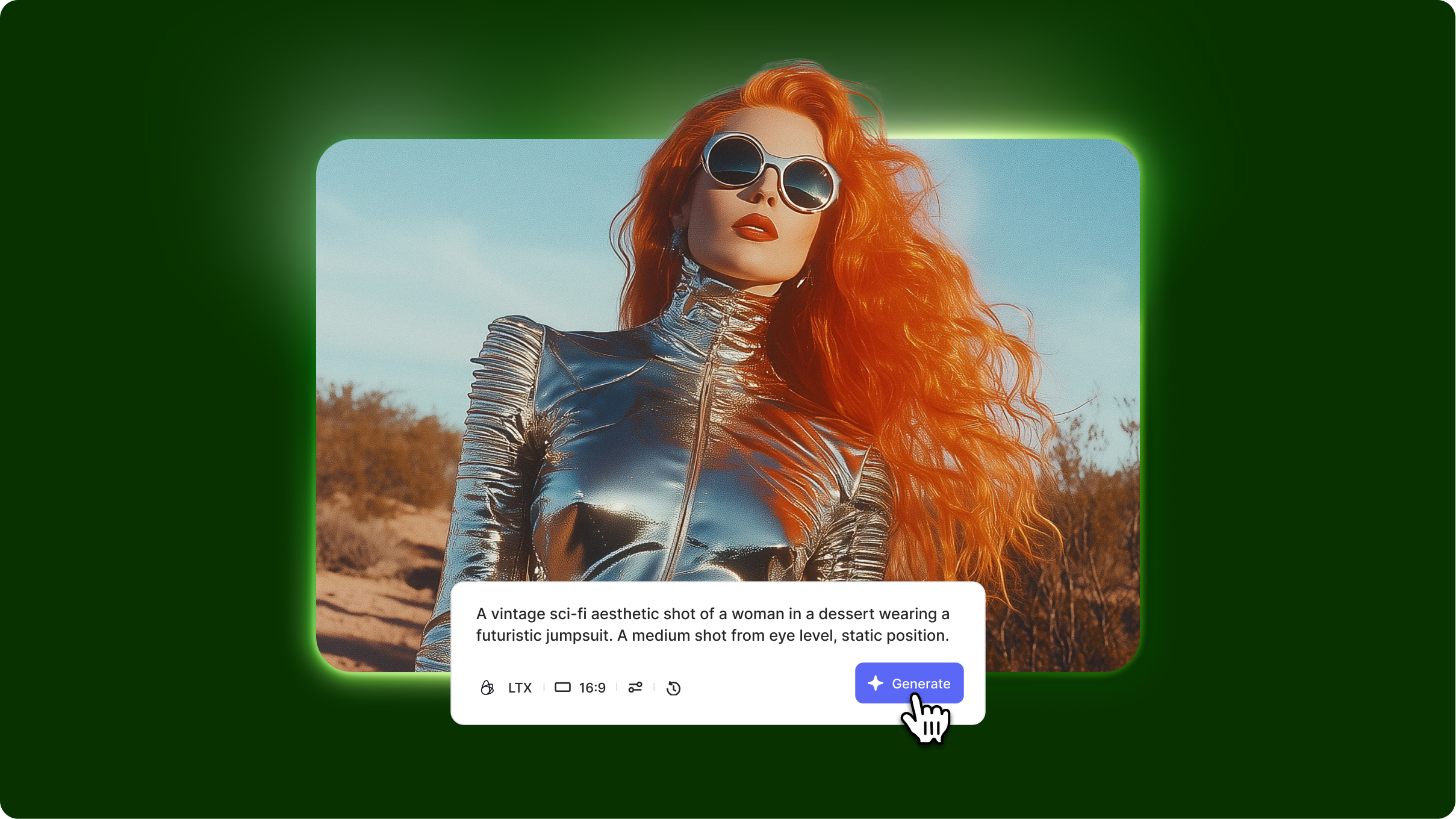
- The LTX Video prompt format uses a simplified 4-part structure: subject/scene, action, style, and camera angle, optimized for the model's text-to-video and image-to-video capabilities.
- LTX image to video prompts work best with clear motion descriptions and realistic physics expectations, as the model excels at natural movements but struggles with complex multi-subject interactions
LTX Video 0.9.8 tutorial on how to prompt effectively is essential because this open-source model interprets prompts differently than commercial alternatives. Without understanding LTX Video's specific strengths and limitations, you'll waste generations on requests the model can't handle well. This LTX Video prompt guide shows you how to structure prompts for optimal results, leverage image-to-video capabilities, and work within the model's technical constraints.
What you'll learn: The 4-element LTX Video prompt structure, image-to-video prompting techniques, realistic expectations for open-source quality, and proven LTX Video prompts for different scenarios.
Understanding LTX Video's strengths
What LTX-Video AI model excels at:
Natural motion dynamics: Produces realistic human movements, basic physics, and environmental effects without the robotic stiffness common in smaller models. Walking, gestures, and facial expressions flow naturally within the 5-second duration.
Open-source accessibility: Free to use commercially with no API costs or usage limits. The LTX Video Lightricks model runs locally on consumer hardware with reasonable VRAM requirements (12GB+ recommended).
Image-to-video conversion: Transforms static images into animated videos while maintaining composition and style. Upload a photo and add motion through detailed prompting.
What to avoid:
- Text rendering or signage in videos produces garbled, unreadable results
- Rapid complex camera movements often cause instability and warping in the 768x512 resolution
- Fine detail facial close-ups may show artifacts due to resolution limitations
Quick tip: LTX Video performs best with prompts that describe natural, everyday actions rather than fantastical or highly stylized scenes. Think "person walking in a park" over "dragon breathing fire."
Core LTX Video prompting framework
The 4-part prompt structure
LTX Video prompt template
[Subject/Scene], [Action], [Style], [Camera angle]
LTX Video prompt guide example: "Young man in blue t-shirt sitting at desk with laptop in home office setting, typing on keyboard with natural hand movements then leaning back in chair, realistic everyday video style with soft natural window lighting, medium shot from front at chest heigh.t"
LTX Video prompts for different scenarios:
Nature scene: "Golden retriever running through grassy field on sunny day, dog's fur and ears moving naturally with motion, documentary wildlife style with natural colors, wide shot from ground level"
Simple portrait: "Middle-aged woman with shoulder-length brown hair looking directly at the camera, subtle smile forming gradually, natural expression, realistic portrait style with soft lighting, close-up from eye level."
Advanced LTX Video techniques
LTX image to video prompting
Animates uploaded static images with motion while preserving the original composition.
When to use: Converting existing photos or artwork into videos rather than generating from scratch.
LTX image to video workflow example: Upload portrait photo, prompt: "Subject's eyes blink naturally, slight head turn to the right, hair moves gently, maintain original lighting and background, realistic, subtle motion."
Resolution and quality management
Works within the model's 768x512 native resolution for optimal results.
When to use: Setting realistic expectations and framing shots appropriately for the resolution.
LTX Video parameters tip: "Frame shots for center composition, avoid extreme close-ups requiring fine detail, use medium to wide shots for best quality at 768x512."
Realistic motion boundaries
Focuses on achievable natural movements rather than complex physics or effects.
When to use: Ensuring prompts stay within what the LTX-Video AI model can realistically render.
Example: Instead of "person doing backflip," use "person jumping upward with arms raised, landing softly."
Common mistakes and fixes
Getting started with LTX Video
The LTX Video prompting approach emphasizes simplicity and realistic expectations for open-source quality. Use the 4-part framework with natural everyday actions, leverage image-to-video for existing assets, and work within the 768x512 resolution constraints. Start with simple static shots before attempting camera movements, and focus on natural human actions rather than complex effects.
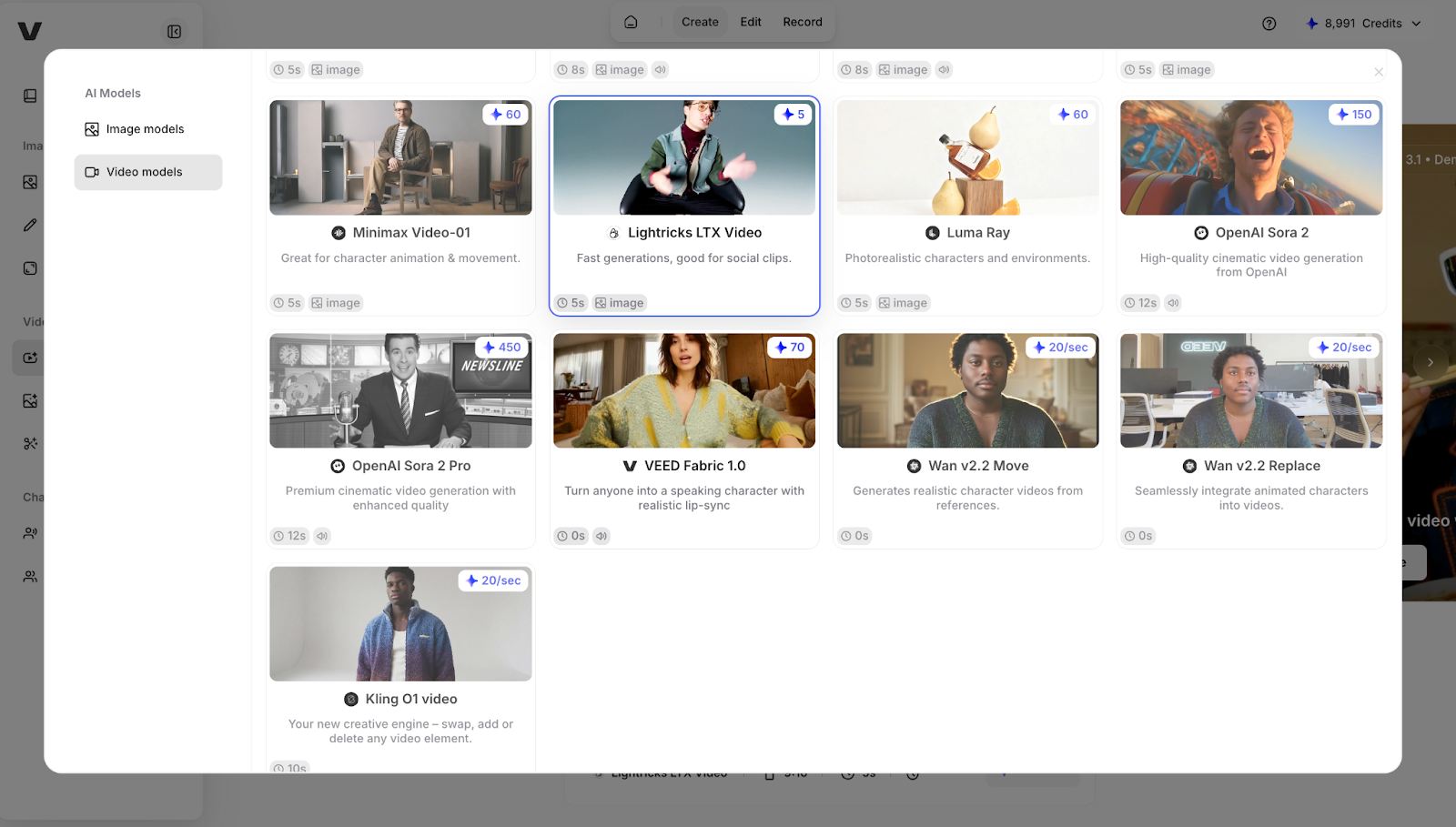
Try LTX Video alongside commercial AI video generators in VEED's AI Playground, where you can compare open-source versus paid model outputs and integrate results directly into your video editing workflow.