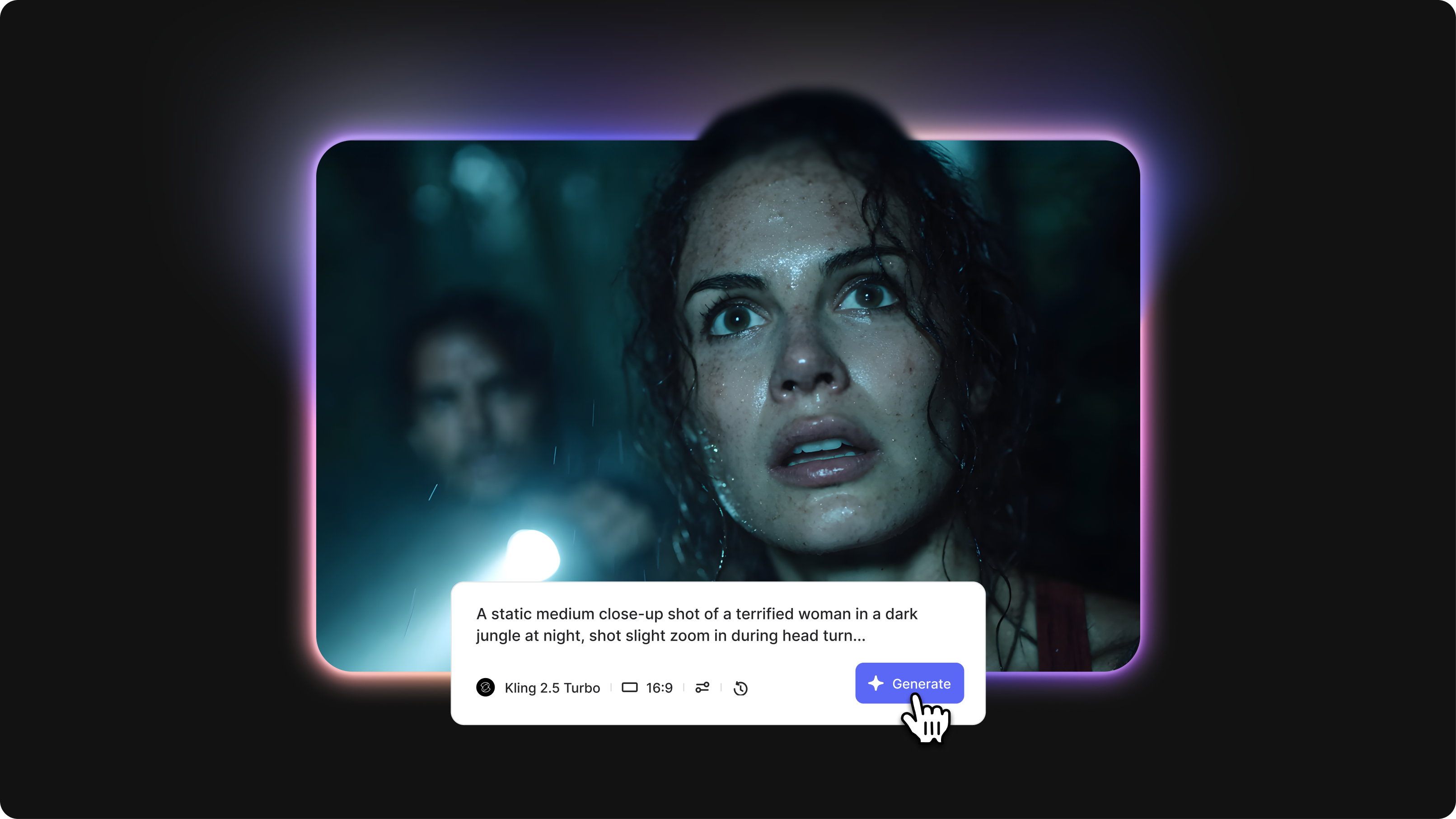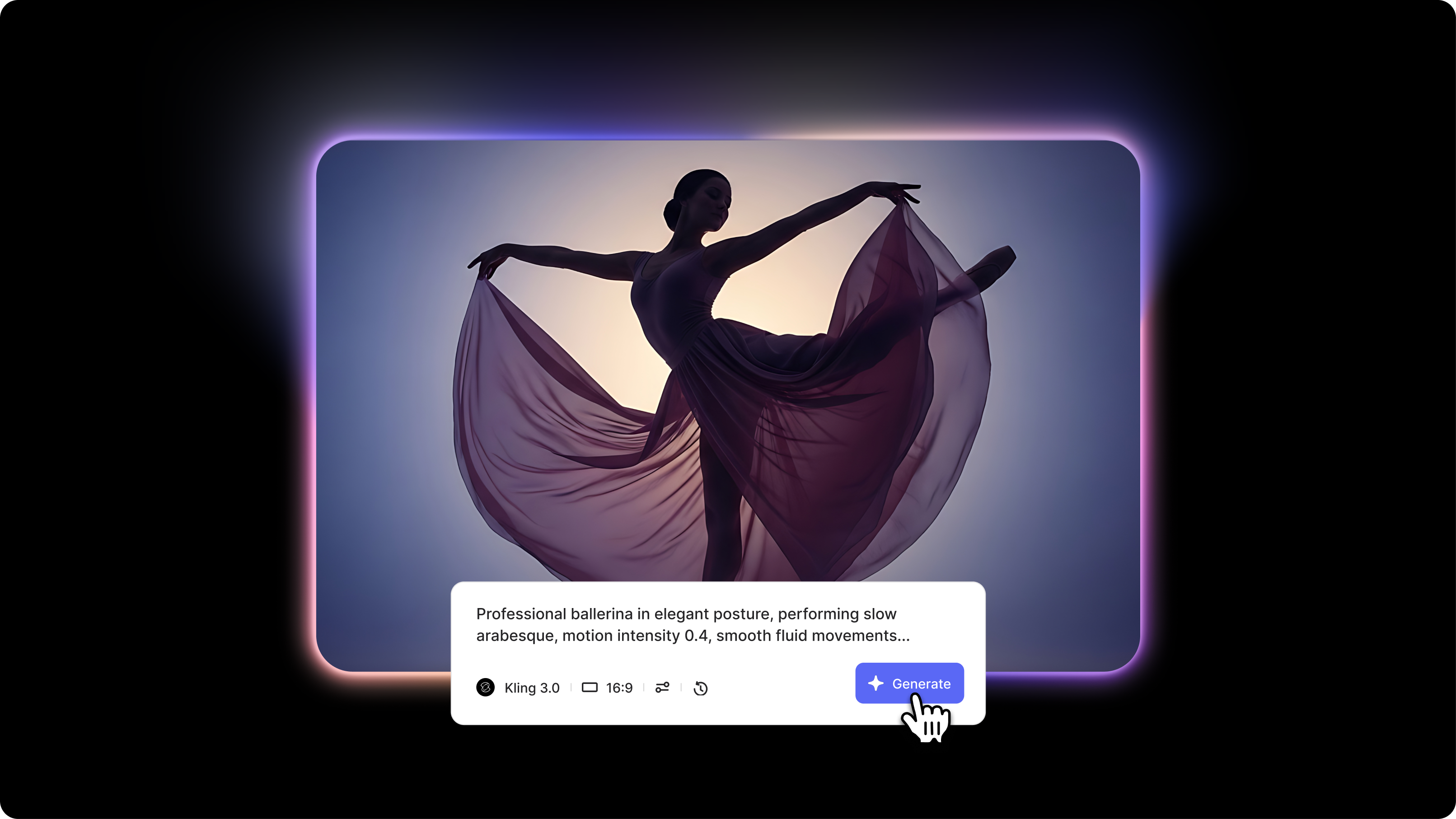
Kling AI has earned its reputation as one of the most capable AI video generators available today. Its physical realism, smooth motion, and cinematic output make it a go-to for creators who want polished results from a text prompt.
But it is not without its frustrations. Slow generation times, failed outputs, limited free credits, and access issues have prompted many users to seek alternatives to Kling AI that better fit their workflow, budget, or creative needs.
Whether you need faster renders, more editing flexibility, or a tool that handles a specific content type, there are solid options worth knowing about. Here are the best Kling AI alternatives to consider in 2025.
What to look for in a Kling Alternative
The right alternative depends on what Kling is not doing for you. Key things to evaluate:
- Speed – how fast does it generate a usable clip?
- Editing tools – can you refine the output without switching platforms?
- Free plan generosity – how much can you actually do before paying?
- Prompt accuracy – does it follow complex instructions well?
- Output quality – does the motion look natural and realistic?
Quick Comparison
The 6 best Kling AI alternatives
1. VEED
Best for: Creators who want AI video generation plus a full editing suite in one place
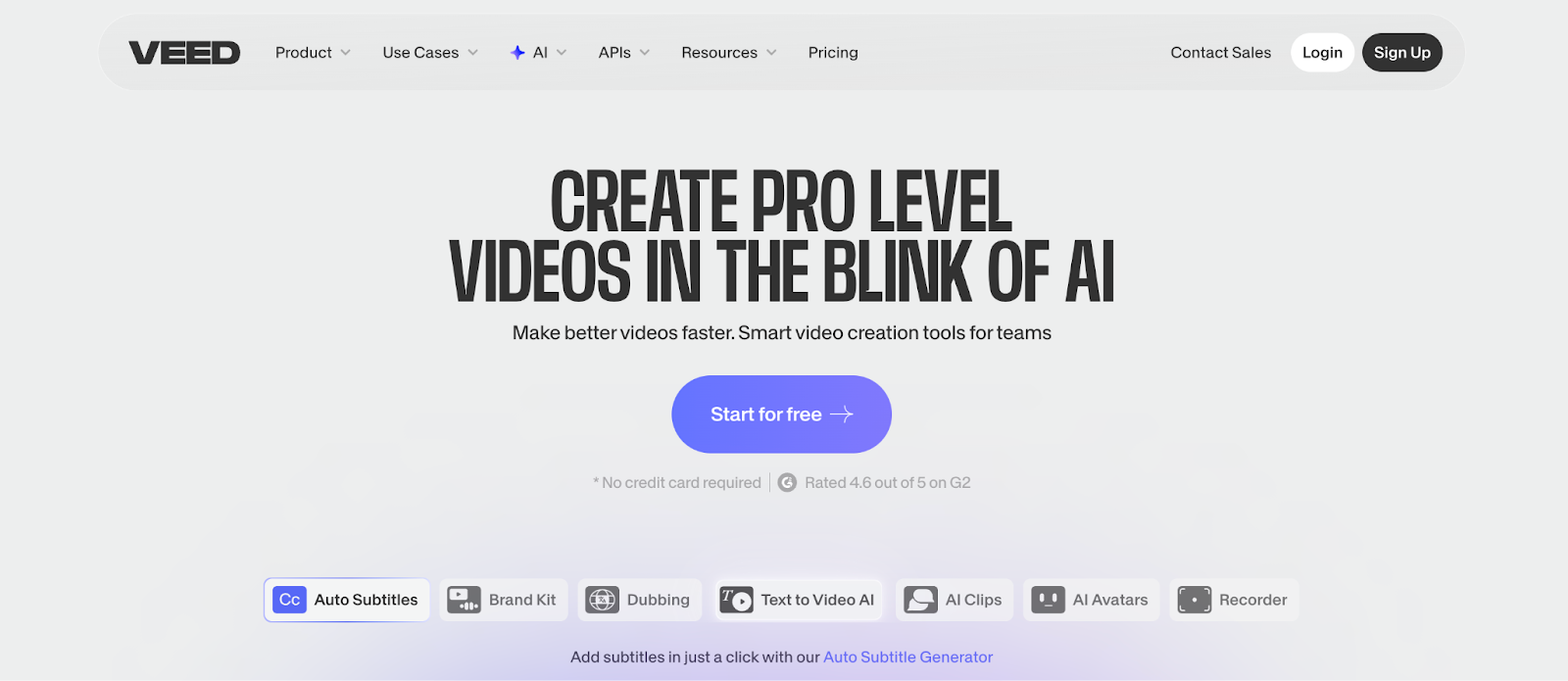
VEED goes beyond basic text-to-video generation. It is built for creators who want to produce, edit, and publish content without switching between tools.
VEED's AI video features let you generate clips from prompts or images, while its editing suite handles:
- Subtitles and captions
- Voiceovers and audio tools
- Background removal
- Screen recording
It is particularly strong for marketers and content creators who need polished, publish-ready videos rather than raw, generated clips. If Kling AI is your generation engine, but you still end up in another tool to finish the job, VEED solves both problems at once.
Pricing: Free plan available. Paid plans start at $18/month.
2. Runway
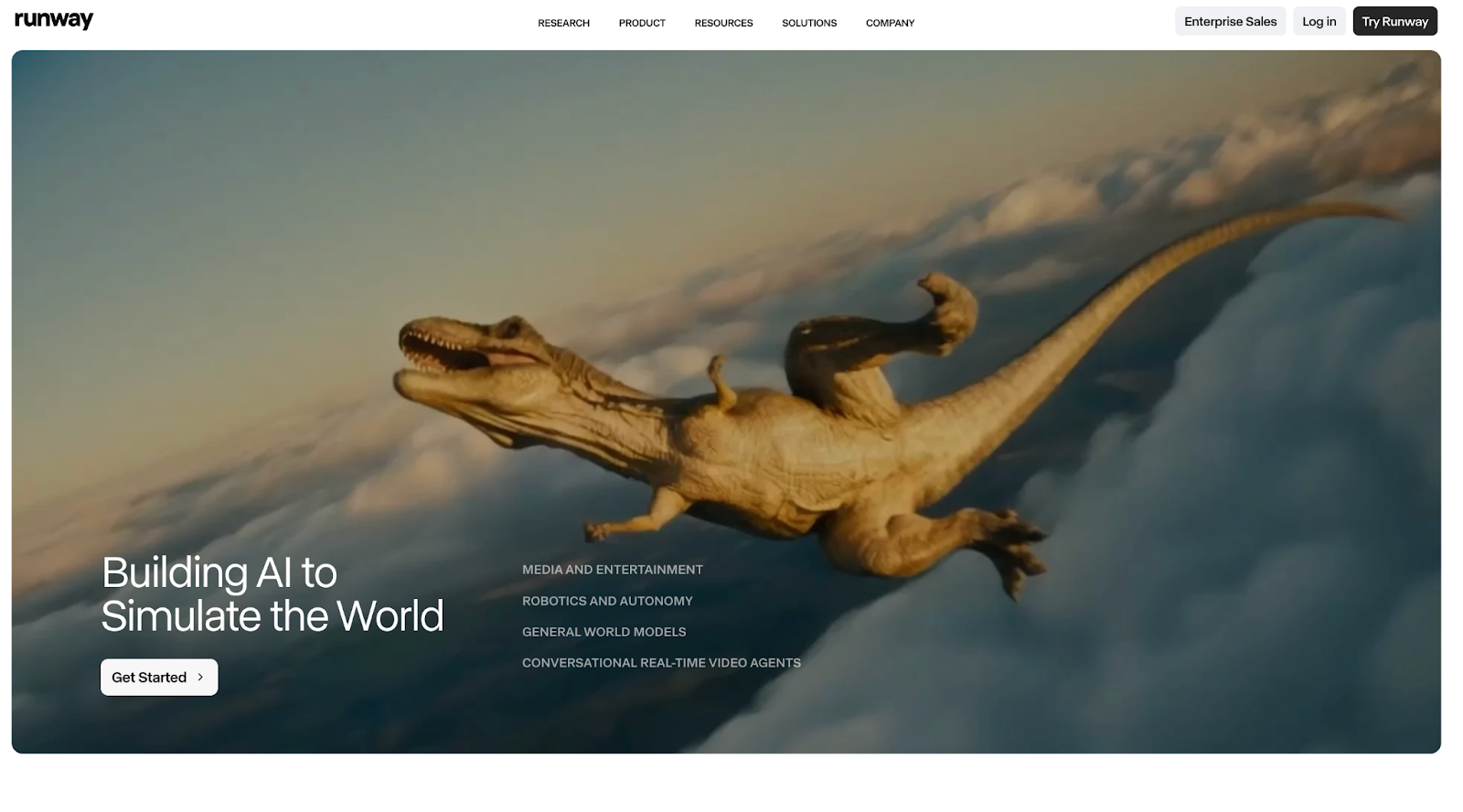
Best for: Professional creators who need advanced editing control
Runway is one of the most feature-rich AI video platforms available. Its Gen-4 model produces high-quality output with strong character consistency across shots, and its interface is clean enough that new users can get started quickly.
Where Runway really stands out is post-generation editing. The Aleph model lets you adjust:
- Camera angles and lighting
- Objects within the scene
- Visual style -- all through simple prompts
That level of control is not something Kling AI currently offers. The trade-off is that the latest models are image-to-video only and do not support native audio generation.
Pricing: Free plan with limited credits. Standard plan starts at $15/month.
3. Luma AI (Dream Machine)
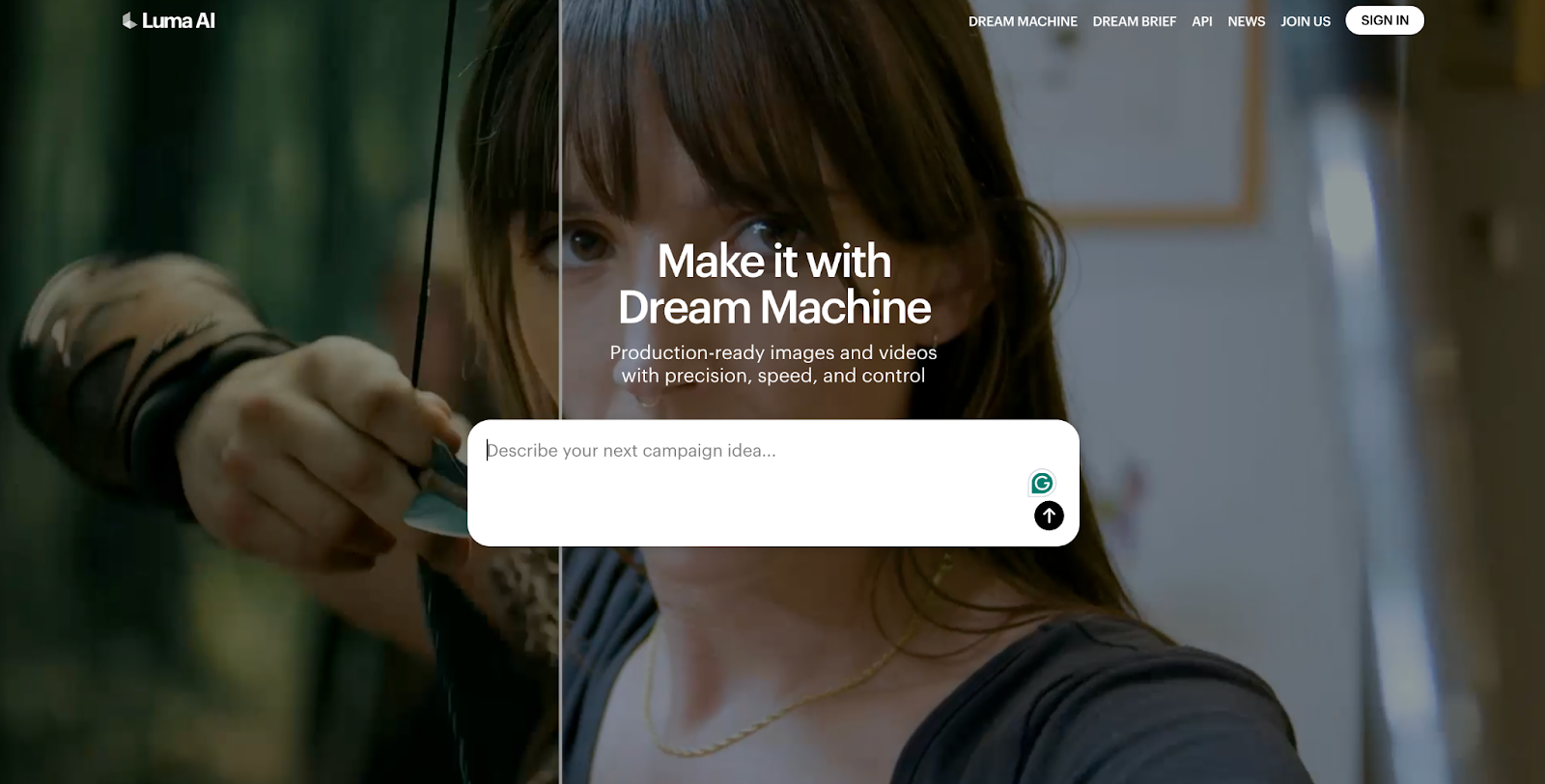
Best for: Users who want fast generation without sacrificing quality
Luma AI is the go-to alternative if Kling's slow generation times are your biggest frustration. Dream Machine consistently produces videos in one to two minutes, significantly faster than most competitors.
Other reasons creators prefer Luma:
- Smooth, natural motion and camera work
- Clean interface with minimal learning curve
- Solid output quality for the speed it delivers
The trade-off is that it lacks deep editing features, and some outputs can feel slightly flat. But for speed-first workflows, it is hard to beat.
Pricing: Free plan with 30 generations per month. Paid plans start at $29.99/month.
4. Hailuo AI
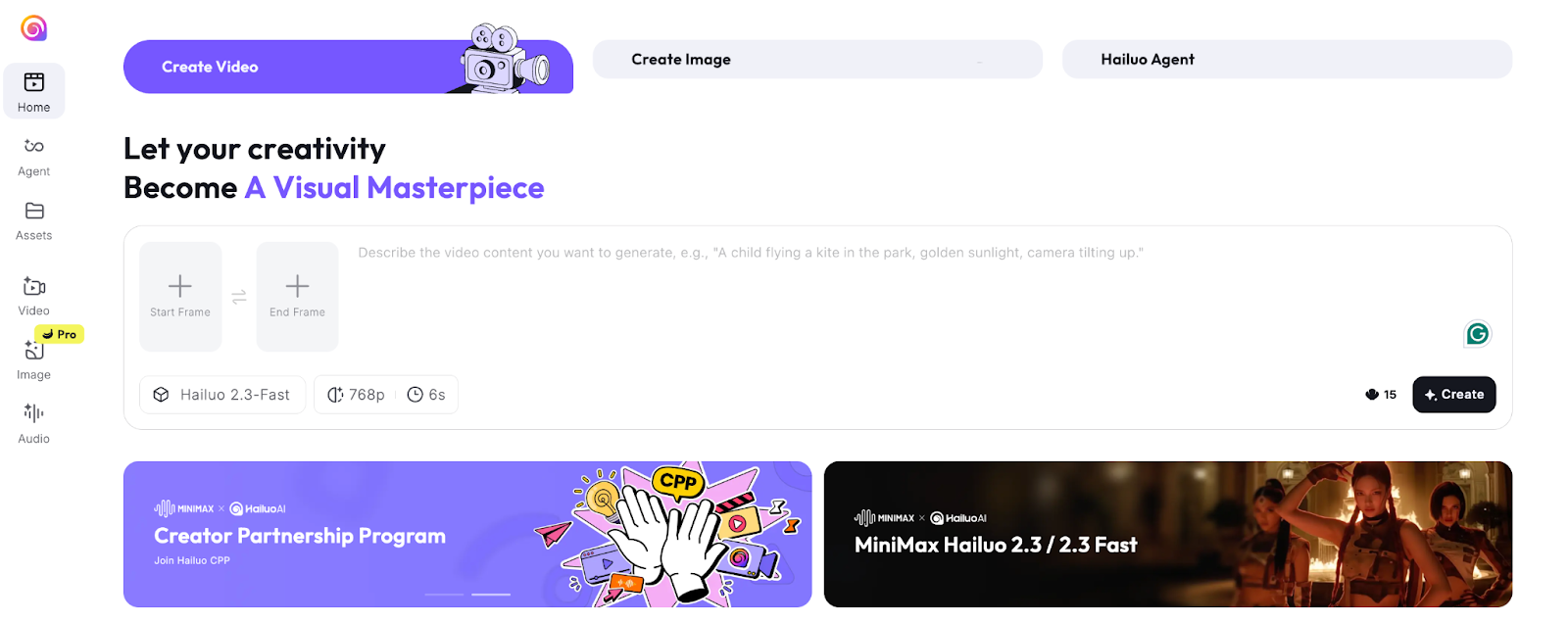
Best for: Creators who want flexible, prompt-driven camera control
Hailuo AI, developed by Minimax, is a strong Kling alternative for users who want more control over how their scenes are shot. Its camera control system lets you specify movement direction, zoom behavior, and framing directly in your prompt.
Key highlights:
- Precise camera movement via prompting
- Natural, fluid character motion
- Improved quality and speed with the Hailuo 2.3 update
This makes it easier to get a specific cinematic result without repeated trial-and-error generations.
Pricing: Free credits available. Paid plans start at $9.99/month.
5. Pika
Best for: Social media creators who want creative effects and high-definition output
Pika has evolved into a well-rounded platform for creators making content for social channels. Pika 2.1 introduced 1080p video generation and brought two standout features:
- Pikadditions -- add any person or object into an existing video seamlessly
- Pikaffects -- creative visual transformations popular for viral content
It is not the most technically advanced tool for pure realism, but it is one of the most accessible platforms for quickly experimenting with ideas.
Pricing: Free plan available (limited to 480p). Paid plans start at $8/month.
6. Google Veo 3
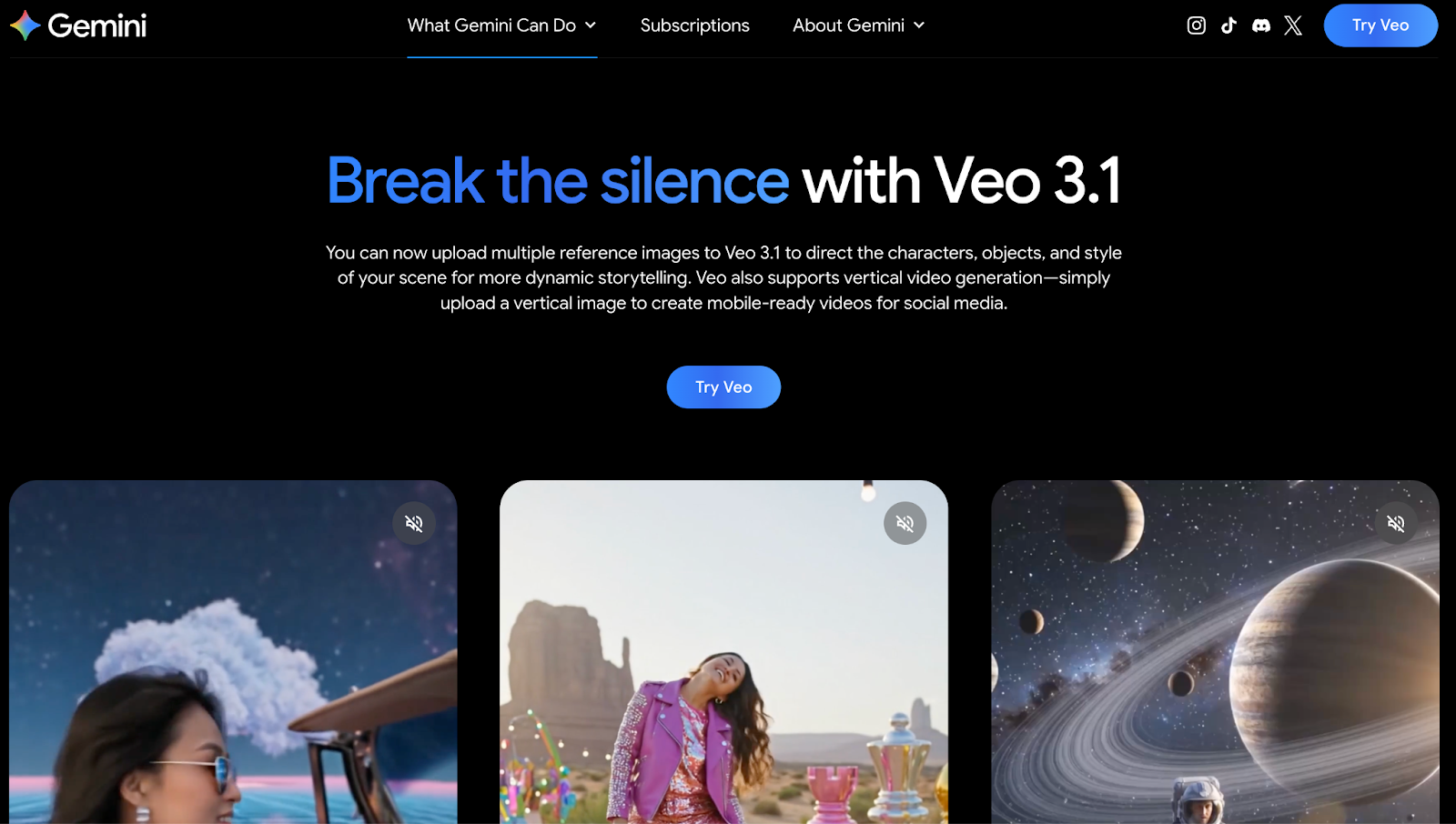
Best for: Creators who want realistic output with built-in audio
Veo 3 is one of the most impressive AI video generators available right now. What sets it apart from Kling and most other alternatives is native audio generation.
In a single pass, it automatically produces:
- Sound effects and ambient noise
- Synchronized dialogue with realistic lip movement
- Visuals with strong physics simulation and natural motion
That means your output is closer to a finished product right out of the box. Access is currently limited through Google's platforms, but for creators who can use it, Veo 3 is a significant step forward.
Pricing: Available through Google AI products. Pricing varies by access tier.
Watch this video comparison of Kling and Veo 3:
Which Kling alternative should you choose?
Here is a quick way to match your needs to the right tool:
- Need an all-in-one workflow? Go with VEED.
- Want professional editing control? Runway is the strongest pick.
- Frustrated by slow render times? Luma AI solves that directly.
- Need precise camera behavior? Hailuo AI handles this best.
- Creating content for social media? Pika is built for that.
- Want the most realistic output with audio included? Try Veo 3.
Final thoughts
Kling AI is a capable tool, but it is not the right fit for every creator or workflow. The good news is that the alternatives are strong across the board.
VEED stands out for anyone who wants to generate and edit in one place. Runway is the best pick for professional-level control. Luma AI wins on speed. Hailuo AI gives you the most camera flexibility through prompting. Pika is purpose-built for social content. And Veo 3 leads the pack in realism and built-in audio.
The best approach is to identify the specific gap Kling leaves in your workflow and choose the tool that fills it. Most of these platforms have free plans, so you can test before you commit.