Kling 2.5 Turbo Prompting Guide: Get Better Results in 5 Steps

Kling 2.5 Turbo essentials
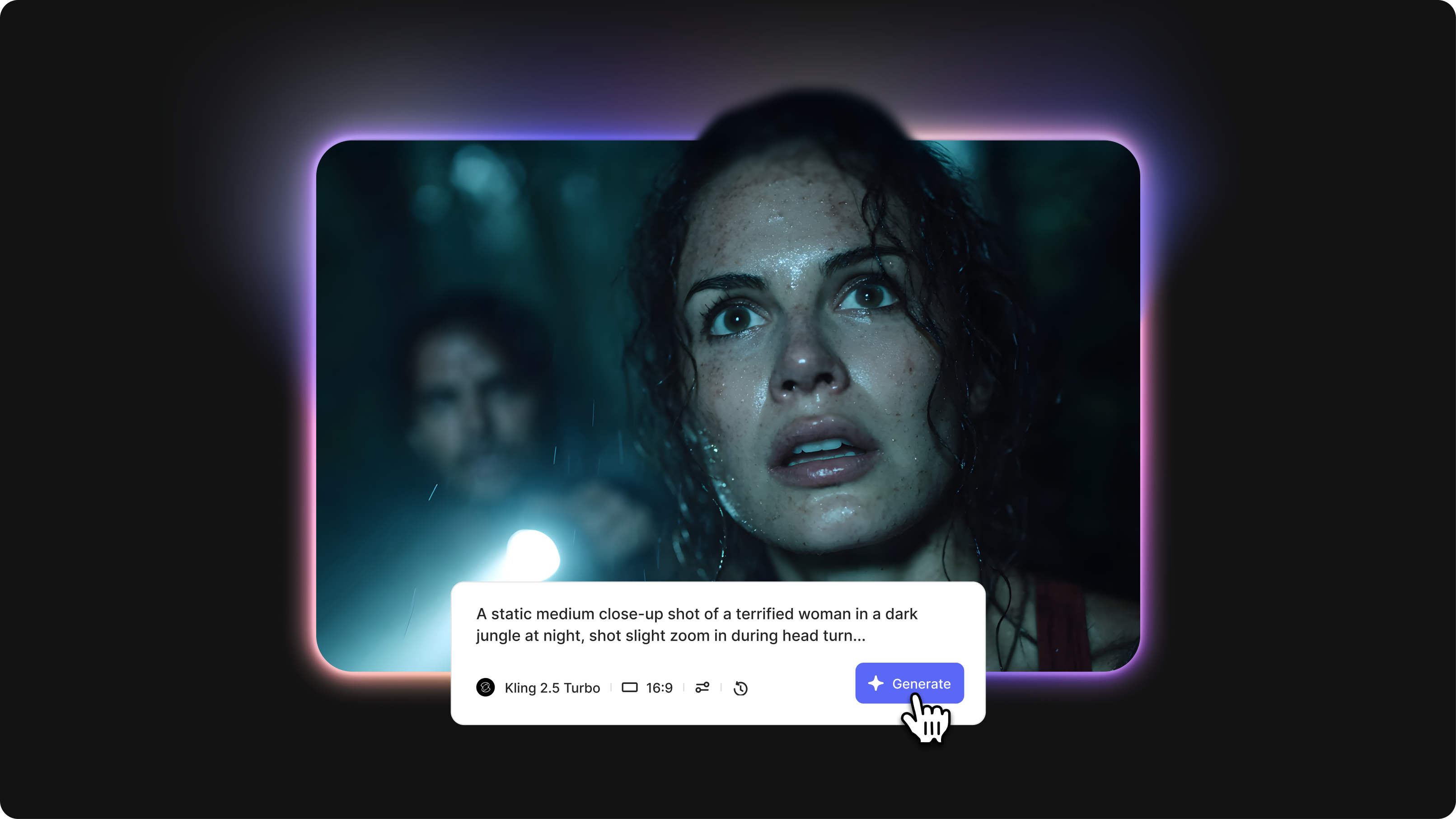
- Kling 2.5 Turbo is a fast AI video generator that creates 5-second clips in approximately 90 seconds with image-to-video capabilities, start/end frame control, and strong prompt adherence.
- The Kling 2.5 prompt format uses a 5-part structure: subject description, action/motion, camera technique, environment, and style/mood for optimal results.
- Kling 2.5 video generation prompt style emphasizes cinematic language, specific motion descriptors, and negative prompts to eliminate artifacts while maintaining fast rendering speeds.
Kling 2.5 prompt guidelines mastery is essential because this turbo model balances speed with quality through precise prompt interpretation. Vague prompts waste generations' time with generic results, while structured prompts that leverage Kling 2.5's strengths produce professional cinematic videos in minutes. This Kling 2.5 video prompt guide shows you how to structure prompts for fast turnaround, use start/end frame control, and optimize for the turbo model's capabilities.
What you'll learn: The Kling 2.5 turbo prompt format, image-to-video prompting techniques, start/end frame control strategies, and proven prompt examples for different scenarios.
Understanding Kling 2.5 Turbo's strengths
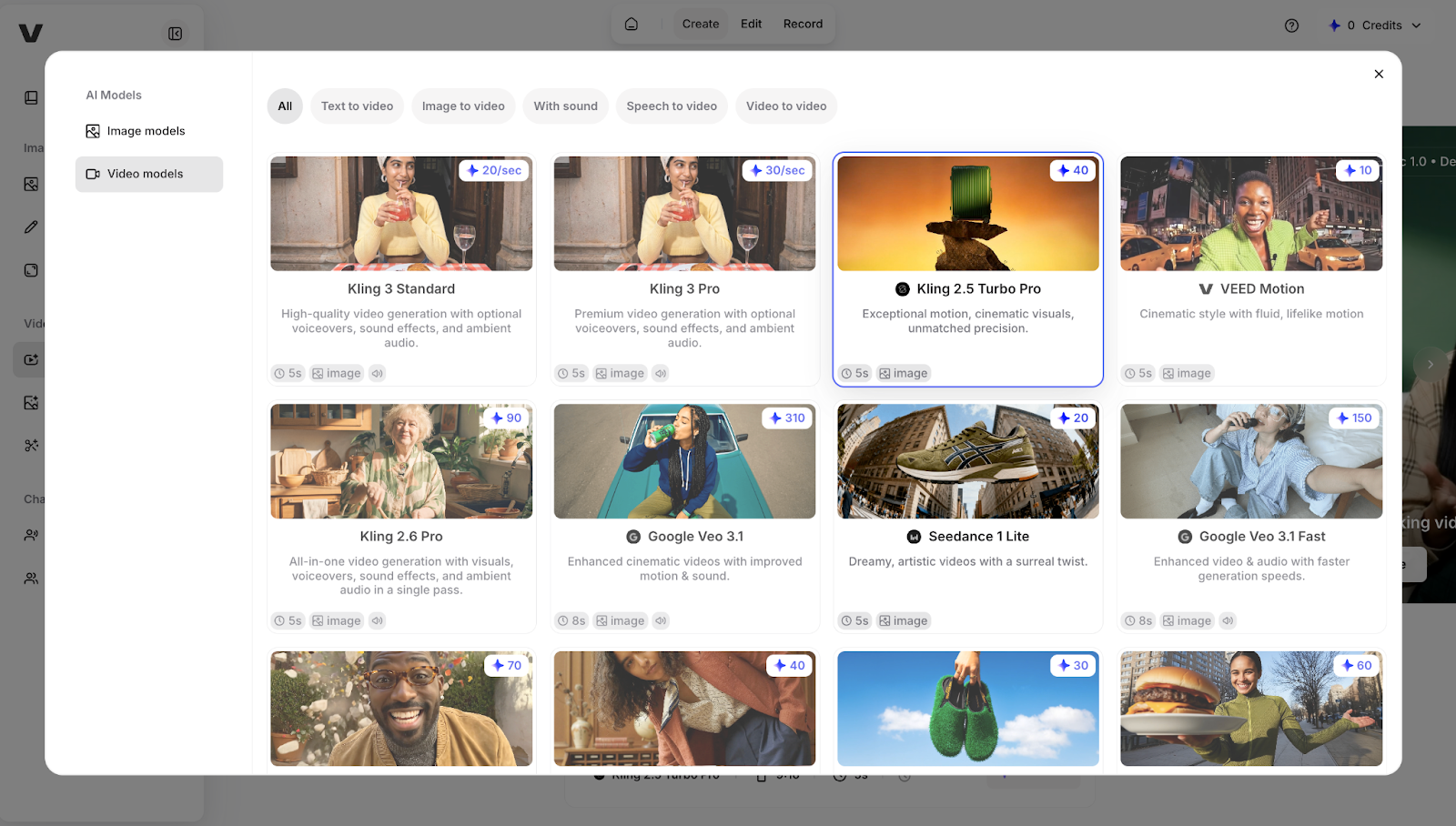
What Kling 2.5 Turbo excels at:
Speed without quality loss: Generates 5-second clips in approximately 90 seconds, significantly faster than standard models while maintaining cinematic quality. Perfect for rapid iteration and testing multiple prompt variations.
Image-to-video conversion: Transforms static images into dynamic videos with natural motion that respects the original composition. Upload a portrait photo and animate subtle expressions, breathing, or environmental effects.
Start/end frame control: Allows precise specification of opening and closing frames to create seamless transitions between clips or match specific visual requirements.
What to avoid:
- Extreme camera movements during a short 5-second duration create disorienting, rapid motion
- Complex multi-character interactions with detailed choreography often exceed the turbo model's rendering capacity
Quick tip: Kling 2.5 Turbo's speed makes it ideal for quickly testing prompt variations. Generate 3-4 versions with slight prompt adjustments to find the optimal phrasing before committing to longer renders.
Core Kling 2.5 prompting framework
The 5-part prompt structure
Kling 2.5 prompt format template
[Subject description], [Action/Motion], [Camera technique], [Environment], [Style/Mood]
Kling 2.5 prompt guide example: "Elderly craftsman in his 60s wearing leather apron and work shirt, weathered hands carving wood with deliberate, precise chisel strokes, static medium shot from slightly elevated angle showing hands and workpiece, traditional workshop interior with tools hanging on wooden walls and natural window light, documentary realism style with natural colors and texture emphasis, focused contemplative mood"
Advanced Kling 2.5 Turbo techniques
Image-to-video prompting
Transforms uploaded static images into animated videos while maintaining original composition and style.
When to use: Animating existing photos, concept art, or illustrations rather than generating from scratch.
Kling 2.5 video prompt guide example: Upload portrait photo, then prompt: "Subject's eyes blink naturally, subtle smile emerges, hair moves gently in breeze, camera remains static, maintain original lighting and composition"
Start and end frame control.
Specifies exact opening and closing visual states for seamless clip transitions.
When to use: Creating connected sequences where multiple clips must flow together smoothly.
Example:
- Clip 1: "End frame: character's hand reaches toward door handle, arm fully extended."
- Clip 2: "Start frame: hand grasping door handle (matching previous end position), pulls door open smoothly."
Negative prompt optimization
Eliminates turbo model artifacts and unwanted elements specific to fast rendering.
When to use: Every generation to ensure quality despite accelerated processing.
Example negative prompt: "Negative: motion blur, compression artifacts, pixelation, face distortion, warping, inconsistent lighting, jittery movement, low quality"
Common mistakes and fixes
Getting started with Kling 2.5 Turbo
The Kling 2.5 video generation prompt style emphasizes clarity and efficiency to match the turbo model's fast rendering. Use the 5-part framework with specific motion descriptors, leverage image-to-video for existing assets, and utilize start/end frame control for seamless sequences. Start with simple single-action prompts to understand how Kling 2.5 Turbo interprets your style before building complex multi-clip narratives.
Try Kling 2.5 Turbo alongside other AI video generators in VEED's AI Playground, where you can compare outputs and integrate results directly into your video editing workflow.