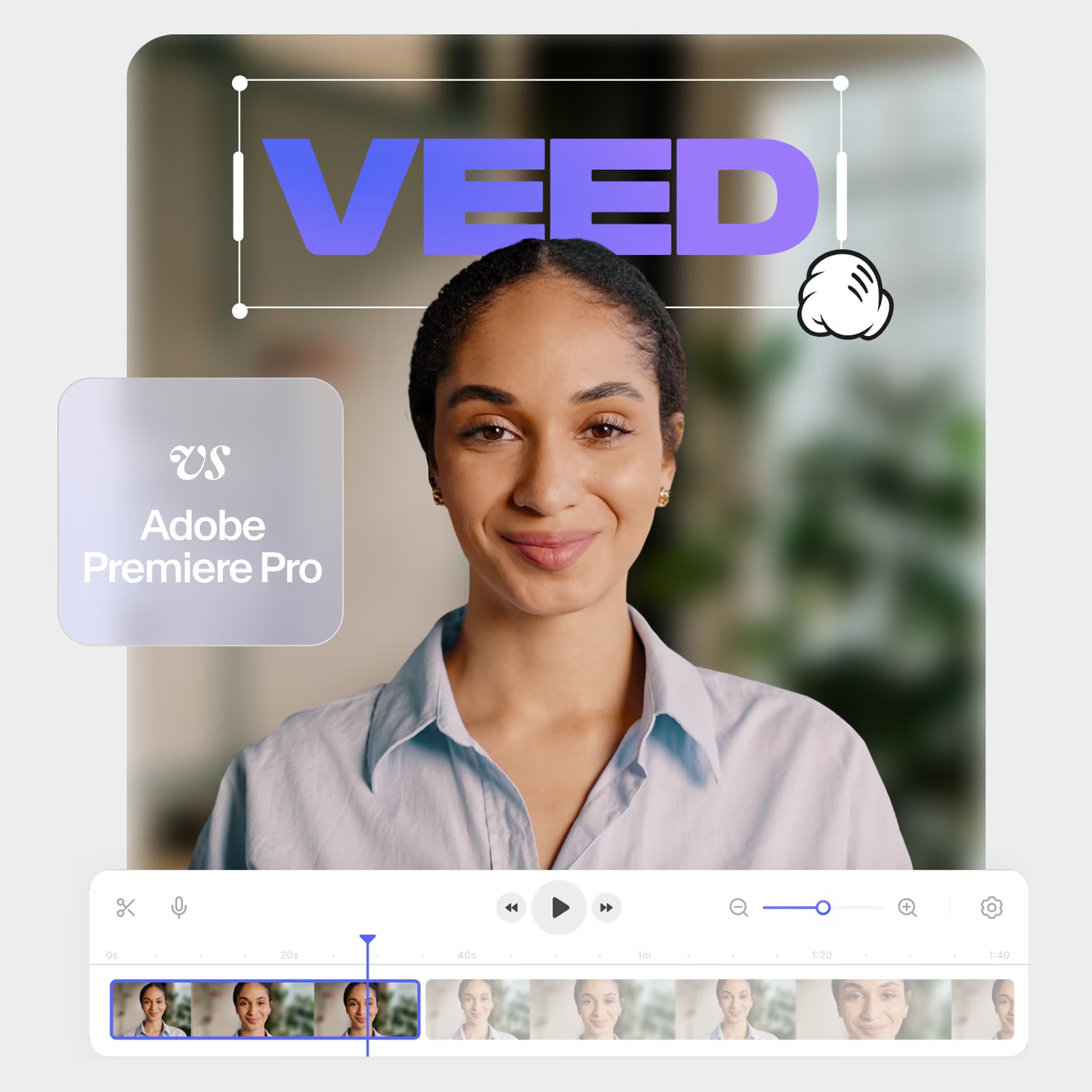
VEED VS Adobe Premiere Pro
See which video editing platform is right for your team.




Key feature comparison

3 reasons to choose VEED over Premiere Pro
Smoother editing experience
No complex setup or steep learning curve. Start scaling your video production instantly and get results faster.
No installation needed
Create and edit your video projects on-the-cloud. Zero installation and device compatibility issues.
All-in-one AI power
Get access to the latest features like AI avatars, slides to deck, and eye contact correction in one tool.
Loved by the
Fortune 500 and creators
Questions & answers
VEED is one of the most user-friendly and versatile video editors. It has all the cutting-edge and traditional features you need to create a professional-looking video from start to finish. And the best part: It’s all packaged into an intuitive platform that anyone can use.
Adobe Premiere Pro is suitable for intermediate and experienced video editors. However, VEED is better than Adobe Premiere Pro for users seeking a more intuitive and faster video creation experience. It’s browser-based, so no installations are needed, and teams can collaborate effortlessly in real time. Plus, VEED caters to beginners and pros alike, enabling anyone to create stunning videos without extensive editing skills.
You need a minimum of 8 GB of RAM to run Premiere Pro. For HD media, Adobe recommends 16 GB of RAM. For projects that are 4K or higher, 32 GB is recommend. With a browser-based editor like VEED, however, you don’t need to worry about having a high-spec system.
Yes, VEED offers a forever-free plan that gets the job done for simple video projects. However, you unlock a lot more features when you upgrade to a paid plan.
Adobe Premiere Pro offers a 7-day free trial. This trial is automatically converted into a paid membership at the end of the 7-day period, unless you cancel it beforehand.In contrast, VEED’s free plan is perpetual, which means you can enjoy it for however long you want. And once you’ve explored the tool’s potential, you can upgrade to a paid plan whenever you want.
The full power of AI video In one STUDIO
VEED gives you a complete editing suite, unlimited stock footage, translations in 125+ languages, and much more.