VEED Fabric 1.0:
Make anything talk
Forget the camera, forget the studio. VEED Fabric 1.0 spins any image into studio-gradetalking video quicker than you can say ‘cut’.





Transform the way you make videos
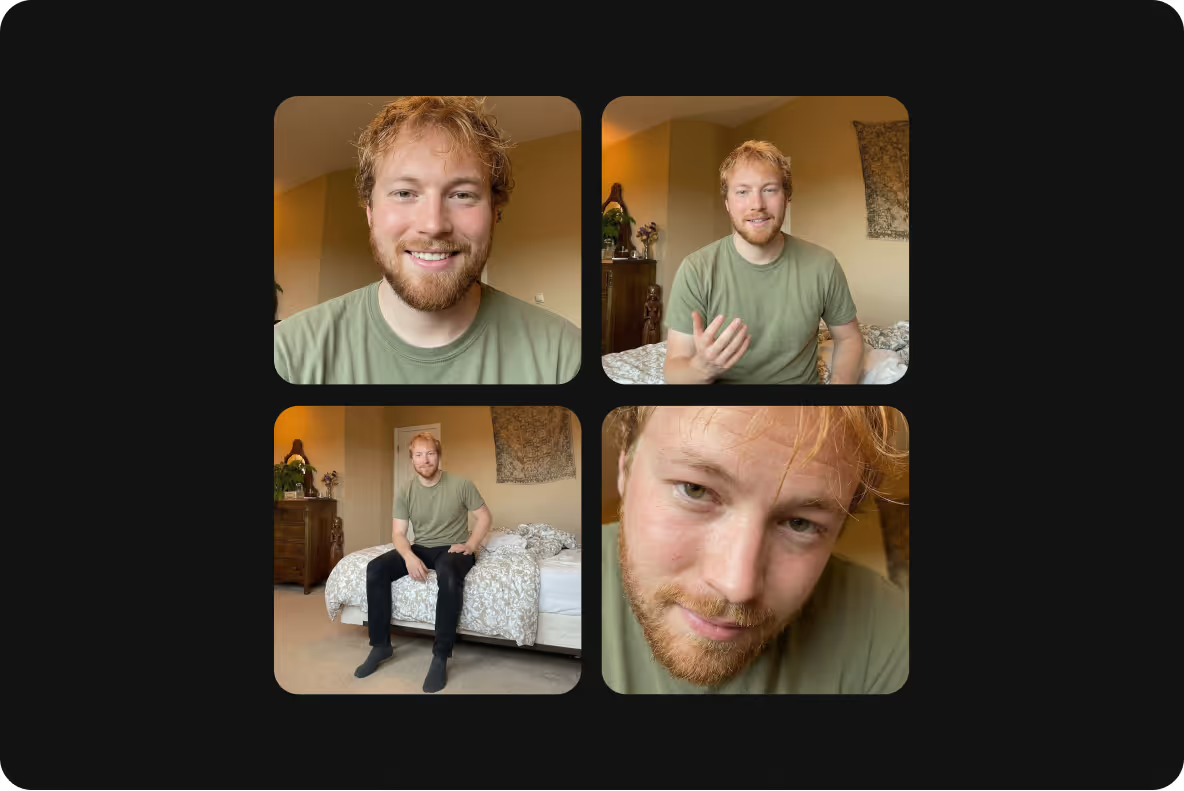
Ship creative faster
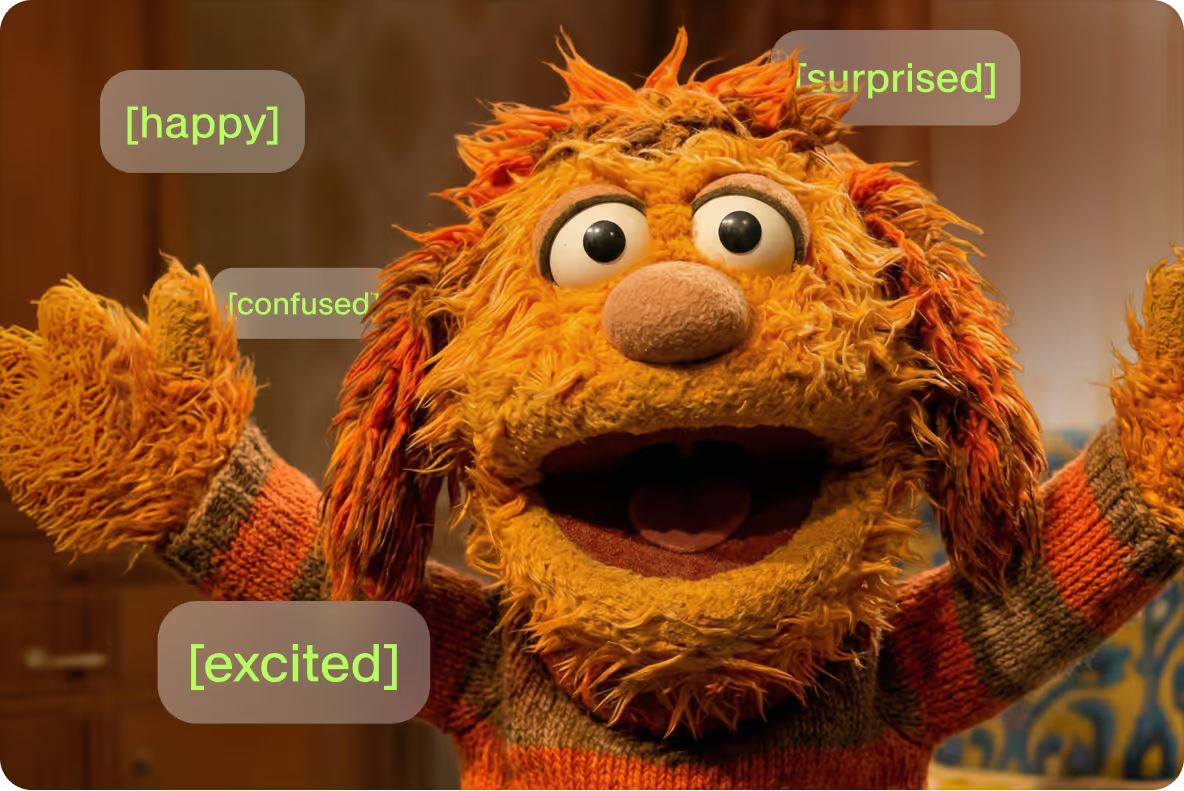
Sound human, not AI
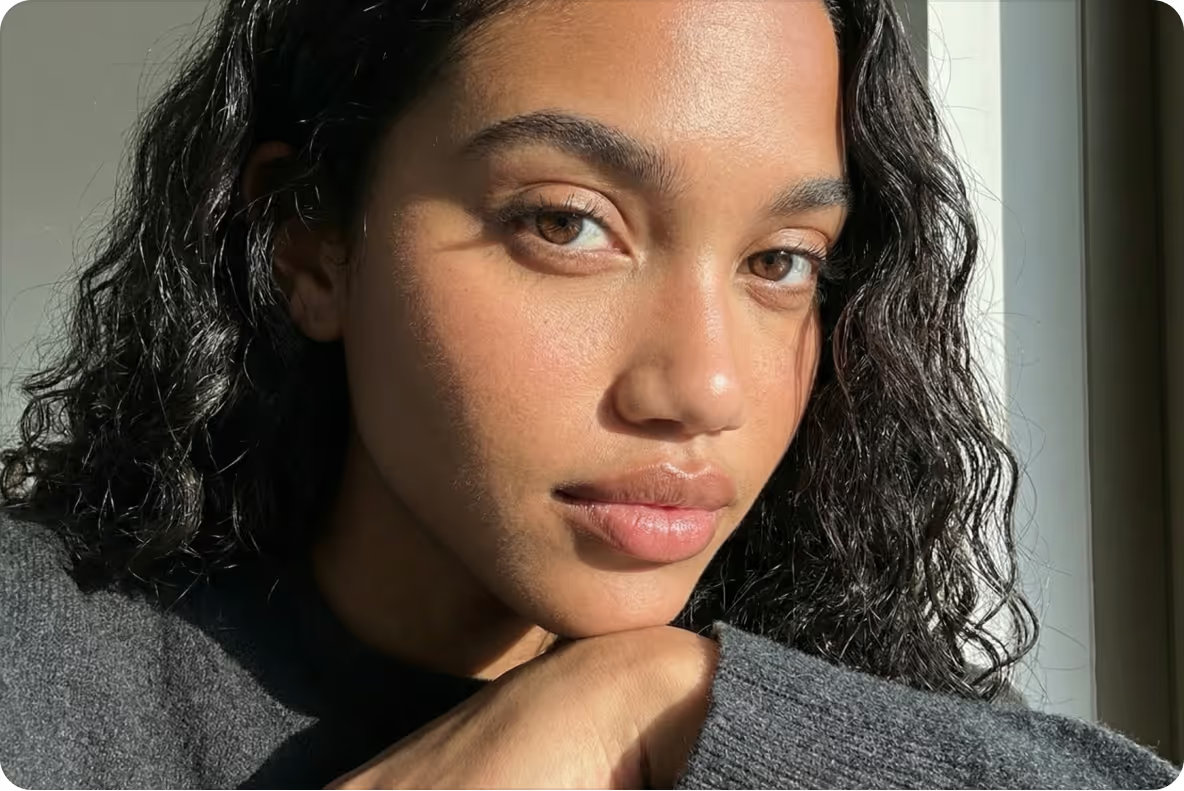
Skip the shoots
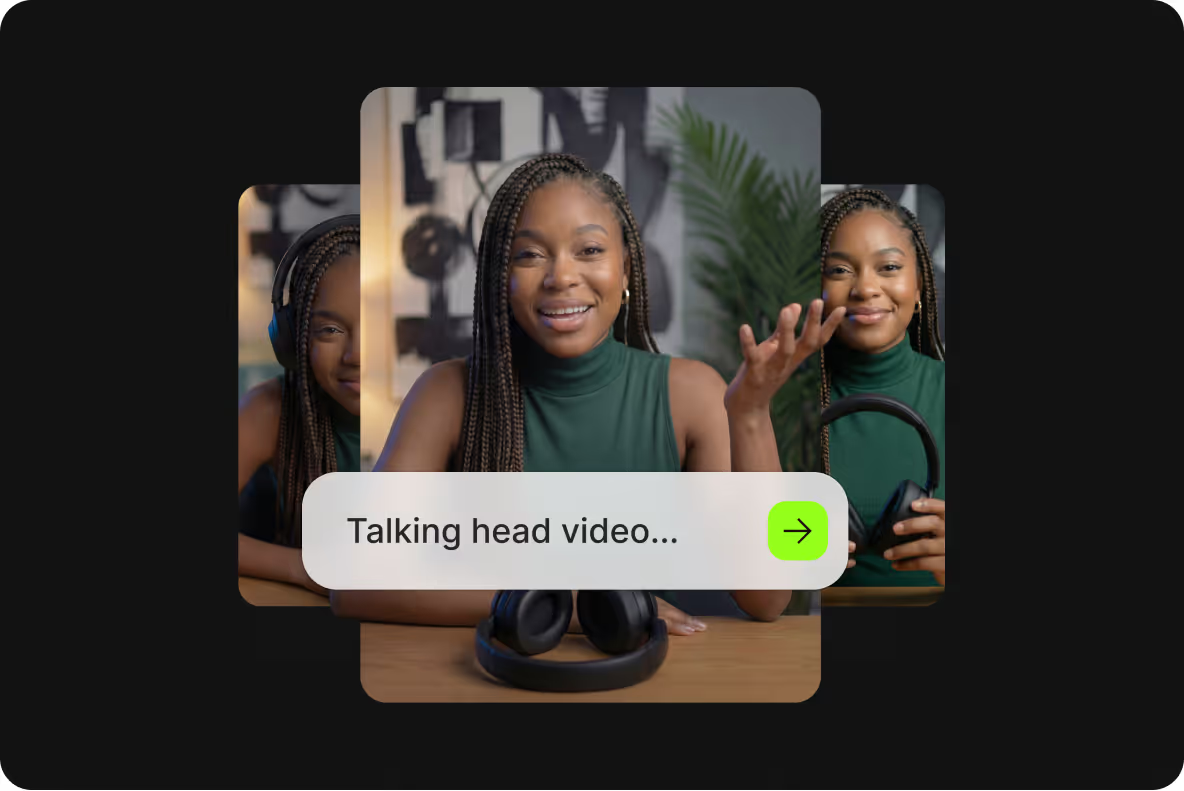
Create social-ready videos with one prompt
Create any video with
VEED Fabric 1.0
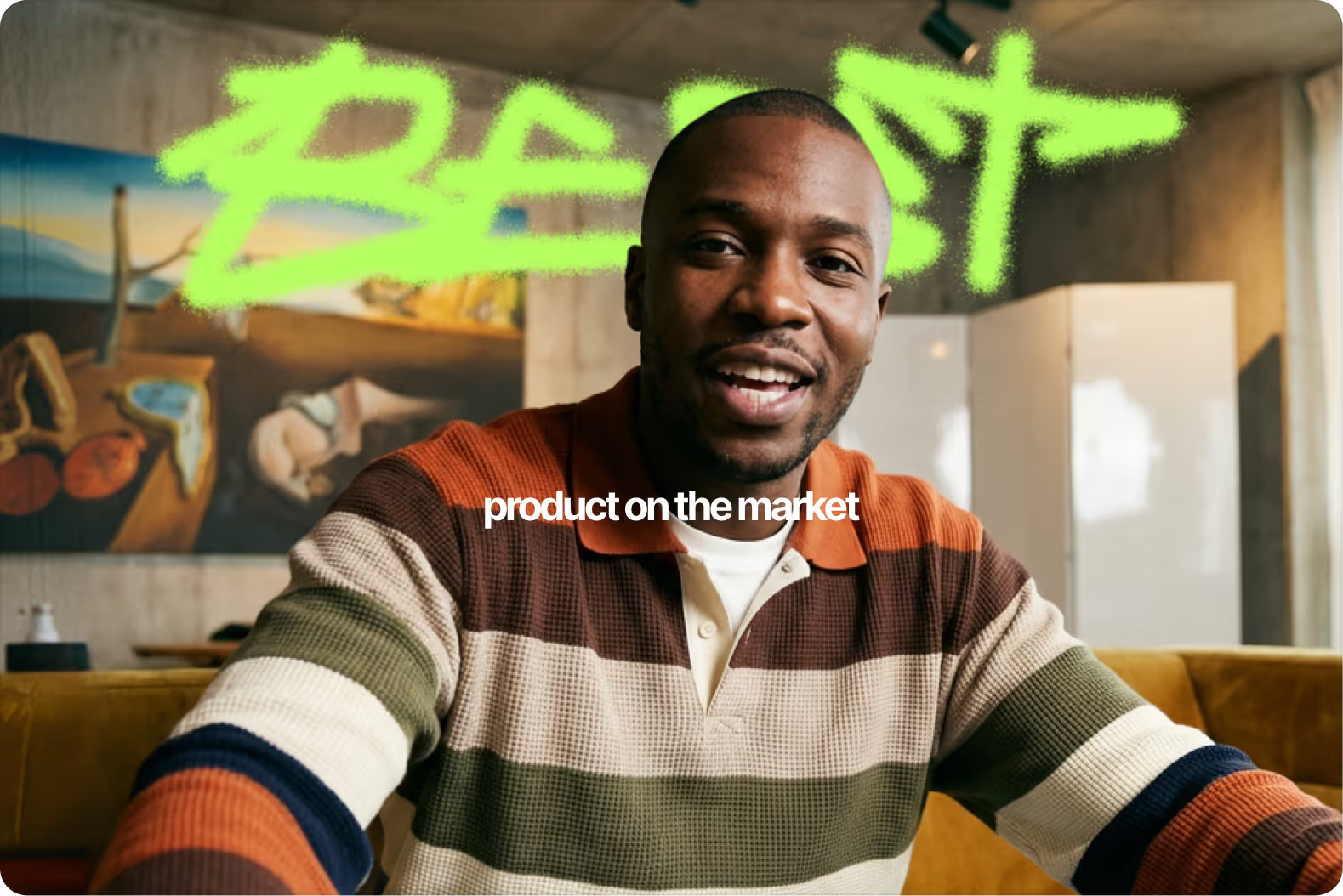
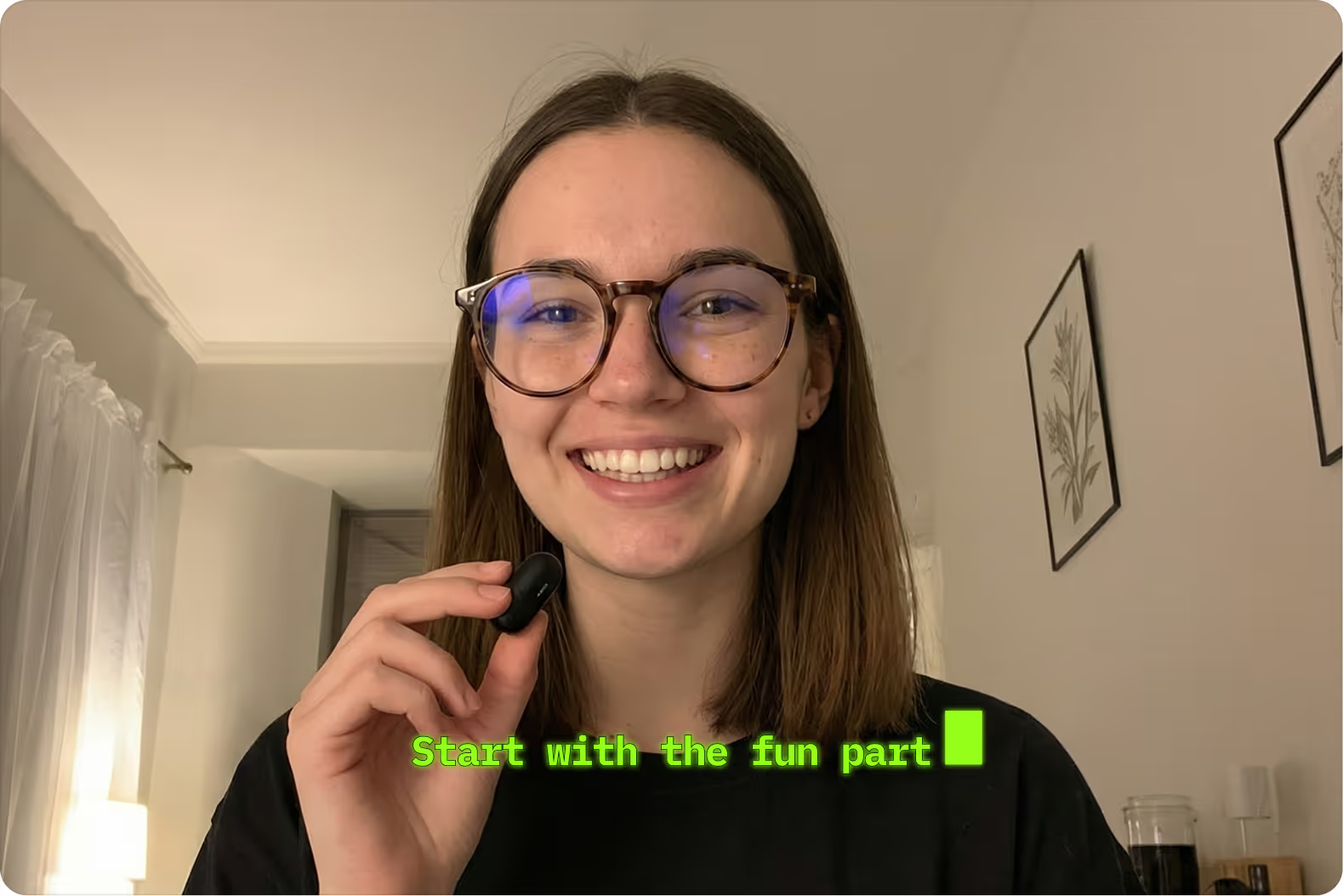
From podcasts to product demos, VEED Fabric 1.0 turns one image into any video you need.

Test social creatives to quickly find your top performer.
Line up product demos even before your product is finished.
Join trending conversations by spinning up a podcast fast.
Create user-generated content—no camera needed.
Produce how-to videos that educate and engage your audience.
.avif)
.avif)
.avif)
Unlock your creativity
Video creation used to be hard. That ends with VEED Fabric 1.0. If you have an image and some audio, you have video.

Marketing
Creative

Social
Questions & answers
You can locate it under the Video tools inside the VEED editor, after you click on the Generate button.
All VEED users can try Fabric a total of 3 times for free, with a max video length of 10 seconds per generation. If you’re on a paid plan, you can continue to generate videos using your credits after your first 3 generations, with the added benefit of creating longer videos up to 30 seconds.
It costs 240 credits per generation.
Yes, you can try Fabric by logging into your VEED account from a mobile device. But to get the best Fabric experience, we recommend using it on the web version on desktop.
Yes, Fabric 1.0 is available as an API. Check it out on Fal. If you need more than 1,000 minutes of generation, or have any security concerns, contact [email protected]
Users on the free plan can make 3 videos that can be 10 seconds long each. Those on paid plans can make videos of up to 30 seconds at a time.
You can create multiple talking videos using the same image, or several different ones, and stitch them together on VEED. It’s possible to generate your clips with Fabric within the same project, which makes it convenient to stitch them together into a minute-long (or longer) video.
VEED Fabric 1.0
make anything talk
With VEED Gen-AI Studio you can generate complete videos from a single prompt. Fast edits, authentic avatars, and visuals built for social—powered by AI.