The 15 Best AI Art Generators of All Time: Unleash Your Creativity!
Unlock your creativity! Check out our roundup of the best AI art generators to try in 2025.
4.6
2,100+ reviews















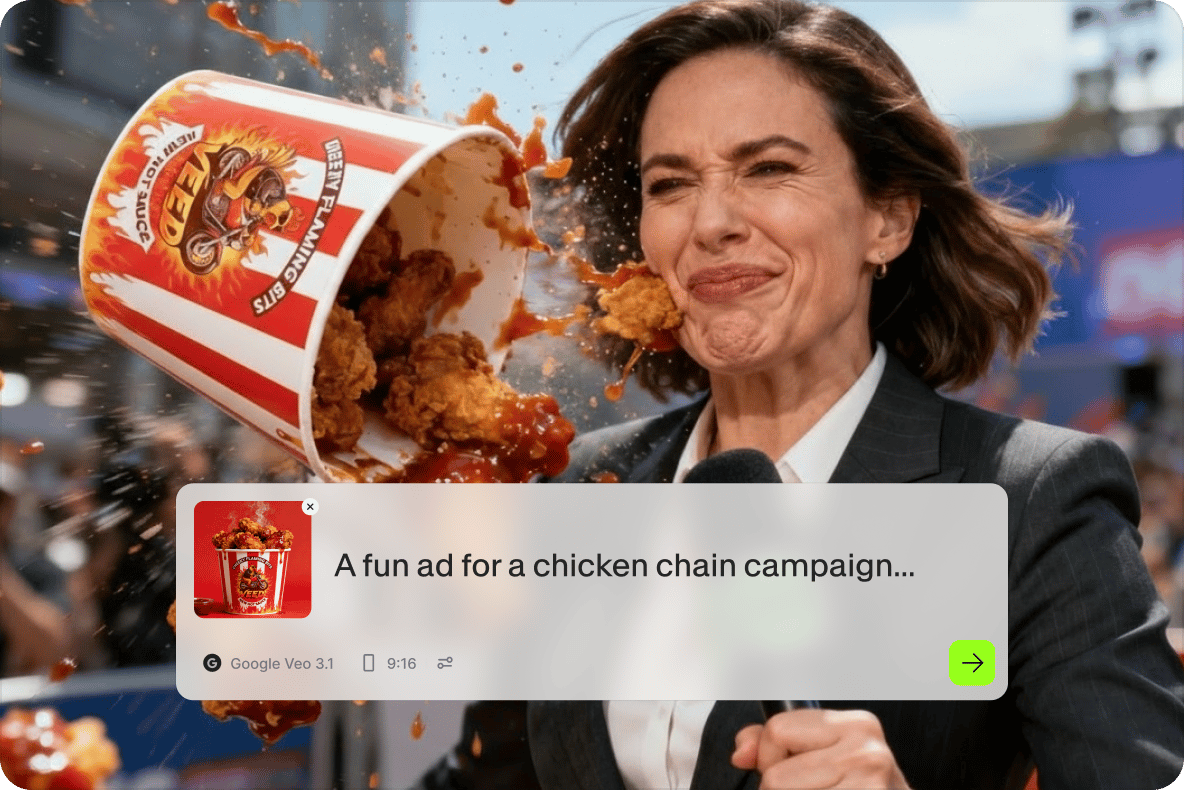
Describe what you want and VEED's AI Image Generator generates turns your prompt into an image — no stock libraries, no design skills. Turn text prompts into custom visuals for social media posts, marketing materials, presentations, and concept art. When you're ready to go further, use VEED AI to create a video with narration. Everything happens in one place.
How to create AI images from text prompts:
Step 1
Describe your image or click ‘Get inspired’ for ideas. Choose your preferred aspect ratio and visual style.
Step 2
Select your favorite from the AI-generated pictures. Adjust the prompt, style, or aspect ratio if you want to try again.
Step 3
Download your image as a PNG file, with the option to remove the watermark. You can also create an AI reel or open the image in our video editor. Add voiceovers, stock footage, music, and more.
Learn More
Learn how to get AI pictures from text:
Intuitive AI image generator
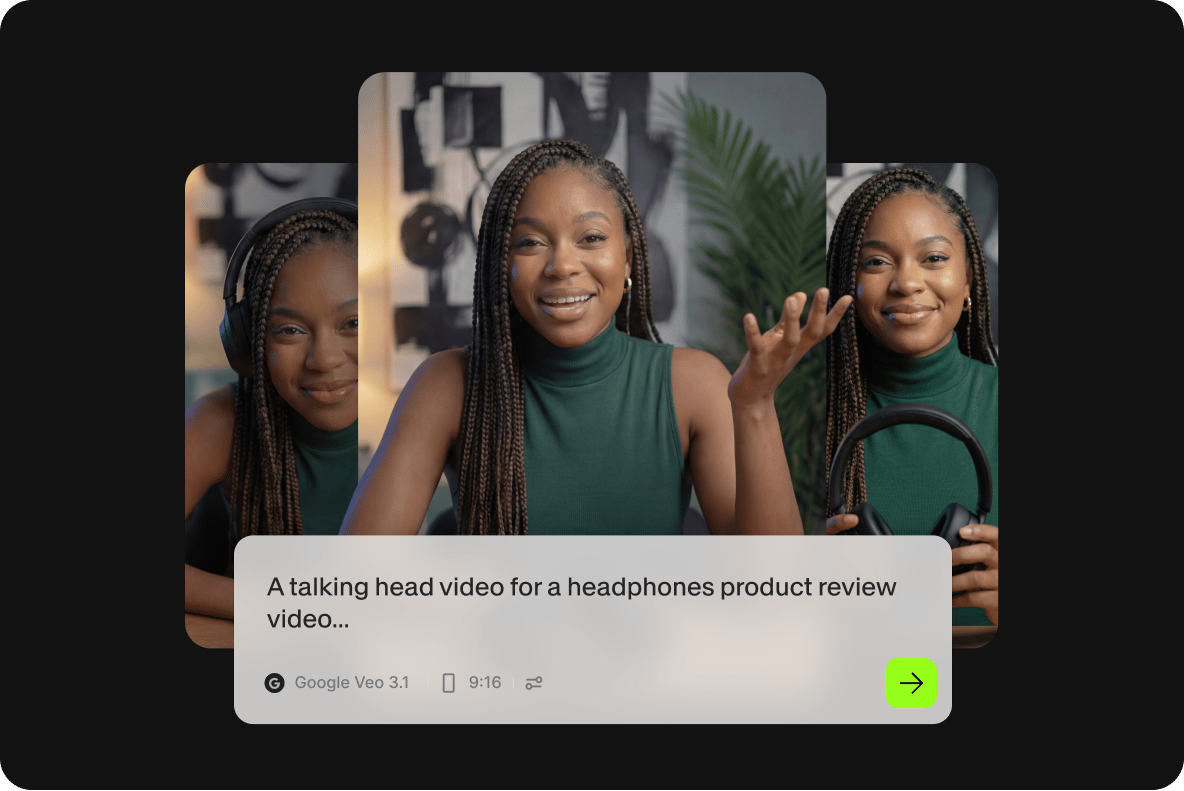
No complicated settings — just start typing. Describe anything from a detailed scene to abstract art, and VEED generates the image. Not quite right? Adjust the prompt, style, or aspect ratio and generate again until the output matches what you had in mind.
Online AI picture generator
Prefer to see the output quality before signing up? No problem! Try our AI image generator. You can also turn your images into a video using our online editor. Sign up to download images, or upgrade to a paid plan to unlock watermark-free exports and full access to our AI tools.
AI graphic design generator for business
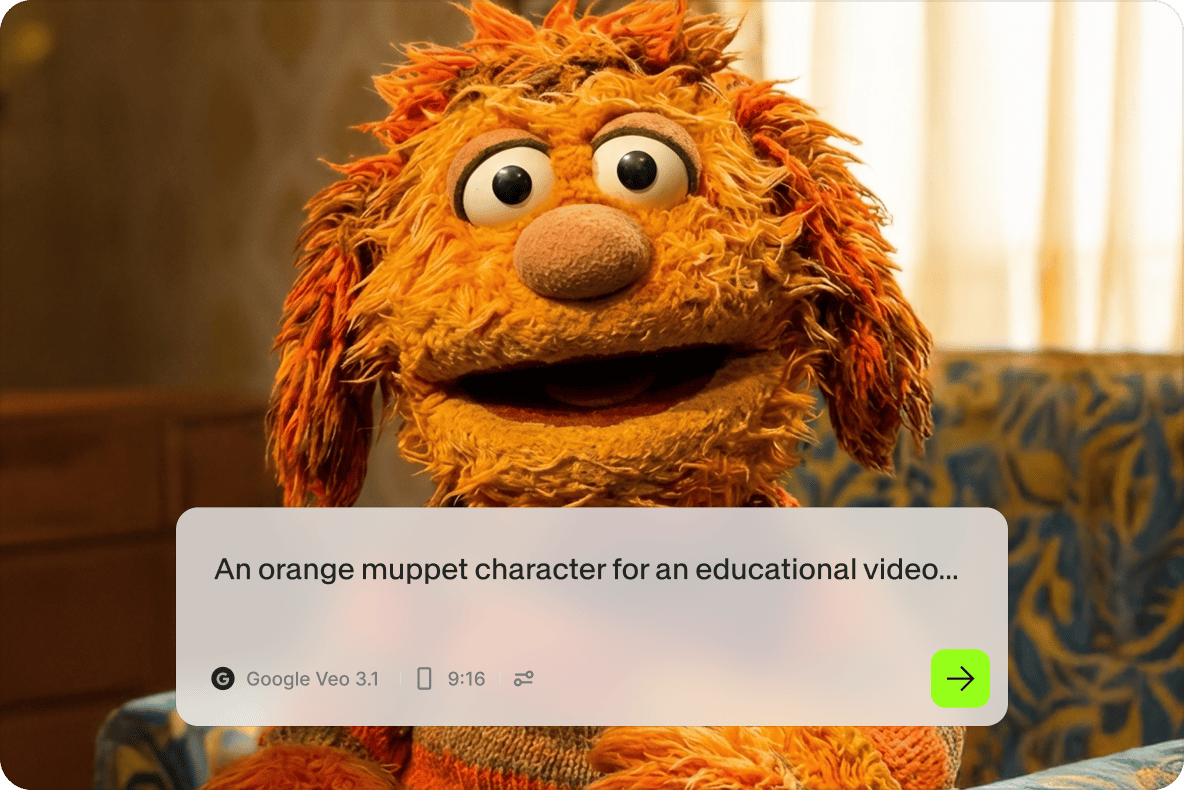
Generate base images for Instagram posts, Facebook ads, and blog headers in minutes. Open any image in the video editor to add text overlays, animations, and sound — no separate design tool needed. A practical option for startups, founders, and marketers who need on-brand visuals without a dedicated design team.
Create videos from AI-generated pictures
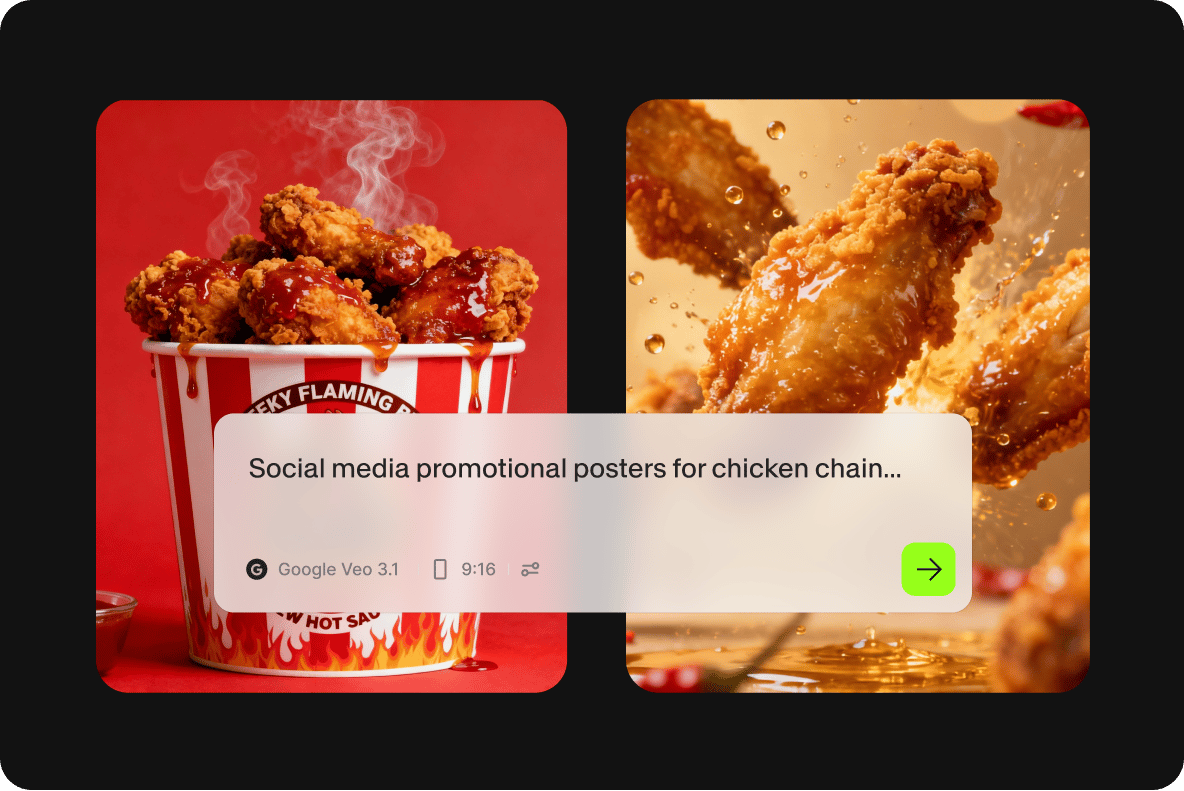
Static images are just the starting point. With Gen AI Studio, turn any AI-generated image into a video reel — VEED automatically adds narration, stock footage, and an avatar. Customize the content and style, then export and share directly to social media. From image to post-ready video, without touching complex editing software.
FAQ
Discover more
Explore related tools
Loved by the Fortune 500
VEED has been game-changing. It's allowed us to create gorgeous content for social promotion and ad units with ease.

Max Alter
Director of Audience Development, NBCUniversal

I love using VEED. The subtitles are the most accurate I've seen on the market. It's helped take my content to the next level.

Laura Haleydt
Brand Marketing Manager, Carlsberg Importers
I used Loom to record, Rev for captions, Google for storing and Youtube to get a share link. I can now do this all in one spot with VEED.

Cedric Gustavo Ravache
Enterprise Account Executive, Cloud Software Group

VEED is my one-stop video editing shop! It's cut my editing time by around 60%, freeing me to focus on my online career coaching business.

Nadeem L
Entrepreneur and Owner, TheCareerCEO.com
More from VEED
When it comes to amazing videos, all you need is VEED
No credit card required
More than an AI-powered image generator
Generating images is one piece of a larger workflow. VEED is an AI video creation platform built for social, so your image can go straight into a video, a reel, or a branded social post without leaving the tab. Add voiceovers, stock footage, captions, and music. Use video templates to get to a finished post faster. Whether you're building an ad, a social campaign, or a product demo, VEED takes you from text prompt to post-ready content in one place. Generate your first image free