


Trusted by 1M+ creators
Photo to Cartoon
Turn photos into cartoons with AI. Upload your image and apply cartoon, anime, and comic book styles
No credit card required
4.6
2,100+ reviews















Turn your photos into cartoons that stand out
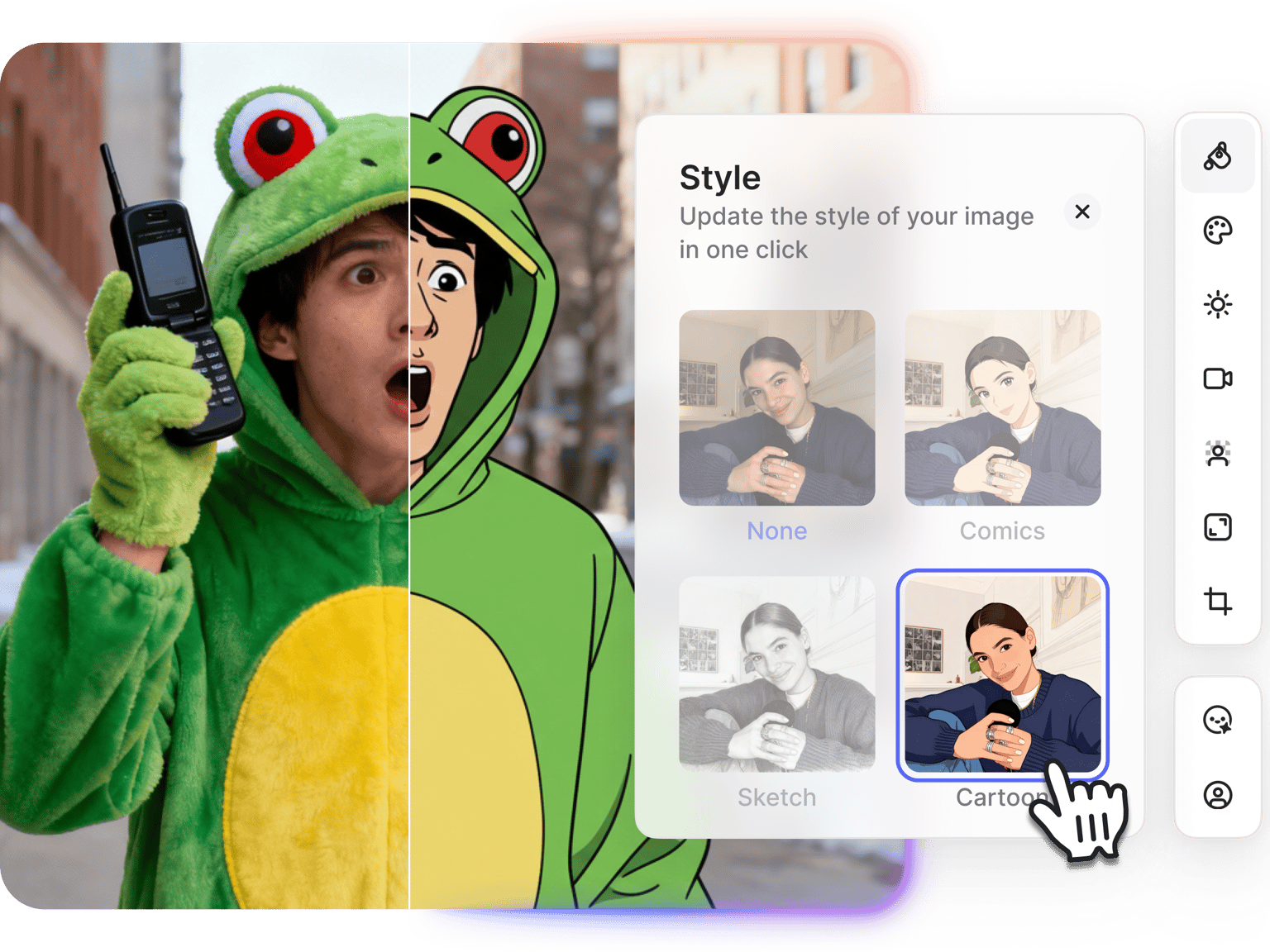
Create cartoon versions of your photos that stand out in crowded feeds. Apply one-click filters like cartoon, comic, or anime style. Then edit specific details with prompts — change the hair color, swap backgrounds, adjust expressions, or try different poses.
Perfect for unique profile pictures, creative social posts, or personalized gifts. For brands and creators, build a library of cartoon variations for campaigns, video thumbnails, and platform-specific content. Powered by advanced AI models like Nano Banana and Flux 2.
How to turn a photo into a cartoon:
Step 01
Upload your photo
Select the image you want to cartoonize. Works with portraits, selfies, product photos, or any image you want to stylize as a cartoon.
Step 02
Choose a cartoon style and customize
Select a preset style like cartoon, anime, comic book, or sketch. Then, you can type a prompt to change specific details: hair color, background, or facial expressions.
Step 03
Download your cartoon image
Save your cartoonized image. Use it for profile pictures, social posts, or creative projects. Want to create more variations? Generate different poses and angles from the same reference photo.
Learn More
Watch this Nano Banana Pro demo:
Multiple cartoon styles with prompt-based control
Apply preset cartoon styles with one click: anime, comic book, 3D cartoon, sketch, pixel art, or watercolor. Then make targeted edits. You can change the hair color, facial expression, background, or pose. Your original photo guides the AI output, preserving facial features while applying a cartoon effect. Test different AI models to compare results. Want to generate cartoon characters from scratch? Use our AI cartoon generator for text-to-image creation.
Cartoon yourself with multiple variations from one photo
Generate multiple cartoon versions from one reference photo. Build an asset library with different poses, camera angles, and expressions. Just select a filter or type a prompt describing your image. Turn one photo into multiple cartoon assets. Create anime-style images for gaming content, comic book art for social posts, or studio portraits for professional profiles.
From cartoon image to animated video content
VEED offers more than just cartoon filters and static images. It lets you animate your photos with image-to-video AI. Use our video cartoonizer to transfer actions from footage onto your cartoon character. Add realistic animation voiceovers for complete cartoon videos. No need to juggle multiple platforms. Cartoonize photos, animate them, and create talking videos all in one place.
FAQ
Follow these steps to turn a picture into a cartoon:
- Upload your photo to VEED's image editor in the AI playground.
- Choose a cartoon preset like cartoon, anime, or comic book. Or pick an AI model and type a prompt like "turn this into 3D cartoon style."
- Download the image or make additional edits to refine details. You can type prompts to change hair color, adjust expressions, and replace backgrounds.
VEED offers preset styles, including:
- Cartoon styles: comic, sketch, anime, pixel art
- Artistic styles: watercolor, oil painting, digital painting
- Modern aesthetics: cyberpunk, vaporwave, pop art
You can also apply custom styles by typing prompts. Different AI models interpret styles differently, so test multiple models to see which best fits your vision.
Yes. Upload a clear headshot, apply your preferred cartoon style, then make targeted edits to hair color, expression, or background. Download your image and use it across platforms. Perfect for social media, gaming accounts, and YouTube channel art.
Yes. You can animate your cartoon image using image-to-video AI. Or use our video cartoonizer to transfer movements from footage onto your cartoon character image. Add AI voiceovers for cartoon videos with speaking characters. VEED offers all these AI animation tools.
VEED uses a credit-based system; each image transformation costs AI credits. Prompt-based editing also costs credits, which vary depending on the AI model you select. Check our pricing page for plan details and credit add-on options.
Most cartoon filters only apply preset effects with no customization. VEED's prompt-based image editor lets you edit specific elements: change hair color, adjust expressions, modify backgrounds, or alter poses. You can even switch to image-to-video mode to animate your cartoon.
Loved by creators.
Loved by the Fortune 500
“
With VEED I didn't need 15 tutorials - I jumped straight in and started editing.

Gwenne Wilcox
Founder,
Brand Brainery
“
You can go beyond choppping things. VEED actually makes my videos look great.

Michael Glover
Demand Gen Manager,
ConvertFlow
“
The first four videos i created with VEED got over 40,000 impressions on LinkedIn.

Travis Tyler
Senior Content Producer,
PandaDoc
“
I found VEED at the right time: if you're making UGC ads and not using Eye Contact Correction and Noise Reduction on VEED you're missing out on ROI.

Sebastian Schurgers
Head of Growth Marketing,
Gronda
“
With VEED I didn't need 15 tutorials - I jumped straight in and started editing.
Gwenne Wilcox
Founder,
Brand Brainery
“
You can go beyond choppping things. VEED actually makes my videos look great.
Michael Glover
Demand Gen Manager,
ConvertFlow
“
The first four videos i created with VEED got over 40,000 impressions on LinkedIn.
Travis Tyler
Senior Content Producer,
PandaDoc
“
I found VEED at the right time: if you're making UGC ads and not using Eye Contact Correction and Noise Reduction on VEED you're missing out on ROI.
Sebastian Schurgers
Head of Growth Marketing,
Gronda
“
The first four videos i created with VEED got over 40,000 impressions on LinkedIn.
Travis Tyler
Senior Content Producer,
PandaDoc
“
I found VEED at the right time: if you're making UGC ads and not using Eye Contact Correction and Noise Reduction on VEED you're missing out on ROI.
Sebastian Schurgers
Head of Growth Marketing,
Gronda
“
With VEED I didn't need 15 tutorials - I jumped straight in and started editing.
Gwenne Wilcox
Founder,
Brand Brainery
“
You can go beyond choppping things. VEED actually makes my videos look great.
Michael Glover
Demand Gen Manager,
ConvertFlow
Discover more
More from VEED
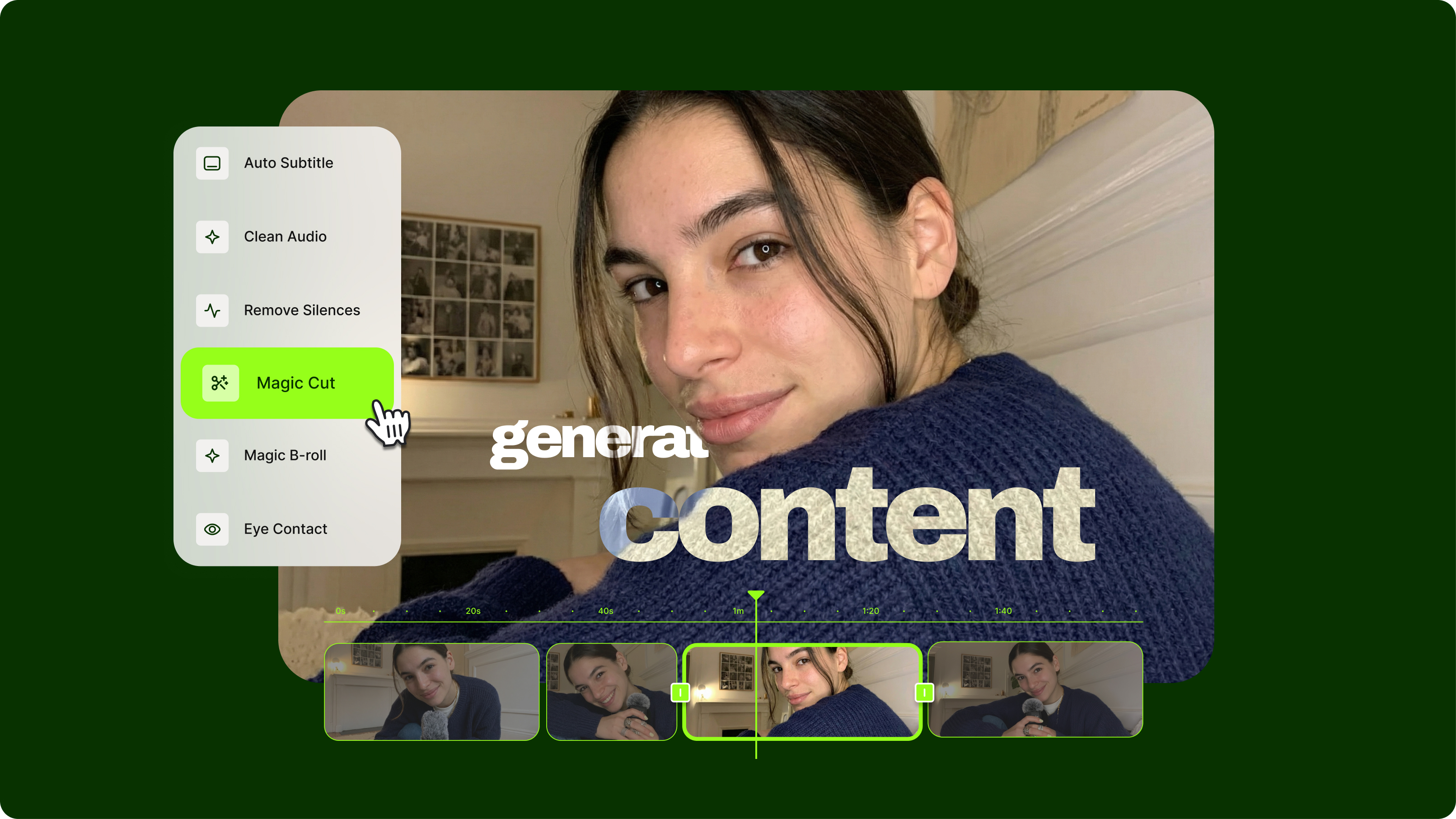
Streamlining Video Editing with AI: A Guide for Busy Marketers
Want to streamline your video editing workflow? Check out this list of the best AI tools for video editing.
.png)
7 Examples of Product Demo Videos (and What We Can Learn from Them)
Want to know what a great product demo video looks like? Check out our roundup of some of the best examples out there.
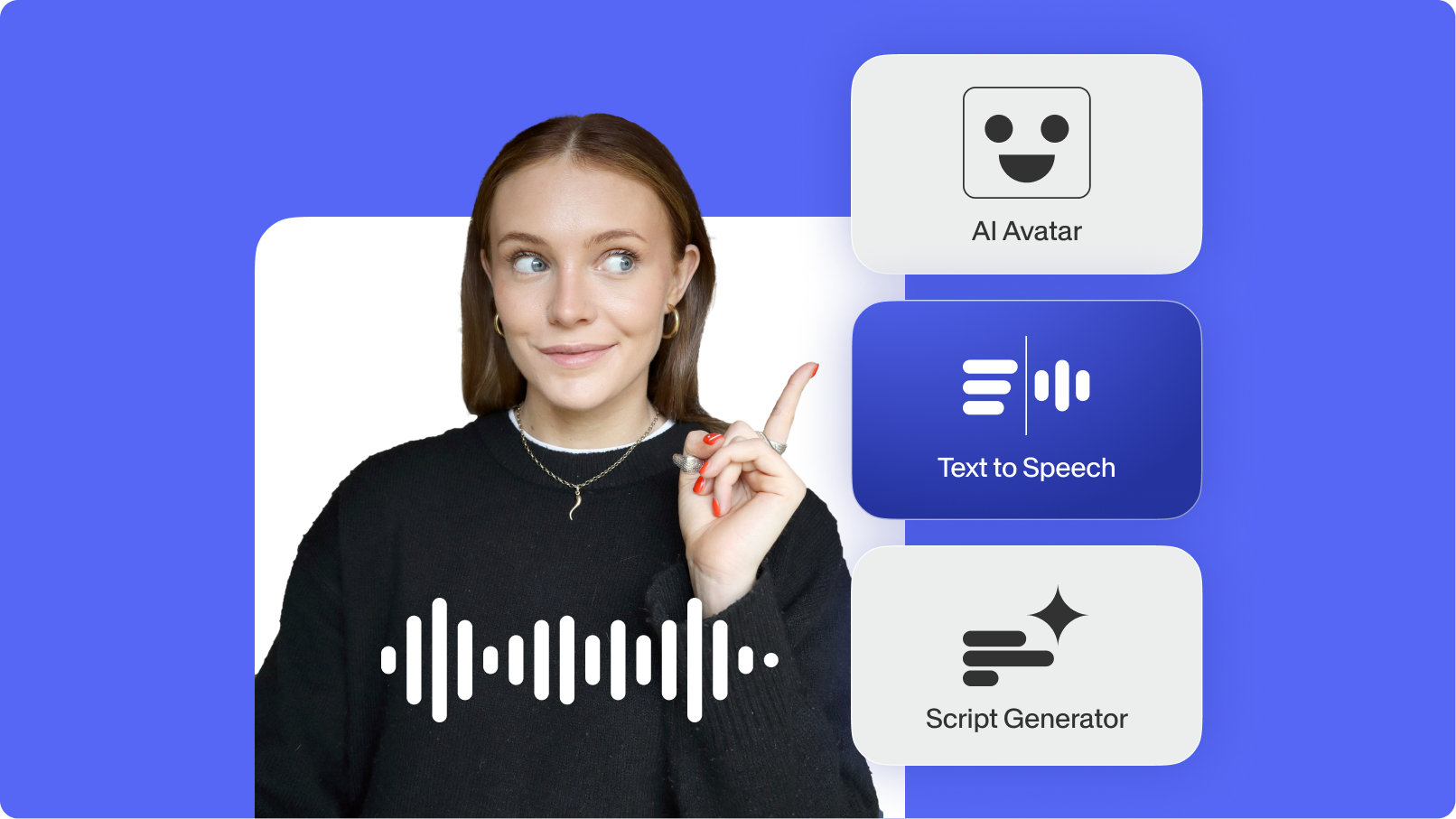
Top AI Video Generation and Creation Tools for Businesses in 2025
We’ve curated the best AI video generators for businesses—featuring automated editing and text-to-video generation.
Trusted by 1M+ creators
When it comes to amazing videos, all you need is VEED
No credit card required
More than a photo to cartoon converter
VEED streamlines your full creative workflow in one platform. Starting from an image idea? Generate cartoon characters using text-to-image AI. Want to stylize your photo? Use our image editor to apply AI filters and custom edits. Then, you can move your images into video projects in our video editor. Animate your photos, add AI voiceovers and music, and export for any platform. Your entire content production process, all in one place. No juggling platforms, no app downloads needed. Sign up now and start creating.