Nano Banana Pro Prompting Guide: Get Better Results in 5 Steps

AI overview: Nano Banana Pro essentials
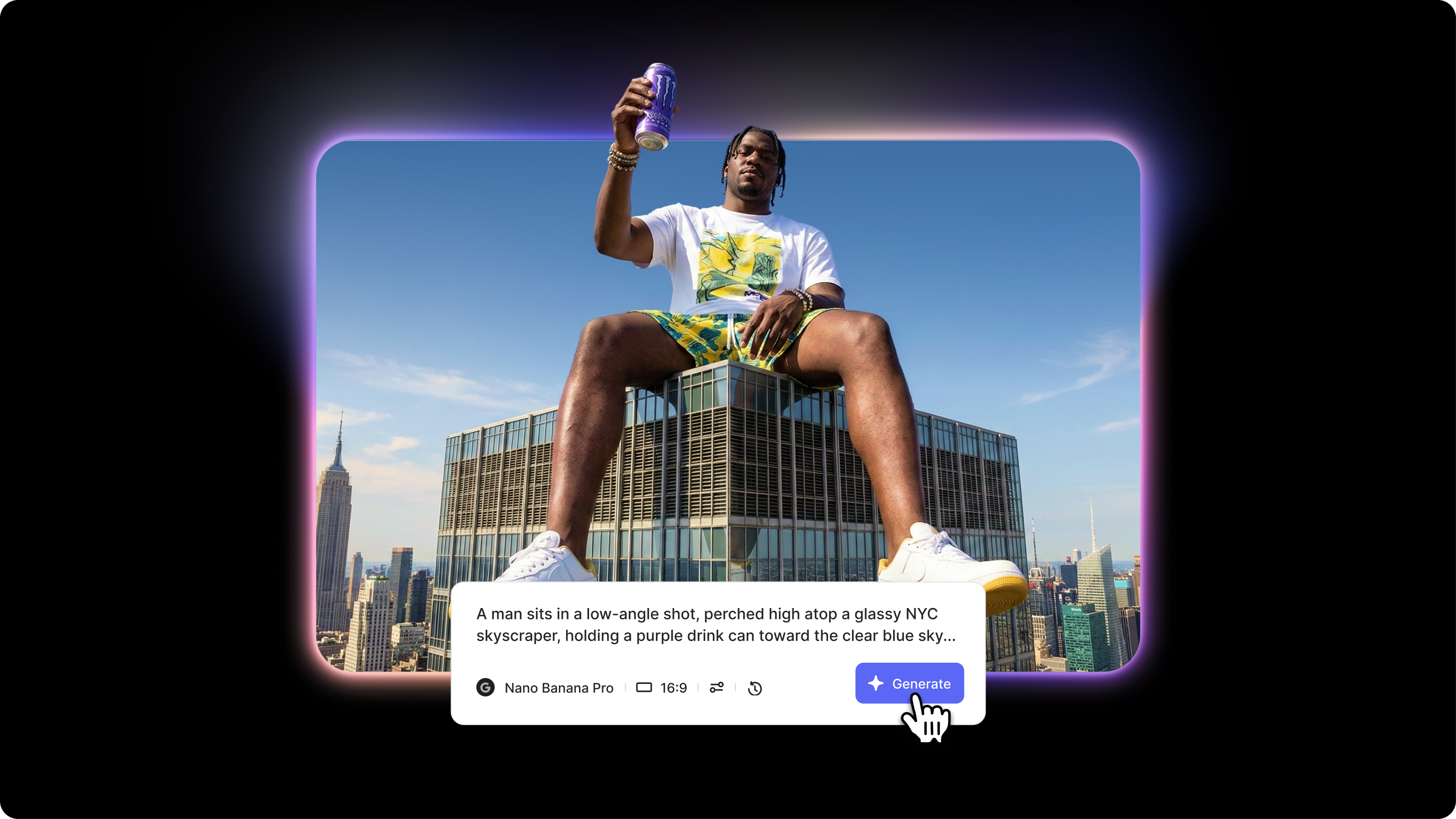
- Nano Banana Pro is Google's advanced AI image generator offering enhanced photorealism, better prompt adherence, advanced negative prompting, and professional-grade outputs compared to standard Nano Banana.
- The Nano Banana Pro prompt format uses a 6-part structure: subject description, technical photography parameters, style/aesthetic, composition, lighting setup, and negative prompt for maximum control.
- Nano Banana Pro prompt engineering best practices include using JSON-structured prompts for complex requests, providing detailed camera specifications, using professional lighting terminology, and including comprehensive negative prompts.
Nano Banana Pro prompt engineering represents the next level in AI image generation, offering professional photographers and creators precise control over photorealistic outputs. Without understanding how Nano Banana Pro's prompting best practices work, you'll underutilize the model's advanced capabilities and get results similar to the standard version. This Nano Banana Pro prompting guide shows you how to leverage advanced features, use JSON prompt structure for complex requests, and create professional images for headshots, portraits, product photography, and commercial use.
What you'll learn: The 6-element Nano Banana Pro prompt structure, JSON formatting for advanced control, professional photography parameters, and proven Nano Banana Pro prompt examples.
Understanding Nano Banana Pro's strengths

What Nano Banana Pro excels at:
Enhanced photorealism: Produces exceptionally realistic images with accurate skin textures, natural lighting behavior, and authentic material properties that surpass standard Nano Banana quality.
Advanced negative prompting: Does Nano Banana Pro support negative prompts? Yes, with more sophisticated control allowing detailed exclusion of unwanted elements, styles, and artifacts.
Professional photography accuracy: Interprets technical camera specifications, professional lighting setups, and industry-standard photography terminology with exceptional precision.
What to avoid:
- Overly abstract artistic descriptions without concrete visual references confuse the advanced parameters
- Conflicting technical specifications (e.g., "shallow depth of field" with "f/16 aperture") create rendering conflicts
- Excessive prompt complexity with 10+ competing style directions dilutes output quality
Quick tip: Nano Banana Pro's advanced capabilities shine when you provide professional-level technical specifications. Think like a commercial photographer briefing an assistant.
Core Nano Banana Pro prompting framework
The 6-part prompt structure
Nano Banana Pro prompt template
[Subject description], [Technical parameters], [Style/Aesthetic], [Composition], [Lighting setup], [Negative prompt]
Nano Banana Pro prompt example:

Fashion editorial prompt: "Female fashion model, mid-20s, Central Asian, long straight black hair, dramatic smoky eye makeup, wearing avant-garde black leather jacket with geometric cutouts, fierce confident expression, slight head tilt. Shot on Hasselblad H6D-100c with 80mm f/2.8 lens at f/4, ISO 64, 1/125 shutter speed. High-fashion editorial style, Vogue Italia aesthetic, dramatic high-contrast lighting with cool blue-gray grading. Vertical fashion portrait from waist up, subject positioned on the right third line, industrial urban background with soft bokeh. Dramatic single-source lighting: large octabox from camera left, creating strong shadows; no fill for a high-contrast mood; subtle backlight separating the subject from the background. Negative: soft focus, overexposed highlights, warm color cast, commercial catalog style, flat lighting, centered composition, cluttered background."
Advanced Nano Banana Pro techniques
JSON prompt structure for complex requests
The Banana Nano Banana Pro JSON prompt format supports structured parameter control for advanced requirements.
When to use: Complex multi-parameter requests requiring precise technical specifications.
Nano Banana Pro JSON prompt structure example:
{
"subject": {
"type": "portrait",
"person": "woman, 30s, professional attire",
"pose": "three-quarter turn, confident stance"
},
"camera": {
"body": "Canon R5",
"lens": "85mm f/1.4",
"settings": {
"aperture": "f/1.8",
"iso": 200,
"shutter": "1/200"
}
},
"lighting": {
"key": "softbox 45° right",
"fill": "reflector left",
"rim": "hair light behind"
},
"style": "corporate editorial",
"negative": ["blurry", "distorted", "artificial"]
}
Advanced lighting terminology
Professional lighting setups using industry-standard techniques.
Nano Banana Pro prompting tips for lighting:
- "Rembrandt lighting" - Creates a triangle of light under the eye
- "Butterfly lighting" - Beauty lighting with shadow under the nose
- "Split lighting" - Dramatic half-lit face
- "Loop lighting" - Portrait standard with small nose shadow
- "Broad lighting" - Illuminates the side of the face toward the camera
- "Short lighting" - Illuminates the side of the face away from the camera
Nano Banana Pro negative prompt best practices
Comprehensive negative prompting for professional results.
Nano Banana Pro recommended negative prompt:
Negative: blurry, soft focus, out of focus, distorted face, distorted features, asymmetrical eyes, extra fingers, missing fingers, deformed hands, unnatural skin texture, artificial plastic skin, oversaturated colors, undersaturated, overexposed, underexposed, harsh shadows, flat lighting, motion blur, noise, grain, pixelated, low resolution, compression artifacts, jpeg artifacts, watermark, signature, text, logo, frame border, vignette, chromatic aberration, lens distortion, poor composition, cluttered background, distracting elements
Common mistakes and fixes
Getting started with Nano Banana Pro
How to prompt Nano Banana Pro effectively requires professional photography knowledge and technical precision. Use the 6-part framework with detailed camera specifications, professional lighting terminology, and comprehensive negative prompts. Start with simple single-subject portraits using basic three-point lighting before attempting complex editorial or commercial setups.
How to write prompts for Nano Banana Pro means thinking like a commercial photographer—every technical decision (camera, lens, aperture, lighting) should be deliberate and specified.
Try Nano Banana Pro in Google Gemini or access it through VEED's AI image generator, where you can create professional images and integrate them directly into your video projects.