AI Video Translation with Lip Sync: Complete Guide (2026)

Subtitles have a quiet message: this content wasn't made for you. Viewers read it, they understand it, but they know it was translated, and that distance matters for brand trust.
AI video translation with lip sync changes this. Instead of overlaying text, it translates the audio and adjusts the speaker's mouth movements to match the new language, so the video looks and sounds like it was recorded for that audience from the start.
This guide explains exactly how it works, when lip sync translation is worth it over subtitles, what to look for in a tool, and how VEED handles it, including an Lip Sync API option for teams localising video at scale.
Key takeaways:
- AI video translation with lip sync automatically translates spoken audio into a new language and adjusts the speaker's lip movements to match, so the video looks like it was recorded in that language.
- It works in five steps: speech recognition, AI translation, voice cloning, facial animation, and export. The whole process takes minutes, not days.
- Lip sync translation is better than subtitles alone when you want content to feel native, for branded video, social content, and talking head format in particular.
- The best tools handle multi-speaker videos, preserve voice tone across languages, and offer API access for teams automating localisation at scale.
- VEED's Lip Sync API lets developers integrate this into a full video pipeline: translate, lip sync, remove backgrounds, add subtitles, and export brand-ready video automatically.
What is AI video translation with lip sync?
AI video translation with lip sync is the process of automatically translating the spoken audio in a video into a new language and adjusting the speaker's lip movements to match the translated speech, without re-filming or hiring voice actors.
It's useful to understand where this sits in the translation spectrum:
The key difference: lip sync translation makes the video look like it was recorded in the target language. For a talking head video, a branded ad, or a social clip where the speaker's face is front and centre, this matters significantly for viewer trust and engagement.
What is lip sync in video translation? Lip sync in video translation refers to the synchronisation of a speaker's mouth movements with translated audio. AI models analyse the original facial movements, generate translated speech, then re-animate the mouth to match the new language's phonetics and timing.
How does AI video translation with lip sync work?
.png)
Five steps happen in sequence, and most modern tools run them automatically in a few minutes:
Step 1: Speech recognition
The AI analyses the video's audio track to identify what's being said, who's saying it, and when. Advanced tools detect multiple speakers, separate overlapping dialogue, and timestamp each phrase, creating an accurate transcript of the original content.
Step 2: AI translation
The transcript is translated into the target language using an AI translation engine. Good tools allow you to define a glossary, locking in brand terms, product names, and technical vocabulary, so the translation stays accurate to your specific context.
Step 3: Voice cloning
Instead of using a generic synthetic voice, the AI clones the original speaker's voice, preserving their tone, pace, and energy, and generates a new audio track in the target language that sounds like them. This is what separates AI lip sync from old-school dubbing, where the replacement voice always sounded obviously different.
Step 4: Facial animation and lip sync
The AI analyses the speaker's mouth movements in the original video, then re-animates them to match the phonetics of the translated audio. The model adjusts timing, mouth shape, and natural facial movement so the new speech appears to come from the speaker naturally. Results are best with a front-facing speaker, good lighting, and minimal background noise.
Step 5: Rendering and export
The translated audio and re-animated video are merged and exported. The output is a new video file, same visual quality, same speaker, new language. Most tools return standard formats (MP4, MOV) at the original resolution.
VEED example: upload a video, select the target language, and VEED's Lip Sync API runs all five steps, returning a processed video ready to post. Teams handling multiple languages run this via API, processing batches without manual steps in between.
Lip sync vs. subtitles: when to use each
Both are valid localisation approaches. The choice depends on your content type, audience, and budget.
The practical rule: if the speaker's face is the focus of the video, lip sync translation is worth the investment. If the content is screen recording, narration-only, or tutorial-style with no on-camera presenter, subtitles are faster and sufficient.
What to look for in an AI lip sync translation tool
Not all AI lip sync tools are built the same. Here's what matters when evaluating them:
Lip sync accuracy
The most obvious criterion. Look for tools tested on varied content, including different speakers, different paces, and different languages. Lip sync quality can degrade at sentence boundaries and with fast speech. Test your actual use case before committing to a tool at scale.
Voice cloning quality
A convincing lip sync is undermined by a voice that doesn't sound like the original speaker. The best tools preserve tone, energy, and natural pauses, not just phoneme matching. Ask whether the tool uses a generic TTS voice or true cloning from the original audio.
Language coverage
Check not just the number of languages but the quality per language. Some tools perform excellently in Spanish and French but poorly in languages with complex phonetics. Verify with a test in your target markets.
Multi-speaker handling
Videos with more than one speaker, such as interviews, panel discussions, and conversations, are harder to lip sync. The AI needs to track who is speaking when and apply different voice clones and lip animations per speaker. Single-speaker tools will struggle here.
What happens after generation
This is where most point solutions fall short. You get a lip-synced video, but it still needs subtitles, background clean-up, aspect ratio adjustment for each platform, and brand elements dropped in. Look for tools that handle the full pipeline, or that offer API access so you can chain operations together.
API access for scale
Teams processing more than a handful of videos per week need API access. Manual upload-and-download workflows don't scale. An API lets you integrate lip sync translation directly into your content pipeline, trigger it automatically, process batches overnight, and connect it to your CMS or social scheduler.
How VEED handles AI video translation with lip sync
VEED's approach to lip sync translation is built for teams who need the full pipeline, not just the dubbing step. Here's the workflow:
- Upload your video to VEED or send it via the Lip Sync API
- Select the target language: VEED supports 35+ languages with voice cloning
- VEED transcribes the audio, translates the script, and clones the speaker's voice
- The Lip Sync AI re-animates the speaker's mouth to match the translated audio
- The processed video returns, ready for subtitles, background removal, and branding in the same platform
That last step is the difference. Most lip sync tools hand you a video file and stop there. VEED continues: add subtitles, clean the background for a studio look, apply brand colours and logo, and resize for Instagram, LinkedIn, or TikTok, all in the same workflow.
For teams automating at scale: VEED's Lip Sync API
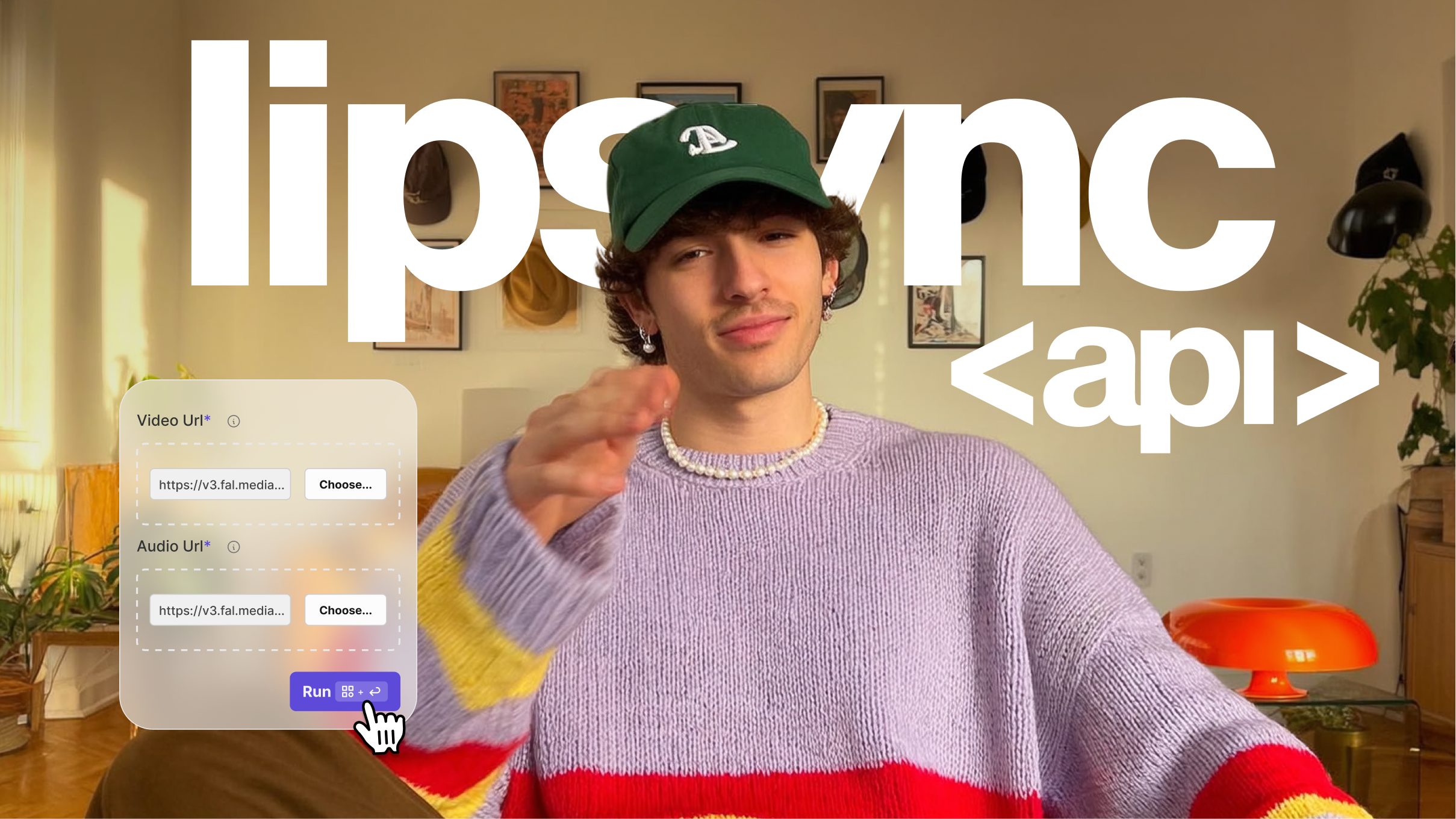
Content teams handling multiple languages, multiple videos per week, or both need more than a manual upload interface. VEED's Lip Sync API lets developers integrate the full lip sync translation workflow directly into their content pipeline:
- Send a video and target language, receive a lip-synced video automatically via the Lip Sync API
- Chain it with background removal and subtitle generation in the same API call
- Process batches without manual steps: overnight runs, automatic delivery
- Connect to your CMS, social scheduler, or DAM for end-to-end automation
VEED's video APIs:
- Lip Sync API: sync translated audio to video in 35+ languages
- Background Remover API: remove or replace video backgrounds at scale
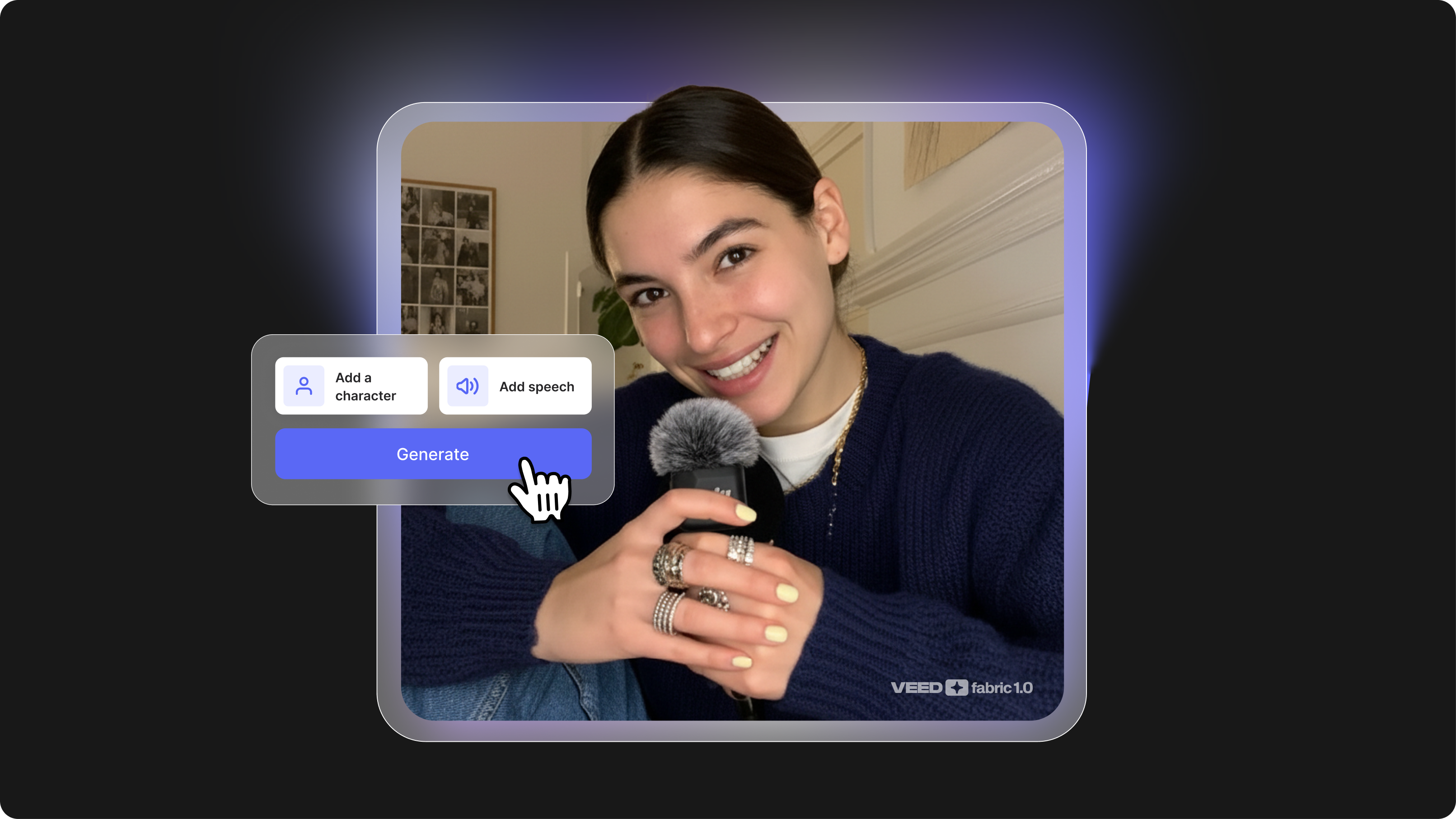
- Fabric 1.0 API: generate AI video from a text prompt
- VEED API overview: full documentation and API access
Current limitations to note: VEED's lip sync performs best with single-speaker video, front-facing camera, and clear audio. Multi-speaker videos and side-profile shots may produce less consistent results, as is the case with most tools in this category today.
Recap and final thoughts
Here's what to remember:
- AI lip sync translation makes video feel native: it's not just translation, it adjusts the speaker's mouth movements so the output looks like it was recorded in that language.
- Five steps run automatically: speech recognition, translation, voice cloning, facial animation, and export. Most tools handle this in minutes.
- Use lip sync when the speaker's face is the focus: talking head video, branded content, social clips. Use subtitles for narration-only, tutorials, and live recordings.
- Look beyond the dubbing step: the best tools handle what comes after generation, including subtitles, background, branding, and export formats.
- Teams at scale need API access: manual workflows don't hold up at volume. An API-first approach lets you automate lip sync translation as part of your content pipeline. Explore the Lip Sync API.
FAQ
Lip sync in video translation refers to the synchronisation of a speaker's mouth movements with translated audio. When a video is dubbed into a new language, the AI re-animates the speaker's lips to match the phonetics and timing of the translated speech, so the video looks like it was recorded in that language, rather than dubbed over.
Quality has improved significantly in 2025 and 2026. The best tools produce convincing results with single-speaker, front-facing video and clear audio. Accuracy is lower for side-profile shots, fast speech, heavy accents, or multi-speaker scenes. Always test your specific use case before deploying at scale: most tools offer a free trial for this reason.
Traditional dubbing replaces the audio with a new voice but doesn't adjust the speaker's lip movements, so the mouth and words don't match. AI lip sync translation goes further: it re-animates the speaker's face to match the translated speech, making the result look natural rather than overdubbed. Lip sync is the premium tier of video dubbing.
Upload your video to an AI video translation tool, select English as the target language, and the tool will transcribe the original audio, translate it, clone the speaker's voice, and return a translated video, with or without lip sync depending on the tool. VEED's Lip Sync API handles this programmatically for teams processing multiple videos.
Language coverage varies by tool. HeyGen supports 175+ languages for video translation. VEED's Lip Sync API covers 35+ languages with voice cloning. Most tools support the major world languages, including Spanish, French, German, Portuguese, Japanese, Mandarin, Hindi, and Arabic, at good quality. Verify your specific target languages with a free trial before committing.
Yes. VEED's Lip Sync API is designed for teams processing multiple videos programmatically. You send a video and a target language; the API returns a lip-synced version. You can chain it with other VEED APIs, including background removal and subtitle generation, to build a fully automated localisation pipeline. Documentation is at veed.io/api.