


Trusted by 1M+ creators
Video Maker
Create a video from an idea, script, or your existing footage
No credit card required
4.6
2,100+ reviews















Free online video maker
Create any video you need, right from your browser. Upload your footage, photos, and audio. Add text, captions, filters, and effects, and export. No software download, no video production experience needed. Starting without footage? Generate a complete video from a script or prompt. Then add your logo and other brand assets to make your video unmistakably yours. VEED turns your idea into a publish-ready video in minutes.
How to create a video:
Step 01
Upload, record, or generate
Start from anywhere: Upload your existing footage, record directly from your phone or webcam, or generate a video using AI text-to-video.
Step 02
Edit
Add filters, camera effects, text, images, captions, and more. Adjust and fine-tune until your video looks the way you want it.
Step 03
Export
Click ‘Done' to export your video and save to your device, ready to share on any platform.
Learn More
Learn how to make videos with VEED:
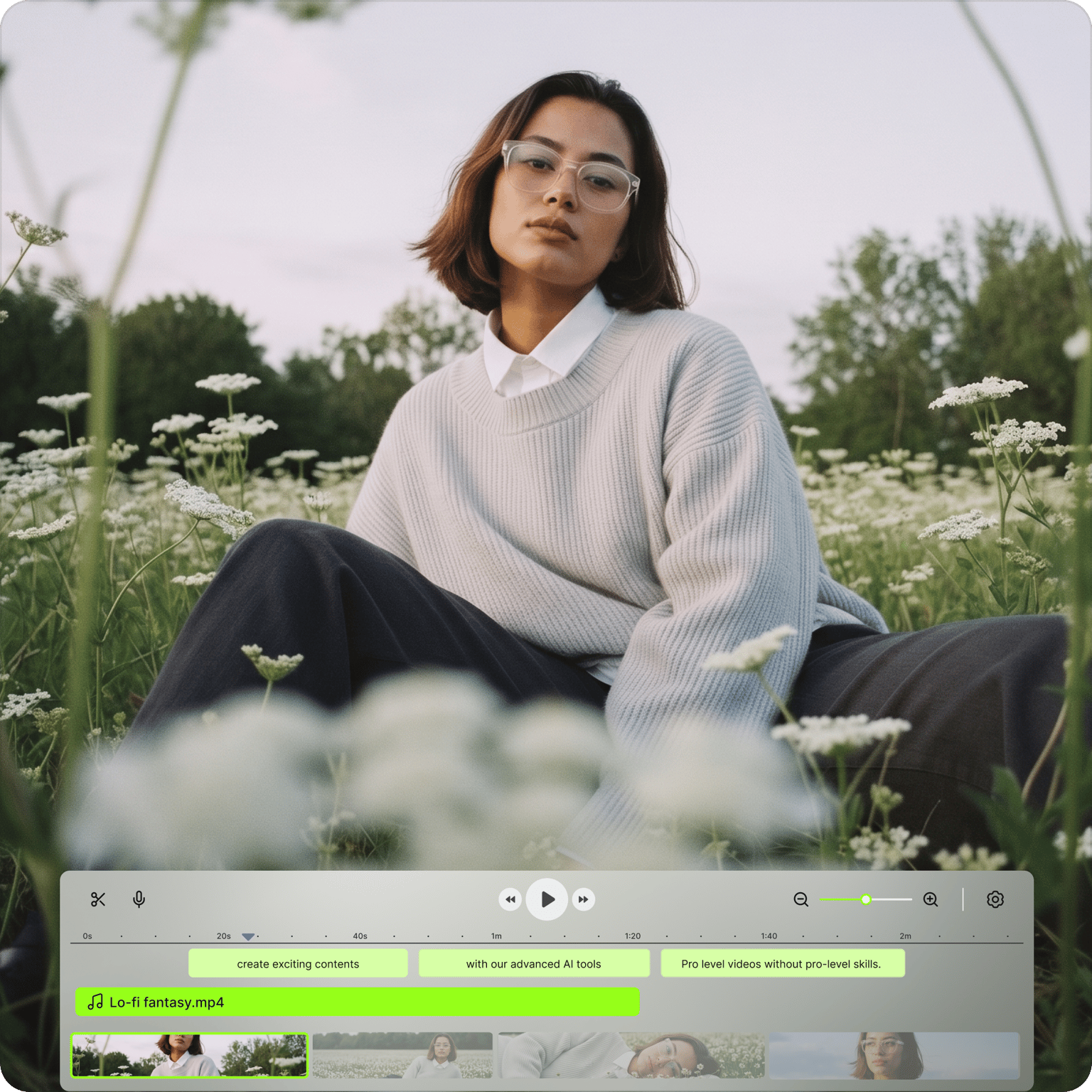
Make marketing videos worth posting
Add video effects, camera filters, text, subtitles, and images to make your videos look polished. No video production experience needed. All tools feature drag-and-drop, which lets you easily add elements to your video. Add your watermark or logo to keep every video on brand and build brand awareness across every platform you post on.
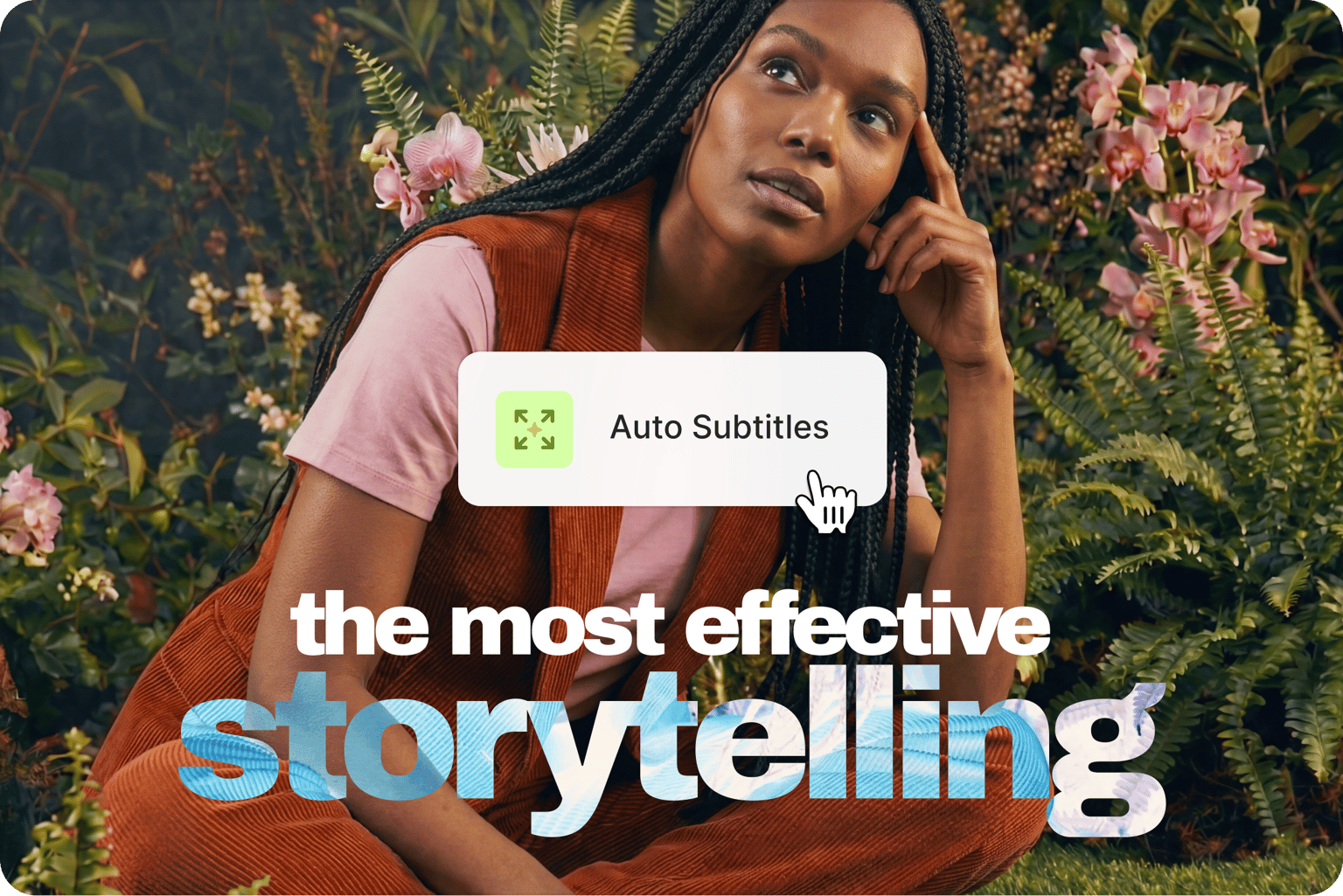
Reach a wider audience with every video
Add subtitles to make your videos accessible to a wider audience. VEED can generate subtitles automatically. Subtitled videos get more watch time and reach viewers watching without sound — the default on many social platforms. Add music visualizers, audio, and images to craft videos that tell compelling stories.
Create videos from scripts or text prompts
No footage? No problem. Use Gen-AI Studio to turn a script or idea into a complete video with captions, voiceovers, and supporting visuals. Add your brand colors, fonts, and logo so the output looks like your brand made it, not AI. Generate, refine, and export post-ready videos in one workflow.
FAQ
VEED is an AI video creation platform that lets you upload your own footage or generate a complete video from a script or prompt — all from your browser. Add captions, filters, effects, and brand assets, and export for any platform.
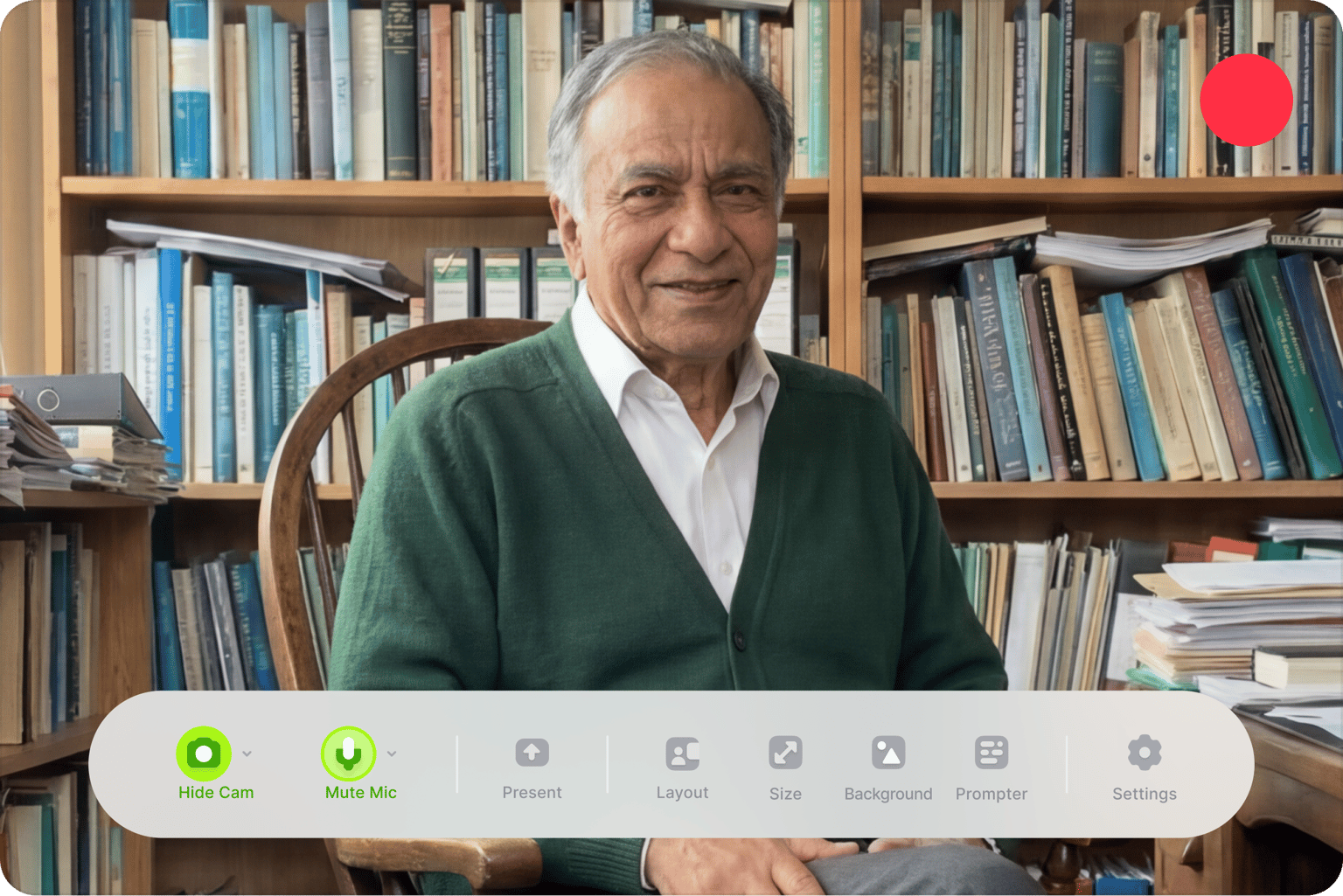
Record a video with a camera, your mobile phone, or directly from VEED using your webcam. Upload the recorded file to VEED and start editing. You can download the edited video to your device.
VEED lets you add a lot of elements to your videos including images and audio. To add pictures and music to your video, simply click on the plus (+) icon on the bottom right of the editor. Select your image or audio files and they will be added to your videos.
You absolutely can! VEED can automatically generate subtitles for you or you can type them manually! Just click on the Subtitles tab, click Auto Subtitles, and edit as needed.
The best way to edit your videos like a pro is to use VEED. All tools feature drag and drop capabilities, which lets you create professional-looking videos in minutes.
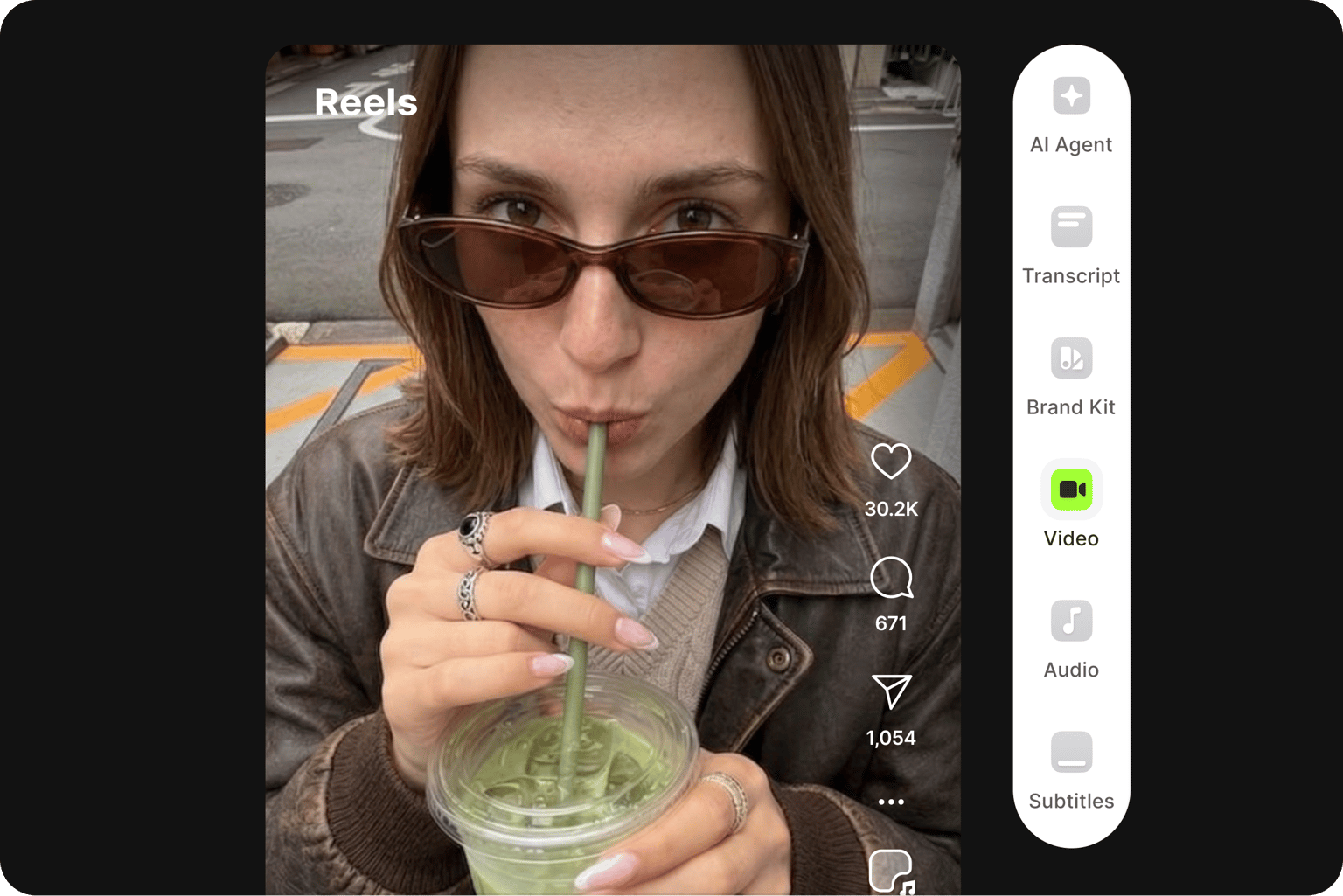
YouTubers can use VEED to create on-brand videos at scale. Generate and refine videos with Gen-AI Studio. Or start from your existing footage: remove silences and filler words with Magic Cut, generate dynamic captions, and extract viral-worthy clips from longer videos.
Loved by creators.
Loved by the Fortune 500
“
With VEED I didn't need 15 tutorials - I jumped straight in and started editing.

Gwenne Wilcox
Founder,
Brand Brainery
“
You can go beyond choppping things. VEED actually makes my videos look great.

Michael Glover
Demand Gen Manager,
ConvertFlow
“
The first four videos i created with VEED got over 40,000 impressions on LinkedIn.

Travis Tyler
Senior Content Producer,
PandaDoc
“
I found VEED at the right time: if you're making UGC ads and not using Eye Contact Correction and Noise Reduction on VEED you're missing out on ROI.

Sebastian Schurgers
Head of Growth Marketing,
Gronda
“
With VEED I didn't need 15 tutorials - I jumped straight in and started editing.
Gwenne Wilcox
Founder,
Brand Brainery
“
You can go beyond choppping things. VEED actually makes my videos look great.
Michael Glover
Demand Gen Manager,
ConvertFlow
“
The first four videos i created with VEED got over 40,000 impressions on LinkedIn.
Travis Tyler
Senior Content Producer,
PandaDoc
“
I found VEED at the right time: if you're making UGC ads and not using Eye Contact Correction and Noise Reduction on VEED you're missing out on ROI.
Sebastian Schurgers
Head of Growth Marketing,
Gronda
“
The first four videos i created with VEED got over 40,000 impressions on LinkedIn.
Travis Tyler
Senior Content Producer,
PandaDoc
“
I found VEED at the right time: if you're making UGC ads and not using Eye Contact Correction and Noise Reduction on VEED you're missing out on ROI.
Sebastian Schurgers
Head of Growth Marketing,
Gronda
“
With VEED I didn't need 15 tutorials - I jumped straight in and started editing.
Gwenne Wilcox
Founder,
Brand Brainery
“
You can go beyond choppping things. VEED actually makes my videos look great.
Michael Glover
Demand Gen Manager,
ConvertFlow
Discover more
- AI ASMR
- Anniversary Video Maker
- Award Video
- Breaking News Video Maker
- Clip Maker
- Commentary Video
- Comparison Video
- Congratulations Video
- Customized Video
- Event Video
- Fancam Maker
- Greeting Video
- Gym Video Editing
- Hype Video Maker
- Karaoke Video Maker
- Reaction Video Maker
- Response Video
- Romantic Video Online
- Scary Video Maker
- Scrapbook Video Maker
- Snack Video Online Free
- Sponsor Video
- Teacher’s Day Video
- Timeline Video Maker
- Travel Video Editor
- Vertical Video Editor
- Video Maker for Kids
- Vlog Video Editing
Explore related tools
More from VEED
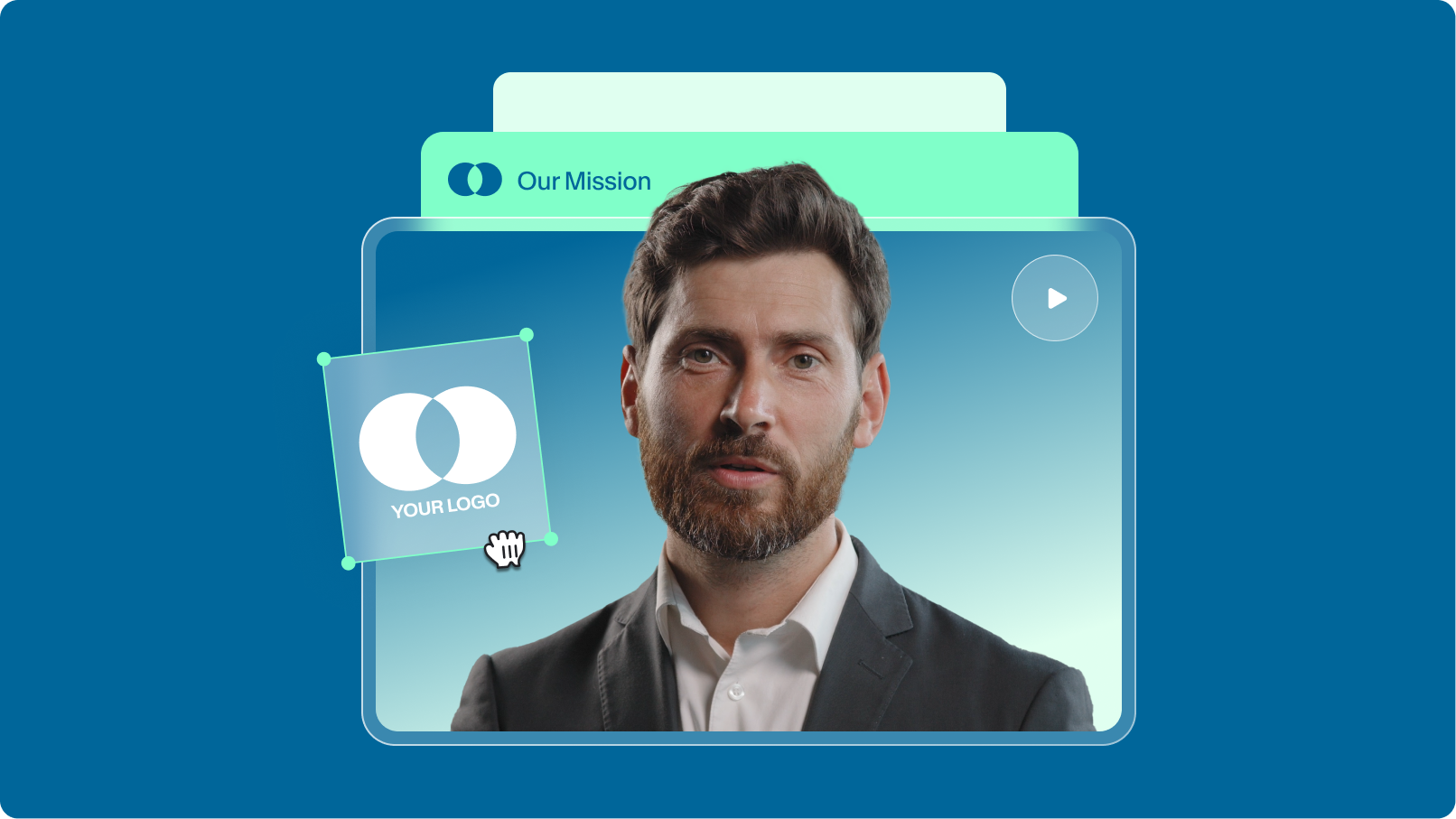
How to Scale Video Creation and Remain On-Brand
Empower your teams to efficiently create, edit, and repurpose more on-brand videos with VEED. Learn more here.

How to Make AI Videos with VEED: Bring Your Ideas to Life
Want to learn how to make AI videos with VEED? Check out this starter guide to take your video projects from A to Z in the blink of AI.
.png)
Remix Your Content: 5 Ways to Transform Your Videos with VEED
Ready to unlock new creative possibilities? Let's dive into 5 ways you can remix your content on VEED.
Trusted by 1M+ creators
When it comes to amazing videos, all you need is VEED
No credit card required
More than a video maker
VEED is an AI video creation platform that turns your ideas into publish-ready videos in minutes. No complex software, no full production team needed. Use Gen-AI Studio to generate a complete video from a script or prompt. Or generate custom visuals with the best AI models like Veo 3.1, Kling, and Seedance. Need talking head content for explainer videos and UGC ads? Use our AI avatar generator to create a lifelike presenter without filming anything. Everything you need to make videos worth posting, all in one platform. Sign up now and create your first video.