


Trusted by 1M+ creators
AI ASMR
AI ASMR generator. Generate scripts, clean your audio, add graphics, and more
No credit card required
4.6
2,100+ reviews















Make a captivating ASMR video in minutes
Need inspiration for ASMR content? Or want to save time on editing videos? Our intuitive editor lets you make engaging ASMR videos in just a few clicks. Generate scripts instantly, clone your voice, and add visuals – you can do it all on VEED!
Explore our wide range of tools that simplify your workflow. From script writing and recording to cleaning your audio, we’ve got you covered. And you can do much more than AI ASMR videos. You can create vlogs, tutorials, and talking head videos too!
How to make an ASMR video with AI:
Step 01
Generate script & record
Use our AI script generator to create a narrative. Then, record your voiceover or clone your whispering voice with our voice cloning tool.
Step 02
Customize
Add video clips, images, sound effects, or music. Enhance your video with AI-generated backgrounds, voice visualizers, or green screen effects.
Step 03
Export & share
Export your video in high quality and share it on your preferred platform.
Learn More
Learn how to make engaging videos:
Create engaging ASMR videos
VEED’s all-in-one editor lets you create ASMR videos effortlessly. Generate scripts and background images with our AI software. Record your voiceovers and clean up your audio. Enhance your videos with a green screen, sound effects, and relaxing music. With VEED, you can combine all these elements to craft a great ASMR video.
Achieve studio-quality audio
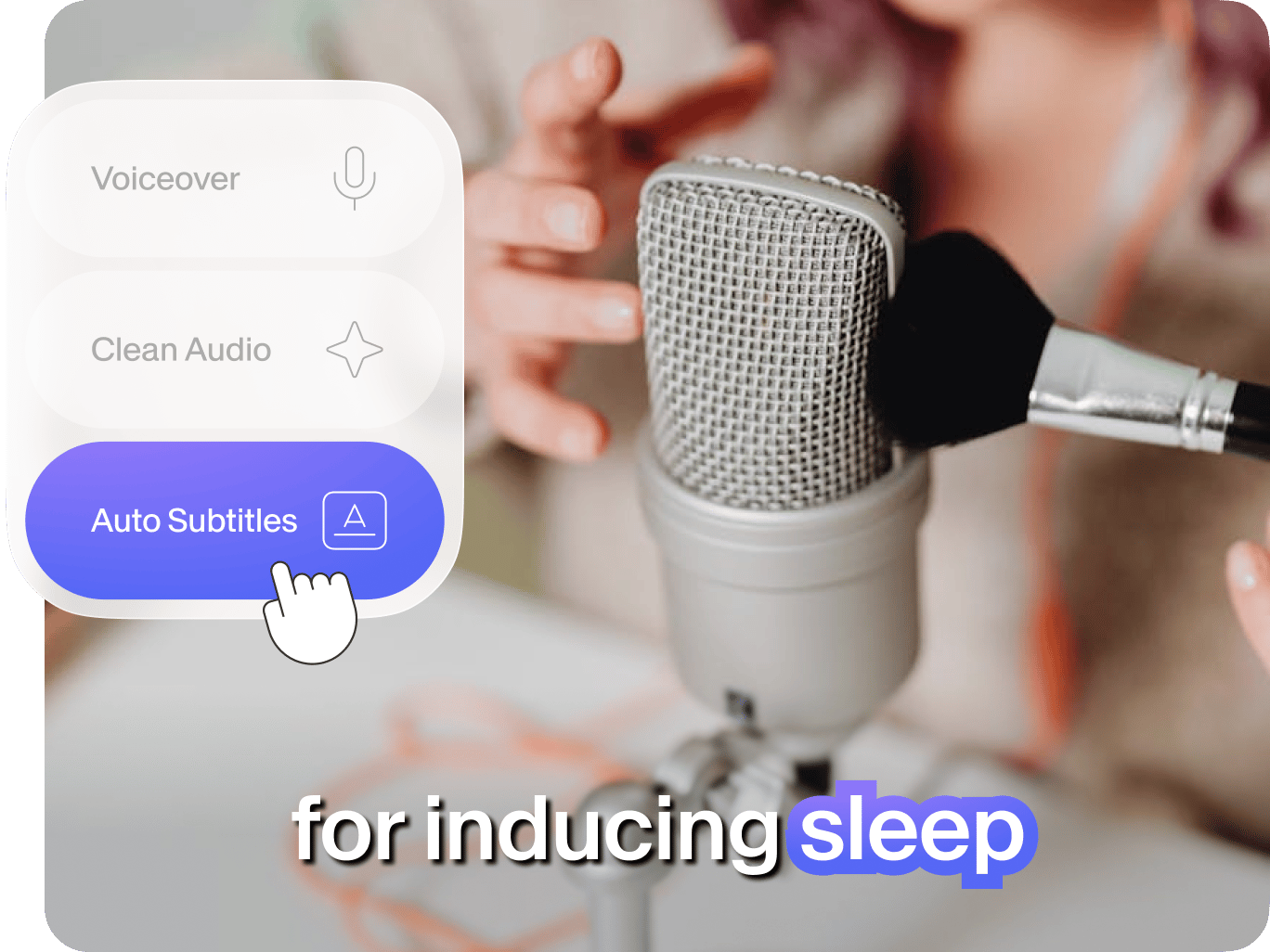
Create voiceovers using our voice recorder or voice cloning tool. You can easily remove background noise with our Clean Audio tool (available for paid users). Ensure your ASMR audio is clear, crisp, and free of harsh noise. Provide viewers with a high-quality listening experience, enhancing relaxation and ASMR sensations.
Boost brand recognition
Add custom intros and outros. Your unique branding can add a professional touch to your ASMR channel. Our brand kit feature lets you upload your logo, colors, and fonts, ensuring consistent visuals across your content. Create custom intros and outros that showcase your brand identity. Leave a lasting impression on your audience.
FAQ
ASMR videos are designed to evoke a soothing, tingling sensation through soft sounds, calming visuals, and gentle tactile cues. They often feature scenarios like nature, mukbang, arts and crafts, unboxing, or cooking. The goal is to create a relaxing and pleasurable experience for the viewer.
To create an ASMR video, choose a trigger, such as whispering, tapping, brushing, or soothing sounds like rain, ocean waves, and wind chimes. Use VEED’s video editor to arrange your video and audio clips. Ensure smooth transitions for a calming effect. You can also apply filters and extra effects to enhance the overall experience.
Yes, you can create ASMR videos using our AI ASMR generator. Write a script or generate one with VEED, then record your voice using a soft, soothing tone. Experiment with our voice cloning tool by recording a whispered voice sample. Create an image with AI, browse our stock video library, or add a simple voice visualizer to complete your ASMR video.
AI may not fully replicate human expression, but it empowers creators to explore new creative avenues. Our AI tools allow artists to experiment with scripts, voices, and visuals, blending human and artificial elements. By using AI to handle time-consuming tasks and spark inspiration, creators can focus on their unique skills and artistic vision to create innovative ASMR content.
Brands can effectively use ASMR in their video marketing to engage customers, build recognition, and stand out from competitors. By showcasing products or materials through visuals, audio, and tactile stimuli, brands create a memorable, immersive experience.
Loved by creators.
Loved by the Fortune 500
“
With VEED I didn't need 15 tutorials - I jumped straight in and started editing.

Gwenne Wilcox
Founder,
Brand Brainery
“
You can go beyond choppping things. VEED actually makes my videos look great.

Michael Glover
Demand Gen Manager,
ConvertFlow
“
The first four videos i created with VEED got over 40,000 impressions on LinkedIn.

Travis Tyler
Senior Content Producer,
PandaDoc
“
I found VEED at the right time: if you're making UGC ads and not using Eye Contact Correction and Noise Reduction on VEED you're missing out on ROI.

Sebastian Schurgers
Head of Growth Marketing,
Gronda
“
With VEED I didn't need 15 tutorials - I jumped straight in and started editing.
Gwenne Wilcox
Founder,
Brand Brainery
“
You can go beyond choppping things. VEED actually makes my videos look great.
Michael Glover
Demand Gen Manager,
ConvertFlow
“
The first four videos i created with VEED got over 40,000 impressions on LinkedIn.
Travis Tyler
Senior Content Producer,
PandaDoc
“
I found VEED at the right time: if you're making UGC ads and not using Eye Contact Correction and Noise Reduction on VEED you're missing out on ROI.
Sebastian Schurgers
Head of Growth Marketing,
Gronda
“
The first four videos i created with VEED got over 40,000 impressions on LinkedIn.
Travis Tyler
Senior Content Producer,
PandaDoc
“
I found VEED at the right time: if you're making UGC ads and not using Eye Contact Correction and Noise Reduction on VEED you're missing out on ROI.
Sebastian Schurgers
Head of Growth Marketing,
Gronda
“
With VEED I didn't need 15 tutorials - I jumped straight in and started editing.
Gwenne Wilcox
Founder,
Brand Brainery
“
You can go beyond choppping things. VEED actually makes my videos look great.
Michael Glover
Demand Gen Manager,
ConvertFlow
Discover more
- Anniversary Video Maker
- Award Video
- Breaking News Video Maker
- Clip Maker
- Commentary Video
- Comparison Video
- Congratulations Video
- Customized Video
- Event Video
- Fancam Maker
- Greeting Video
- Gym Video Editing
- Hype Video Maker
- Karaoke Video Maker
- Reaction Video Maker
- Response Video
- Romantic Video Online
- Scary Video Maker
- Scrapbook Video Maker
- Snack Video Online Free
- Sponsor Video
- Teacher’s Day Video
- Timeline Video Maker
- Travel Video Editor
- Vertical Video Editor
- Video Maker for Kids
- Vlog Video Editing
Explore related tools
More from VEED

How to Clean Up Audio in a Video With This One-Click Trick
Remove distracting background noises in a single click using VEED. Learn how in this guide!

105 YouTube video ideas for when you don't know what to post
Want to grow your YouTube channel but are stuck on what to post? We did the work and curated a list of 105 ideas every creator should know about.

20+ Best AI Tools in 2025 (The Only List You’ll Need)
Here are the best AI tools for video, writing, generating art, and coding. Read to find out which is the best one in each category.
Trusted by 1M+ creators
When it comes to amazing videos, all you need is VEED
No credit card required
More than AI ASMR videos
VEED's all-in-one editor is perfect for creating a wide range of content, from YouTube videos to social media posts. Craft professional-looking intros and outros for your ASMR channel. Expand your content lineup with tutorials, vlogs, and product reviews. Use features like motion graphics, auto-captions, and video resizing. With VEED, you can create high-quality content in just a few clicks. Try VEED now and streamline your workflow.