


Trusted by 1M+ creators
Thai Dubbing
Instantly dub videos in Thai. Translate voice, add subtitles, and reach more viewers
No credit card required
4.6
2,100+ reviews















Thai dubbing with AI voice translation
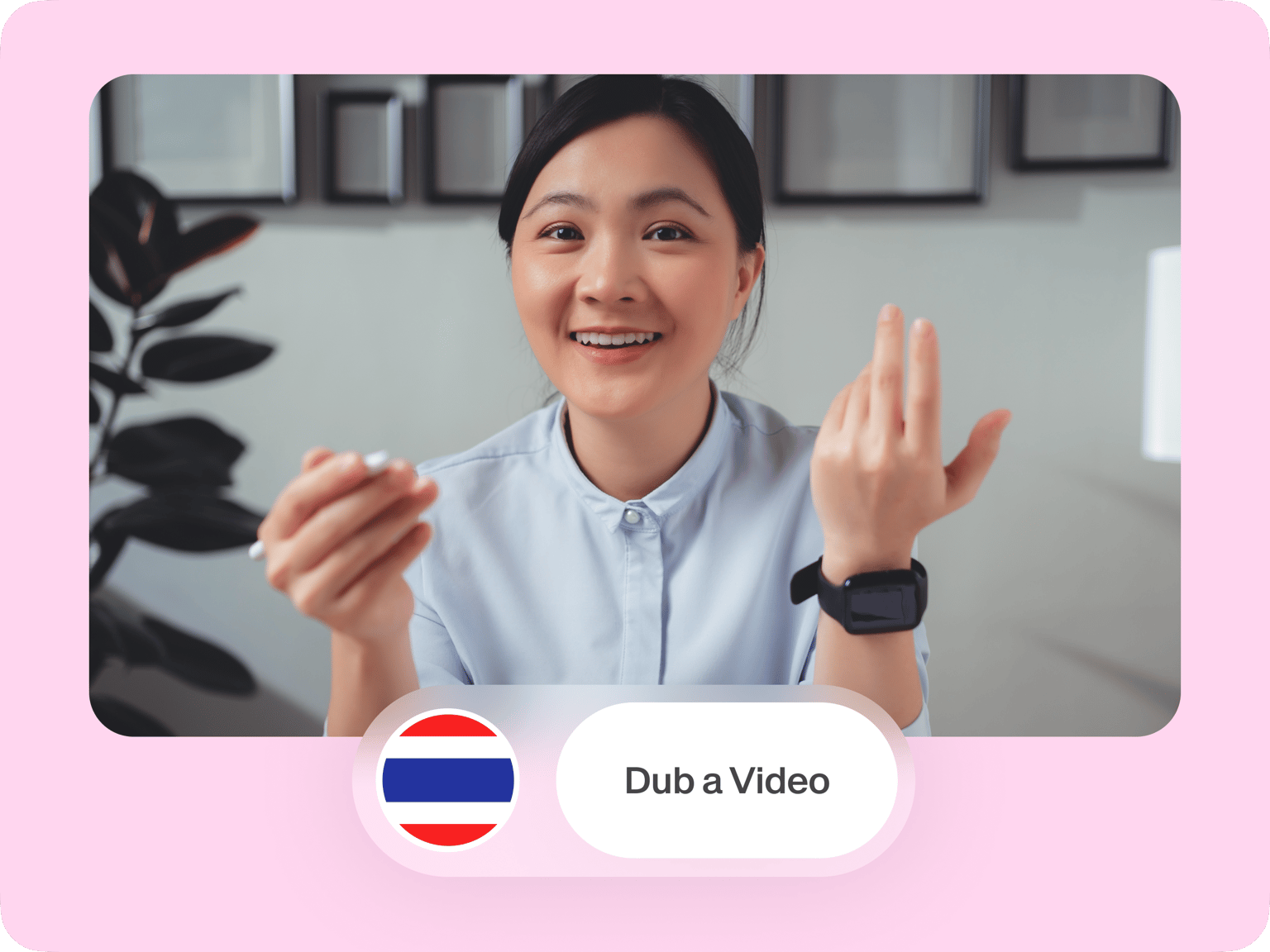
Dubbing videos in Thai doesn’t have to take days. Our AI dubbing software can do it in minutes. Translate marketing campaigns, educational content, and company updates to Thai. Plus, explore more ways to localize your videos, such as auto-subtitles.
Need to add a text title or shorten a clip? With VEED, it’s as easy as drag and drop! We also offer a brand kit feature, which lets you apply consistent branding across your videos. Create polished videos that resonate with Thai viewers. Get started now.
How to dub audio or video in Thai:
Step 01
Upload or record
Upload your audio or video file. You can drag and drop your files into the editor. Or start recording using our online voice recorder.
Step 02
Translate to Thai
Select your video or audio clip. Click ‘Translate voice,’ then choose ‘Thai’ and your preferred speaker.
Step 03
Export or keep creating
Our AI dubber will duplicate and translate your project. Click ‘Done’ and export your Thai dub. You can also enhance your video with our video editing tools.
Learn More
Watch this AI voice dubbing tutorial:
Thai dubbing in minutes
Our dubbing software is a fast, cost-effective way to reach Thai-speaking viewers. No need to wait days. With automatic dubbing, it only takes minutes. Connect better with your audience through content in their native language.
Auto-subtitles in Thai and 125+ more languages
Generate subtitles in almost any language. Our subtitles generator is 99.9% accurate, and you can easily refine the words and text style. Want to localize voiceovers for a video? Convert text to speech in Thai and many more languages.
Built-in video editing tools to tie it all together
It doesn’t stop at AI dubbing and subtitles. You can do basic to advanced edits on your video too. Trim clips, color-correct footage, and add eye-catching animations. Or create a digital clone of yourself for more personalized content.
FAQ
- Upload your video or audio, or start recording using our built-in recorder.
- Select the clip in the timeline and click ‘Translate voice.’
- Choose ‘Thai’ in the language dropdown.
- Click ‘Duplicate and translate’ to create your dubbed video.
Our voice translation tool is free to try. Then, you can upgrade to a Pro subscription to unlock higher usage limits. A paid plan also gives you access to more features like HD watermark-free exports and voice cloning.
Thai dubbing is available only with preset AI voices in our ‘Translate voice’ tool. However, we do offer voice cloning for 29 other languages including Chinese, Korean, and Japanese through our AI dubbing tool.
Yes. Aside from voice-to-voice translation, you can use these other tools:
- Voice recorder - Upload your footage and record your voice in real-time. Easily trim your recording afterward.
- Text-to-speech - Generate Thai AI voiceovers by typing your script.
Loved by creators.
Loved by the Fortune 500
“
With VEED I didn't need 15 tutorials - I jumped straight in and started editing.

Gwenne Wilcox
Founder,
Brand Brainery
“
You can go beyond choppping things. VEED actually makes my videos look great.

Michael Glover
Demand Gen Manager,
ConvertFlow
“
The first four videos i created with VEED got over 40,000 impressions on LinkedIn.

Travis Tyler
Senior Content Producer,
PandaDoc
“
I found VEED at the right time: if you're making UGC ads and not using Eye Contact Correction and Noise Reduction on VEED you're missing out on ROI.

Sebastian Schurgers
Head of Growth Marketing,
Gronda
“
With VEED I didn't need 15 tutorials - I jumped straight in and started editing.
Gwenne Wilcox
Founder,
Brand Brainery
“
You can go beyond choppping things. VEED actually makes my videos look great.
Michael Glover
Demand Gen Manager,
ConvertFlow
“
The first four videos i created with VEED got over 40,000 impressions on LinkedIn.
Travis Tyler
Senior Content Producer,
PandaDoc
“
I found VEED at the right time: if you're making UGC ads and not using Eye Contact Correction and Noise Reduction on VEED you're missing out on ROI.
Sebastian Schurgers
Head of Growth Marketing,
Gronda
“
The first four videos i created with VEED got over 40,000 impressions on LinkedIn.
Travis Tyler
Senior Content Producer,
PandaDoc
“
I found VEED at the right time: if you're making UGC ads and not using Eye Contact Correction and Noise Reduction on VEED you're missing out on ROI.
Sebastian Schurgers
Head of Growth Marketing,
Gronda
“
With VEED I didn't need 15 tutorials - I jumped straight in and started editing.
Gwenne Wilcox
Founder,
Brand Brainery
“
You can go beyond choppping things. VEED actually makes my videos look great.
Michael Glover
Demand Gen Manager,
ConvertFlow
Discover more
- Afrikaans Dubbing
- AI Dubbing
- AI Video Localization
- Arabic Dubbing
- Audio Dubbing
- Auto Dubbing
- Bangla Dubbing
- Bulgarian Dubbing
- Chinese Dubbing
- Croatian Dubbing
- Czech Dubbing
- Danish Dubbing
- Dutch Dubbing
- English Dubbing
- Farsi Dubbing
- Finnish Dubbing
- French Dubbing
- German Dubbing
- Greek Dubbing
- Hebrew Dubbing
- Hindi Dubbing
- Icelandic Dubbing
- Indonesian Dubbing
- Italian Dubbing
- Japanese Dubbing
- Korean Dubbing
- Language Dubbing
- Malay Dubbing
- Norwegian Dubbing
- Polish Dubbing
- Portuguese Dubbing
- Romanian Dubbing
- Russian Dubbing
- Slovak Dubbing
- Slovenian Dubbing
- Somali Dubbing
- Spanish Dub
- Swedish Dubbing
- Tagalog Dubbing
- Talking Translator
- Tamil Dubbing
- Telugu Dubbing
- Turkish Dubbing
- Ukrainian Dubbing
- Video Dub
- Video Dubbing for Educational Content
- Video Dubbing Service
- Vietnamese Dubbing
- Voice Over Narration
- YouTube Dubbing
- YouTube Voice Over
Explore related tools
More from VEED

20+ Best AI Tools in 2025 (The Only List You’ll Need)
Here are the best AI tools for video, writing, generating art, and coding. Read to find out which is the best one in each category.

Best AI Avatar Generators in 2026 (The Only List You'll Need)
Searching for the best AI avatar generator? We got you. Check out this expert round-up of the must-try generators out there.

8+ Best AI Voice Generators to Try in 2026
Searching for the best AI voice generator? We tested the top ones so you don't have to. Check out our comprehensive reviews of the best AI voice generators in this listicle.
Trusted by 1M+ creators
When it comes to amazing videos, all you need is VEED
No credit card required
More than Thai dubbing software
VEED is your all-in-one toolkit for dubbing and editing videos. Translate audio, add subtitles, and trim clips. Generate AI videos by typing prompts. And turn scripts into talking avatars to make your videos more interactive. Get started now for free. No matter your skill level, you can create engaging and pro-quality videos with VEED.