


Trusted by 1M+ creators
Spanish to English Video
Translate videos from Spanish to English. Auto-generate transcripts and subtitles online
No credit card required
4.6
2,100+ reviews















Spanish to English video translation in minutes
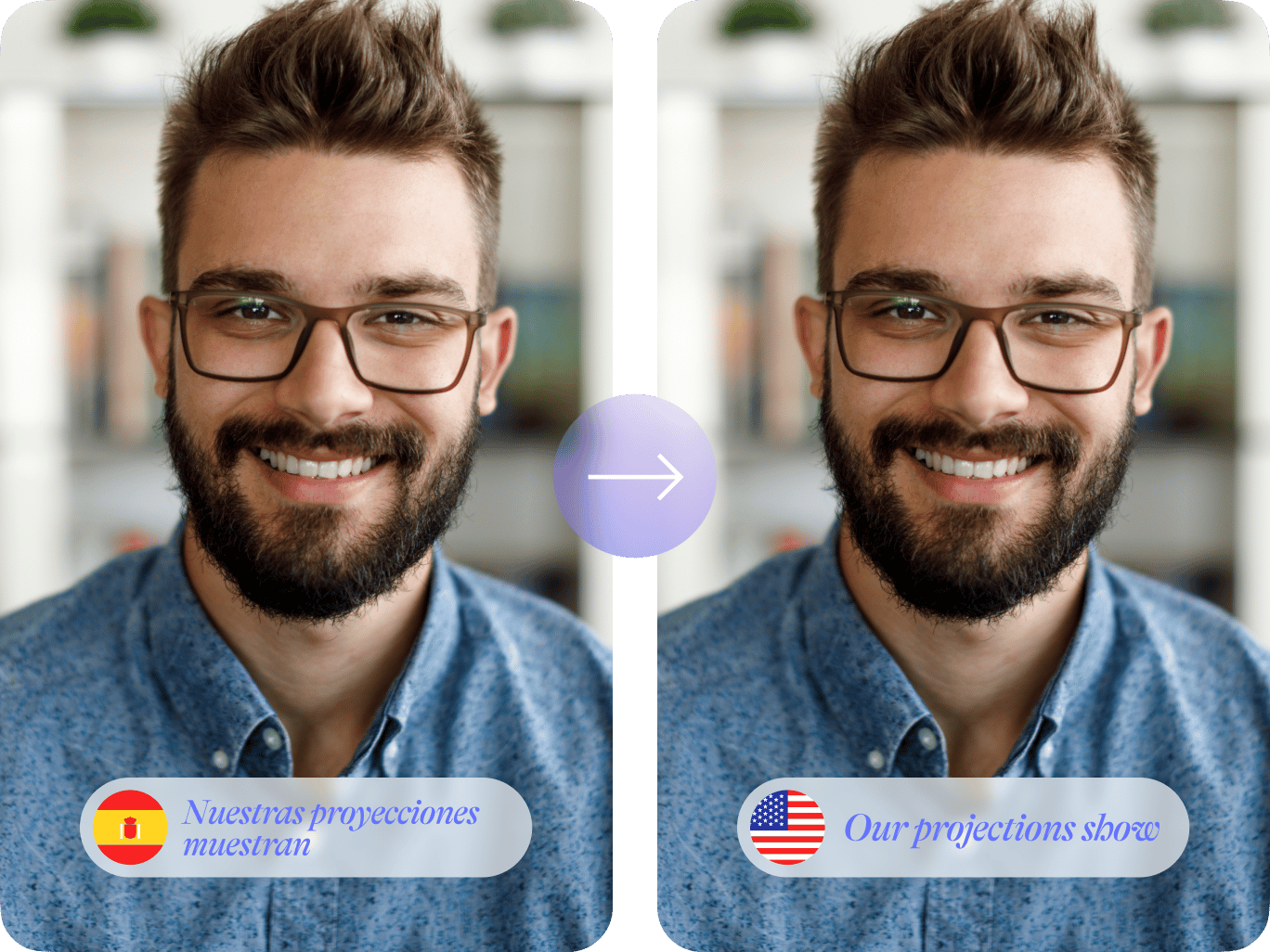
Our Spanish-to-English video translator offers many ways to translate your content. Add subtitles or dub voices to make your content accessible to English-speaking viewers. Our video translator supports over 100 languages, including Portuguese, Italian, and Russian.
Tailor your videos for any audience, whether for educational videos, product announcements, or social media clips. Translation is just one part of VEED's capabilities. Our platform also lets you edit videos, auto-trim filler words, and add your brand logo. Create polished, multilingual content all in one place.
How to translate a video from Spanish to English:
Step 01
Upload video
Upload your Spanish video to VEED. You can import your files or drag and drop them into the editor.
Step 02
Translate to English
Select ‘English’ in the language dropdown menu. Click ‘Create Subtitles’ to translate.
Step 03
Refine and export
Edit the English translation as needed. Export the video with subtitles, or download the translation in SRT, VTT, or TXT format.
Learn More
Learn how to translate Spanish videos into English and more languages:
Spanish to English and 100+ more languages
Translate Spanish to English, English to Spanish, and many more language pairs. All it takes is uploading your file, auto-transcribing, and translating to your desired language. Reach a broader audience while saving on costs for human translation services. VEED offers many ways to localize your content, including AI voice dubbing and text-to-speech.
Custom, on-brand subtitles
Our video translator offers more than standard transcripts and subtitles. You can also customize the look of your subtitles to match your brand. Make your content both accessible and visually appealing for English-speaking viewers. Repurposing your video into written content? Download transcripts as TXT files and optimize your videos for YouTube search.
Seamless video editing
VEED not only lets you burn subtitles on video. It provides more ways to customize your video like adding text overlays, brand visuals, and animations. Clean up your audio to ensure higher-quality transcriptions and translations. Or use Magic Cut to remove silences and filler words automatically. We have everything you need to make professional-quality video in a few clicks.
FAQ
VEED offers seamless online Spanish-to-English video translation. With cloud storage and no downloads needed, you can edit videos anytime and anywhere. Plus, you can customize subtitles and dub videos. Create multilingual content, all in one user-friendly platform.
Use VEED's Spanish-to-English video translator:
- Upload your video to the video editor.
- Select 'English' from the language dropdown menu.
- Click 'Create Subtitles' to generate the translation.
- Refine the translation if needed, then export your video or subtitle file.
Yes. Edit subtitles directly on your video. Adjust timing, refine translations, and try various subtitle styles. Our intuitive video editor lets you convey your message perfectly.
Pro users can easily download translations. On the Subtitles page, click 'Options', select your desired language, and hit the Download button. You can choose from SRT, VTT, or TXT formats.
Loved by creators.
Loved by the Fortune 500
“
With VEED I didn't need 15 tutorials - I jumped straight in and started editing.

Gwenne Wilcox
Founder,
Brand Brainery
“
You can go beyond choppping things. VEED actually makes my videos look great.

Michael Glover
Demand Gen Manager,
ConvertFlow
“
The first four videos i created with VEED got over 40,000 impressions on LinkedIn.

Travis Tyler
Senior Content Producer,
PandaDoc
“
I found VEED at the right time: if you're making UGC ads and not using Eye Contact Correction and Noise Reduction on VEED you're missing out on ROI.

Sebastian Schurgers
Head of Growth Marketing,
Gronda
“
With VEED I didn't need 15 tutorials - I jumped straight in and started editing.
Gwenne Wilcox
Founder,
Brand Brainery
“
You can go beyond choppping things. VEED actually makes my videos look great.
Michael Glover
Demand Gen Manager,
ConvertFlow
“
The first four videos i created with VEED got over 40,000 impressions on LinkedIn.
Travis Tyler
Senior Content Producer,
PandaDoc
“
I found VEED at the right time: if you're making UGC ads and not using Eye Contact Correction and Noise Reduction on VEED you're missing out on ROI.
Sebastian Schurgers
Head of Growth Marketing,
Gronda
“
The first four videos i created with VEED got over 40,000 impressions on LinkedIn.
Travis Tyler
Senior Content Producer,
PandaDoc
“
I found VEED at the right time: if you're making UGC ads and not using Eye Contact Correction and Noise Reduction on VEED you're missing out on ROI.
Sebastian Schurgers
Head of Growth Marketing,
Gronda
“
With VEED I didn't need 15 tutorials - I jumped straight in and started editing.
Gwenne Wilcox
Founder,
Brand Brainery
“
You can go beyond choppping things. VEED actually makes my videos look great.
Michael Glover
Demand Gen Manager,
ConvertFlow
Discover more
- English to Amharic Translation with Sound
- English to Hindi Video
- German Video Translation
- Italian to English
- Latvian to English Translation
- Polish to English
- Russian to Spanish
- Translate Arabic Video to English
- Translate Chinese Video to English
- Translate English to Mandarin
- Translate French to Dutch
- Translate Italian to French
- Translate Japanese to Spanish
- Translate Korean Video to English
- Translate MP3
- Translate Russian Video to English
- Translate Spanish to Dutch
- Translate Turkish Video to English
- Video Japanese Translation
Explore related tools
More from VEED

Best Video Translation Software to Try in 2025
Translate your videos like a pro! Check out the best video translation software of 2025 to boost engagement worldwide.

How to Translate Subtitles in 2026: The Complete Guide
This article explains how to translate subtitles online using AI, covering SRT files, foreign films, Japanese and Arabic translations, Netflix workarounds, and videos without any existing subtitles.
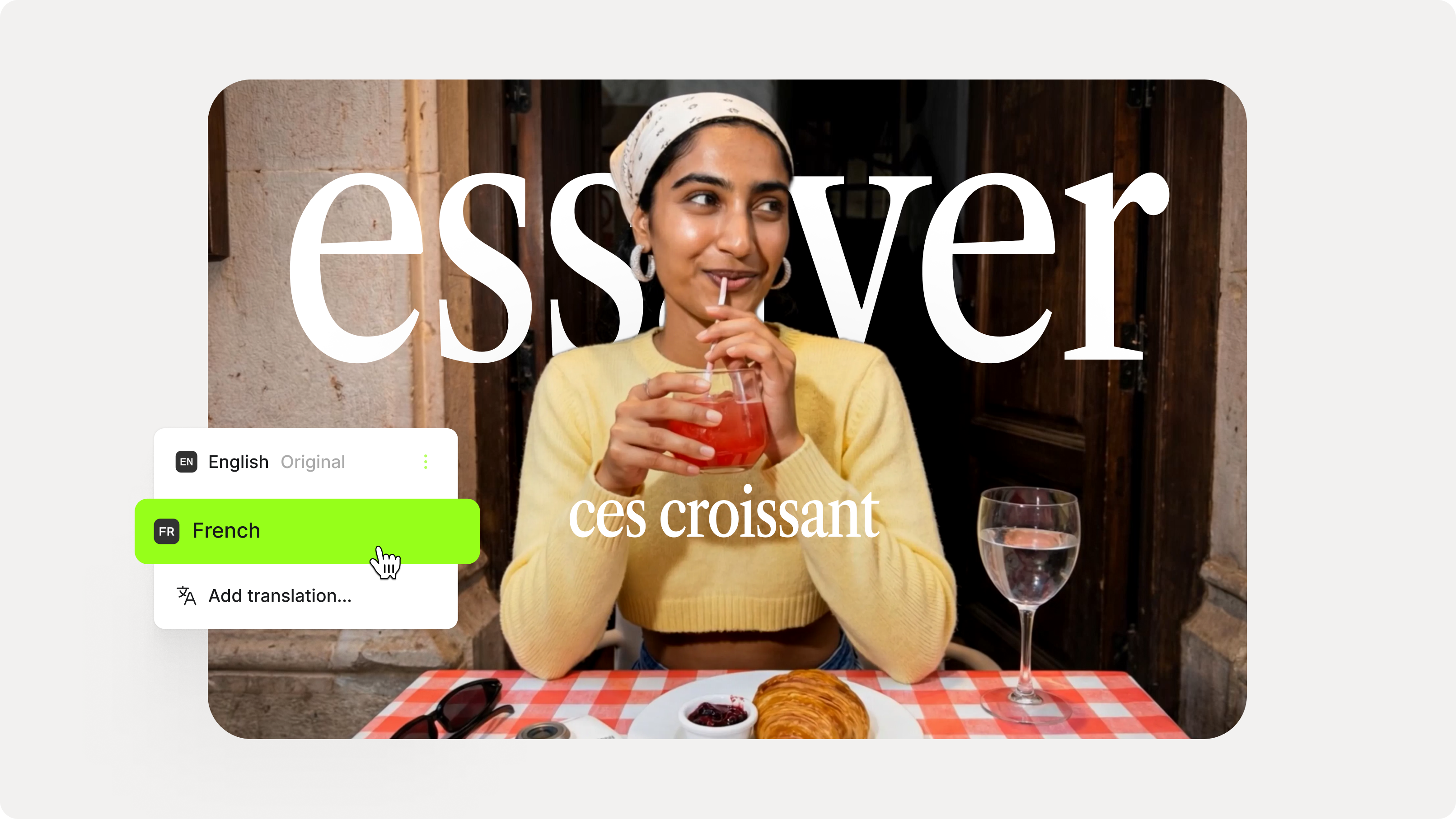
How to Add Translation Subtitles to a Video (Step-by-Step Guide)
A step-by-step guide to adding translation subtitles to any video using VEED. Covers auto-subtitle generation, AI translation into 125+ languages, customization, and export.
Trusted by 1M+ creators
When it comes to amazing videos, all you need is VEED
No credit card required
More than Spanish-to-English translation
The Spanish-to-English translator is just one of VEED’s many tools. Our all-in-one video editor gives you a wide range of features. Trim clips, clean up your audio, replace backgrounds, and more. Need a YouTube description to summarize your video and help viewers find your video? No problem! From scripting to polishing videos, VEED streamlines your entire content workflow. Try it now.